
How do I know if my AI receptionist is actually saving money?
July 23rd, 2026
5 min read
By Matt Gavin
You know it is saving money when it lowers the cost of handling each call, reduces missed-call fallout, and gives staff time back that you can actually see on the schedule. If the only proof is a nice demo or a dashboard full of activity, that is not ROI. It is theater.
That matters because the front desk feels the change before the spreadsheet does. A busy office manager hears the phones ring, watches calls pile up at lunch, and still has to explain why the month-end labor line did not move much. We have seen this across AI receptionist deployments and cloud phone rollouts: the savings show up in fewer handoffs, fewer voicemail dead ends, and fewer repeat calls from people who never got through the first time.
This post gives you a simple way to separate real savings from vanity metrics, and it shows which numbers to track before you scale.
What should I measure first?
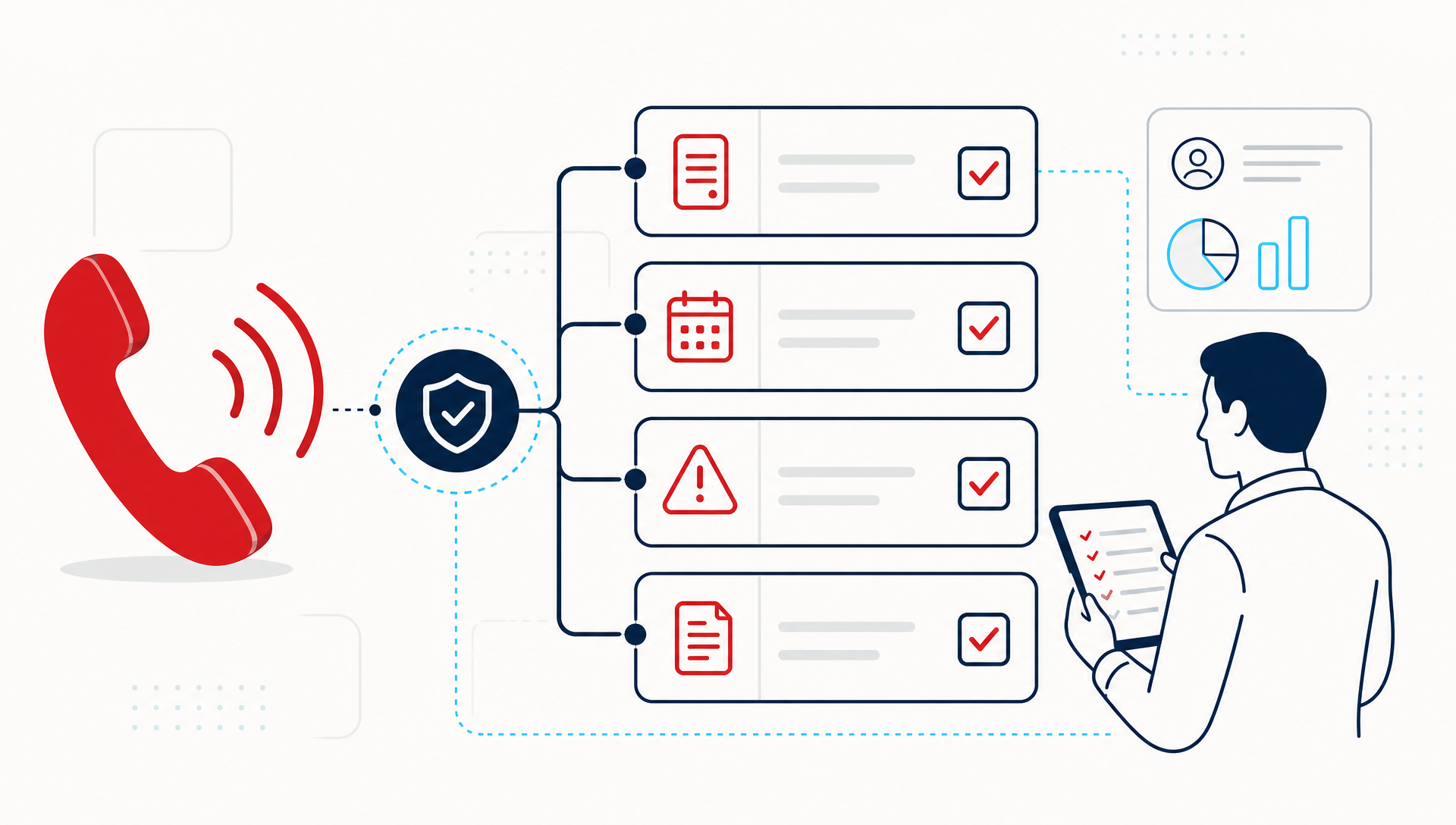
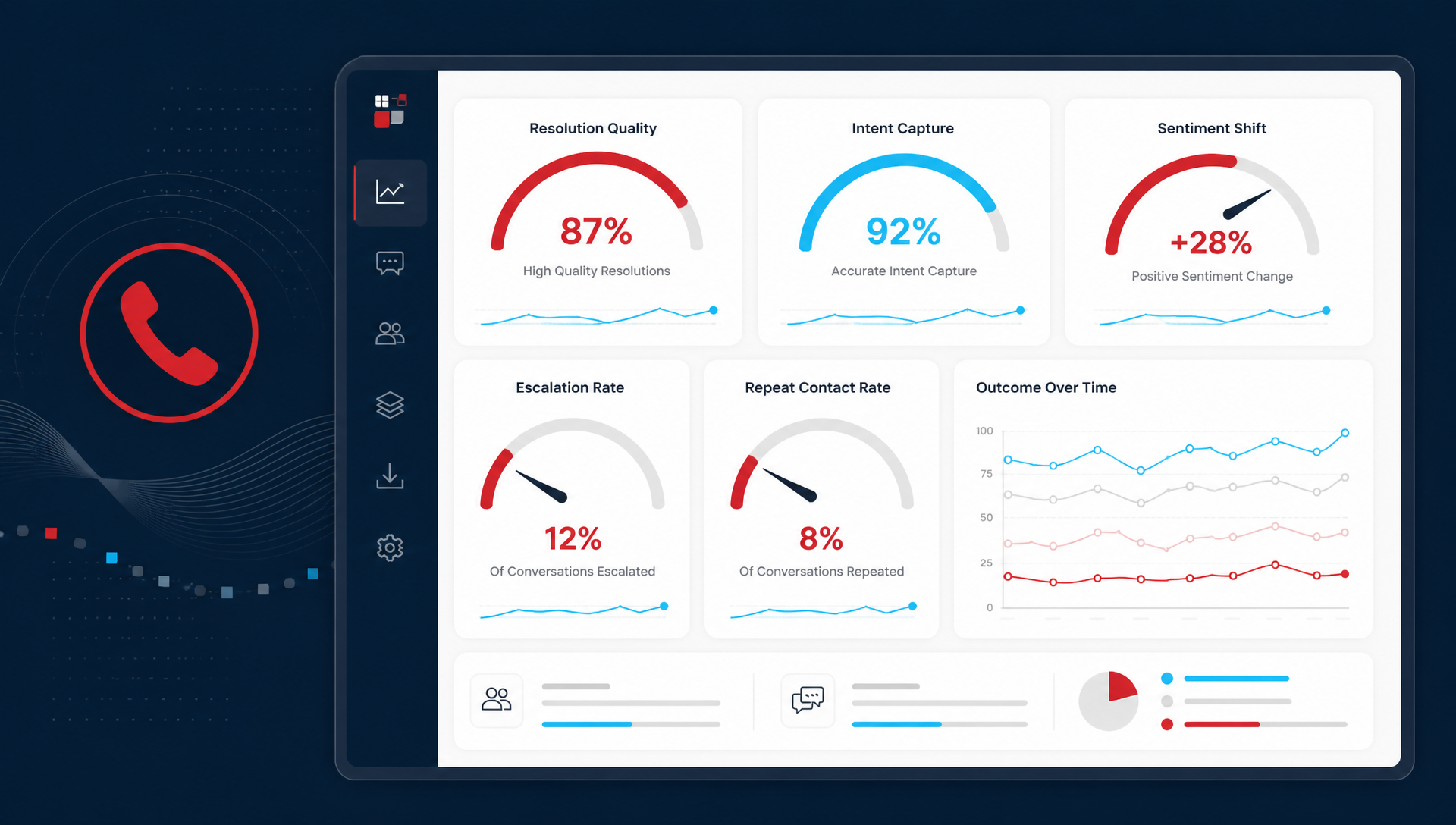
Start with the metrics that connect the phone to labor, not the metrics that just prove the AI answered something. The best first set is small:
- Calls answered without staff help
- Missed-call rate before and after
- Average handle time for routine calls
- Escalation rate to a human
- Callbacks or repeat calls for the same issue
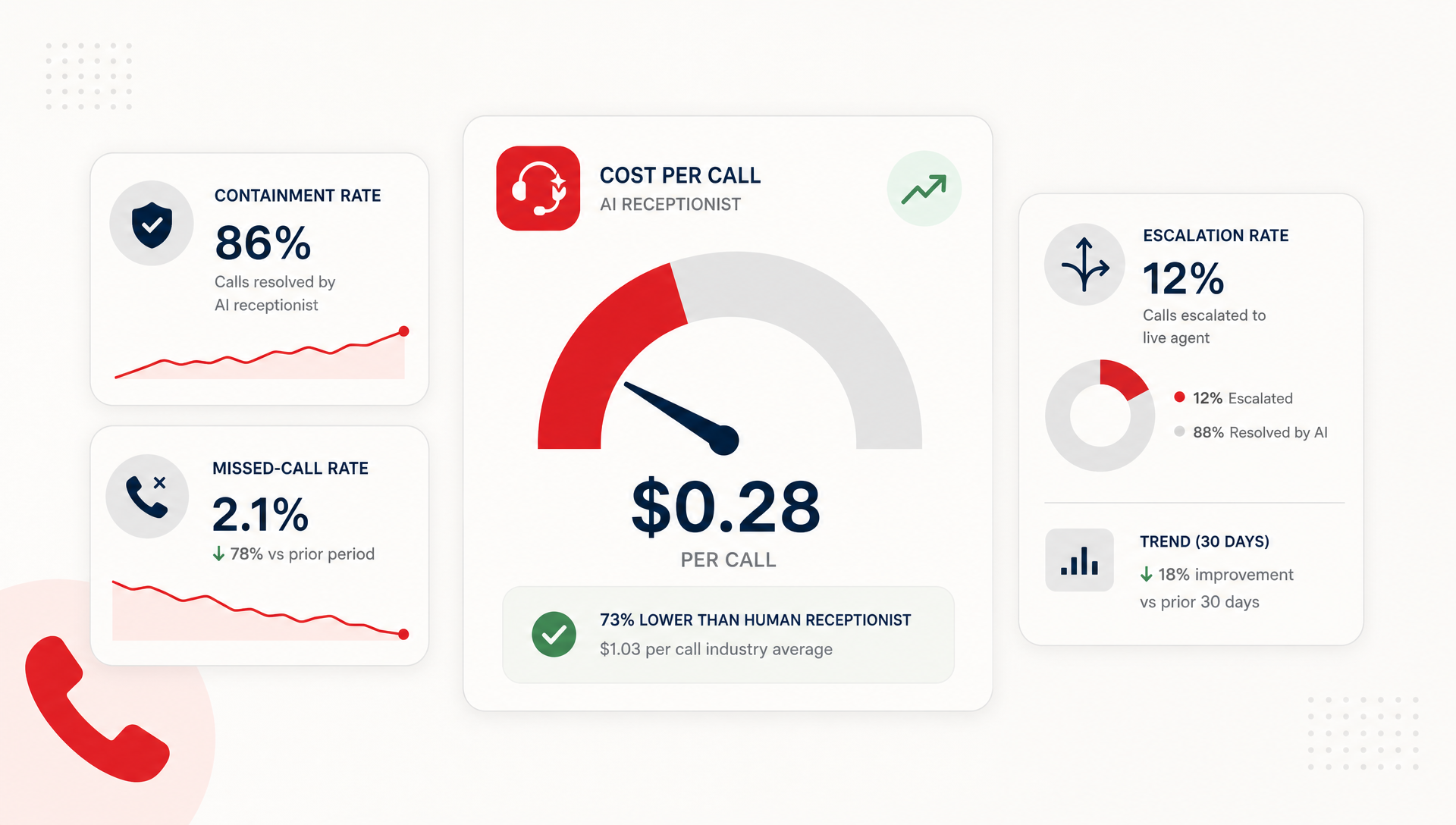
If you want one North Star, use cost per resolved call. That number forces you to compare what the AI handled, what staff still had to touch, and how much time the front desk actually saved.
An AI receptionist that answers 1,000 calls is not automatically saving money. If it creates extra transfers, repeat questions, or cleanup work, the labor bill can stay flat. The real question is whether the call got handled with less staff time and fewer follow-up steps.
Which KPIs tell the truth, and which ones do not?
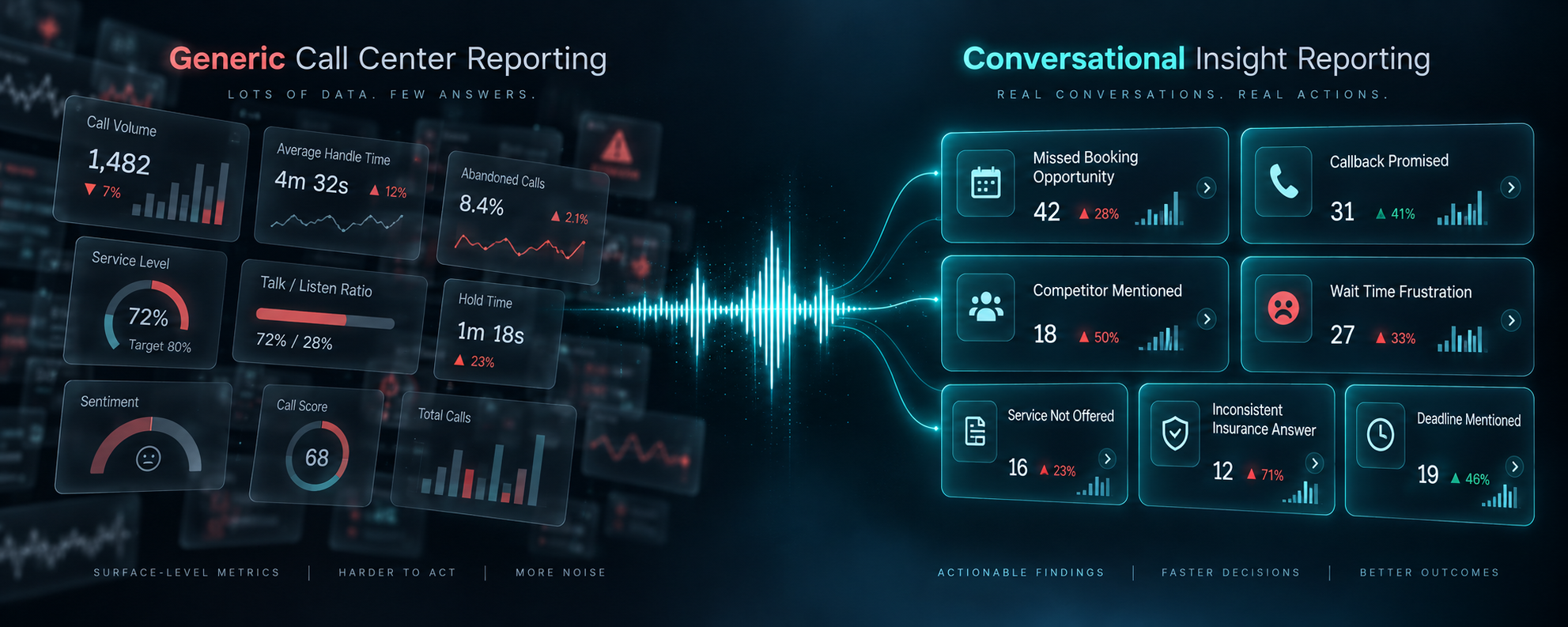
Some metrics look good in a report but do not tell you much about savings. Others are blunt, but they map to money.
| KPI | What it tells you | Good for ROI? |
|---|---|---|
| Total calls answered | Volume only | No |
| Containment rate | How often the AI handled the call start to finish | Yes |
| Escalation rate | How often staff had to step in | Yes |
| Missed-call rate | How many calls were not answered | Yes |
| Average handle time | How long routine calls take | Yes |
| Bookings or completed tasks | Whether the call produced work | Yes |
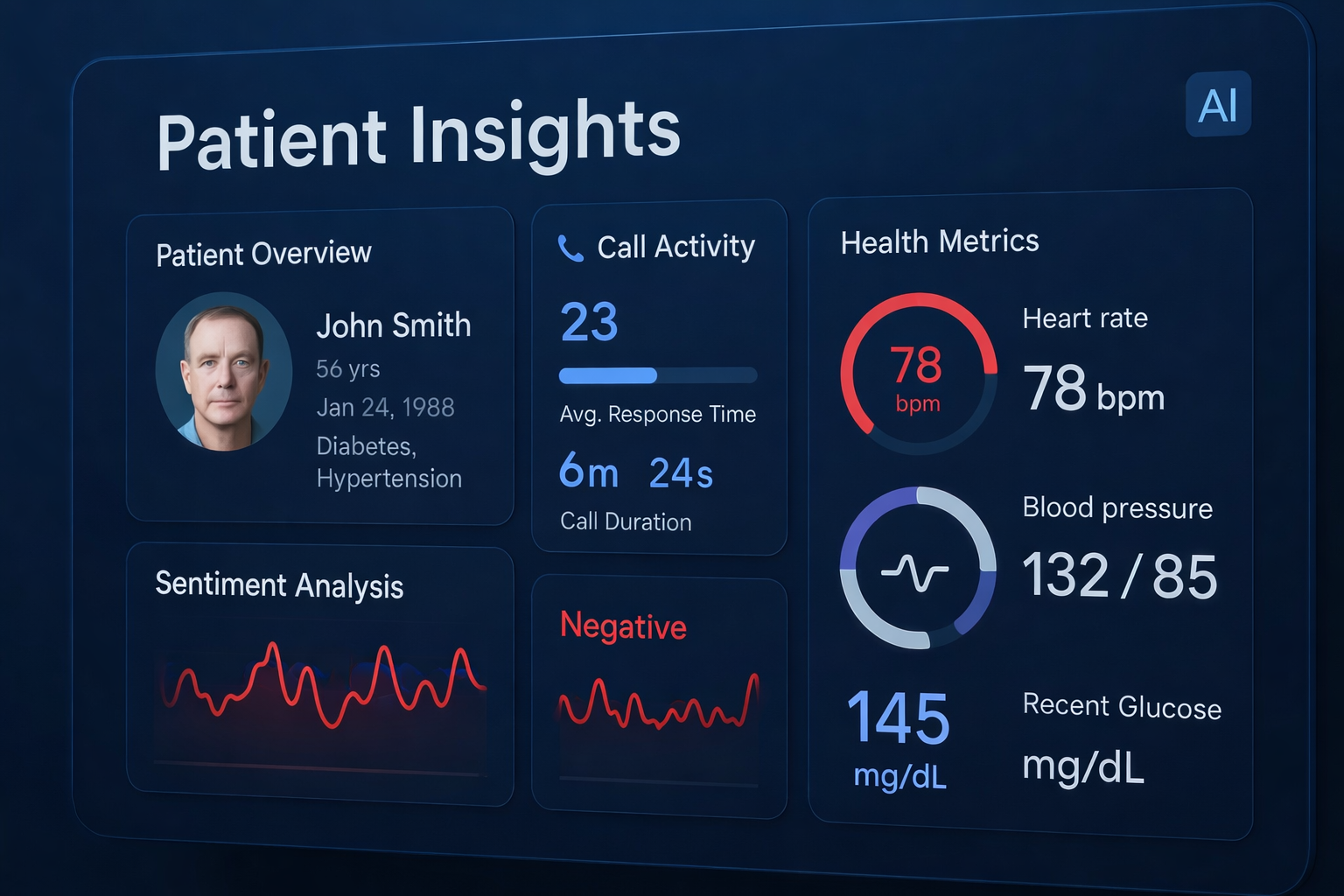
| Sentiment score alone | How the caller sounded | Not by itself |
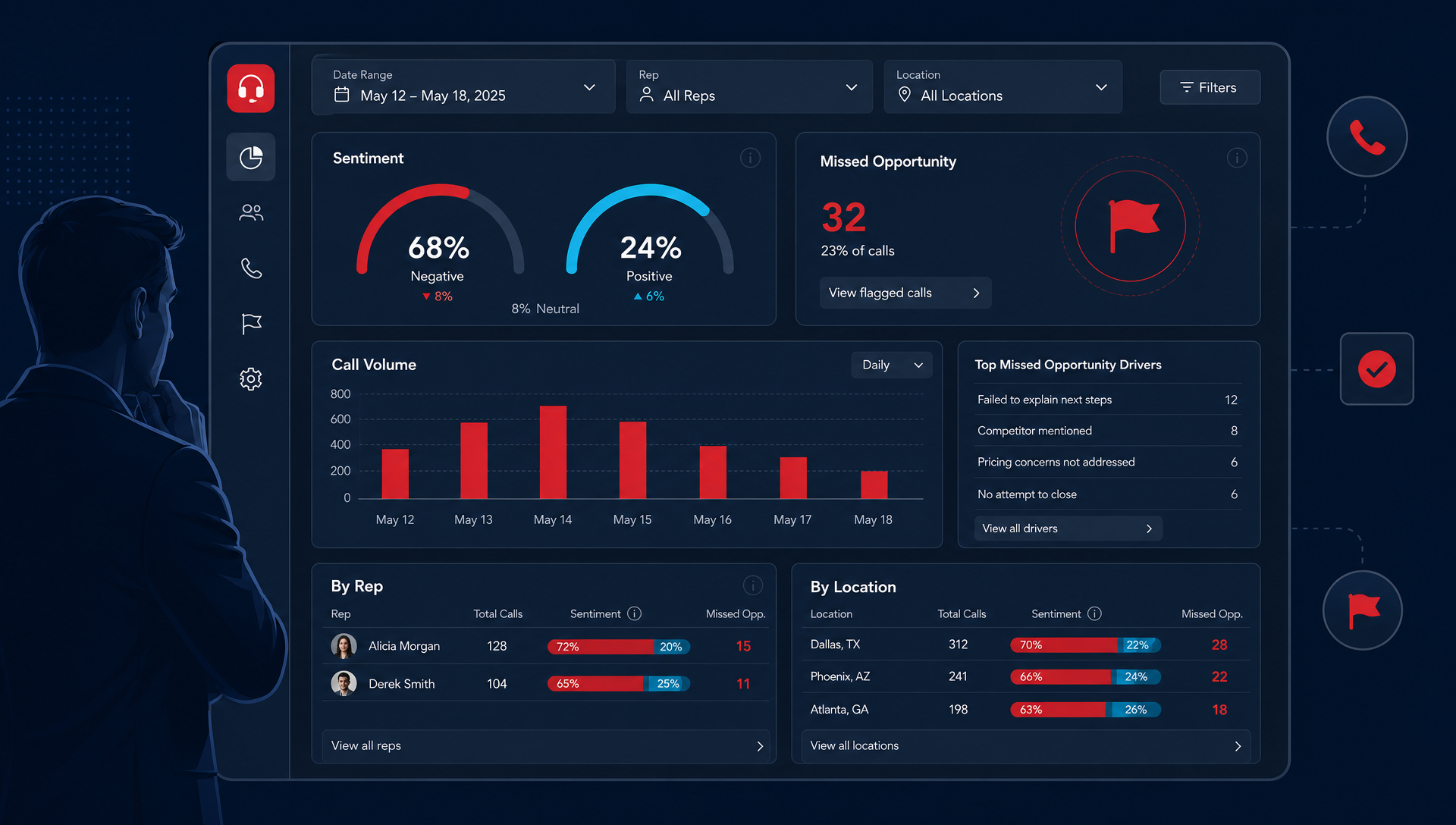
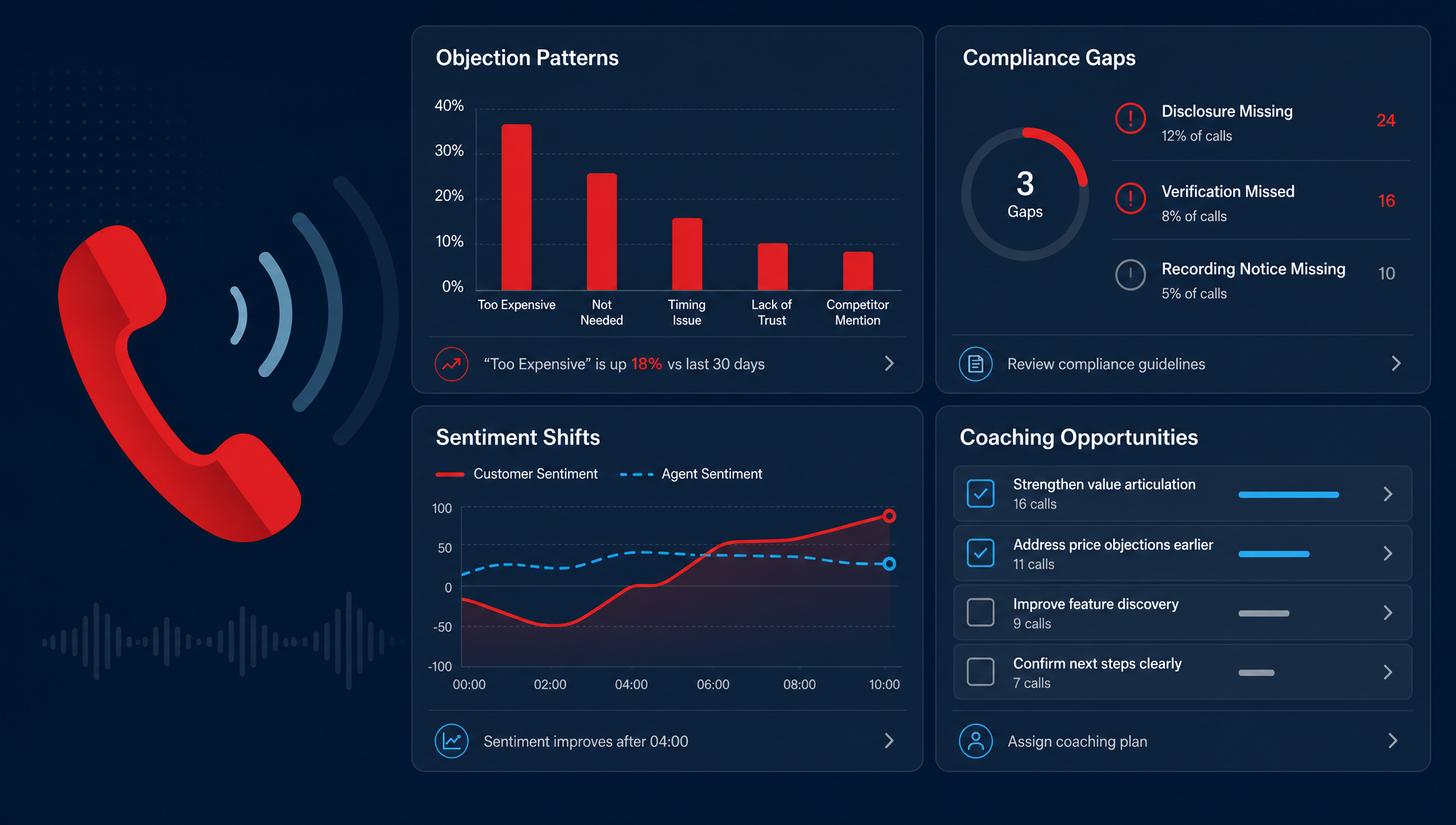
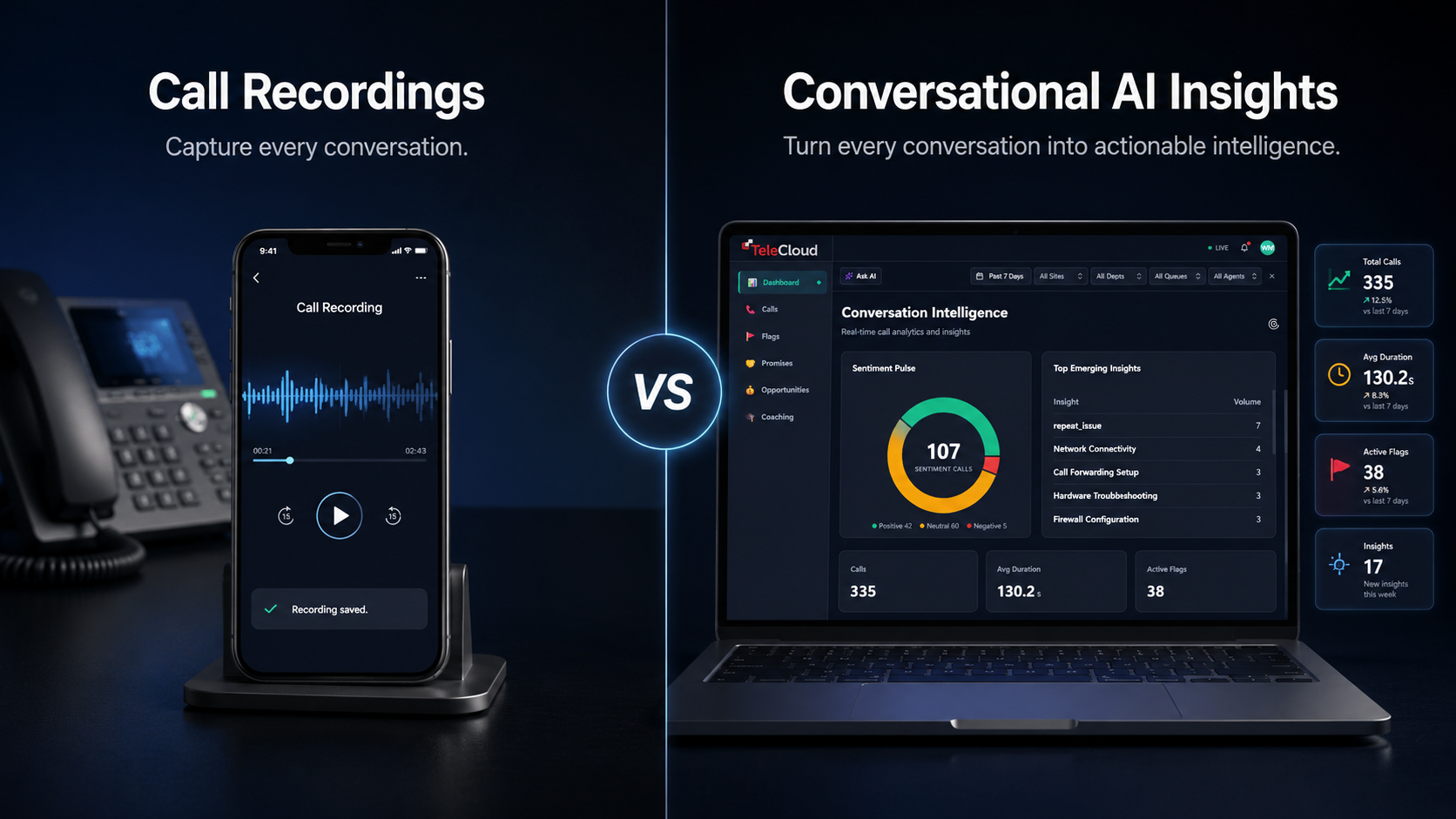
Sentiment can help you spot frustration, but it does not prove savings on its own. A happy caller is nice. A caller who got booked, routed, or answered with less staff time is better.
If you only track activity, you may miss the real leak. For example, an AI receptionist that answers after-hours calls can still fail if it sends too many people to voicemail, transfers them to the wrong queue, or asks questions that send callers back to the front desk anyway.
What does real savings look like in practice?
In a small office, savings usually show up in three places: fewer interrupted tasks, fewer missed opportunities, and less time spent on routine questions.
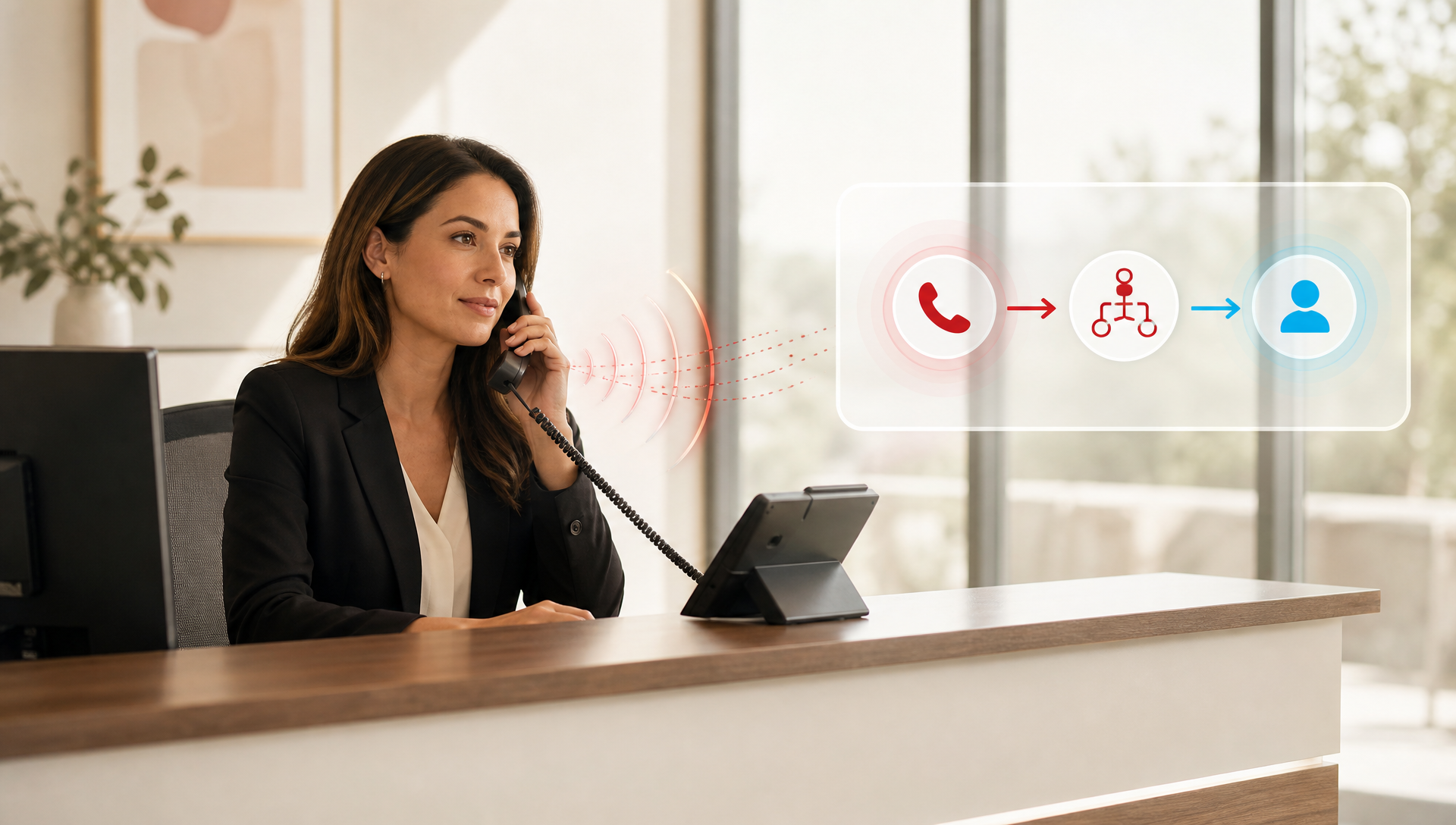
Think about the front desk on a Monday morning. The phones ring while someone checks in a patient, confirms an appointment, and answers a vendor call. If the AI receptionist takes the repetitive calls, the front desk can stay with the person standing there instead of bouncing between the phone and the counter.
A practical way to measure this is to compare the same time block before and after rollout, then ask:
- How many calls would have needed a human before?
- How many still do now?
- How many staff minutes were pulled away from core work?
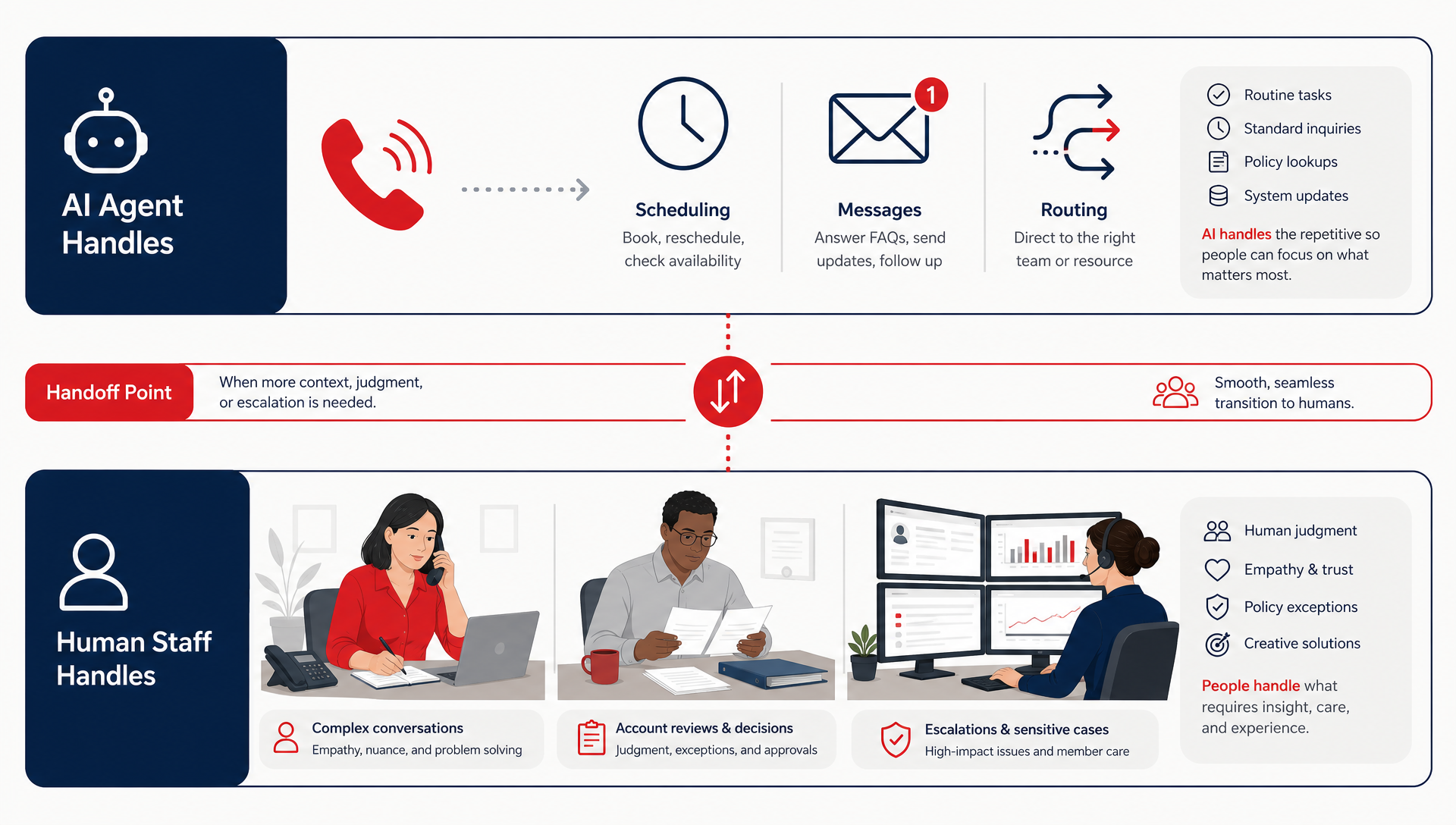
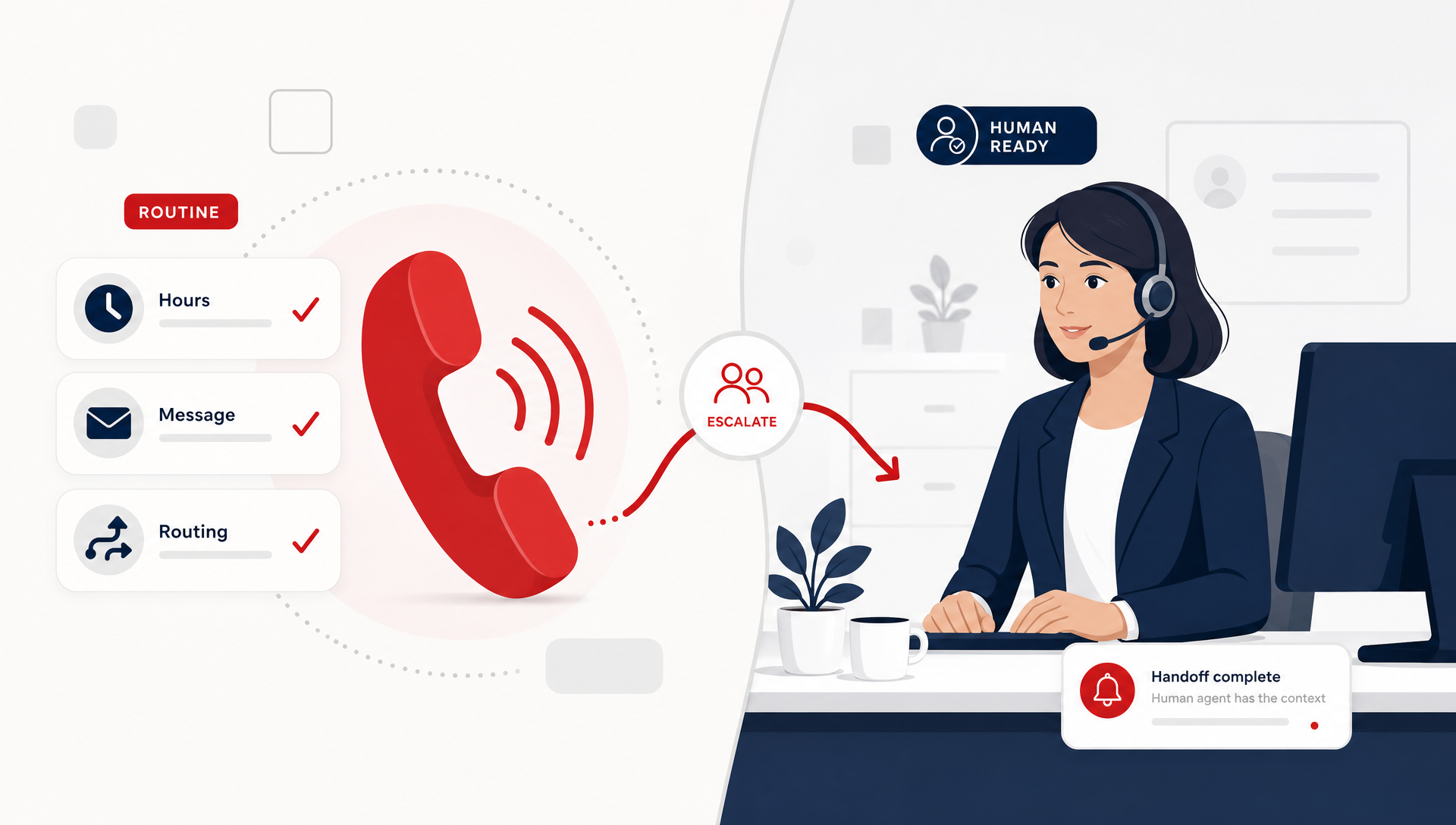
That is where TeleCloud's AI Receptionist earns its keep. It answers routine calls, handles FAQs and scheduling, and routes to staff when the call needs a person. The savings come from less front-desk interruption, not from replacing the role.
If you are in healthcare, that distinction matters even more. The office still needs human judgment for anything sensitive. TeleCloud's AI Receptionist is there to absorb repetitive call traffic, not to turn every call into an automation problem.
For a current market benchmark on labor efficiency, the Bureau of Labor Statistics is a good place to ground your assumptions about office wages and staffing categories.
How do I build a simple ROI formula?
Keep the math plain. You do not need a finance model that nobody updates.
Use this: Monthly labor savings + recovered revenue from answered calls - AI cost = net value
Here is how that breaks down:
- Monthly labor savings: minutes saved at the front desk or dispatch desk, converted to hourly cost
- Recovered revenue: calls that would have been missed, but now get answered and booked
- AI cost: licensing, setup, and any phone-system change tied to the deployment
The hardest piece is usually recovered revenue. That is because the value of an answered call is not the same in every business. A dealership, a law firm, and an urgent care center do not lose the same amount when a caller hangs up.
If you need a conservative approach, leave revenue out of the first pass. Measure labor savings and missed-call reduction first. Then add revenue only when you have enough history to defend the number.
What should I watch for so I do not fool myself?
There are three common traps.
First, counting deflection as savings when the call actually just got pushed elsewhere. If the AI receptionist transfers more work to staff, you have changed the path, not reduced the work.
Second, using a short pilot as proof. A good week can hide a bad process. Look at at least a month of calls, and compare similar days and time blocks.
Third, ignoring cleanup time. If staff spend ten minutes correcting bad routing or fixing appointments after the fact, that is part of the cost.
The office manager is usually the first person who sees this. If the AI receptionist helps during the first ring but creates more cleanup later, the calendar still feels crowded. The system is not paying for itself just because the call was “handled.”
When is it not a good fit yet?
An AI receptionist is not the right first move if your call volume is too low to create repeated interruptions, or if your intake process is still changing every week. In those cases, you may not have enough baseline data to prove savings.
It is also a weak fit if your team has no agreement on what counts as a resolved call. If one person says a transfer is success and another says it is a miss, the numbers will drift.
Get the workflow right first. Then measure it.
What to put in place before you scale
Before you roll AI receptionist across every line or location, set a baseline for one month. Track call volume, missed calls, routine-call handle time, and escalation rate. Then review the same metrics after rollout, with the front desk and the owner in the room.
That is the cleanest way to tell whether the system is helping. Real ROI shows up as fewer interruptions, fewer missed calls, and less staff time spent on the same questions over and over. If you want the phone system to justify itself, measure work removed from the desk, not just work touched by the AI.
FAQ
How long should I track AI receptionist ROI before deciding?
A month is the bare minimum, and two to three months is better if call volume is uneven. That gives you enough data to compare busy days, slow days, and after-hours patterns without overreacting to one good week.
Does a higher containment rate always mean better ROI?
No. A high containment rate only helps if the AI handled the right calls and did not create more cleanup for staff. If containment is high but transfers, callbacks, or corrections are also high, the savings may be smaller than the dashboard suggests.
What is the difference between call volume and cost per call?
Call volume tells you how many calls came in. Cost per call tells you what it took, in labor and platform cost, to handle those calls. Cost per resolved call is usually the better number if you are trying to defend ROI.
Can AI Receptionist help if my front desk is already short-staffed?
Yes, but only if it removes routine work instead of adding more manual review. In our deployments, the biggest win is usually time back for the front desk, not a dramatic headcount shift.
Should I include revenue in my ROI calculation?
Yes, but only after you have a conservative labor baseline. Recovered revenue from answered calls can be real, but it is easier to defend once you have enough call history to support the estimate.
Matt Gavin is TeleCloud's Operations Manager, with 15+ years of telecom experience spanning network engineering, billing operations, and AI-driven process automation. He writes about the technology behind reliable phone systems, from VoIP infrastructure to how AI tools are changing day-to-day operations. Connect with Matt on LinkedIn or email him directly to learn more.
Topics: