
Why aren't your team using all those cloud phone features?
August 6th, 2026
4 min read

The fix is not more features. It's fewer, better-chosen tools that solve a real problem on day one. If your front desk, dispatcher, or office manager never touches half the system, the issue is usually adoption, not capability. TeleCloud's cloud phone systems work best when the first rollout is simple enough that people use it without a second thought.
That gap shows up fast. The owner wants better call handling, the IT manager wants cleaner routing, and the team just wants something that does not slow them down. If the workflow feels like homework, people skip it. We see that in cloud phone rollouts all the time: the system gets installed, training happens once, then everyone falls back to the same two habits they already knew.
The goal is not to make every button useful. It is to put the right few tools in the path of the work your team already does, then keep the rest out of the way.
Why do most cloud phone features sit unused?
Most tools go unused because they are added for the buyer, not the person answering the phone. A practice manager may care about reporting, but the front desk cares about getting through a rush without missing a caller.
If a tool does not remove a pain point, it becomes clutter. That is why adoption usually breaks down in three places: training that is too broad, controls that are too hidden, and workflows that ask people to change habits all at once.
People use what saves them time in the moment. They do not use tools because they exist in a portal.
Which tools actually get used first?
The tools that win early are the ones tied to a visible pain point:
- AI Receptionist, when calls are stacking up and nobody can keep up with the front door.
- Call routing, when a caller needs the right person without three transfers.
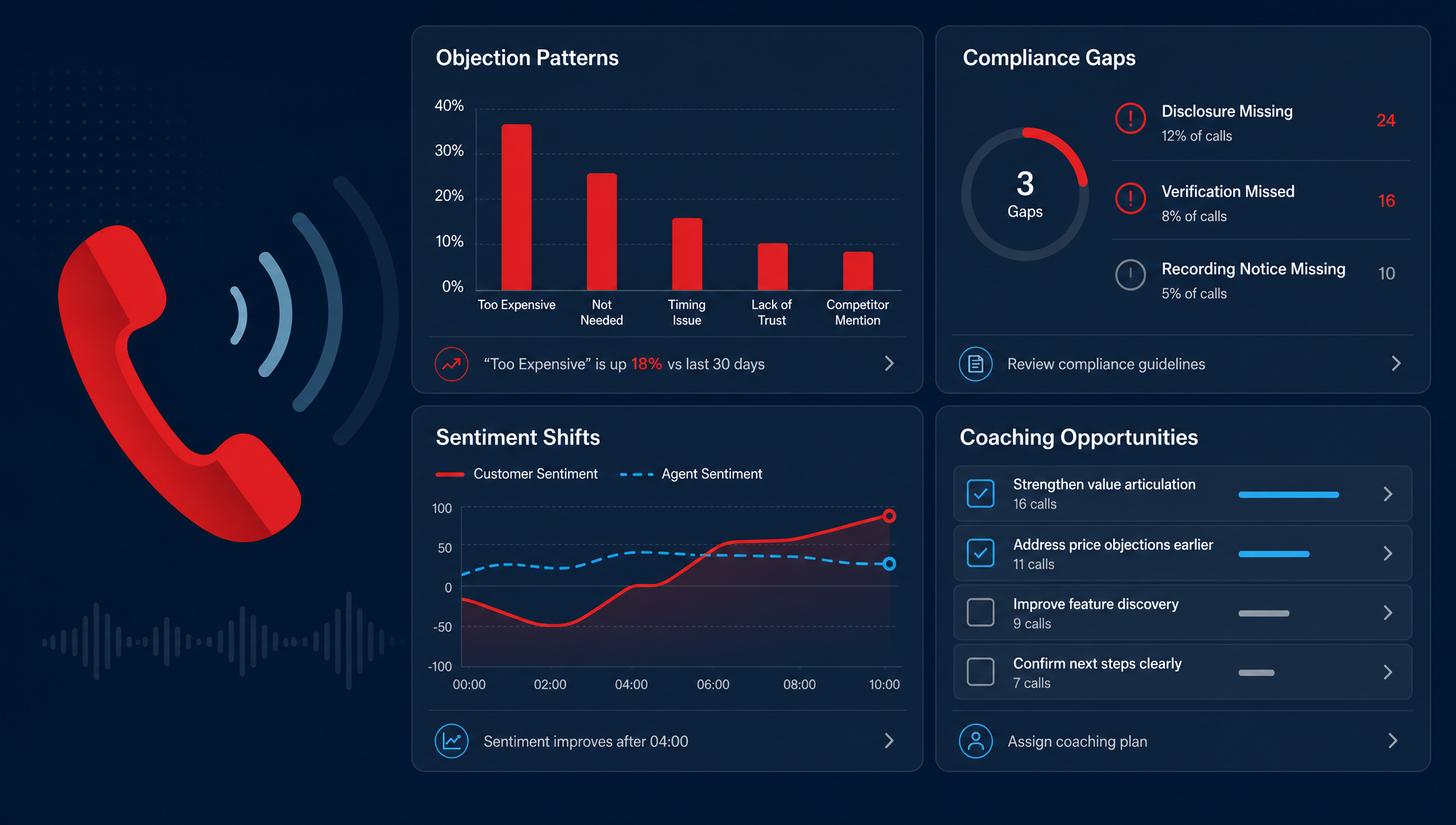
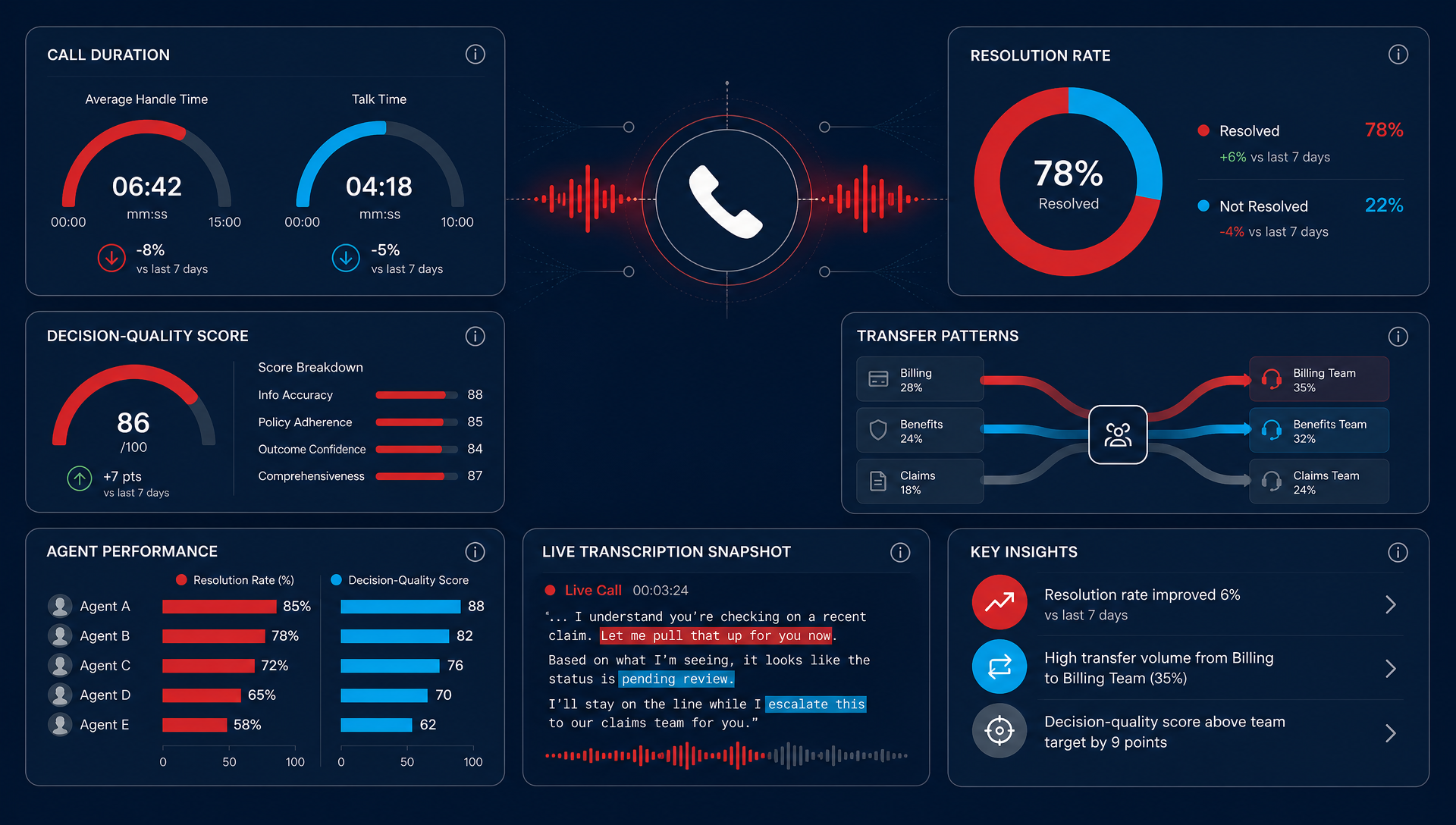
- Call insights, when the owner wants to know why calls are being lost or why leads are not converting.
- Mobile and desktop calling, when the team is split between the office, the road, and home.
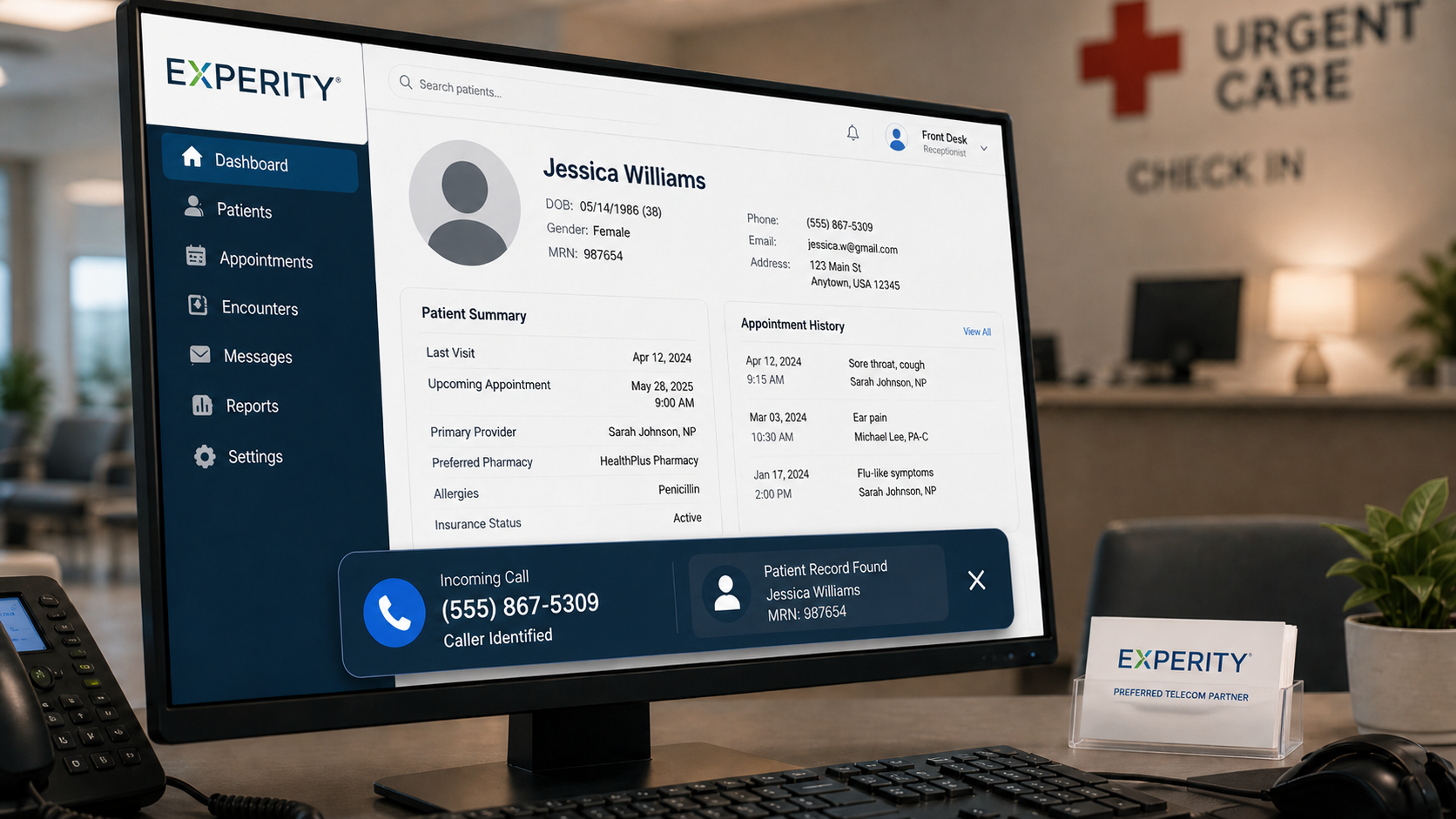
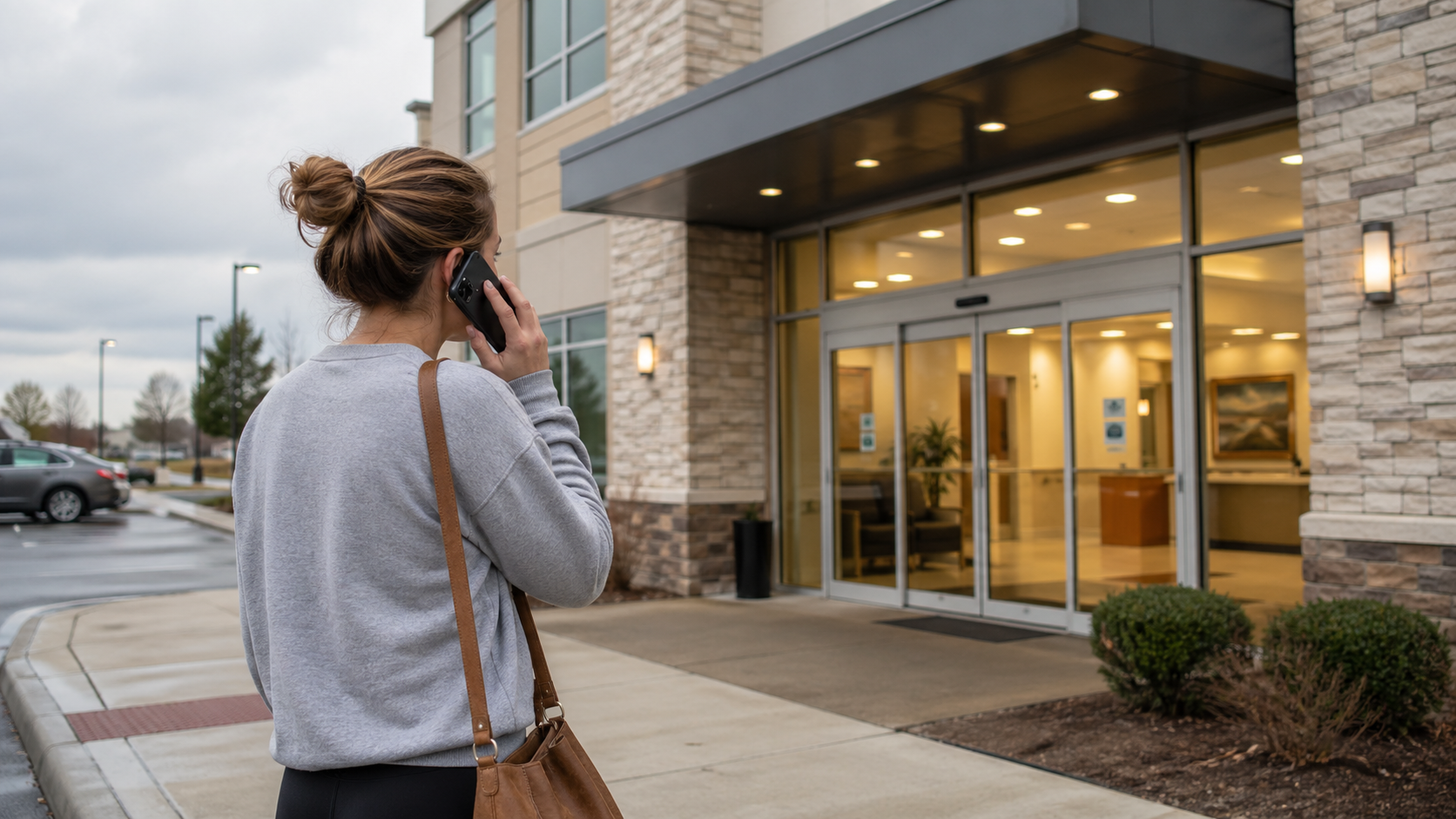
If you want people to adopt the system, start with the tool that changes Monday morning. For a busy HVAC office, that might be better dispatch routing. For an urgent care front desk, it might be handling after-hours calls without forcing staff to play catch-up the next day.
A useful benchmark comes from software adoption research, not telecom hype. When software fits the way people already work, they stick with it longer. For a general reference point, McKinsey has written about the gap between software capability and user adoption, and the pattern shows up in phone systems too.
What does a better rollout look like in practice?
A better rollout starts with one job to be done. Not ten. One.
Here is a simple way to think about it:
| Team pain | Tool to turn on first | What changes |
|---|---|---|
| Missed calls at the front desk | AI Receptionist | Fewer calls hit voicemail, fewer interruptions for staff |
| Calls going to the wrong person | Smart routing | Faster answers, fewer transfers |
| No visibility into call quality | Call insights | Managers can see where calls stall or drop |
| Too many desk-bound reps | Mobile calling | Staff can answer from wherever they work |
That is the point of a cloud system done well. You do not force adoption by turning on everything. You earn it by making the first step obvious, useful, and easy to repeat.
In our deployments, the fastest adoption comes when the first tool is attached to a daily pain that everybody already feels. A dispatcher wants fewer callback loops. A practice manager wants fewer missed patient calls. A field-service owner wants the right tech to get the job, not the receptionist to become a human transfer desk.
How do you keep people from ignoring the rest?
You phase the rollout. Give the team one or two tools first, then add the next layer only after the first one is part of the routine.
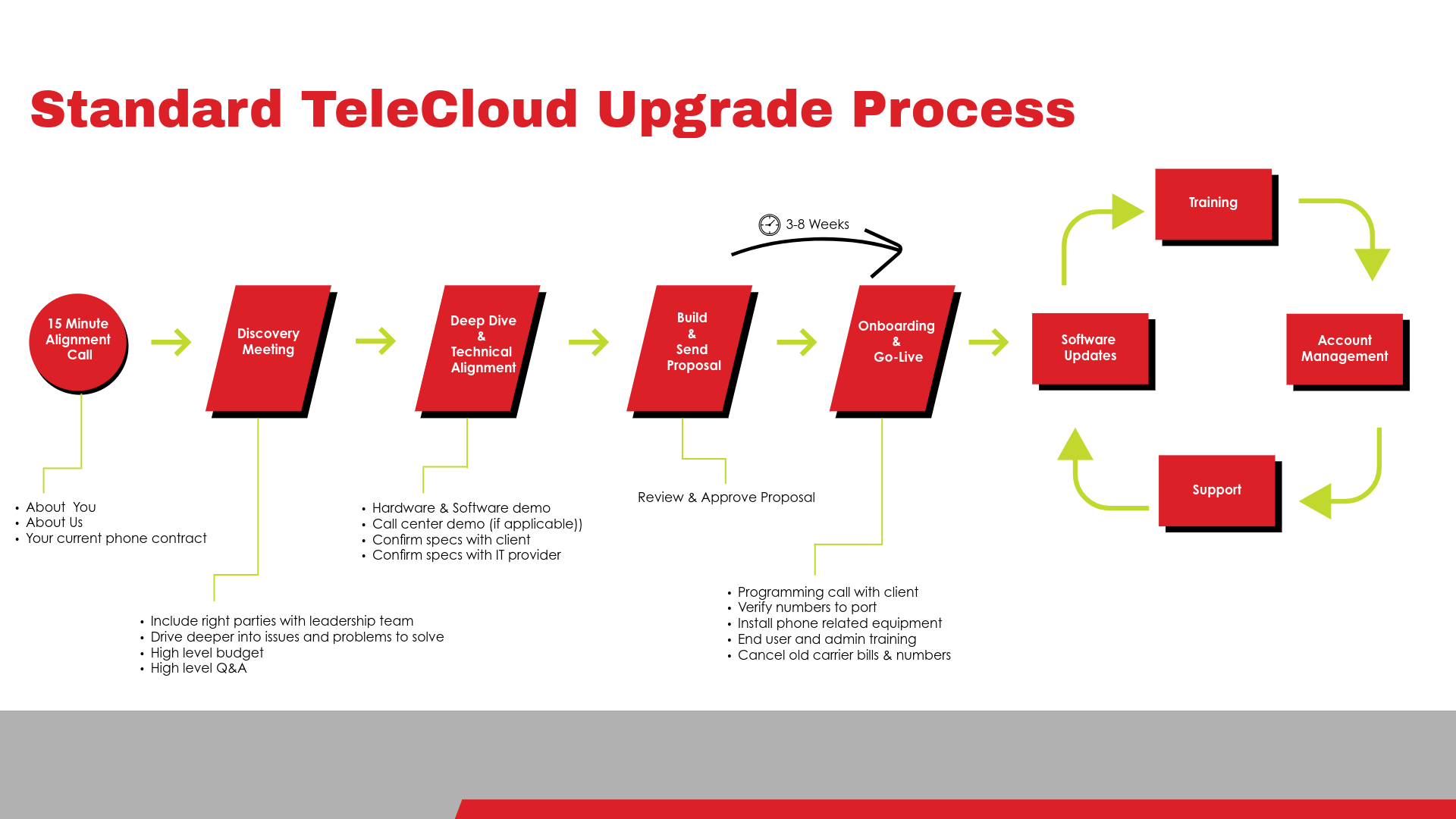
A practical rollout usually looks like this:
- Turn on the core call handling path.
- Train the people who touch it every day, not the whole company at once.
- Watch which calls are still getting missed or rerouted.
- Add the next tool only if it solves a real problem.
This is where TeleCloud's cloud phone systems matter. The platform is not just about having more buttons, it is about making the call flow easier to run, then adding AI Receptionist or call insights where they actually help. That service-first approach is what gets used. If the team cannot explain the tool in one sentence, they probably will not use it.
When is fewer tools the smarter move?
Sometimes the right answer is to turn fewer things on, not more. That is especially true for small teams, multi-location offices, and places where the phone is shared by everyone at the front desk.
Too many options create more training, more confusion, and more support calls for things nobody asked for. The best systems still have depth, but the depth should stay in the background until the team needs it.
That does not mean your cloud phone system should be simple to the point of being weak. It means the setup should match the team that actually uses it. A cloud system only pays off when the useful part is the part people remember to touch.
What should you do this week?
Pick one tool your team will actually use every day, then measure whether it changes the call experience. If you are an owner, ask where calls are being lost. If you are the IT manager, ask which tool would make the fewest people complain.
Then cut the rest back for now. You can always turn more on later.
The real win is not a longer list of capabilities. It is a phone system that fits the work, gets adopted, and removes a problem your team can feel immediately. If you want help deciding which tools belong in that first rollout, TeleCloud can walk you through the options and keep it practical.
FAQ
How do I know which cloud phone tools matter most?
Start with the pain point your team mentions most often. If the front desk misses calls, start there. If callers get routed poorly, fix routing first.
Why do teams ignore tools after go-live?
Usually because the tools do not fit the way people already work. If a tool adds steps instead of removing them, adoption drops fast.
Should I train everyone on every tool?
No. Train the people who use a tool every day, then expand from there. Short, role-based training usually sticks better than one big launch session.
Can call insights help with adoption?
Yes, because they show what is actually happening on calls instead of what people think is happening. That makes it easier to see where calls are being lost or where staff need a different workflow.
Is it a mistake to buy a system with lots of capabilities?
Not if you only turn on what matters. Depth is useful, but only when the team can use the first layer without friction.
Vincent Finaldi is Vice President at TeleCloud, where he's worked in the telecom and voice industry since graduating from Fairfield University in 2006. He works closely with clients and partners to help businesses adopt better technology and communicate more effectively. Read Vincent's full bio, email him, or call 908-378-1218 to learn more.