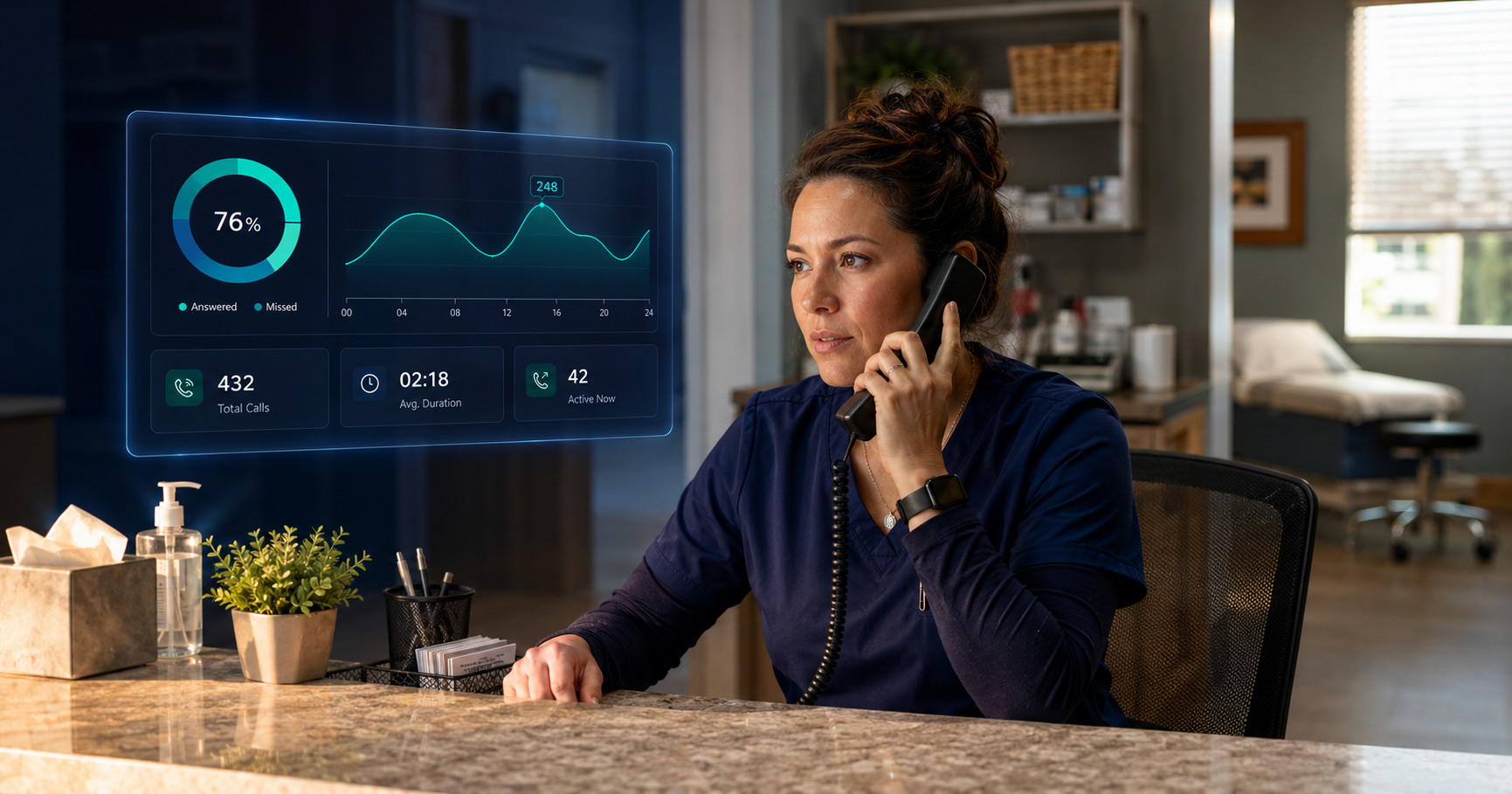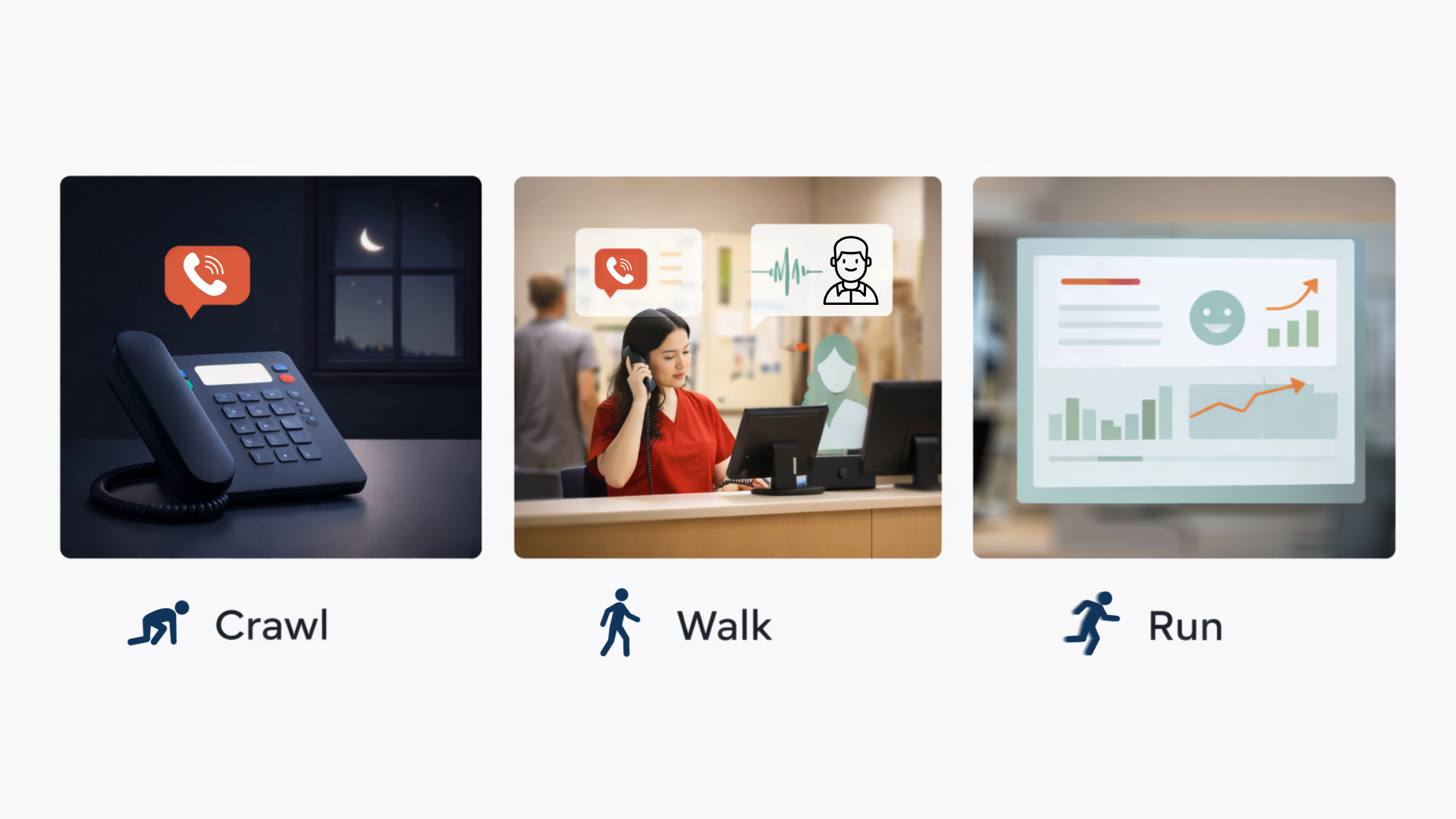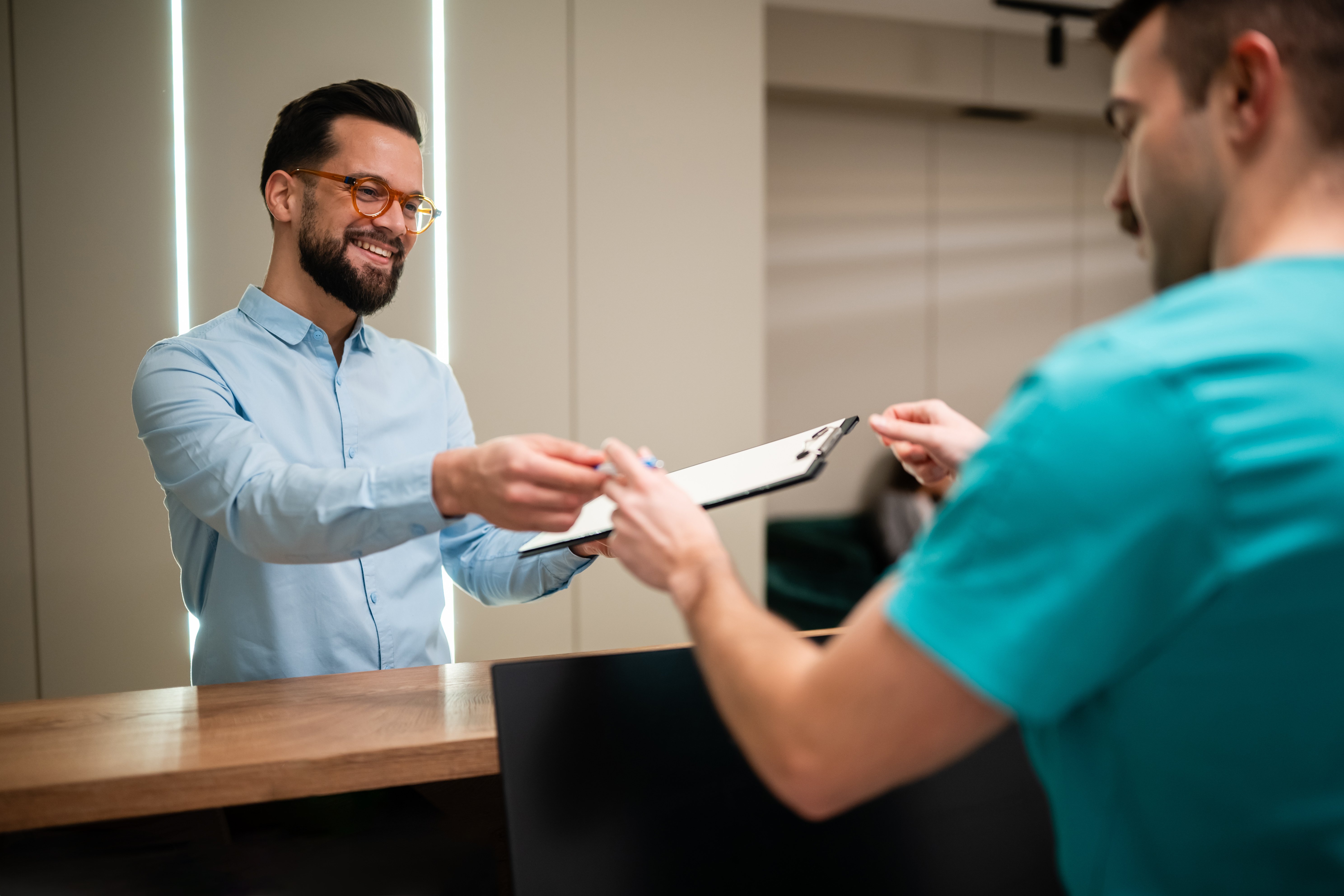

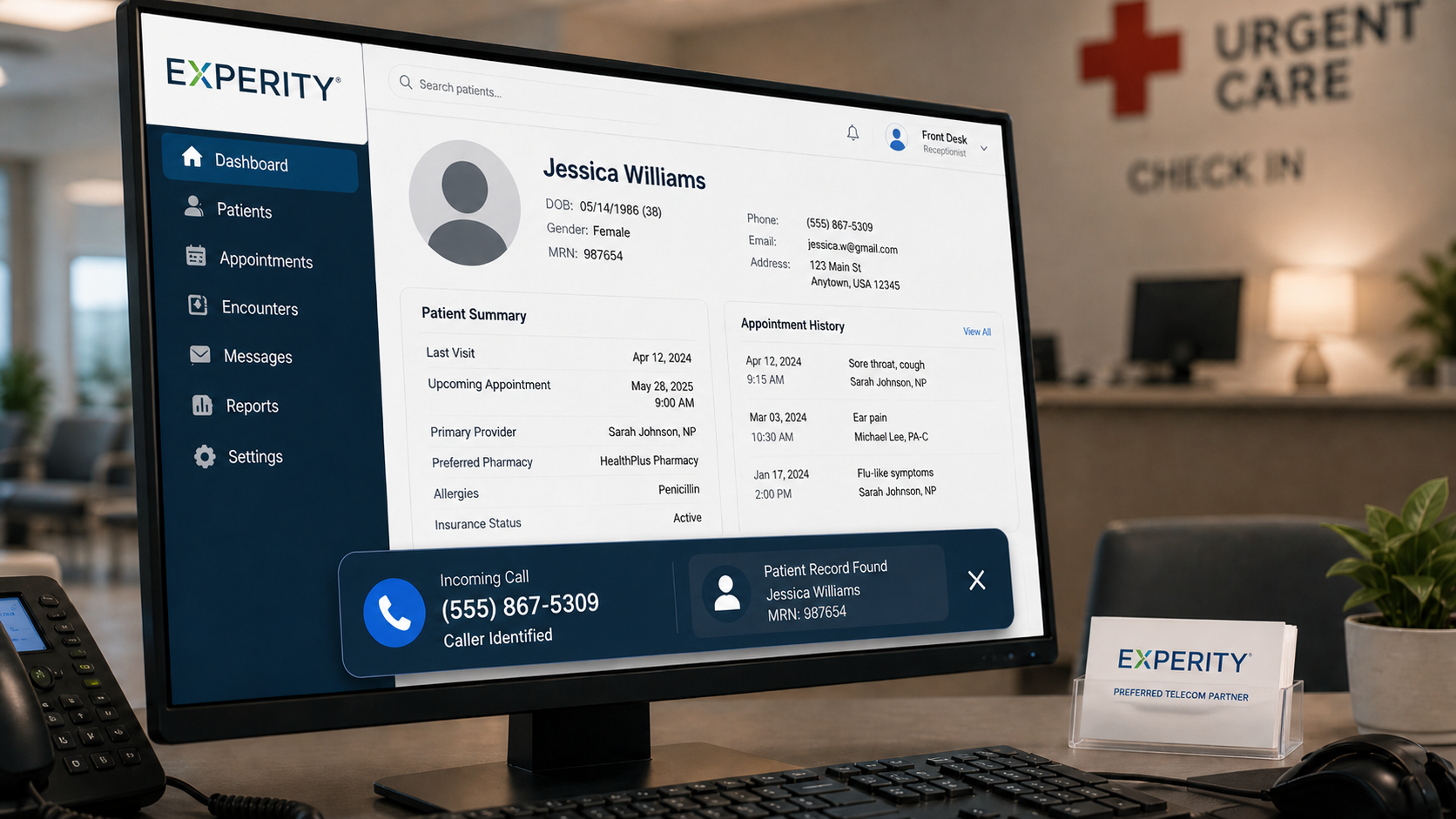
When a patient calls, and your phone system is connected to Experity, their record is already on the screen before your staff says a word. Instant patient recognition is the first step of a good patient experience.
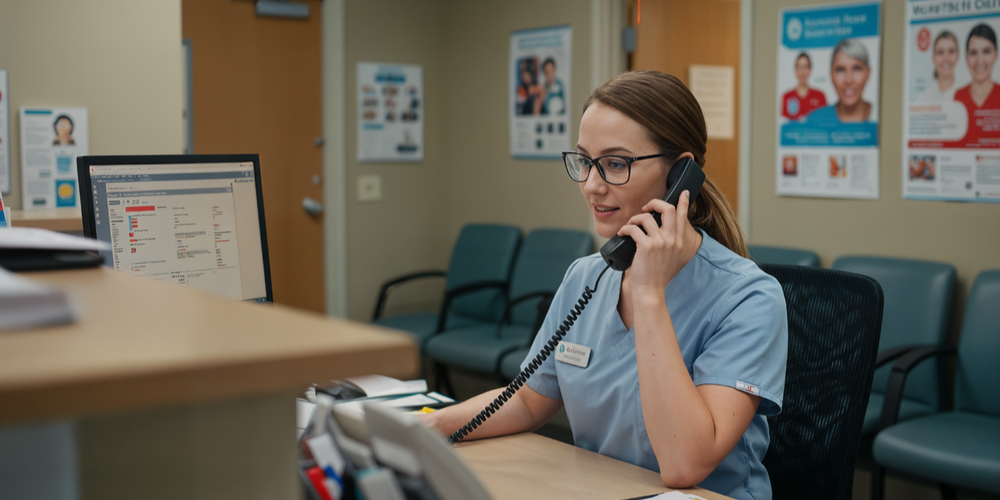
Think about how a typical patient call plays out right now. The phone rings. Someone picks up. The patient starts explaining who they are, why they are calling, maybe which location they visited last time. Your staff is either typing fast to find the chart, asking the patient to hold, or doing the “okay, can you spell your last name for me?” dance while three other calls are waiting.
It is not anyone’s fault. It is just what happens when your phone system and your EHR have no idea the other exists.
That is the gap the TeleCloud and Experity integration is designed to close. This post breaks down what the integration actually does, how it changes the day-to-day for your front desk team, and why it matters beyond just saving a few seconds per call.
What Does a Phone System Integration with Experity Actually Do?
As Experity's preferred telecom partner, the integration connects your TeleCloud phone system directly to your Experity EHR and practice management platform. The two systems talk to each other in real time, so patient data and call data are no longer living in separate worlds.
There are three things this makes possible that a standard phone system cannot do:
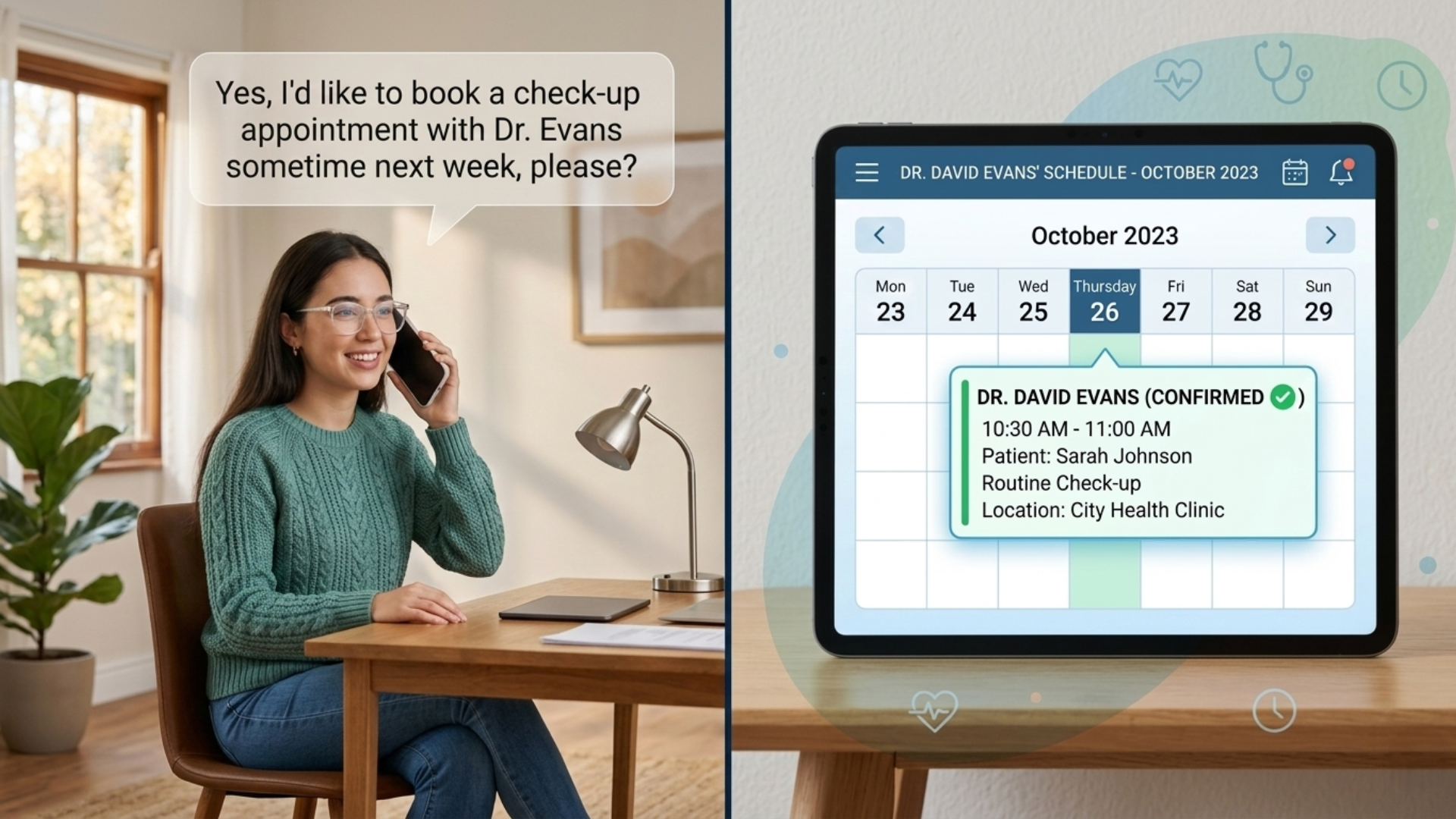
- Instant Patient Recognition. When a patient calls, Experity recognizes the number and automatically pulls up their patient record as the call arrives. By the time someone says hello, they already know who they are talking to, when that patient was last in, and what their next appointment looks like.
- Click-to-dial from inside Experity. Staff place outbound calls directly from a patient’s record with a single click. No manual dialing, no switching between systems. The call routes through TeleCloud automatically.
- Embedded call logging and recordings. Calls are tied back to the patient context Experity already has. Call recordings, notes, and analytics are connected to the patient and the visit, not floating in a separate log nobody cross-references.
How Does the Instant Patient Recognition Screen Pop Change Things for Front Desk Staff?
It eliminates the first 30 to 60 seconds of almost every inbound patient call..png?width=242&height=199&name=image%20(25).png)
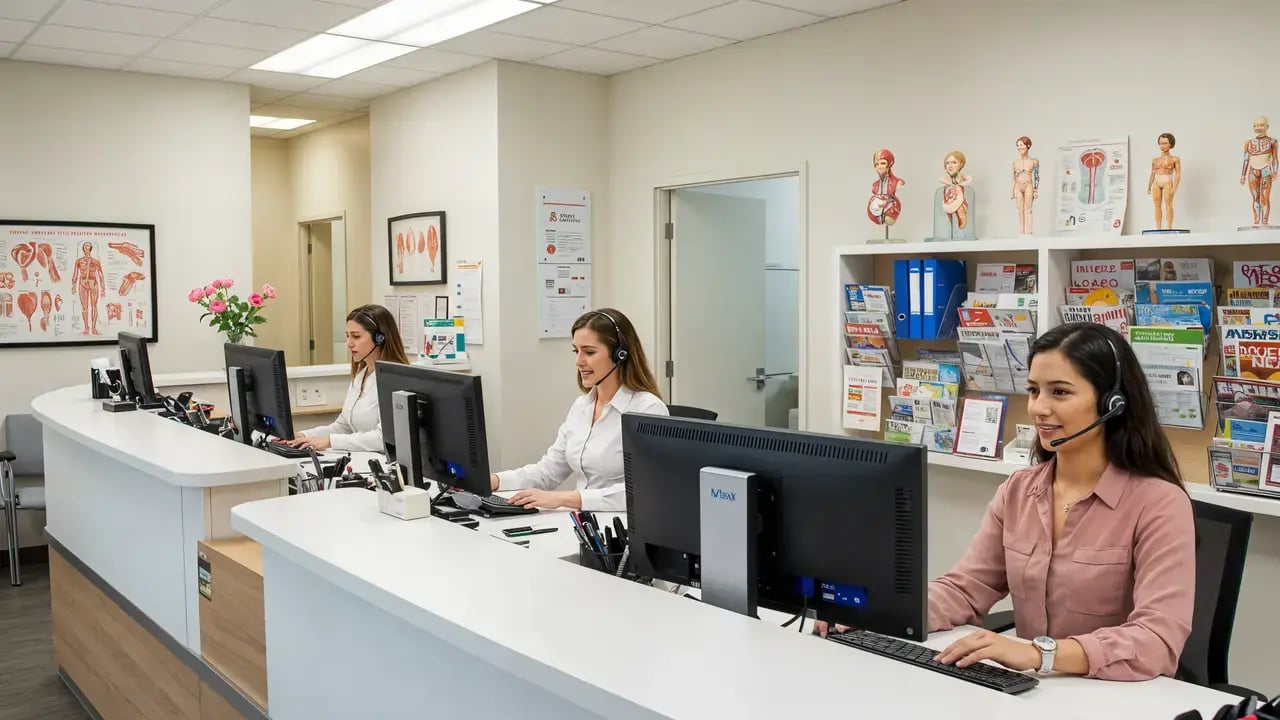
Right now, staff have to ask for a name, search for the record, confirm the right patient, and then actually get to the reason for the call. On a slow day, that is mildly annoying. On a Monday morning when the phones are ringing back to back, it is a bottleneck that compounds fast.
With the screen pop, the chart is already open. Staff can greet the patient by name, see their upcoming appointments at a glance, and get to the actual question immediately. Being recognized without having to re-identify yourself on every call is the difference between feeling like a patient and feeling like a ticket number.
It also fixes the blind transfer problem. Anyone who has worked multi-location urgent care knows how often calls get transferred to another site with zero context. The receiving staff member starts the identification process from scratch. When the chart follows the call, that does not happen.
.png?width=1920&height=911&name=image%20(24).png) What Does Click-to-Dial Actually Save?
What Does Click-to-Dial Actually Save?
Any time staff need to make an outbound call, whether it is a follow-up, a lab result, or a scheduling confirmation, the old process looks like this:
- Find the number in Experity
- Open the softphone or pick up the desk phone
- Dial manually
- Wait to connect
Click-to-dial collapses that into one action. The call goes out through TeleCloud the moment you click the number in Experity, with the right line, caller ID, and routing handled automatically. Across hundreds of outbound calls a week, that adds up. It also reduces misdials, which matter more in healthcare than most industries.
How Does This Help Multi-Location Operators?
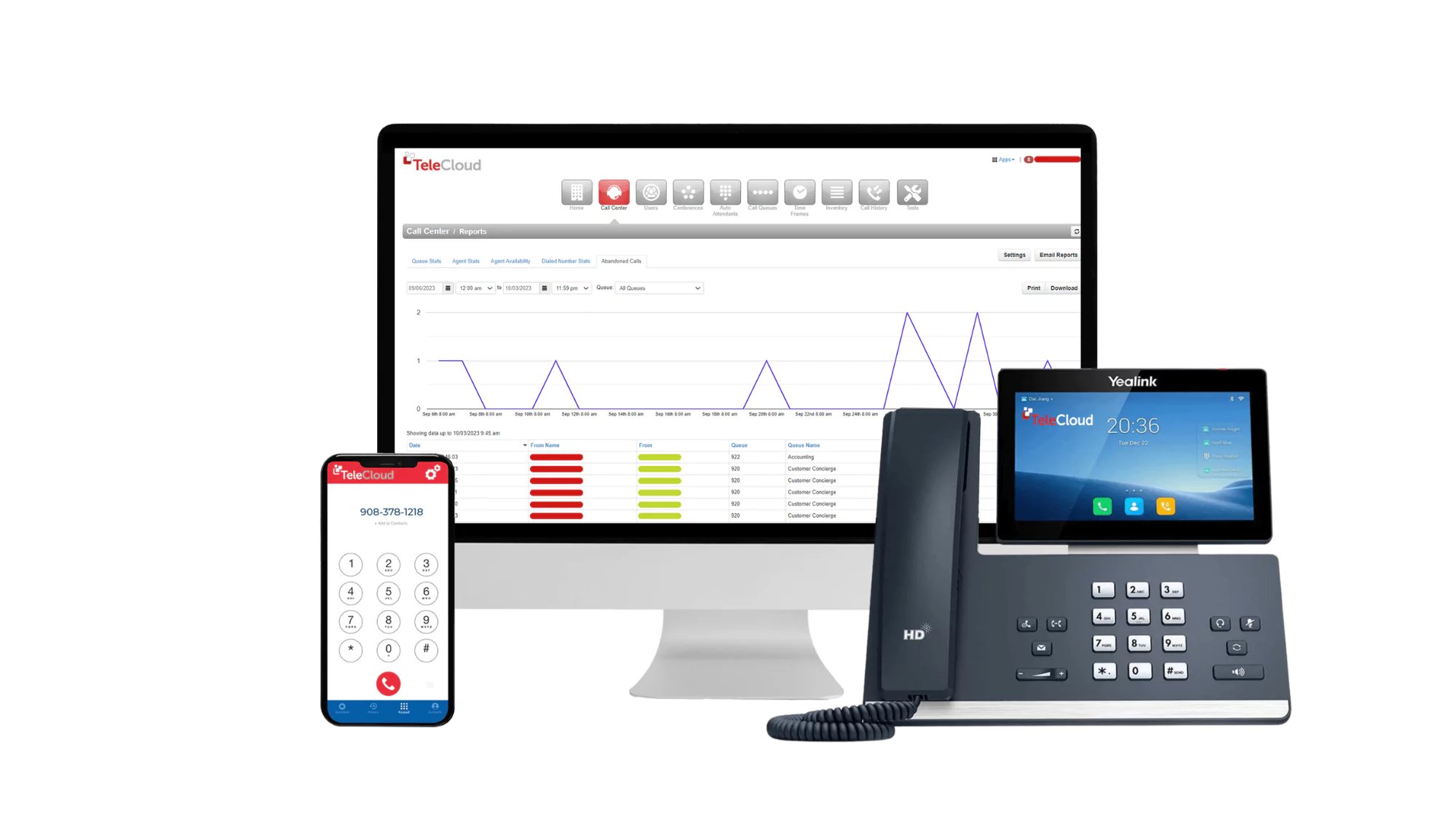
For operators running more than one site, the integration adds cross-location visibility with patient context attached. TeleCloud’s call data already tracks who called, how long they waited, and which calls were abandoned. Connect that to Experity’s scheduling context and leaders can:
- See which sites are getting overwhelmed and which have capacity for overflow
- Spot whether abandoned calls at a location are correlating with staffing gaps
- Compare how different sites handle the same types of patient calls
- Identify training opportunities before they become patient experience problems
This is the kind of visibility that normally requires expensive analytics platforms bolted onto systems that were never designed to talk to each other. When the phone system is integrated with the EHR from the start, a lot of that work is already done.
What Does This Mean for Call Quality and Staff Training?
Call recordings in most phone systems are stored somewhere nobody looks. They get reviewed after something goes wrong and otherwise collect dust.
When those recordings are tied to patient and visit context in Experity, they become useful for day-to-day operations. You can:
- Search calls by visit type, scheduling outcome, or location
- Pull calls where a patient expressed frustration and see what led to it
- Use calls that went smoothly as training examples for the rest of the team
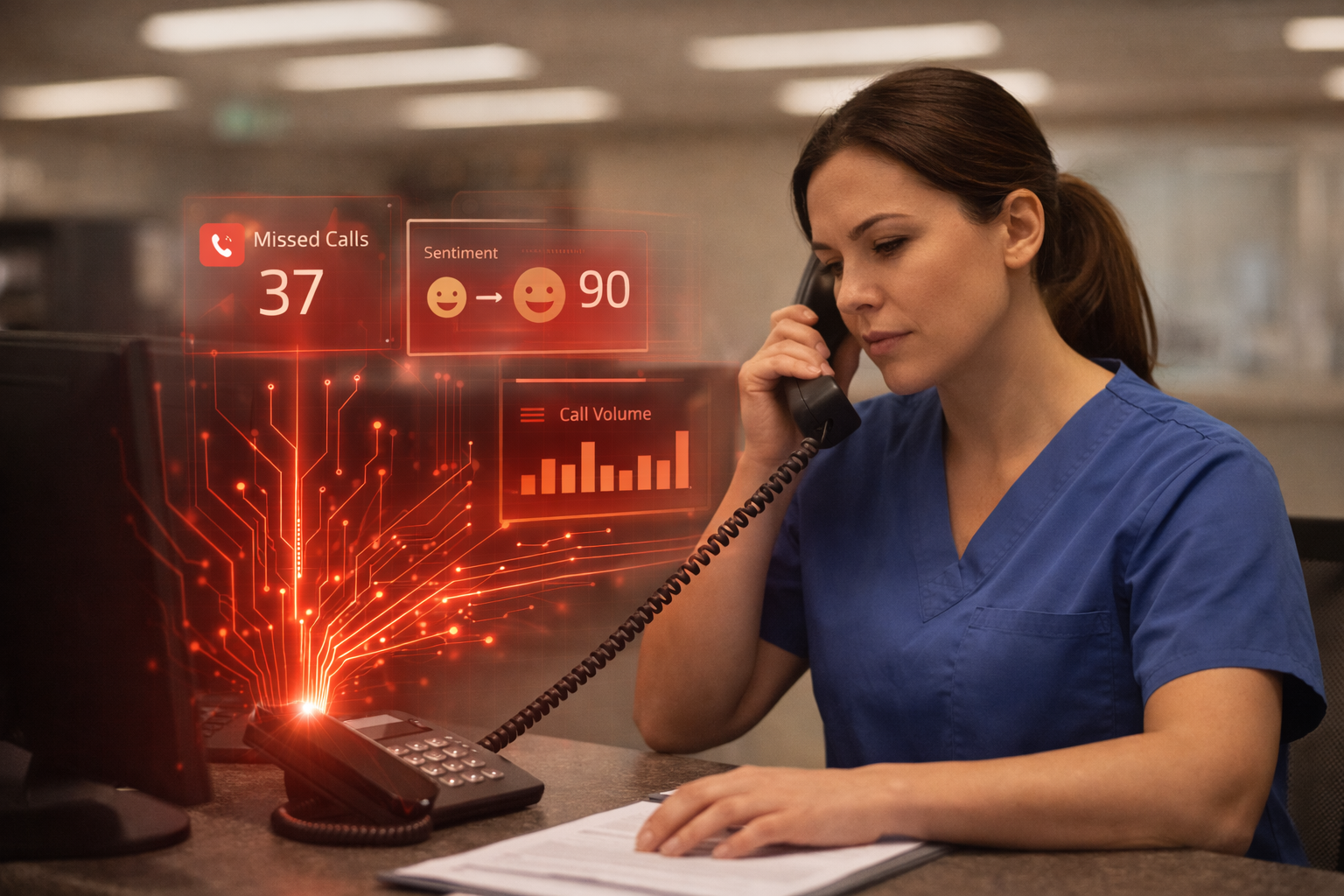
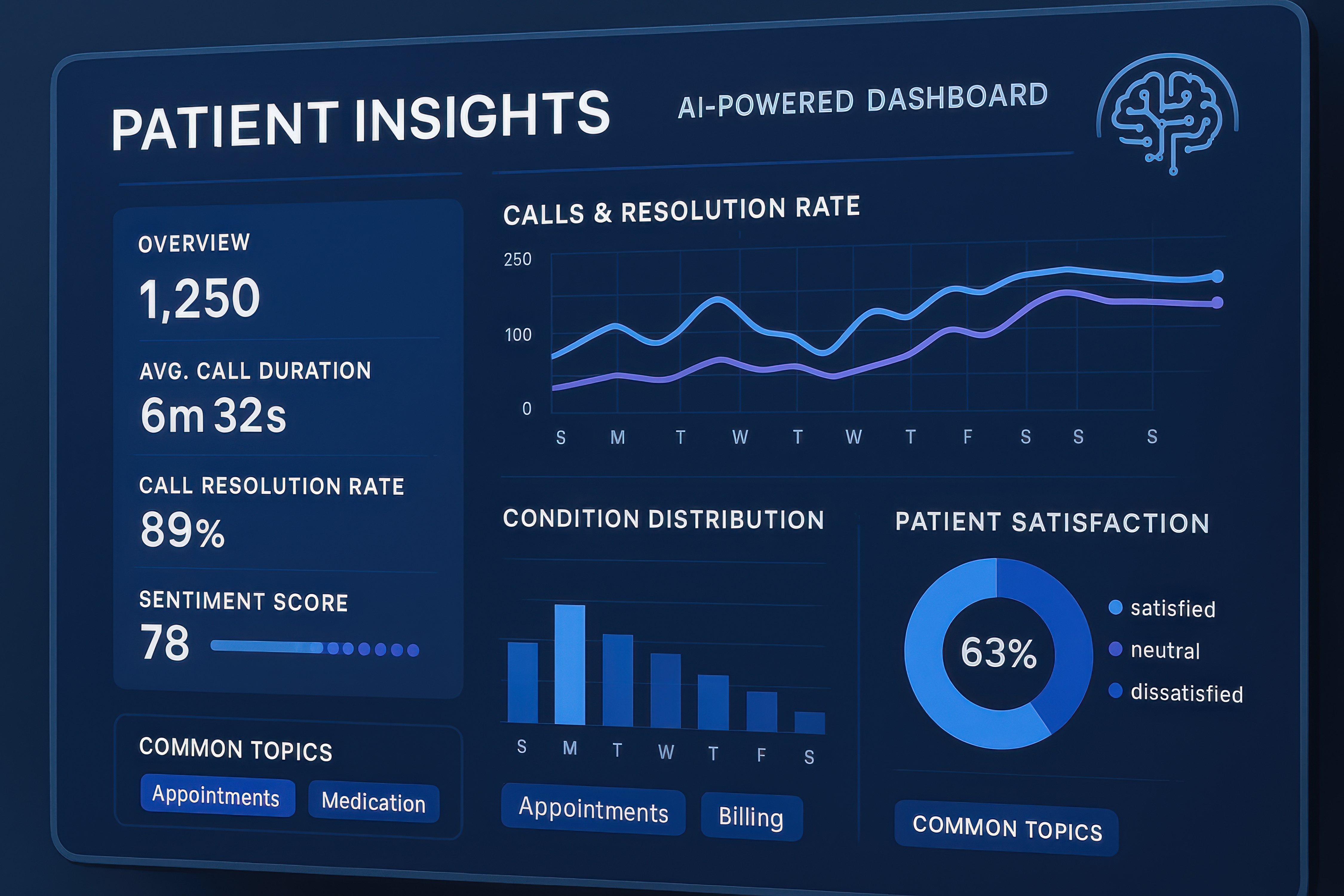
TeleCloud’s Conversational AI Insights layer extends this further, automatically transcribing calls, flagging sentiment, and surfacing call themes without anyone having to listen to recordings manually. For managers who want to coach on scripting, empathy, or resolution rates, that is a shift from guesswork to actual data.
Is This Different from What Other Phone Vendors Offer?
Yes, and it is worth being direct about why.
Most phone systems in urgent care are general-purpose platforms that were not built with Experity in mind. They handle routing and voicemail fine, but they have no awareness of your patient data, your scheduling system, or your clinical workflow. The screen pop, click-to-dial, and embedded call logging above require a purpose-built Experity integration that most UCaaS vendors simply do not have.
TeleCloud is Experity's preferred telecom partner, which means the integration is built and maintained specifically for how urgent care centers use Experity day to day. That is not a marketing claim. It means the systems are designed to work together, not just technically compatible on paper.
What Should You Ask Before Evaluating This Integration?
Before looking at any new phone system, it helps to know where your current setup is creating friction:
- How much time does your front desk spend identifying patients before getting to the actual reason for the call?
- How often do transferred calls arrive at another location with no context?
- When was the last time a call recording was reviewed proactively rather than after a complaint?
- What visibility does leadership have into how calls are being handled across locations?
If most of those answers are uncomfortable, the gap between your phone system and your EHR is likely costing you more than you have been measuring.
If you want to see what a connected setup looks like for your specific Experity configuration, we are happy to walk through it with you.
Frequently Asked Questions
Does TeleCloud’s Experity integration require replacing our entire phone system?
Yes. The integration works within TeleCloud’s cloud phone platform, and requires the API integrations we have custom-built with Experity. The transition involves porting your existing numbers and configuring the Experity connection with TeleClouds software.
What patient information appears in the screen pop when a call comes in?
When an inbound call is matched to a patient record in Experity, the screen pop surfaces the patient’s profile as Experity has it. This typically includes name, contact information, appointment history, and any other context their record contains. The exact fields depend on how your Experity instance is configured.
Does click-to-dial work from any Experity screen, or only specific views?
Click-to-dial works from phone number fields within Experity patient records and related views. Staff click the number and the call routes automatically through TeleCloud. Your specific workflow and Experity configuration will determine exactly where this is available.
Are call recordings stored in TeleCloud or in Experity?
Call recordings are managed through TeleCloud’s platform. The integration ties call metadata and context back to the relevant patient and visit information in Experity, so you have cross-referencing between systems, but the recordings themselves live within TeleCloud’s call management environment.
How does this integration help with after-hours call handling?
The integration works alongside TeleCloud’s broader call handling capabilities, including AI-assisted after-hours coverage. Patient recognition and call context from Experity can inform how after-hours calls are routed and logged, so that when your team reviews overnight call activity in the morning, the patient context is already attached.
Is this integration available for multi-location urgent care groups?
Yes. Multi-location support is actually one of the strongest use cases for the integration. TeleCloud’s platform is built for multi-site call management, and connecting that call data with Experity’s patient and location context gives operators visibility across their entire group rather than site by site.