
How do you know which AI call insights platform actually works?
July 28th, 2026
4 min read
By Will Maddox
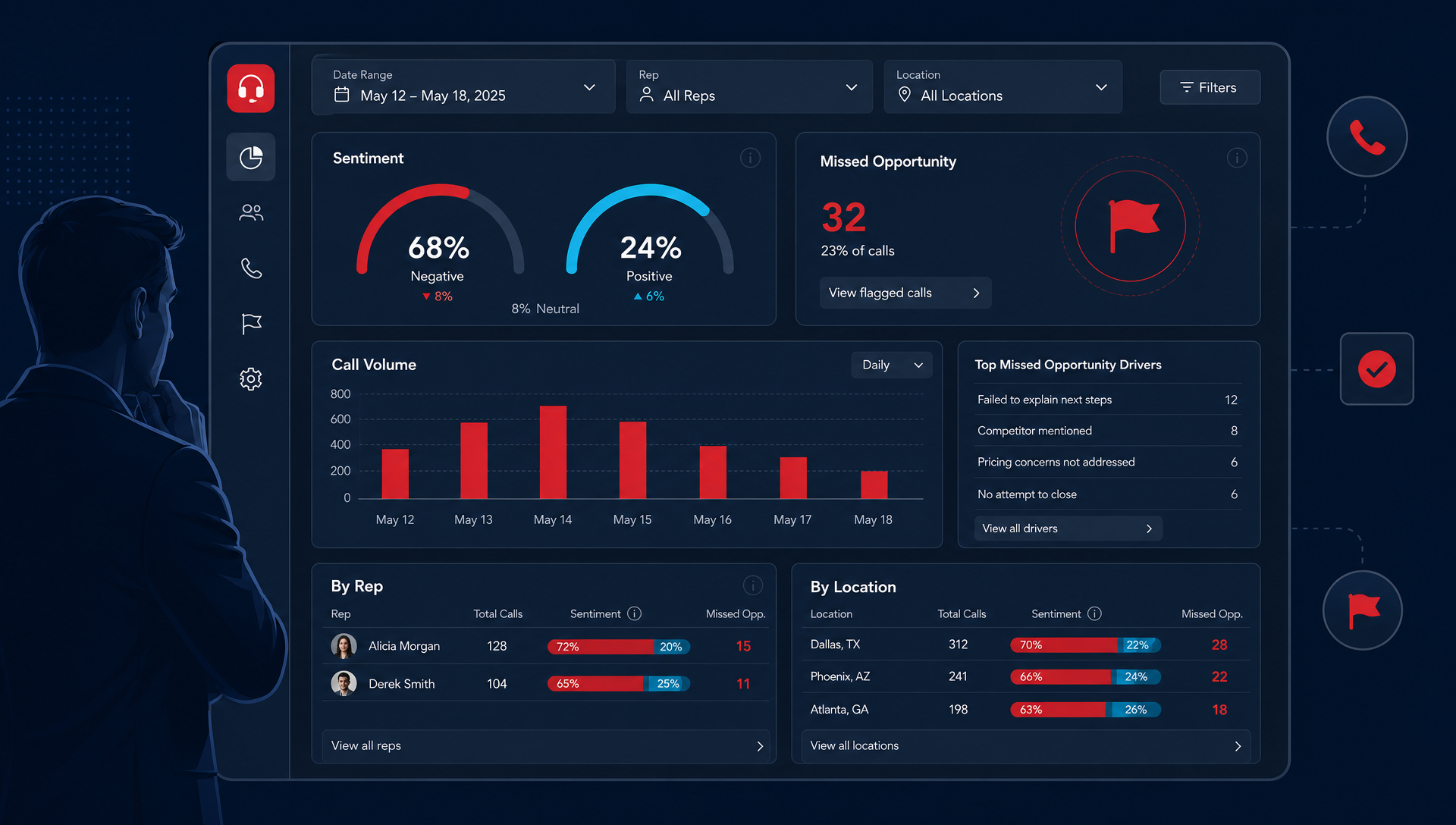
The platform that works is the one your team actually uses to change calls, coach reps, and spot missed revenue. If it only gives you dashboards, it will look good in a demo and fade by week three.
You already know the pain. The front desk is busy, managers are short on time, and call recordings pile up faster than anyone can review them. That is where a lot of AI call insights tools stall; they surface data, but do not help your team decide what to do next. We have seen that pattern across multi-location healthcare, auto BDC, and field-service teams.
What should an AI call insights platform do?
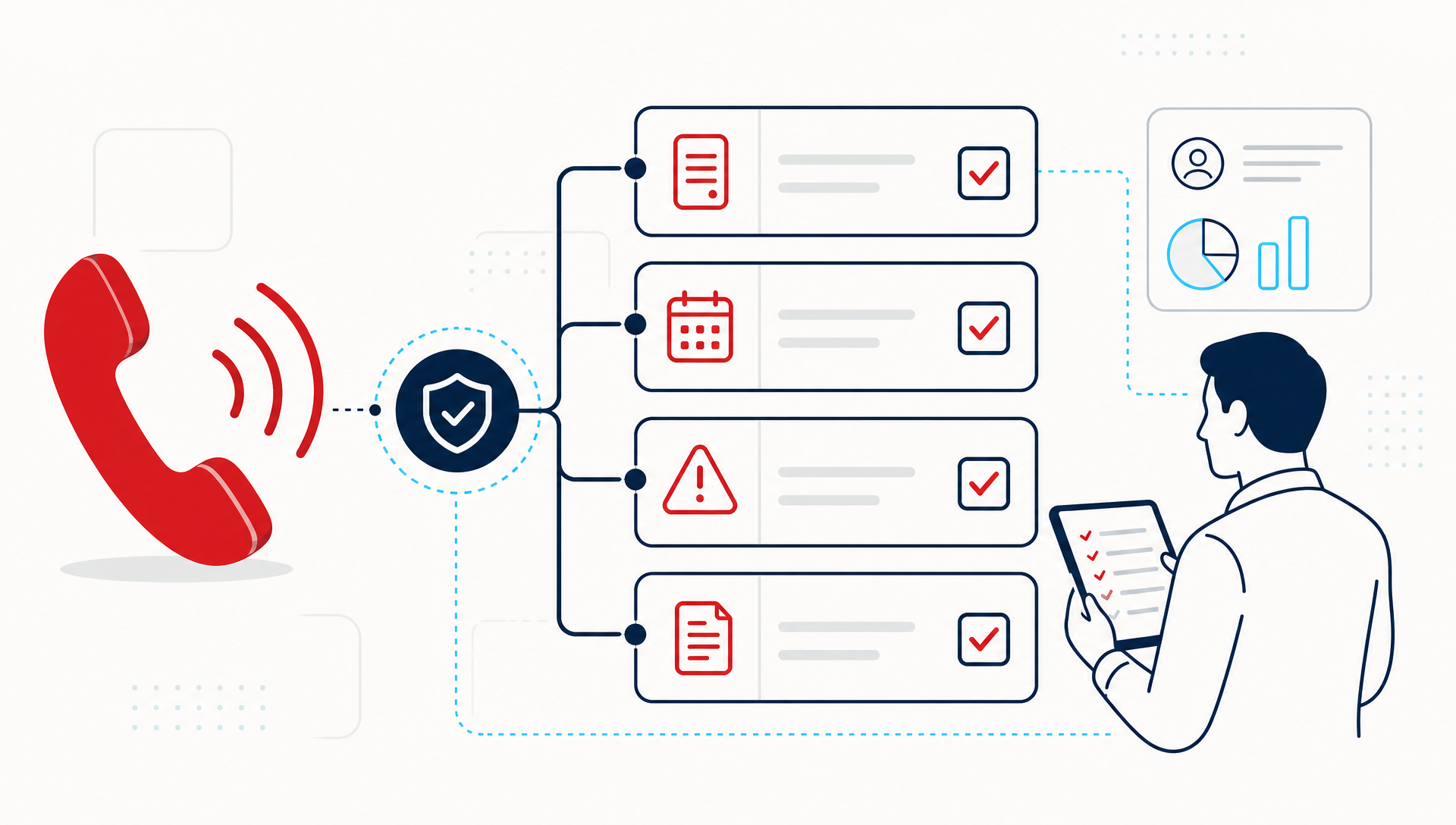
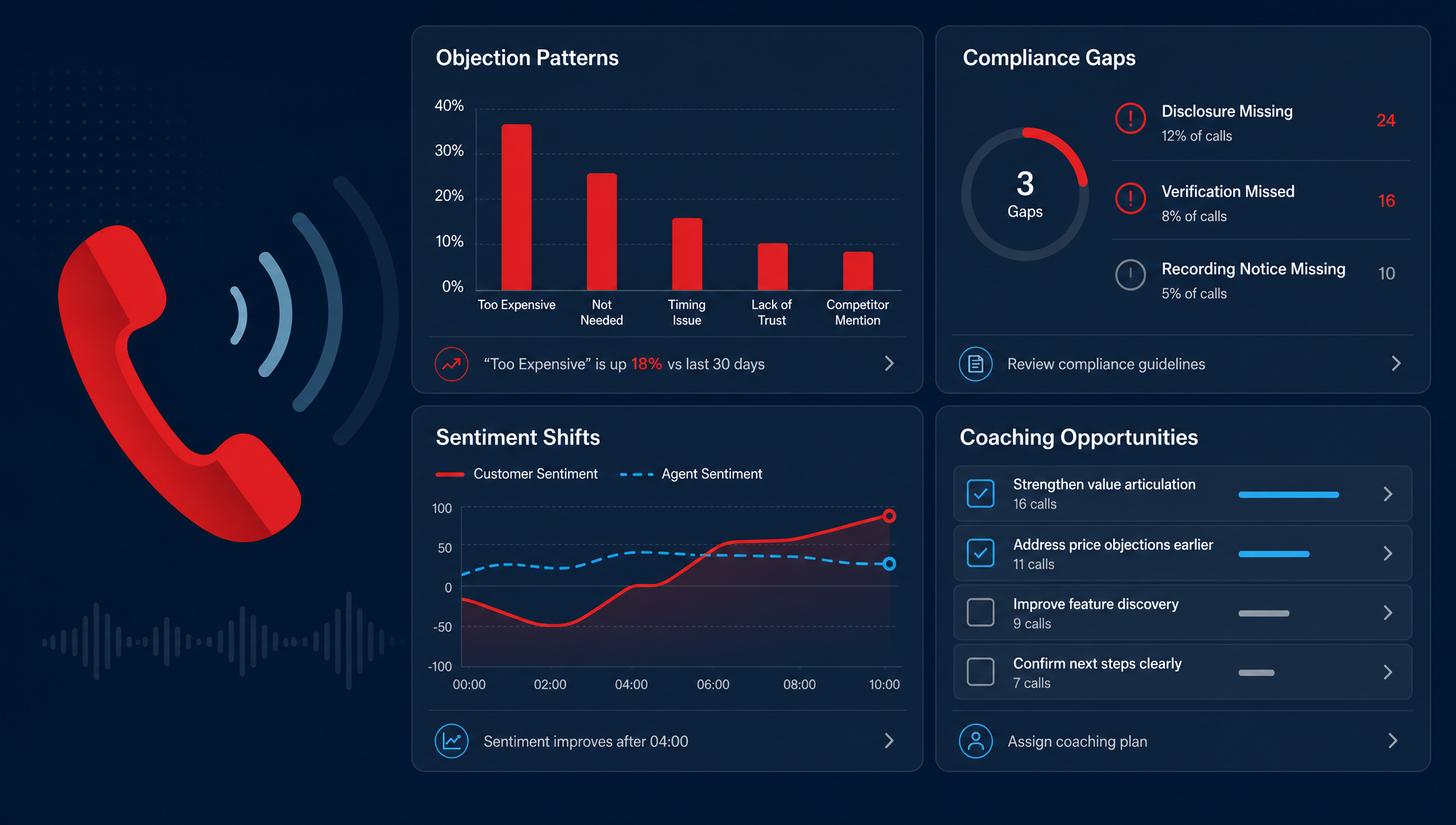
It should turn calls into actions you can use on Monday morning. That means it needs to transcribe accurately, flag the calls that matter, and show you patterns by rep, location, or issue type.
At a minimum, look for these four things:
- Call coverage across the calls you care about, not just a sample.
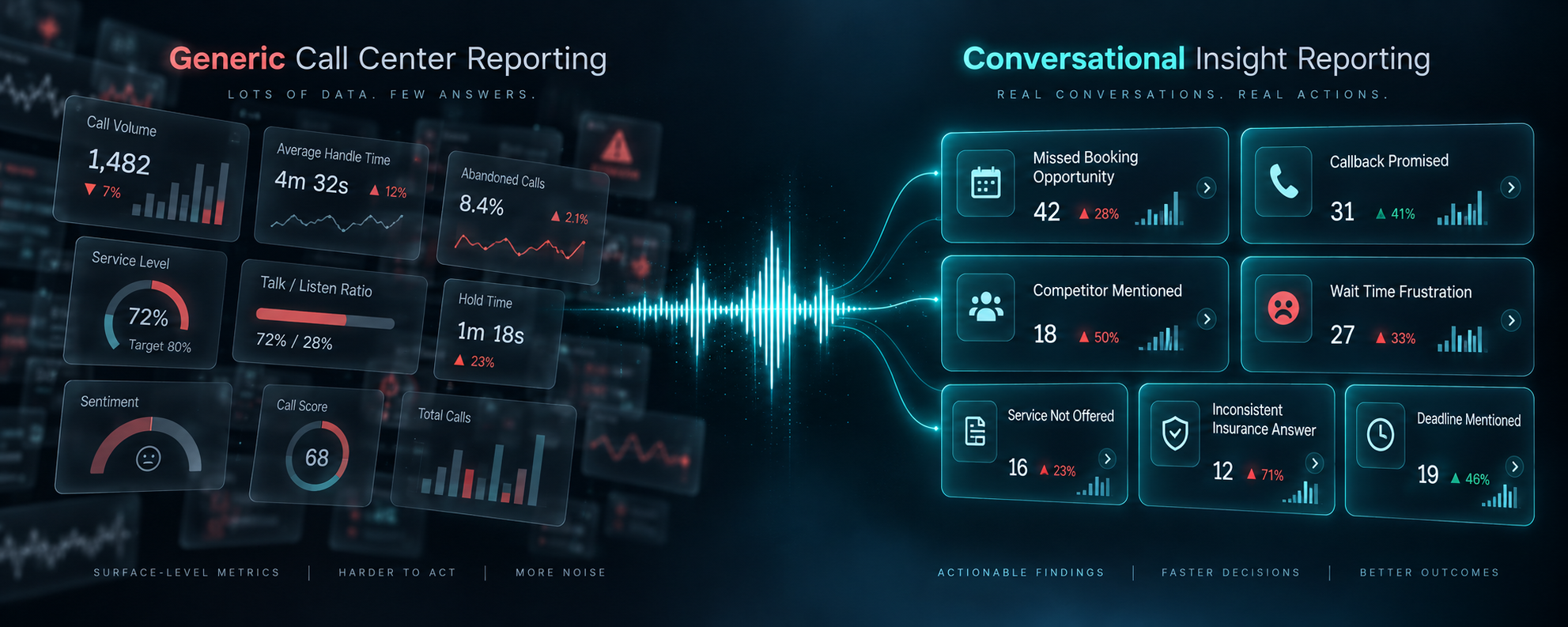
- Clear flags for sentiment, escalation, missed opportunities, and repeat issues.
- Searchable reporting that a manager can scan in minutes.
- Coaching prompts that help a supervisor say, “Here is the exact moment that went off track.”
If the system cannot show you why a call went well or poorly, it is a recording archive, not an insights platform.
Why do some platforms plateau after the demo?
Because the demo is easy. The hard part is whether your team can use it without creating a second job.
A lot of platforms win on features, then stall when the people who need the data do not trust it or cannot find the right calls fast enough. That is especially true when managers still have to listen to long recordings one by one. The best tools reduce review time, not add another inbox.
This is where conversation intelligence vendors often split. Salesforce, Netomi, SoundHound AI, Gong, and Chorus may all talk about AI differently, but your question is simpler: can the platform help your people spot the call that needs coaching, the call that needs follow-up, and the call that hides lost revenue? If it cannot, the market ranking does not matter much to your team.
What does good look like in practice?
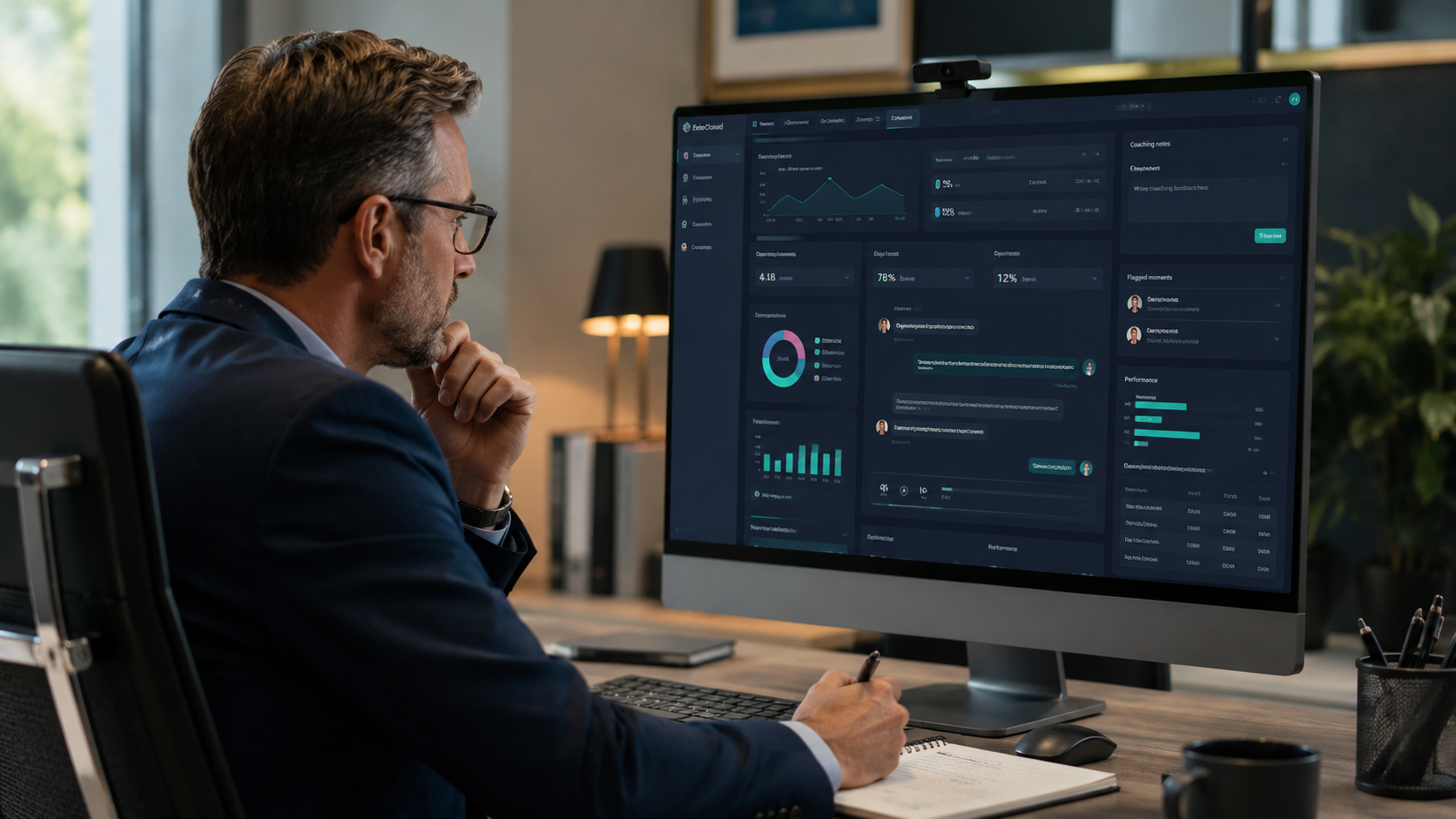
In our deployments, the strongest pattern is simple: a supervisor opens the dashboard, filters by location or rep, then goes straight to the calls with the worst sentiment or the biggest missed-opportunity flags. That is useful because it gives them a short list, not a week-long project.
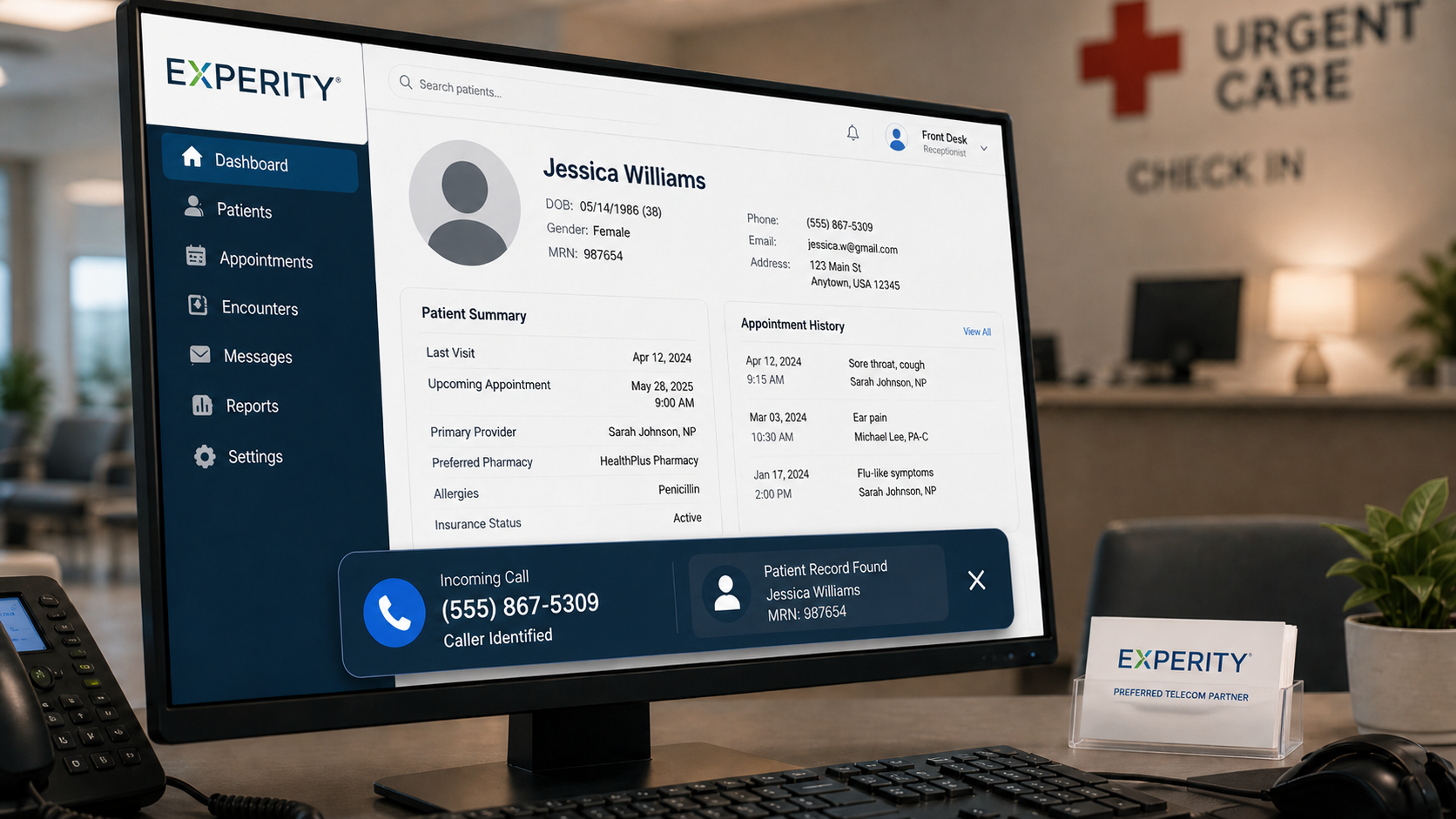
For an urgent care practice manager, that might mean finding calls where the patient asked about same-day availability and never got a clear answer. For an auto BDC director, it might mean seeing that leads are being answered, but not pushed to a booked appointment. For a field-service dispatcher, it might mean catching the calls where a caller asked for emergency service and the handoff got muddy.
The value is not the transcript itself, it is the decision it makes easier.
How TeleCloud's AI Insights turns call data into coaching work
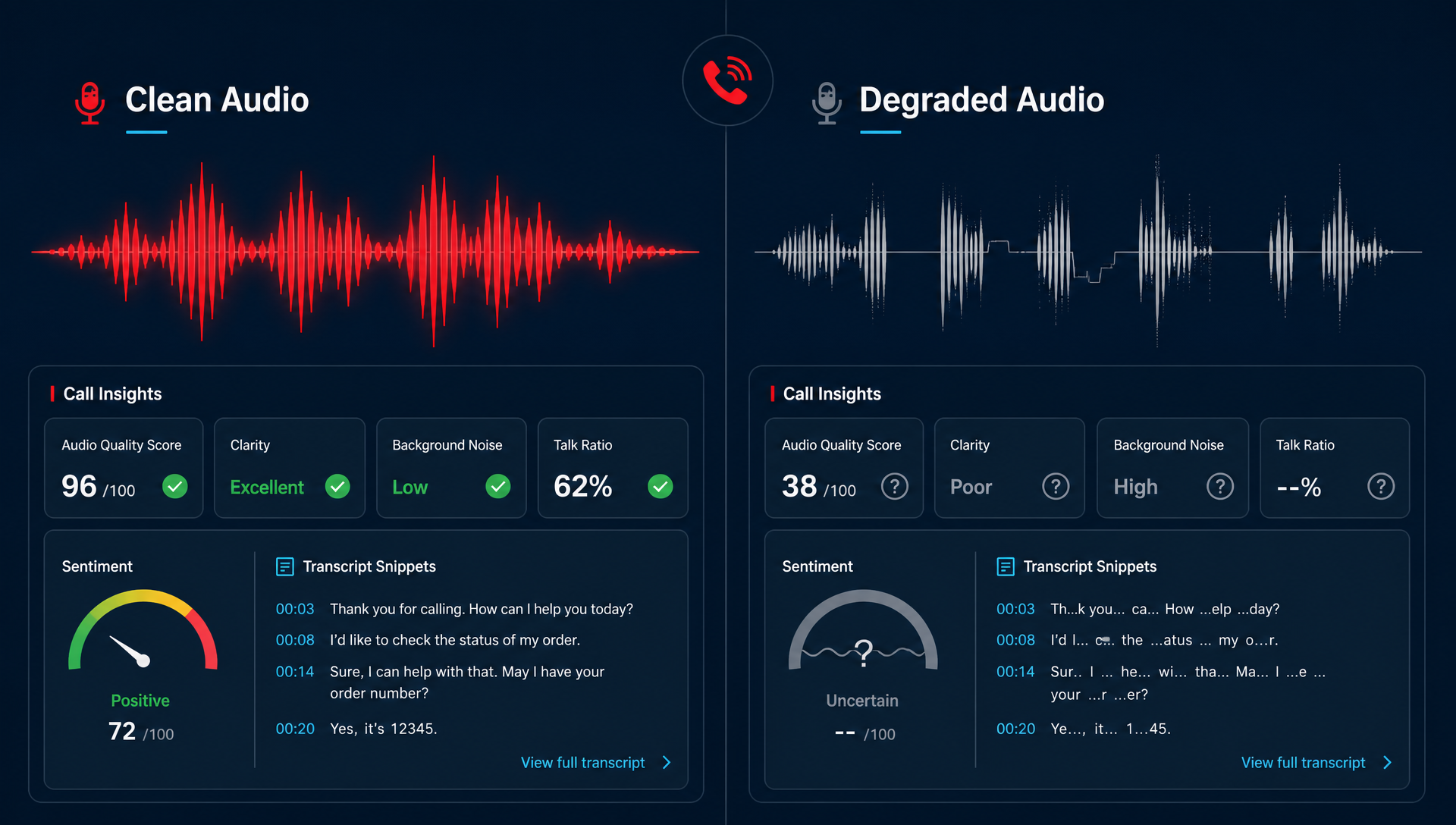
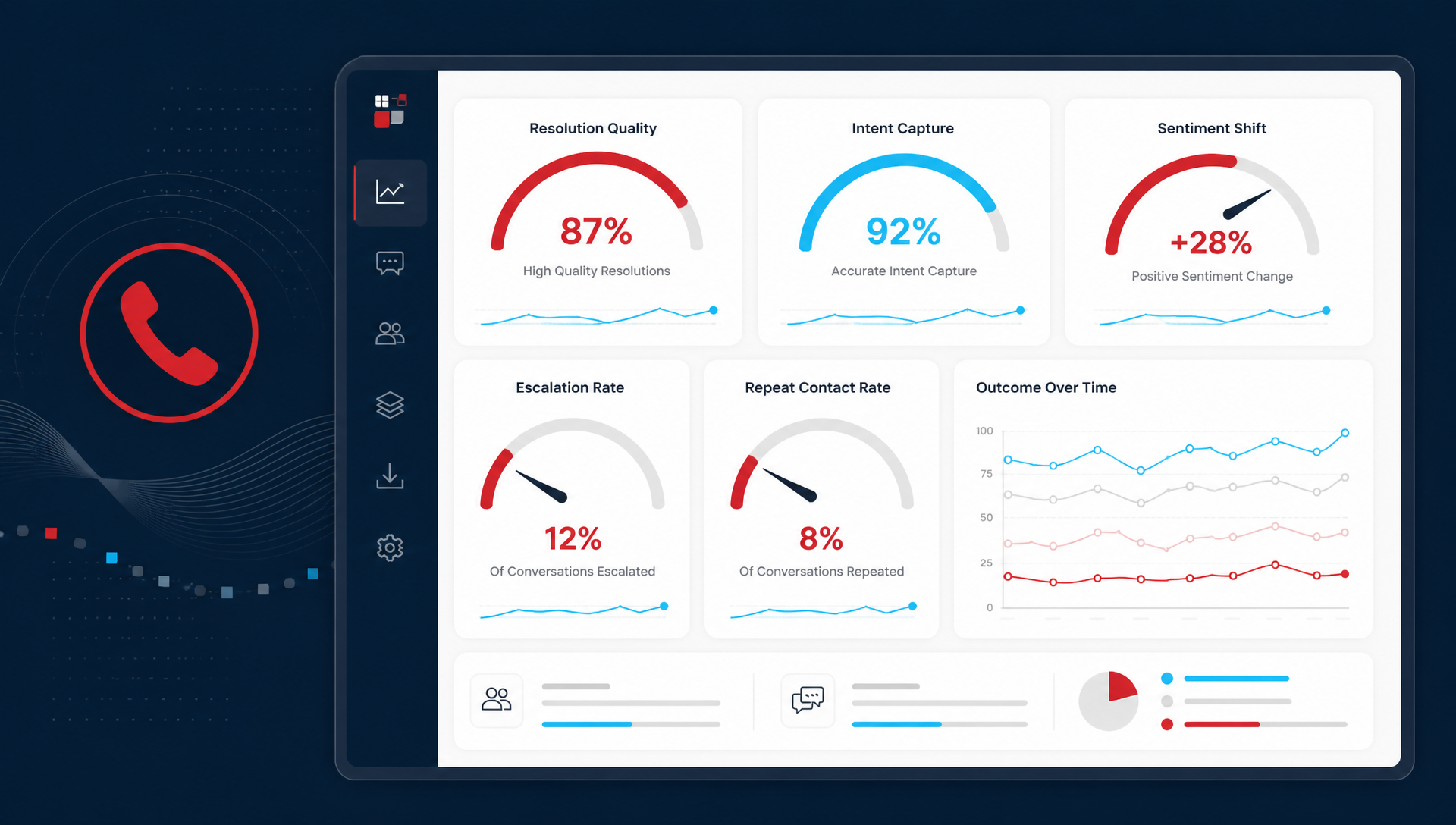
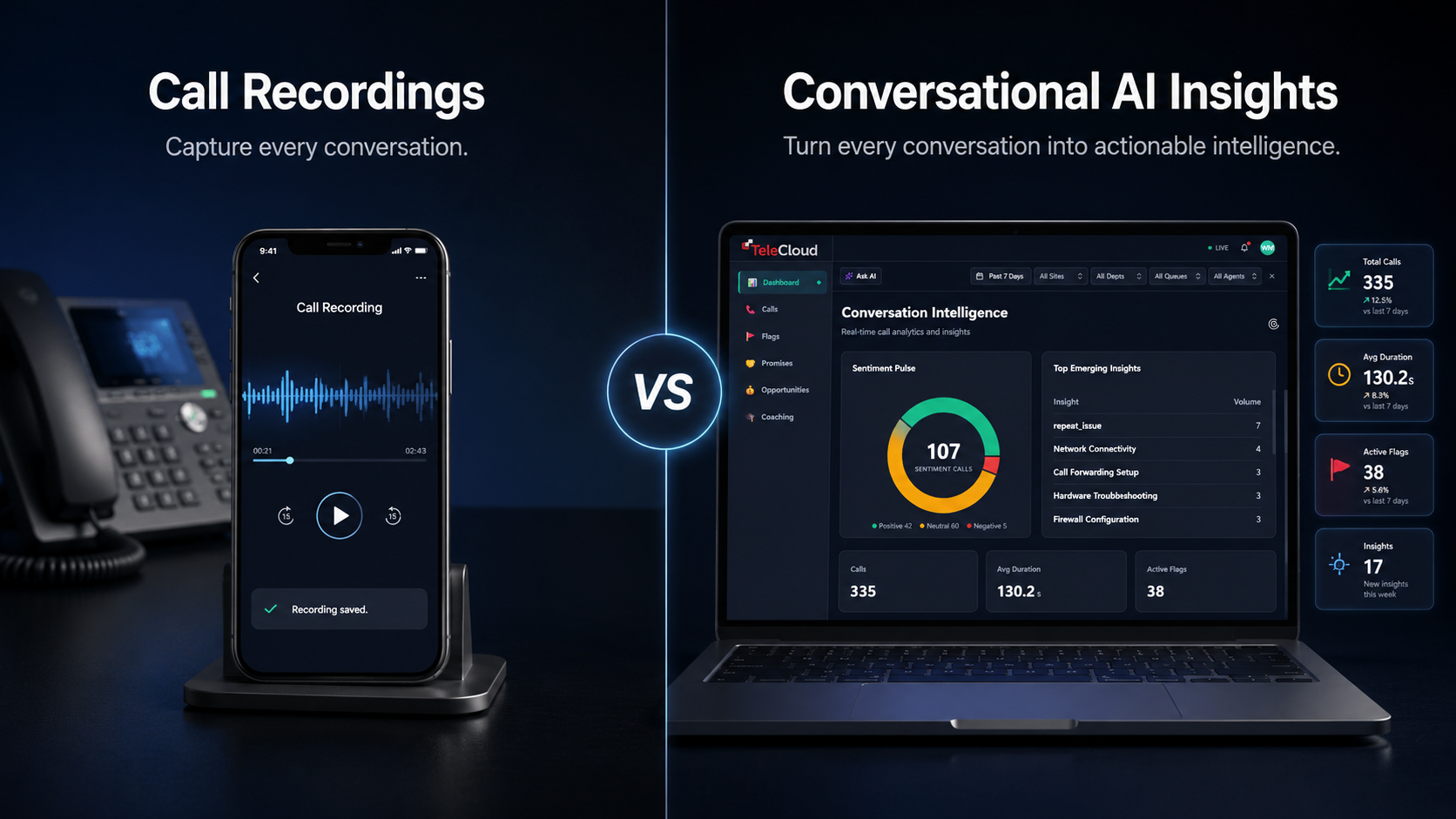
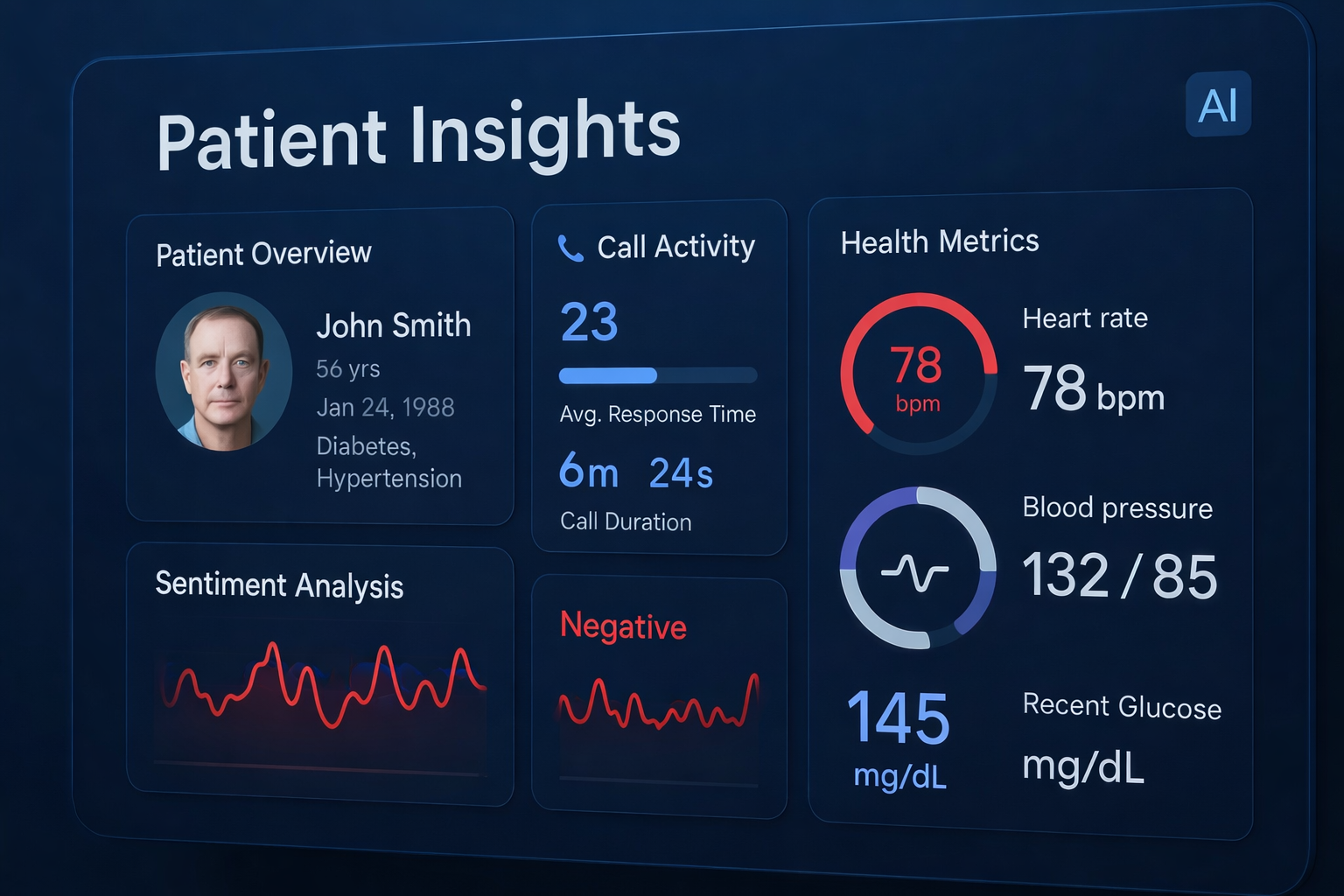
A good platform should do more than store recordings, and that is where recording calls is only the first step. TeleCloud's Conversational AI Insights is built to transcribe and analyze 100% of recorded calls, then surface sentiment, intent, talk ratios, outcome tracking, and trend dashboards by team or location. That matters because the dashboard is not the destination, it is the handoff point for coaching and follow-up.
When you want a fuller definition of the category, what Conversational AI Insights does is simple: it turns calls into a review queue your managers can actually use. That is different from listening at random and hoping the right call gets picked up by chance.
When is a simpler tool enough?
A simpler setup still makes sense if your call volume is low, your team only needs occasional QA, or you are not ready to change how managers coach. In that case, a basic recording review process may be fine for now.
What usually does not work is buying a platform because it ranks well in a report, then hoping your team finds a use for it later. The platform has to fit the way your managers already work, or it becomes shelfware fast.
If you are comparing options, the decision should come down to fit, trust, and speed to action, not just feature count. That is the difference between a system that collects calls and one that changes how the team runs.
What to put in place before you buy
Before you sign, map the first three actions you want from the platform:
- A manager reviews the worst calls from yesterday.
- A supervisor shares one coaching note with a rep.
- An owner or director checks whether a location is missing follow-up.
If the vendor cannot show you that flow cleanly, keep looking. The right AI call insights platform should make call data easier to use, not harder to manage.
What to check before you choose a platform
The real test is not whether a platform can label calls, it is whether those labels help your managers act faster. If your team cannot point to a better coaching decision, a cleaner follow-up, or a missed booking that was caught in time, the software is not pulling its weight.
That is why we start with the workflow, then the features. In TeleCloud deployments, the strongest fit is the platform that gives the front desk, dispatcher, or supervisor a clear next step, not another pile of analytics to sort through. If you want to see how that looks in practice, we can walk you through it.
FAQ
What is the difference between call recordings and call insights?
Call recordings store the conversation. Call insights turn that conversation into searchable signals, like sentiment, intent, outcomes, and coaching flags. If you need to review less and decide faster, insights is the step that matters.
How long does it take to know if a platform is working?
You should see early signals within the first few weeks if managers are actually using it. Look for faster review cycles, better coaching notes, and fewer calls slipping through without follow-up.
What KPIs should I track first?
Start with review time, missed-opportunity rate, coaching activity, and location-level trends. Those four tell you whether the system is helping the team act on calls, not just store them.
Does a platform have to replace my phone system?
No. Conversational AI Insights can work alongside your existing TeleCloud voice setup or other recorded-call environments. The point is to read and organize the calls you already have.
Is this useful for multi-location teams only?
It helps most when there are enough calls that manual review stops working. That said, smaller teams can still use it if call quality, coaching, or lead capture is already a pain point.
Will Maddox is the Digital Marketing Coordinator at TeleCloud, overseeing content, brand, and outbound strategy for the company. He writes about cloud communications, AI tools for business, and what SMBs and urgent care operators need to know to run better phone systems. Connect with Will on LinkedIn or email him directly to learn more.
Topics: