
Can you use an AI receptionist with your existing phone system?
August 4th, 2026
5 min read
By Will Maddox
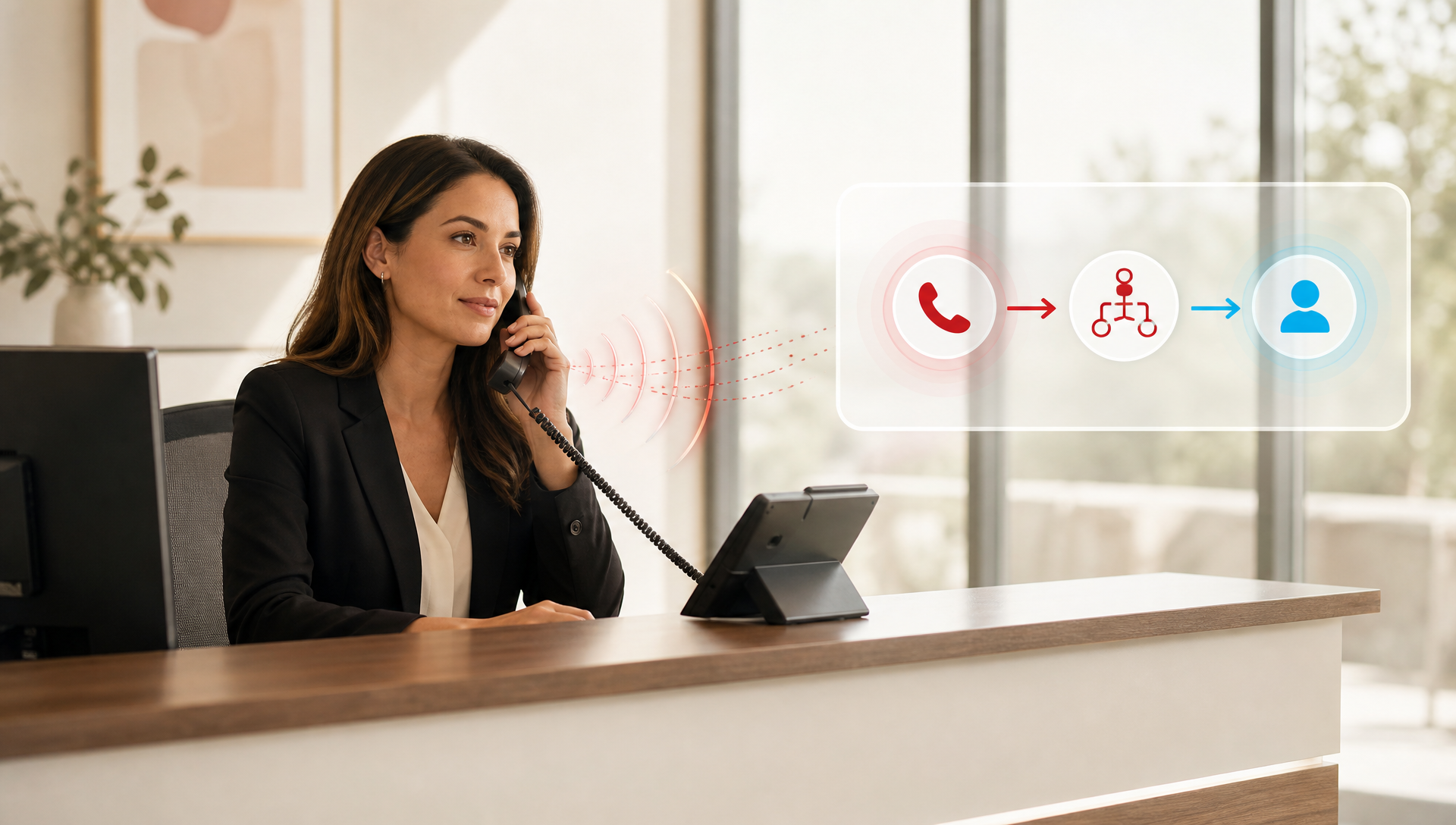
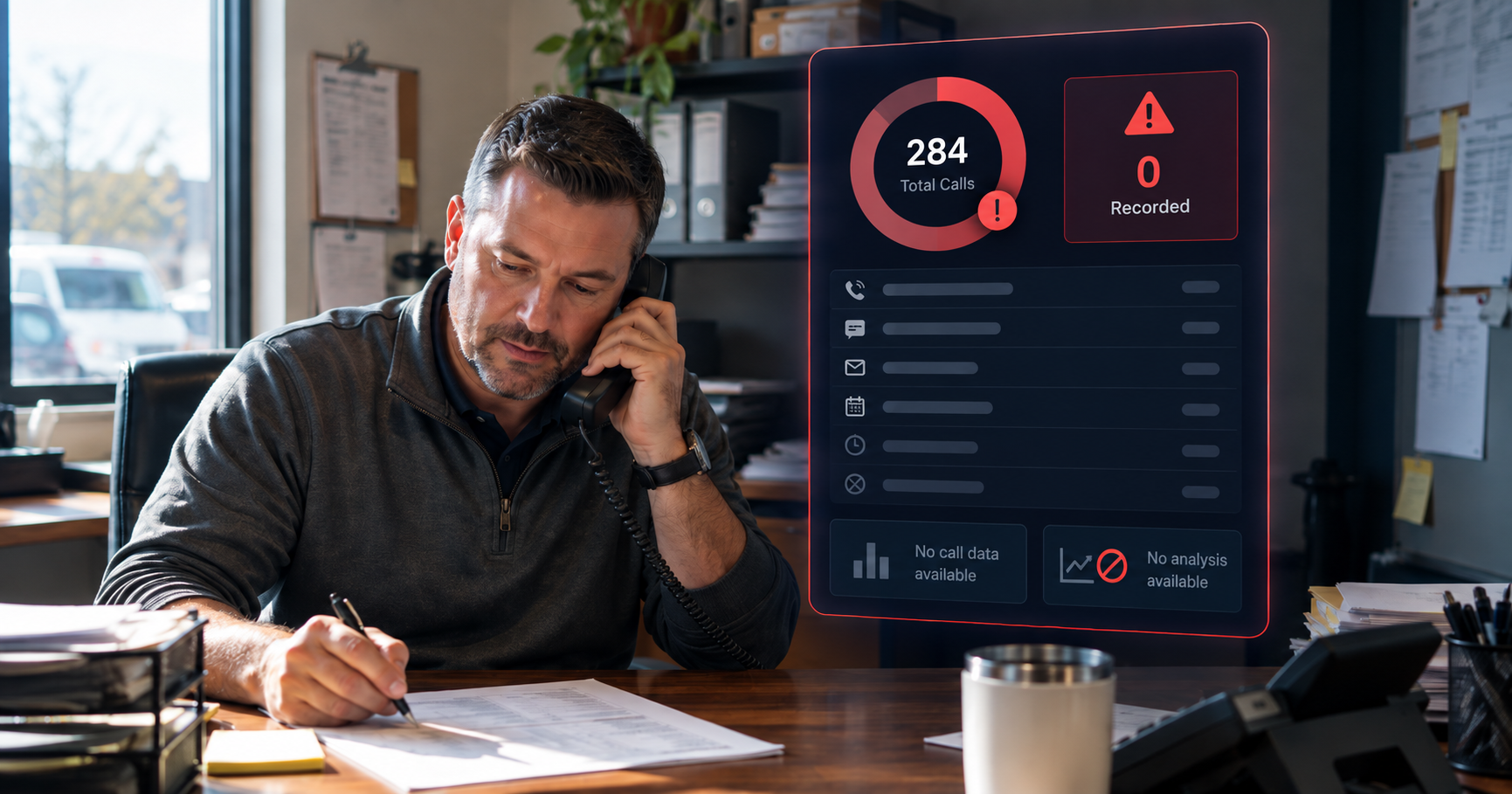
Yes, in many cases you can, and that is the real advantage. You do not need to tear out a working phone setup just to add call answering, booking, and after-hours intake. For a clinic manager or small business owner, the real question is whether the AI receptionist can sit on top of what you already run without creating a new mess for the front desk.
That matters because most teams are not starting from zero. You may already have desk phones, extensions, call routing rules, and a staff workflow that people actually know how to use. We see this a lot in deployments where the buyer wants better coverage, not a full phone refresh.
This post breaks down what has to match, where the handoff usually breaks, and how to tell if your current system is a fit.
What has to be true for an AI receptionist to work?
The short answer is that the AI receptionist needs a clean way to answer calls, transfer them, and know where to send the caller next. If your phone system can do that, you are already closer than you might think.
Most setups need three things:
- Call control, so the AI can answer, route, and transfer calls without fighting the phone system.
- A reliable destination list, so booked calls, urgent calls, and routine questions go to the right person or queue.
- A clear handoff path, so staff can take over when the call needs a human.
If you are in healthcare, that last part matters even more. You want the AI receptionist to handle routine scheduling questions and intake without stepping into clinical advice. That is a workflow question, not a feature question, and it is how we keep the setup in scope for a clinic front desk.
What does this look like on a normal day?
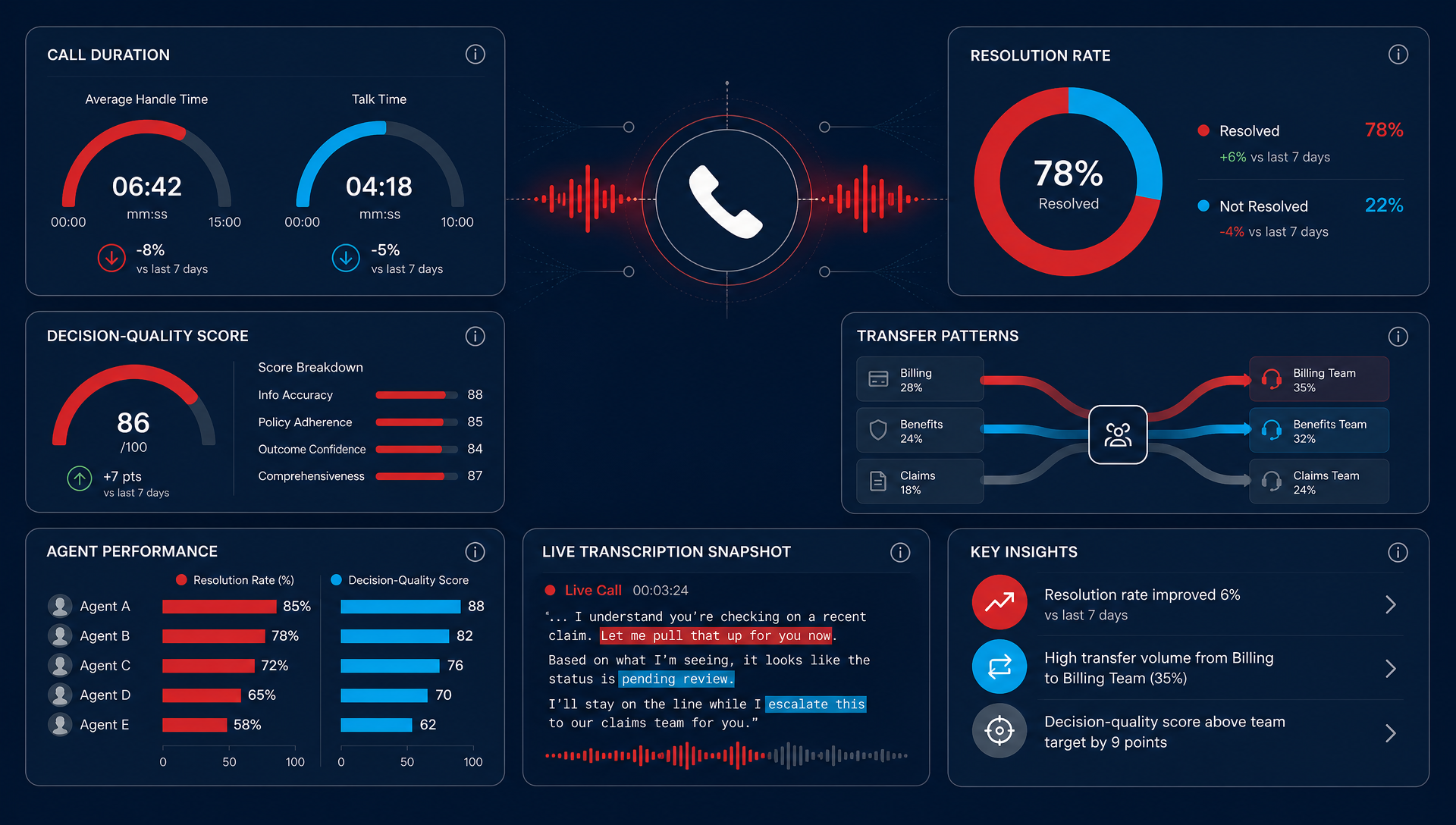
In practice, the best setup is usually the least dramatic one. The caller dials your regular number, the AI receptionist answers, and the call either gets handled right there or moves to staff based on the reason for the call.
For a clinic, that might mean appointment requests, insurance questions, and after-hours messages get captured without making the front desk stay late. For an HVAC shop, it might mean emergency calls get routed differently from routine service requests. The goal is not to replace your phone system, it is to make the phone system do more of the work you are already paying for.
In 2024, Zoom expanded AI receptionist access beyond its own phone system, which shows the market is moving toward compatibility instead of lock-in. For readers who want the source, No Jitter covered that expansion here.
| What you have now | What the AI receptionist needs | Fit for most teams? |
|---|---|---|
| Simple call routing | Answer, transfer, and queue control | Usually yes |
| Clear business hours | Different behavior after hours | Usually yes |
| One main number | A single entry point for callers | Usually yes |
| Fragmented routing by site | Clean handoff rules by location | Sometimes, but it needs planning |
| No transfer flexibility | Human fallback when needed | Usually no |
Where TeleCloud fits when you do not want a rip-and-replace
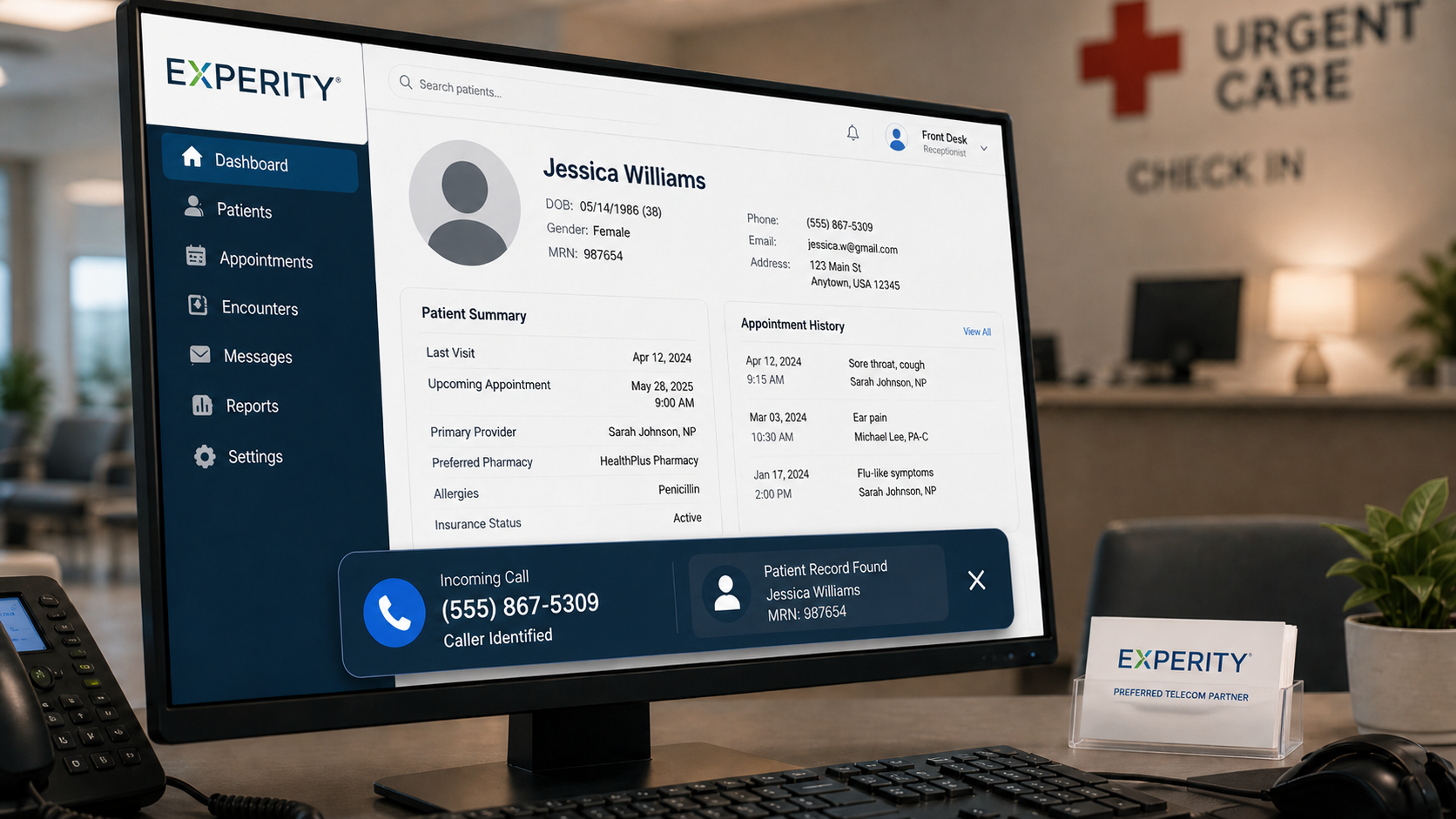
This is where TeleCloud's AI Receptionist is useful. It answers calls, handles common intake questions, books appointments, and routes callers without forcing you to rebuild the rest of your communications stack first.
In our deployments, that means we often start with the existing phone environment and map the AI to the call paths that matter most, like after-hours coverage, overflow during lunch, or the first pass at appointment booking. In one urgent care-style setup, the front desk used the AI for appointment requests and basic arrival questions, then sent anything time-sensitive to staff. In a field-service scenario, the AI handled new service requests after hours and pushed urgent calls to the on-call line.
For a clinic manager, that can mean fewer missed calls when the front desk is slammed. For a dispatcher or office manager, it can mean the phone stops being a bottleneck at exactly the wrong time. TeleCloud's AI Receptionist is not a full system replacement, it is a layer that answers, qualifies, and routes the call before your team has to get involved.
The important part is fit. If your current system can expose the call flow cleanly, the AI layer can usually be added without a full switch. If your setup is old, fragmented, or already brittle, you may spend more time patching around the edges than you save. For the TeleCloud side of that equation, the AI Receptionist is built to handle FAQs, booking prompts, and routing, then pass the call to staff when a human needs to step in.
When keeping the current system still makes sense
Keeping what you have is often the right move if the current phone system is stable and the only gap is coverage. A lot of SMBs fall into that bucket. They do not need a brand new PBX just to stop missing calls after 5pm.
That said, there are limits:
- If your phone system cannot transfer calls cleanly, the AI will feel clumsy.
- If you have no clear routing rules, the caller experience gets messy fast.
- If every location handles calls differently, you need a plan before you turn anything on.
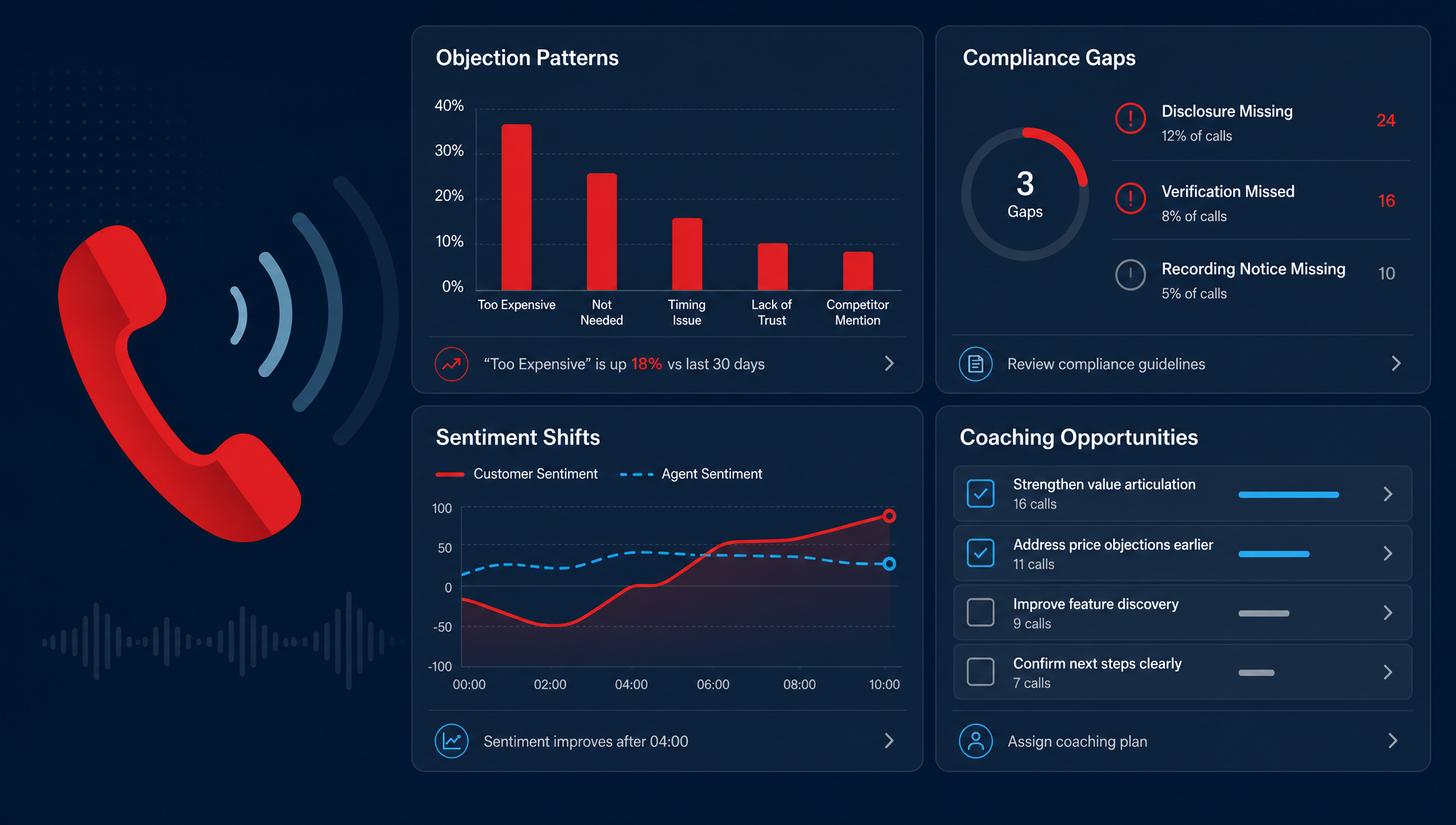
If you are trying to solve a call problem with bad call design, the AI receptionist will not rescue it. It will just surface the mess faster.
What should you check before you buy?
Before you approve anything, ask your IT person or phone vendor these questions:
- Can the AI answer our existing main number or only a new line?
- Can it transfer to extensions, ring groups, or departments we already use?
- What happens when the caller needs a human right away?
- Can we set different rules for business hours and after-hours?
- How do we test the handoff before we go live?
That last one is the one many teams skip. They should not. A short test with real call scenarios tells you more than a product demo ever will.
What this means for your clinic or small business
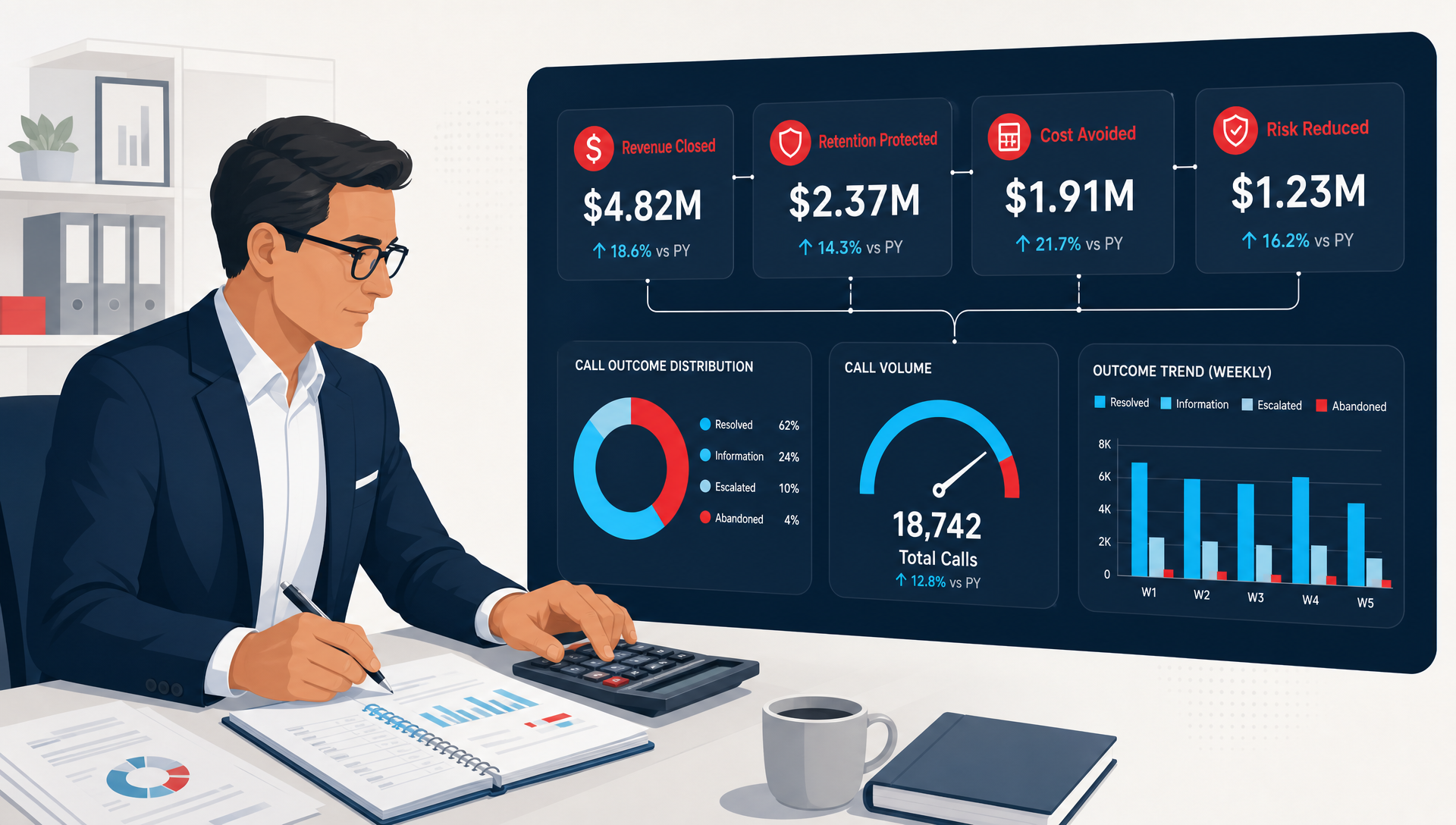
For a clinic manager, the value is usually missed-call reduction and calmer front-desk work. For an owner, it is getting more calls handled without asking the team to grow by headcount first. The AI receptionist should fit into your current phone system as a layer, not a demolition project.
That is also the right way to judge vendors. If the answer only works when you replace everything, you are not buying interoperability. You are buying a migration.
What to do if you want to keep your current setup
Start with the call path, not the product demo.
If your current system can already handle transfers, queues, and after-hours routing, you may be able to add AI without replacing the whole stack. If it cannot, you will want to fix that first, because the AI receptionist can only work with the handoff it is given. For a clinic or SMB owner, the easiest test is a real one: map one busy line, one after-hours path, and one human fallback before you commit.
FAQ
Will an AI receptionist work with any phone system?
Not any system, but many of the common ones can be connected if call routing and transfers are supported. The real test is not the brand name of the phone system, it is whether the call flow can be controlled cleanly.
Do I need to replace desk phones to use one?
Usually, no. If the AI is handling the first part of the call and handing off to staff or a queue, your desk phones can stay in place. The bigger issue is how your calls are routed, not whether the hardware is new.
Is this better than adding more front desk staff?
Sometimes yes, sometimes no. If your problem is call coverage, after-hours intake, or repetitive questions, AI can take pressure off the desk. If your issue is a broken workflow, you still need to fix the workflow.
How long does setup usually take?
That depends on how clean the current phone environment is. A simple call flow can move fast, while a multi-location setup with different routing rules takes more planning and testing.
What if the caller needs a person right away?
The AI should hand off to a human, a queue, or a message capture path. If there is no fallback, the setup is not ready yet. That is the part you want to test before you turn it loose on live calls.
Will Maddox is the Digital Marketing Coordinator at TeleCloud, overseeing content, brand, and outbound strategy for the company. He writes about cloud communications, AI tools for business, and what SMBs and urgent care operators need to know to run better phone systems. Connect with Will on LinkedIn or email him directly to learn more.