
The Crawl–Walk–Run Guide to Adopting AI in Urgent Care Operations
April 14th, 2026
5 min read
By Will Maddox
Urgent care centers can adopt AI without overhauling everything at once by starting with one high-impact area, proving it works, and building from there.
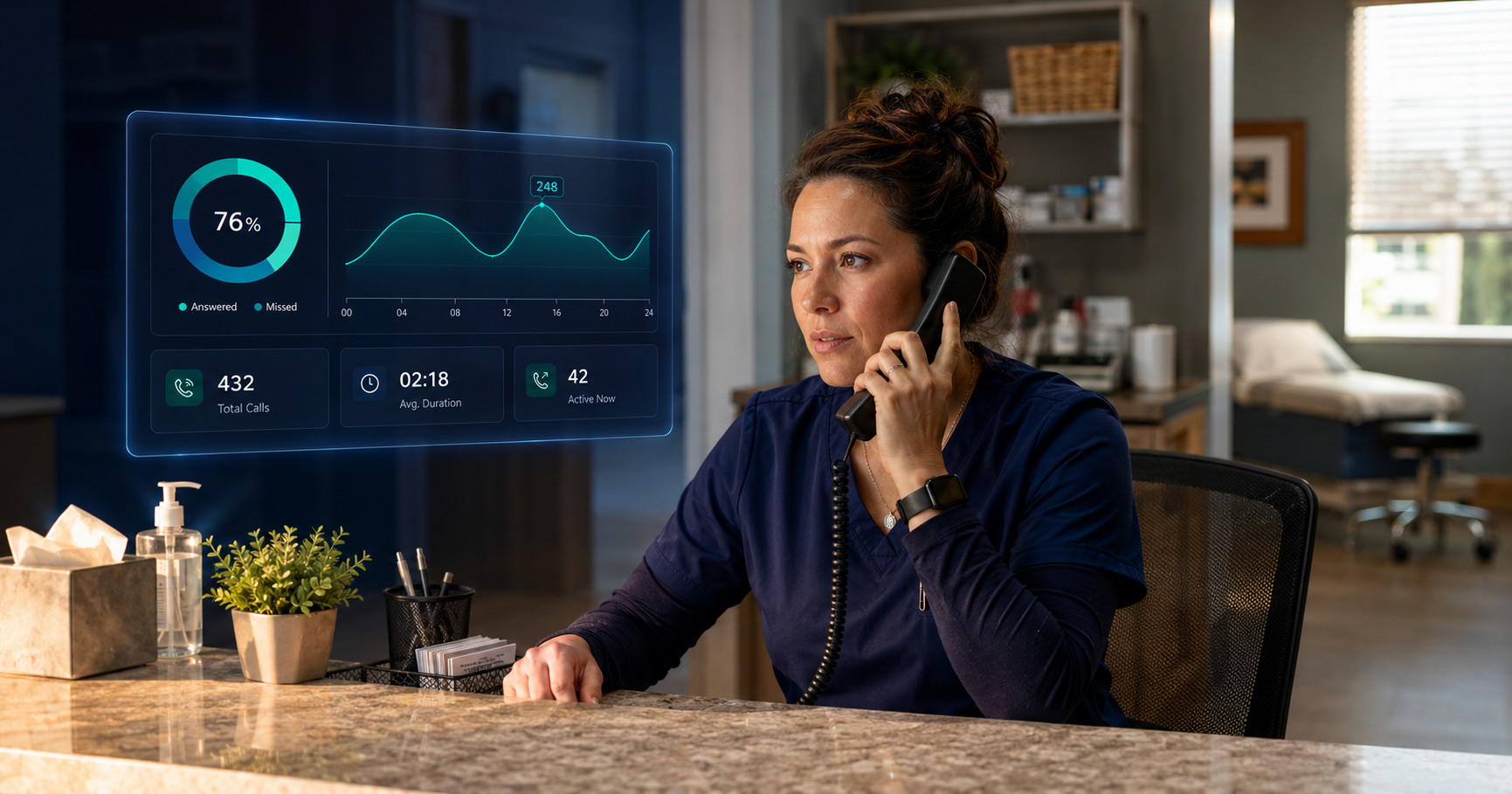
You have probably heard the AI pitch. It can answer your phones, eliminate missed calls, surface patient sentiment, and give you visibility across every location. Sounds great. Also sounds like a project that requires three months, a full IT team, and staff who are already barely keeping up with the current system.
Here is the thing: most AI rollouts fail not because the technology does not work, but because someone tried to do too much too fast. The centers that actually see results start small, prove the concept, and expand from there. That is the whole idea behind Crawl–Walk–Run.
What Is the Crawl–Walk–Run Approach to AI in Urgent Care?
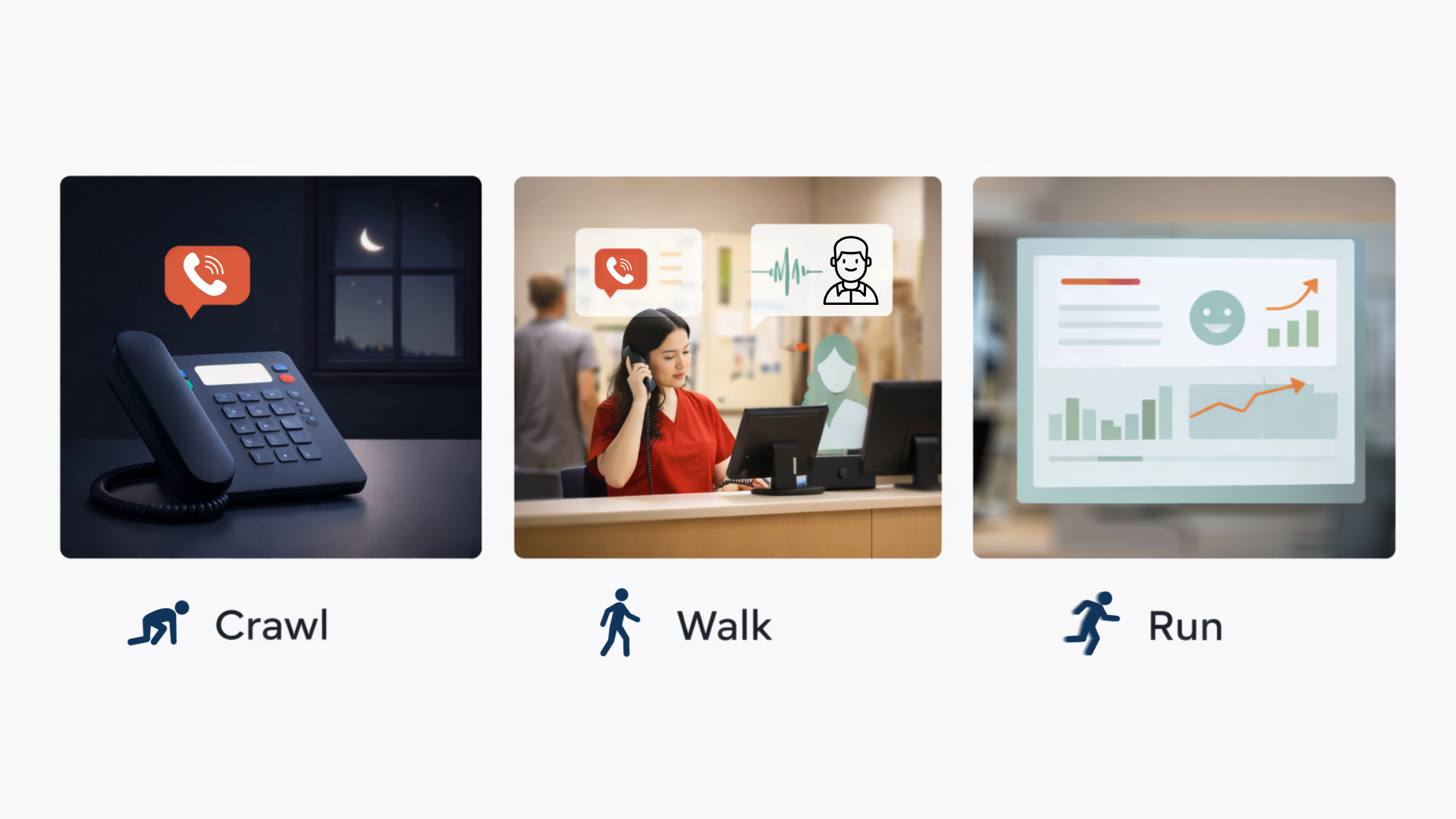
It is exactly what it sounds like. Instead of launching an AI overhaul across your entire operation on day one, you introduce it in stages:
- Crawl: Cover after-hours and overflow calls automatically so no patient goes unanswered.
- Walk: Bring AI into daytime operations to take routine calls off your front desk’s plate.
- Run: Add call intelligence so you can see what is actually happening across every conversation.
Each stage stands on its own. You do not need to reach the run phase to see a return. Most centers notice a real difference within the first 30 days of the crawl phase alone.
One thing worth knowing before we get into each phase: missed calls are not just an inconvenience in urgent care, they are a revenue problem. Industry data shows urgent care centers miss 7 to 10 percent of incoming calls, and about 60 percent of those are scheduling-related. Miss 300 calls a month, and you are looking at roughly 180 patients who never booked. Recover even half of those at $120 a visit, and that is over $10,000 back on the table every month. That is what this is really about.
Crawl: What Is the Right First Step for Urgent Care AI?
Start with after-hours calls. Nothing else yet.
Your front desk is unavailable after hours. Your phone is not. Patients still call at 9 PM to ask whether you are open tomorrow, what your wait time looks like in the morning, or whether you handle pediatric cases. Right now, those calls hit voicemail. Most of those patients do not leave a message. They just move on to the next urgent care that picks up.
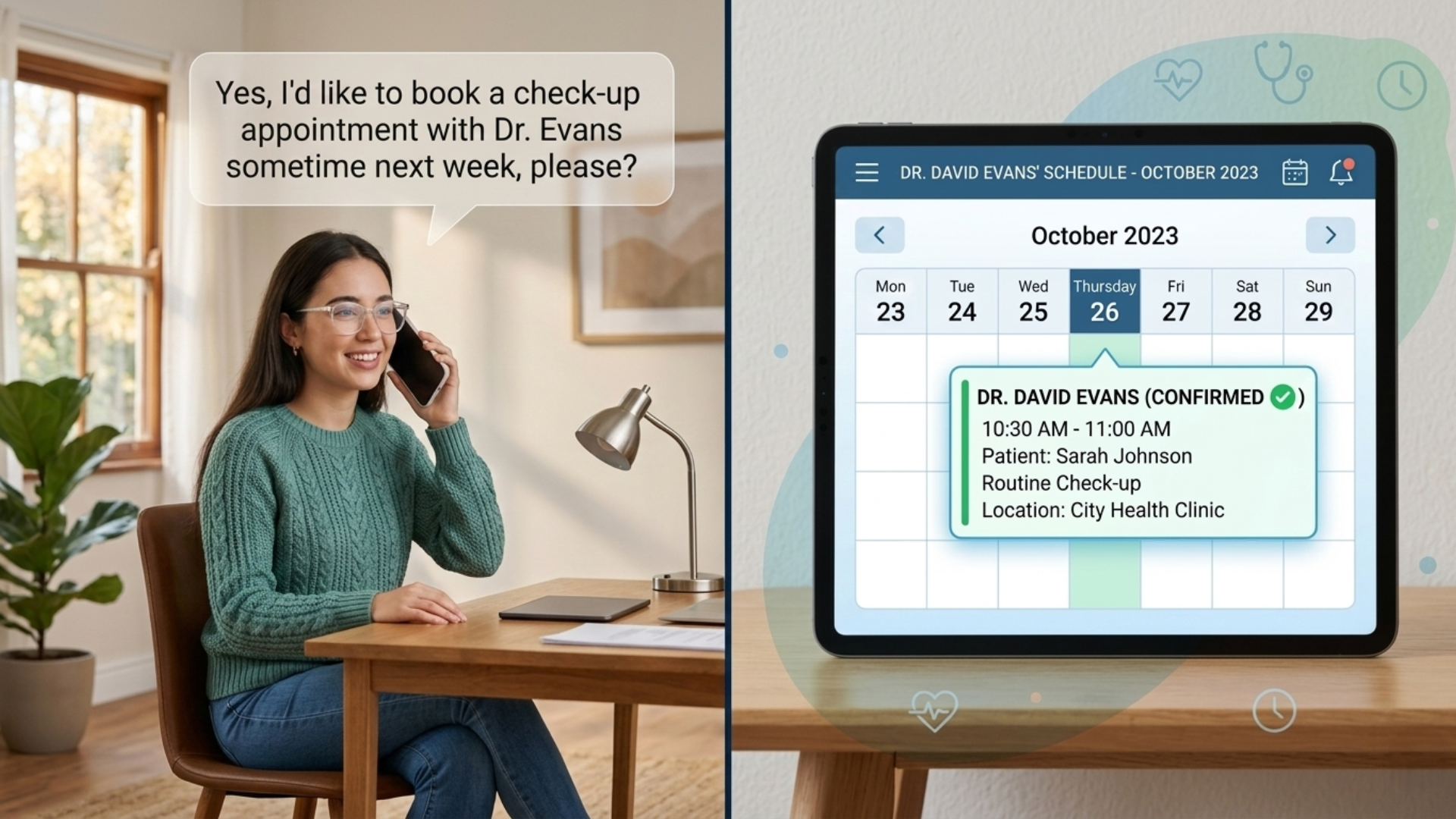
An AI receptionist answers those calls, handles the common questions, and routes anything urgent to the right person. Your team walks in the next morning with a clean summary of every after-hours call instead of a voicemail box full of partial messages and hang-ups.
What does this look like in practice?
- Replace after-hours voicemail with an AI receptionist that answers around the clock.
- Set it up to handle hours, location, services, wait times, and basic scheduling questions.
- Route urgent calls appropriately and log the rest for morning review.
What to track: after-hours calls answered versus previously missed, and staff time saved on morning follow-up.
This phase asks almost nothing of your team. Daytime operations stay exactly the same. A lot of centers stay here for months and are perfectly happy with the results. That is not a failure. That is just good decision-making.
Walk: How Do You Bring AI Into Daytime Operations?
Let it handle the calls your staff never wanted in the first place.
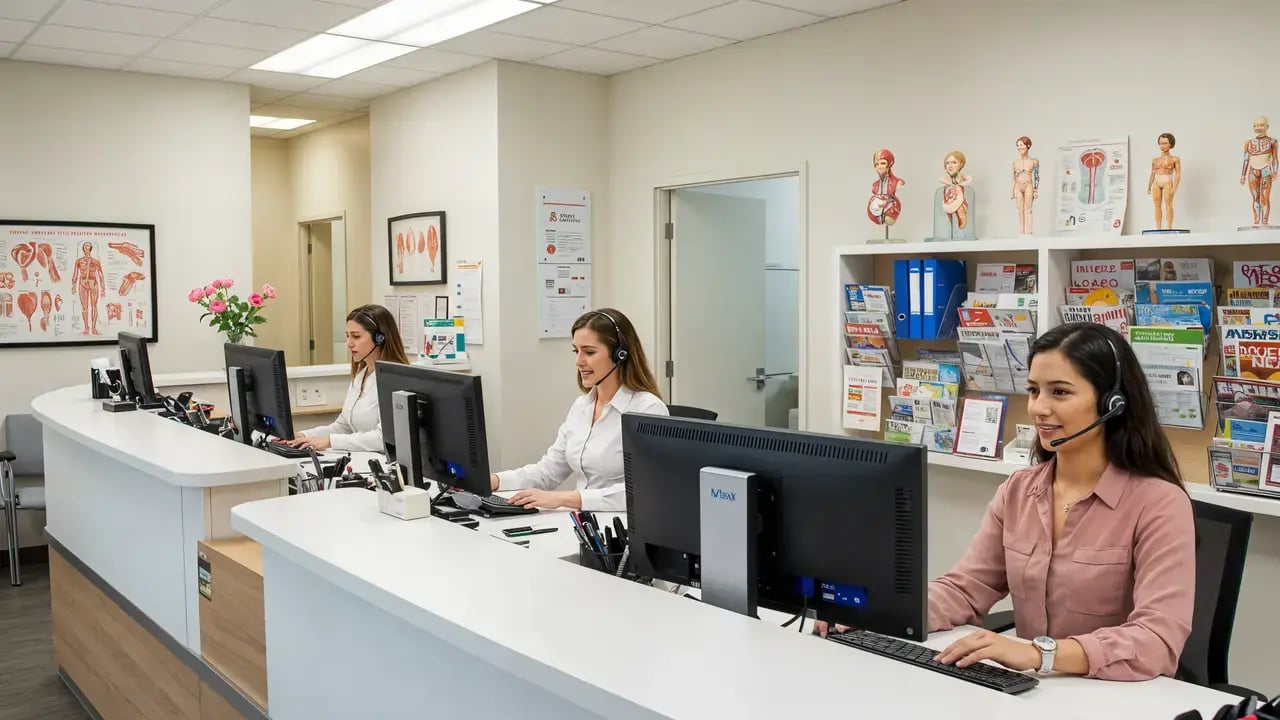
Once after-hours is humming along, it is time to look at what is happening during your busiest hours. The front desk is not drowning at 2 PM on a slow Tuesday. They are drowning at 8:45 AM when three patients are checking in, the phone is ringing, and someone needs to know if you accept their insurance.
Somewhere between 60 and 80 percent of incoming urgent care calls are completely routine: hours, directions, wait times, insurance, appointment confirmations. None of those require clinical judgment. All of them eat time. The walk phase puts AI in front of those calls as overflow support during business hours. Your staff handles what they can. The AI catches the rest.
What does this look like in practice?
- Expand AI coverage to daytime hours as overflow, not a replacement for your staff.
- Connect it to your scheduling system so patients can confirm or book without sitting on hold.
- Review call data weekly to refine how it handles the most common questions.
What to track: percentage of daytime calls handled automatically, hold times, and scheduling conversion on AI-handled calls.
If you are on Experity, this is also where that integration starts paying off. An AI that knows a patient is returning versus calling for the first time handles the conversation very differently than one flying blind.
Run: What Does Full AI Integration Actually Look Like?
Stop just covering calls. Start learning from them.
The run phase is not about automating more things. It is about visibility. At this point, you have AI handling calls on both ends of the day. Now you add the layer that tells you what all of those calls actually reveal.
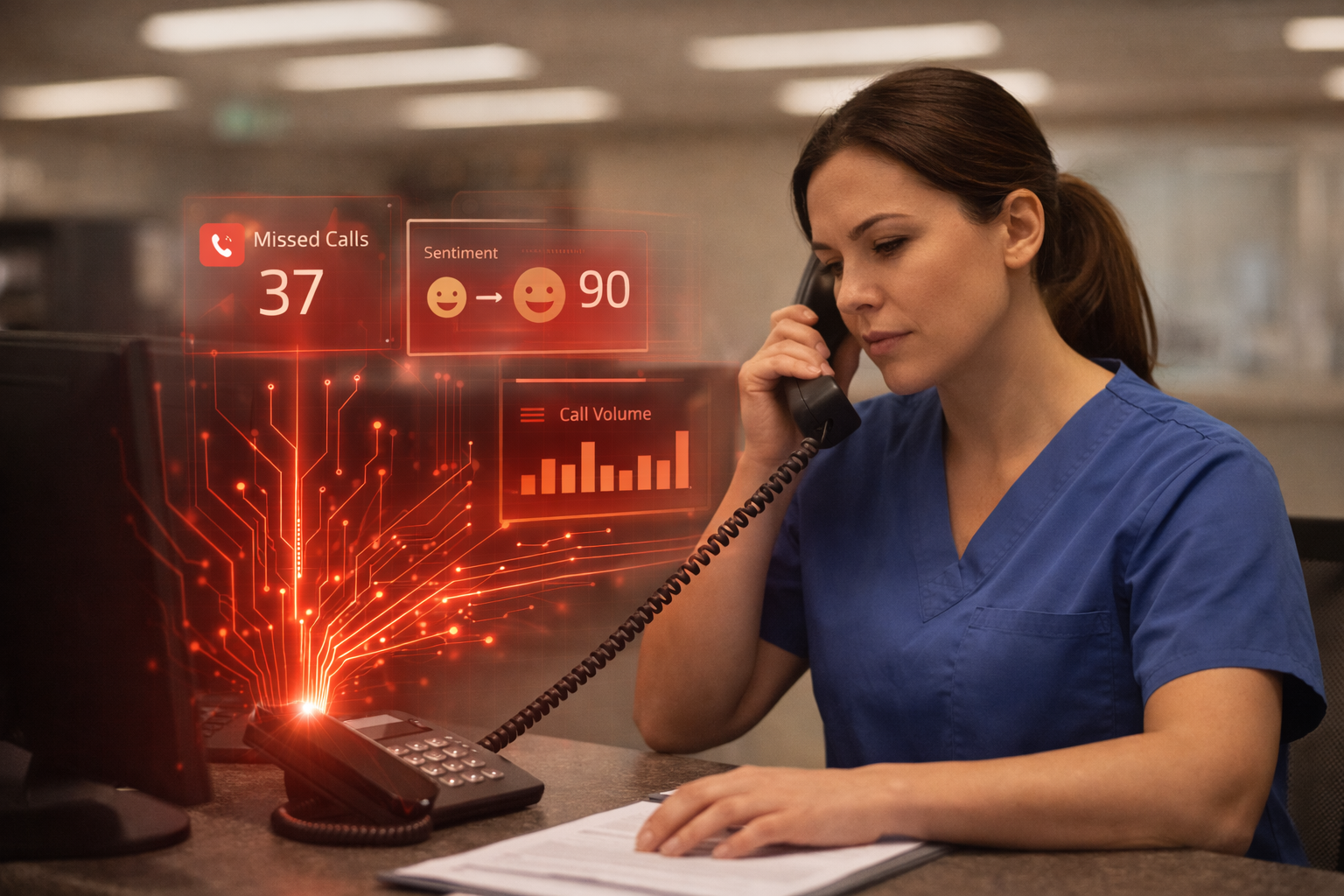
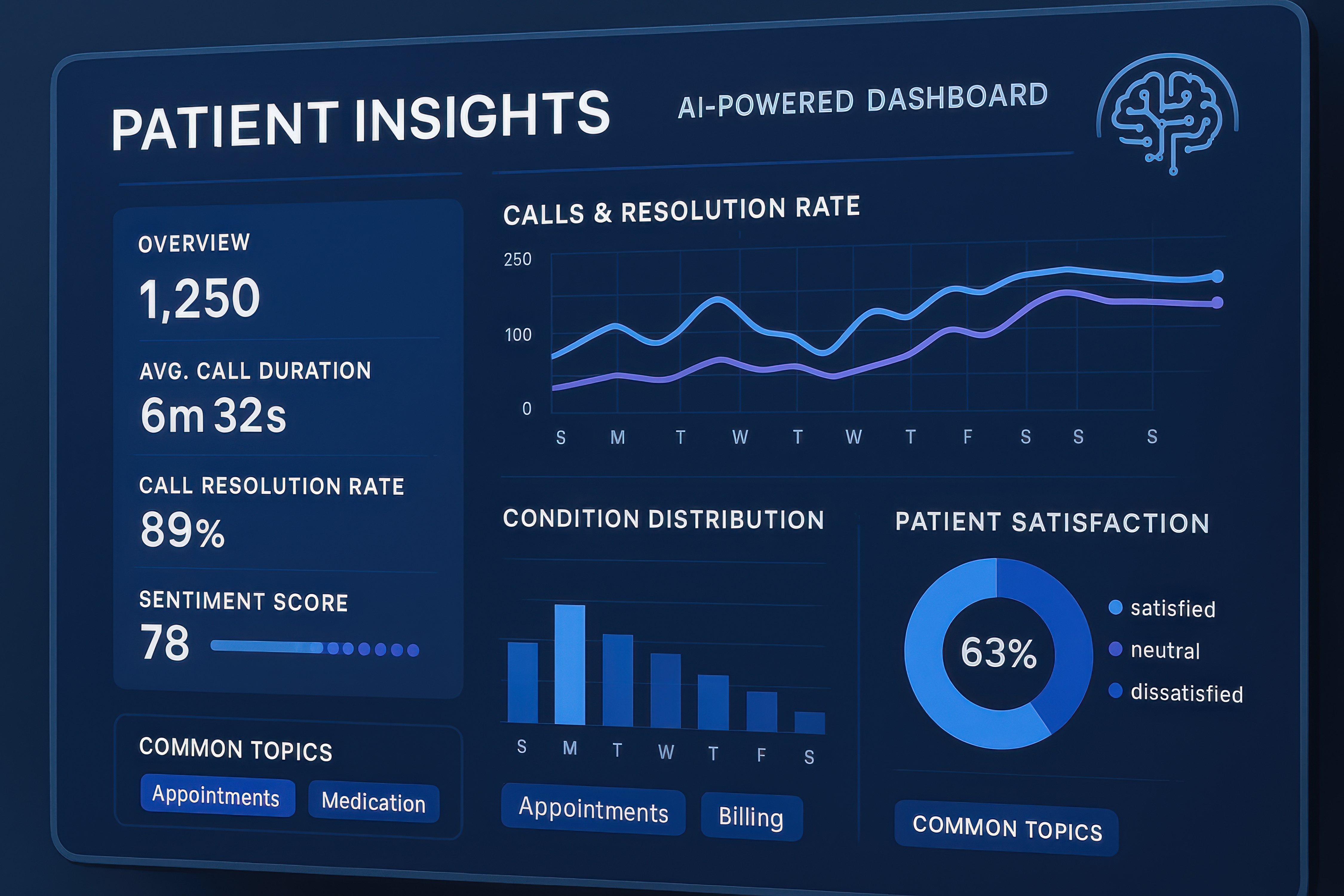
Every call gets recorded, transcribed, and analyzed. You can see where patients expressed frustration, which calls were scheduling-related, how your staff handled the ones that required a human, and where the gaps are. Not just at one location, but across all of them.
This is where Conversational AI Insights comes in. The AI Receptionist handles the calls. The Insights platform turns those calls into something you can actually act on.
What does this look like in practice?
- Activate transcription and sentiment analysis across all incoming calls.
- Surface the calls where patients were frustrated before those feelings show up in reviews.
- Use call summaries and keyword tagging for staff training and quality assurance.
- Compare call performance across locations if you run more than one site.
What to track: negative sentiment calls caught, training flags surfaced, scheduling conversion trends, and missed call rate over time.
Industry benchmarks show 90 percent faster call review once AI Insights is active, and a 2x improvement in catching negative sentiment calls before they escalate. For multi-location operators, the visibility across sites alone tends to change how leadership thinks about operations.
Your staff does not disappear in this phase. They just finally have the information to do their jobs better.
How Do You Know When to Move to the Next Phase?
You move from crawl to walk when after-hours is running reliably, and your team has seen a few weeks of call summaries. Usually, that is three to four weeks in. They need to trust what the AI is doing before you expand what it does.
You move from walk to run when the data starts raising questions you cannot answer yet. Why is one location missing more calls than the others? Are certain patient interactions leading to frustration? What are people actually calling about at 11 AM on a Monday? That is your signal.
Some centers run through all three phases in a quarter. Others take a year. Neither is wrong.
Start Small, Then Let the Results Do the Talking
AI does not have to mean a big dramatic rollout. It can mean one thing: no patient hangs up at 10 PM with their question unanswered.
Start there. See what changes. Then decide what is next. The math usually makes the case better than any pitch deck.
If you want to see what the numbers look like for your specific call volume and location setup, we are happy to walk through it with you.
Frequently Asked Questions
Can an AI receptionist work with our current Experity setup?
Yes. AI call handling can be configured to work within an Experity-connected workflow, so patient context informs how calls are handled and routed. That integration is a big part of what separates urgent care-specific AI tools from generic call handling software.
Do we need to replace our phone system to use AI call handling?
Not necessarily. In most cases, AI receptionist functionality can be layered onto your existing infrastructure. The main requirement is that your communications backbone is reliable and HIPAA-compliant. If it is, the addition is far less disruptive than most operators expect.
How long does the crawl phase take to set up?
Most after-hours implementations are live within a few weeks, depending on configuration complexity. It involves building the AI’s knowledge base, setting up routing rules, and testing call flows before going live.
What if the AI cannot answer a patient’s question?
AI receptionists have clear handoff protocols. If something falls outside its scope, it routes to a live staff member or takes a message. The patient always has a path forward.
Is AI call handling compliant?
It can be, but compliance depends on how the system is built and what infrastructure it runs on. Any AI solution in urgent care needs to operate on a healthcare-grade, HIPAA-compliant platform. That is one of the first questions worth asking any vendor.
What kind of ROI should we expect?
It depends on your call volume and current missed call rate. At the industry benchmark of 7 to 10 percent missed calls, with 60 percent being scheduling-related, a center missing 300 calls a month could recover over $10,000 monthly just by addressing half of those missed scheduling opportunities. Multi-location operators see that number scale quickly.
Will Maddox is the Digital Marketing Coordinator at TeleCloud, overseeing content, brand, and outbound strategy for the company. He writes about cloud communications, AI tools for business, and what SMBs and urgent care operators need to know to run better phone systems. Connect with Will on LinkedIn or email him directly to learn more.