
Get Better Insights With

AI Call Transcription

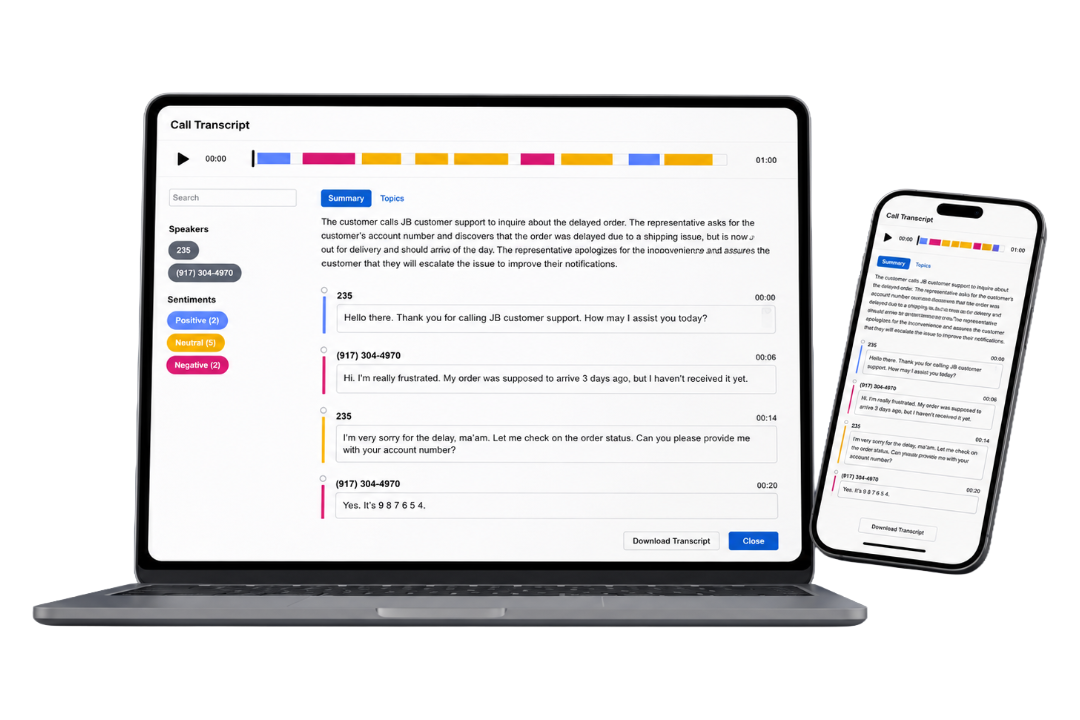
With AI Transcription, every recorded call becomes a full-text transcript: searchable, reviewable, and ready to act on. Your team spends less time listening and more time improving. 

AI Transcription Devices

The Problem With Call Recording Alone

You're recording your calls. But a recording you can't search, reference, or act on is just storage. 

X

Your recordings are a black box

Recorded calls sit in a list. Finding one specific conversation means scrubbing through audio, and most teams never do. 

X

Coaching is based on memory, not data

Without a transcript, feedback becomes "I think you said this" instead of showing exactly what happened on the call. 

X

Patterns hide in recordings you never review

Recurring issues stay invisible when you can't review everything. You can't find a pattern in recordings you never get to. 

From Voice to Data.

What AI Transcription Gives You

Transcription turns your call recordings into something you can actually use. Search them, review them, coach from them, and build toward full call intelligence. 

Talk to an Expert
Image ALT Tag

Automatic Transcription for Every Call

Every recorded call is automatically transcribed. No manual processing, no per-call setup. 

Image ALT Tag

Call Summaries

Each call gets an AI-generated summary of the key points, outcomes, and notable moments. No need to read every transcript line by line. 

Image ALT Tag

Searchable Call Library

Search your entire call history by keyword or phrase. If it was said on a call, you can find it. 

Image ALT Tag

Coaching with Context

Pull up the exact line where a conversation went sideways. Coach your team on what was said and what to say instead, with the evidence in front of you. 

Image ALT Tag

The Foundation for Call Intelligence

Transcription is the layer Sentinel runs on. Get it in place now, and you're ready for full call intelligence when you are. 

How It Works

If you already record calls with TeleCloud, there's nothing to set up. Transcription runs in the background and your library builds automatically. 


Icon 1 (2)

Record Your Calls

AI Transcription works with TeleCloud's call recording. Once recording is active, every call is captured and queued for processing. 

Icon 2

Transcription Runs Automatically

Post call, TeleCloud processes the recording and generates a full transcript. No manual upload or processing steps needed. 

Icon 3

Review, Search, and Share

Search transcripts by keyword, review full conversations, export for coaching sessions, or flag specific calls for follow-up. 

Icon 4

Use It to Improve

Run coaching sessions with transcript excerpts. Spot patterns across multiple calls. Build a coaching library your team can actually learn from. 

Is AI Transcription Right for You?

Built for teams that already record calls and want to do more with them. 

Check

You record calls with TeleCloud

Check

Your team takes customer-facing calls

Check

You want coaching backed by data, not memory

X

You don't yet record calls

X

Your team rarely takes customer calls

X

You need real-time, live call monitoring

Common Questions We Get

Does AI Transcription require a separate setup?

How accurate is the transcription?

Can I search for specific words or phrases across all calls?

How does transcription relate to TeleCloud Sentinel?

Does this replace manual call review?

Ready to Go Further?

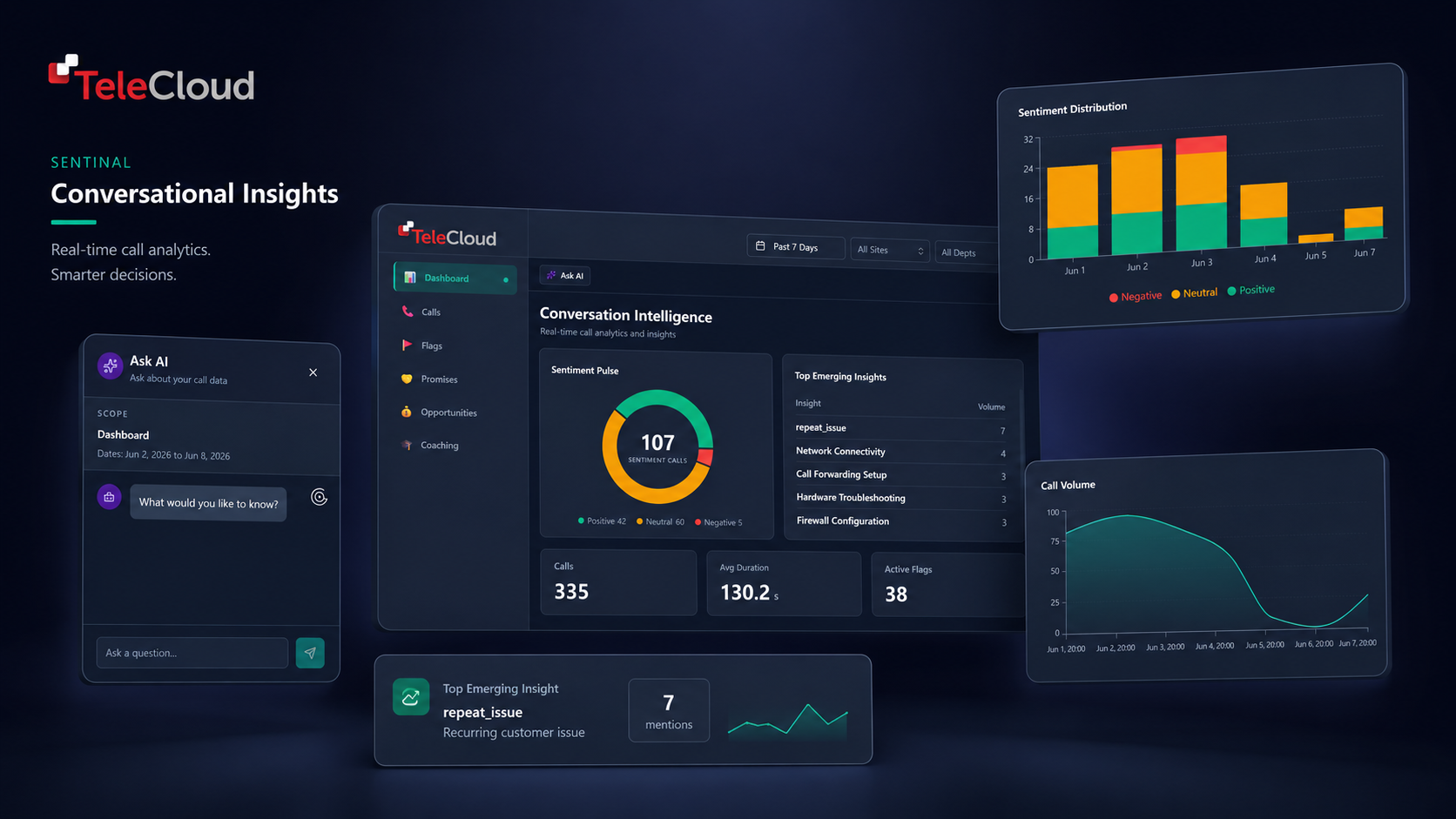
TeleCloud Sentinel

Transcription gives you the text. TeleCloud Sentinel gives you the intelligence.

Sentinel analyzes your transcripts at scale, surfacing agent performance patterns, escalation signals, and outcome trends across your entire call library.

If you're transcribing calls and want to get more out of them, Sentinel is the next step. 

Conversation Insights Visual Graphic