
Top 7 Common Mistakes Urgent Care Centers Make When Adopting AI
May 19th, 2026
6 min read
By Will Maddox
Most urgent care centers that struggle with AI adoption are not making big, obvious mistakes. They are making small, completely understandable ones that compound over time.
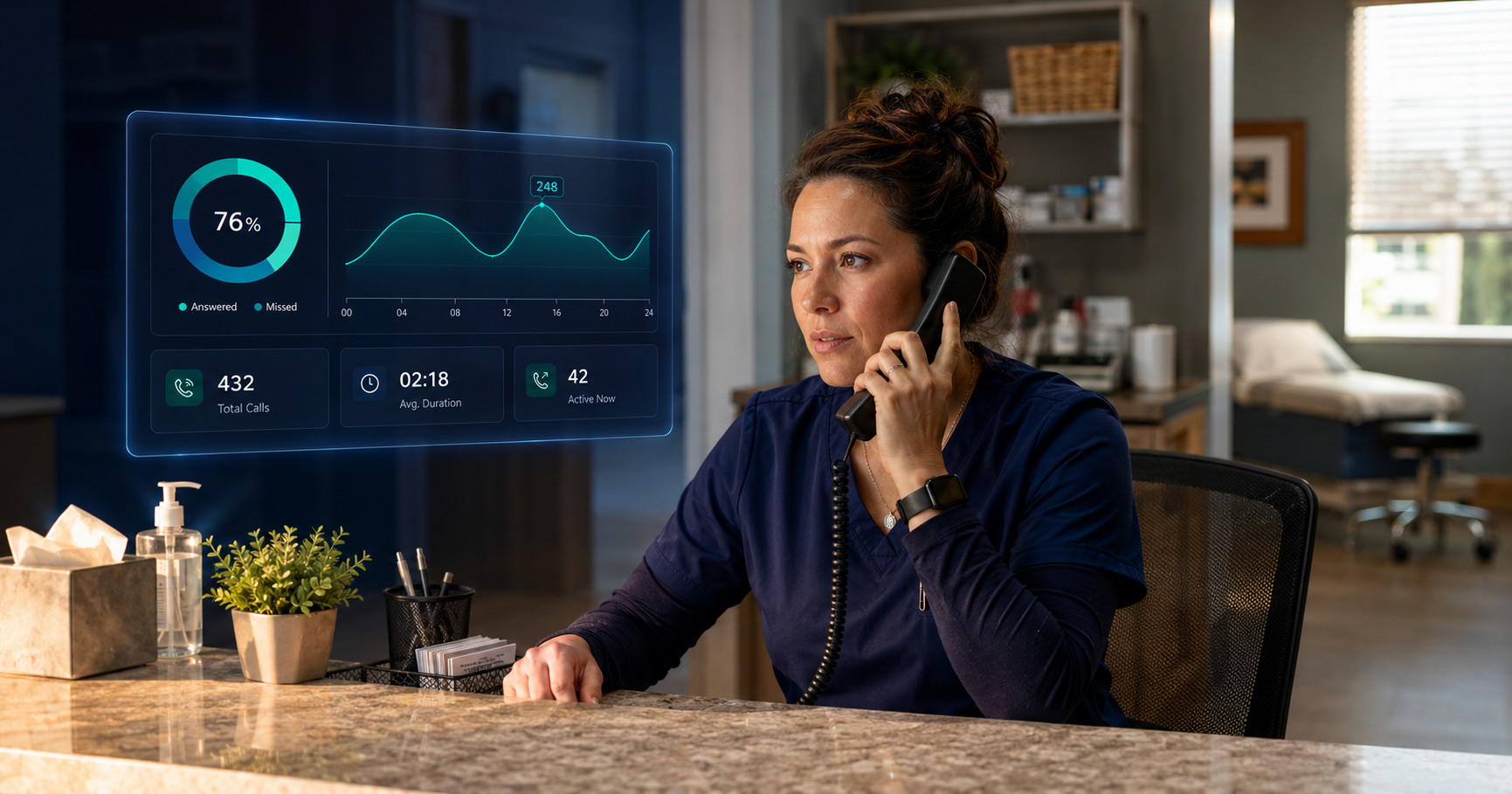
AI for urgent care is genuinely useful. It can handle after-hours calls, take routine questions off your front desk’s plate, surface patient frustration before it turns into a bad review, and give multi-location operators visibility they have never had before. The technology is not the problem. The rollout usually is.
This post covers the most common mistakes urgent care centers make when adopting AI, specifically around AI call handling and Conversational AI Insights, and what to do differently.
Mistake 1: Trying to Do Everything at Once
This is the most common one, and it tends to kill momentum faster than any technical problem.
An operator hears about AI, gets excited, and tries to roll it out across every location, every shift, and every use case simultaneously. Six weeks later, the configuration is half-finished, the staff is confused about what the AI is supposed to handle, and someone senior says “this isn’t working” before it ever really got started.
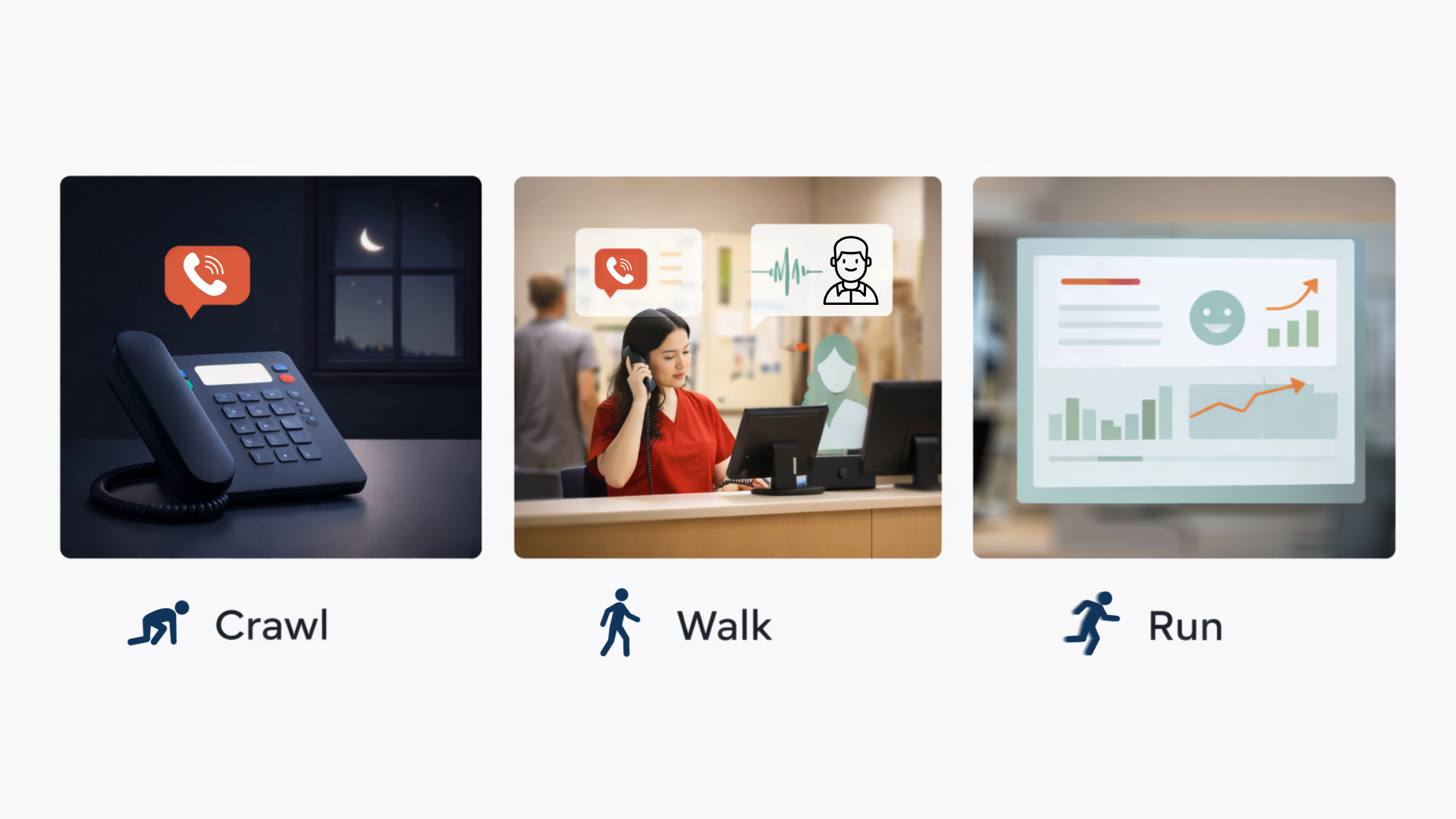
AI adoption works best when it is deliberately narrow at the beginning. Start with one clear problem: after-hours calls going to voicemail, or overflow during peak morning hours, or the fact that your front desk is answering “what are your hours?” fifty times a day. Solve that one thing well. Measure it. Then expand. We call it the crawl-walk-run approach.
Centers that try to transform everything at once usually end up transforming nothing.
Mistake 2: Not Looping In the Front Desk Team Early Enough
Front desk staff are the people who will work alongside this technology every single day. If they find out about it the same week it goes live, that is a problem.
The most common version of this mistake is treating AI implementation as a leadership decision that gets announced to staff rather than a change that gets built with them. Staff who are not involved in the setup have no ownership of the outcome. They do not know what the AI is configured to handle. They do not trust the handoffs. And when something goes sideways on a busy shift, the default response is to go around the AI entirely.
The fix is simple, but it requires intention: involve your front desk team before go-live. Show them what the AI will handle and what it will not. Let them flag the common calls and questions they deal with so the AI’s knowledge base actually reflects reality. Staff who help build the system are far more likely to trust it when it is live.
Mistake 3: Skipping the Knowledge Base Setup
An AI receptionist is only as good as what it knows. If it is not configured with accurate, specific information about your center, it is going to give patients wrong answers. And a wrong answer is worse than no answer.
This is less dramatic than it sounds. It is not that the AI makes things up. It is that operators deploy it with generic defaults and never take the time to load it with the specific details that matter: your actual hours at each location, which insurances you accept, what services you offer, how your after-hours routing works, and what to do when someone calls about a specific symptom.
A patient who calls at 9 PM and gets told you accept an insurance you stopped accepting six months ago is not a minor inconvenience. That is a real failure of care access. The knowledge base setup is not a technical afterthought. It is the most important part of the deployment. Budget time for it before go-live, review it regularly, and assign someone ownership of keeping it current.
Mistake 4: Treating AI and Staff as Competitors
When AI is introduced as a way to “reduce headcount” or “cover for staffing gaps,” staff hear the subtext clearly: the goal is fewer of them. That framing creates resistance that no amount of good technology will overcome.
The honest framing is also the accurate one. AI handles the calls nobody wanted to take in the first place. The patient asking about parking. The third call in an hour about wait times. The 10 PM question about whether you take walk-ins. None of those require a skilled, trained human. They require an available, accurate answer. AI provides that so your team can focus on the interactions that actually need them.
When staff believe the AI is there to protect their time rather than replace their jobs, adoption goes smoother. That belief has to be built before the system goes live, not after resistance starts.
Mistake 5: Not Defining What Success Looks Like Before Launch
A lot of urgent care centers deploy AI without deciding in advance what “working” actually means. Then two months in, someone asks whether it is worth it, and nobody has a clean answer.
Success looks different depending on what you deployed. For an AI receptionist, useful metrics include:
- After-hours calls answered versus previously missed
- Percentage of daytime calls handled without a transfer
- Average hold time before and after
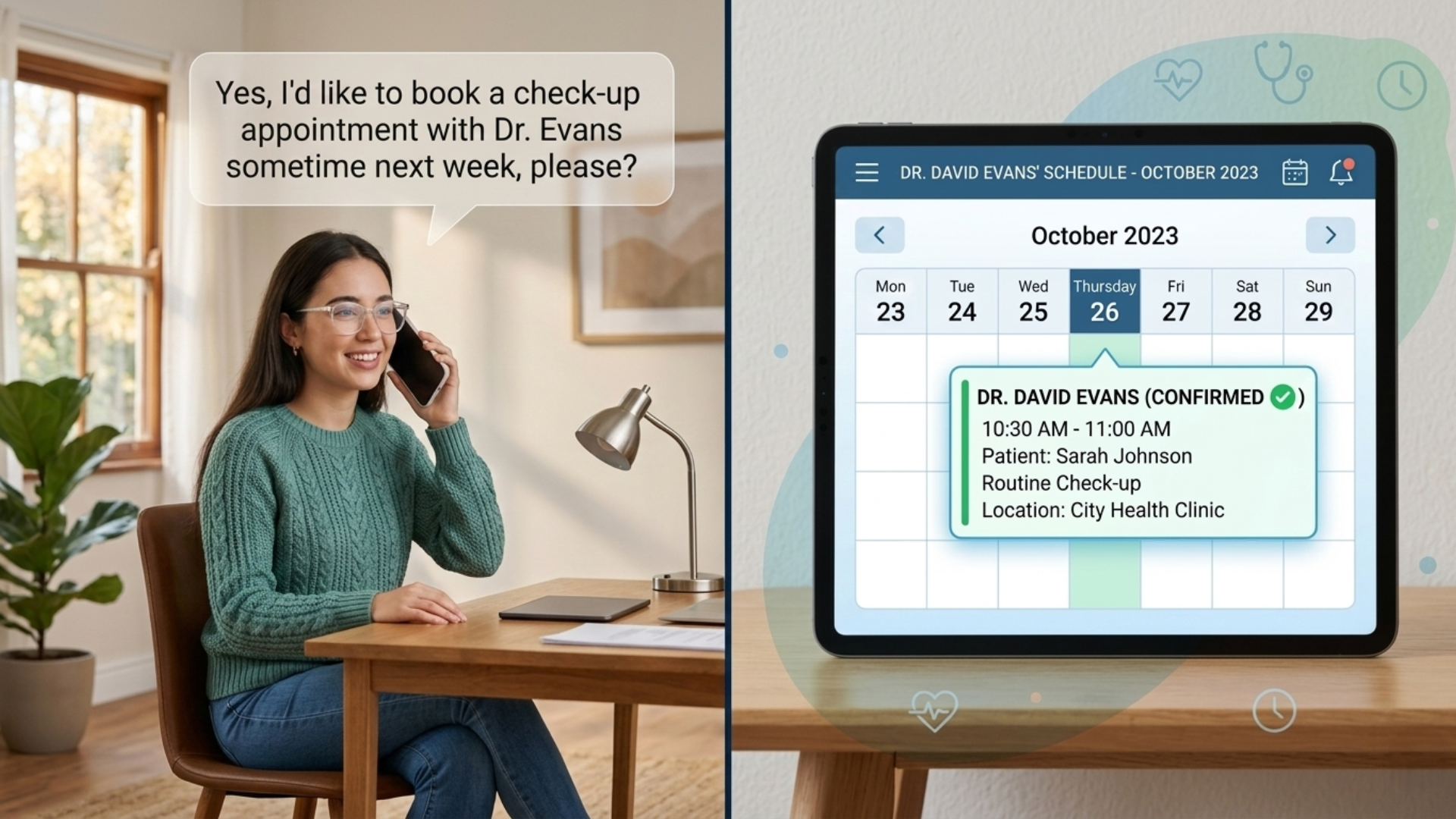
- Scheduling conversion rate on AI-handled calls
- Number of negative sentiment calls identified and reviewed
- Call topics flagged for staff training
- Time spent on manual call review before and after
- Missed follow-ups caught and recovered
- Patterns in patient frustration that leadership was not previously aware of
- Who reviews the flagged calls, and how often?
- What threshold of negative sentiment calls triggers a manager review?
- Who owns the training follow-up when a call pattern surfaces a coaching opportunity?
- How does this data feed into your monthly operations review?
For the AI Insights Dashboard, you are looking at:
Define the metrics before you go live. Pull baseline numbers from your current system first so you have something to compare against. Without a before and after, you are evaluating feel rather than performance, and feel is easy to argue with.
Mistake 6: Ignoring the HIPAA Question
AI call handling in urgent care touches protected health information. A patient calling in to ask about their visit, confirm an appointment, or discuss a referral is sharing PHI. The system handling that call has to be built on an infrastructure that takes that seriously.
This mistake usually happens not because operators do not care about compliance, but because they assume the AI vendor has it covered. Sometimes they do. Sometimes the AI product runs on a general-purpose communications platform that was never built for healthcare.
The right question to ask any AI vendor before deploying is not just “are you HIPAA compliant?” but “What is the underlying communications infrastructure, and how is compliance maintained end to end?” The AI layer and the phone layer both need to be compliant. One without the other leaves a gap.
Mistake 7: Deploying AI Insights Without a Plan for the Data It Generates
This one is specific to Conversational AI Insights, and it is one of the most overlooked.
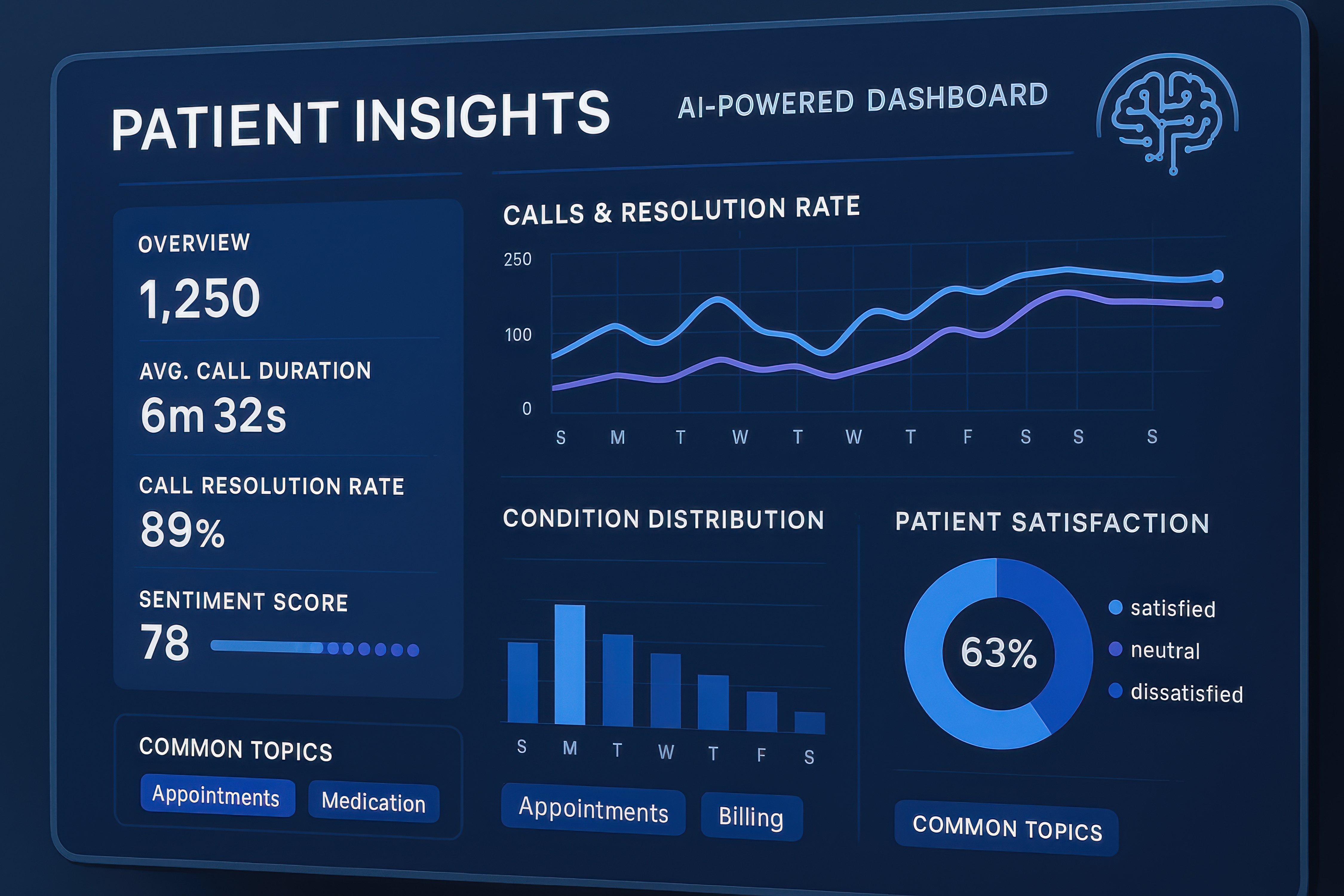
The AI Insights Dashboard generates a significant amount of data: call transcripts, sentiment scores, keyword trends, call outcomes, training flags. Centers that deploy it without a clear plan for how to use that data end up with a dashboard nobody looks at. Before deploying Conversational AI Insights, decide:
The value of Conversational AI Insights is not in generating the data. It is in what your team does with it. Without a workflow for that, you are paying for a report nobody reads.
What the Centers That Get It Right Have in Common
They do not necessarily have better technology. They have a clearer plan before they start.
They start with one specific problem. They involve their staff before day one. They configure the system for their actual operations. They define what success looks like and check against it regularly. And they treat AI as a tool that supports their team rather than a solution that replaces them.
Getting those things right matters more than picking the most sophisticated platform on the market. Every call answered. Every patient heard. Every team member with more time for the work that actually matters.
If you want help thinking through how to set up AI call handling or Conversational AI Insights for your specific center, we are happy to walk through it with you before you commit to anything.
Frequently Asked Questions
How long does it typically take to properly configure an AI receptionist for urgent care?
A basic after-hours setup can be live within a few days to two weeks. A more comprehensive deployment covering daytime overflow, scheduling integration, and multi-location routing takes longer depending on the complexity of your operations. The knowledge base setup is the most time-intensive part and should not be rushed.
What is the biggest sign that an AI deployment is not going well?
Staff going around the system. If your front desk team is manually intercepting calls the AI should be handling, or regularly overriding transfers, that is a signal that either the configuration is off, the staff were not properly onboarded, or both. It is fixable, but it needs to be addressed directly rather than ignored.
Do patients generally react negatively to AI call handling?
Patient reception depends heavily on how well the AI is configured and how clearly it handles calls. A well-built AI receptionist that answers immediately, provides accurate information, and transfers cleanly when needed tends to be perceived positively. Patients who experience long pauses, wrong information, or confusing handoffs react negatively. The technology is not the deciding factor. The implementation quality is.
How do we know if our current phone infrastructure is compatible with AI call handling?
The best way is to have a vendor assess your current setup before committing. In most cases, AI receptionist functionality can be added without replacing your entire phone system, but it depends on what you are running. The important question is whether your underlying communications platform is reliable and HIPAA-compliant. If it is not, no AI layer on top of it will fix that.
Is Conversational AI Insights useful for single-location urgent care centers, or mainly for multi-location operators?
It is useful for both. Single-location centers use it primarily for call quality management, staff training, and understanding what patients are calling about most. Multi-location operators get the additional benefit of cross-site comparison, which helps identify underperforming locations and inconsistencies in how calls are handled.
How often should we review the AI’s knowledge base once it is live?
At a minimum, review it whenever your operations change: hours, insurance acceptance, services, staffing structure, seasonal protocols. A quarterly review even during stable periods is a good habit. Stale information is one of the most common causes of poor AI call handling performance.
Will Maddox is the Digital Marketing Coordinator at TeleCloud, overseeing content, brand, and outbound strategy for the company. He writes about cloud communications, AI tools for business, and what SMBs and urgent care operators need to know to run better phone systems. Connect with Will on LinkedIn or email him directly to learn more.