
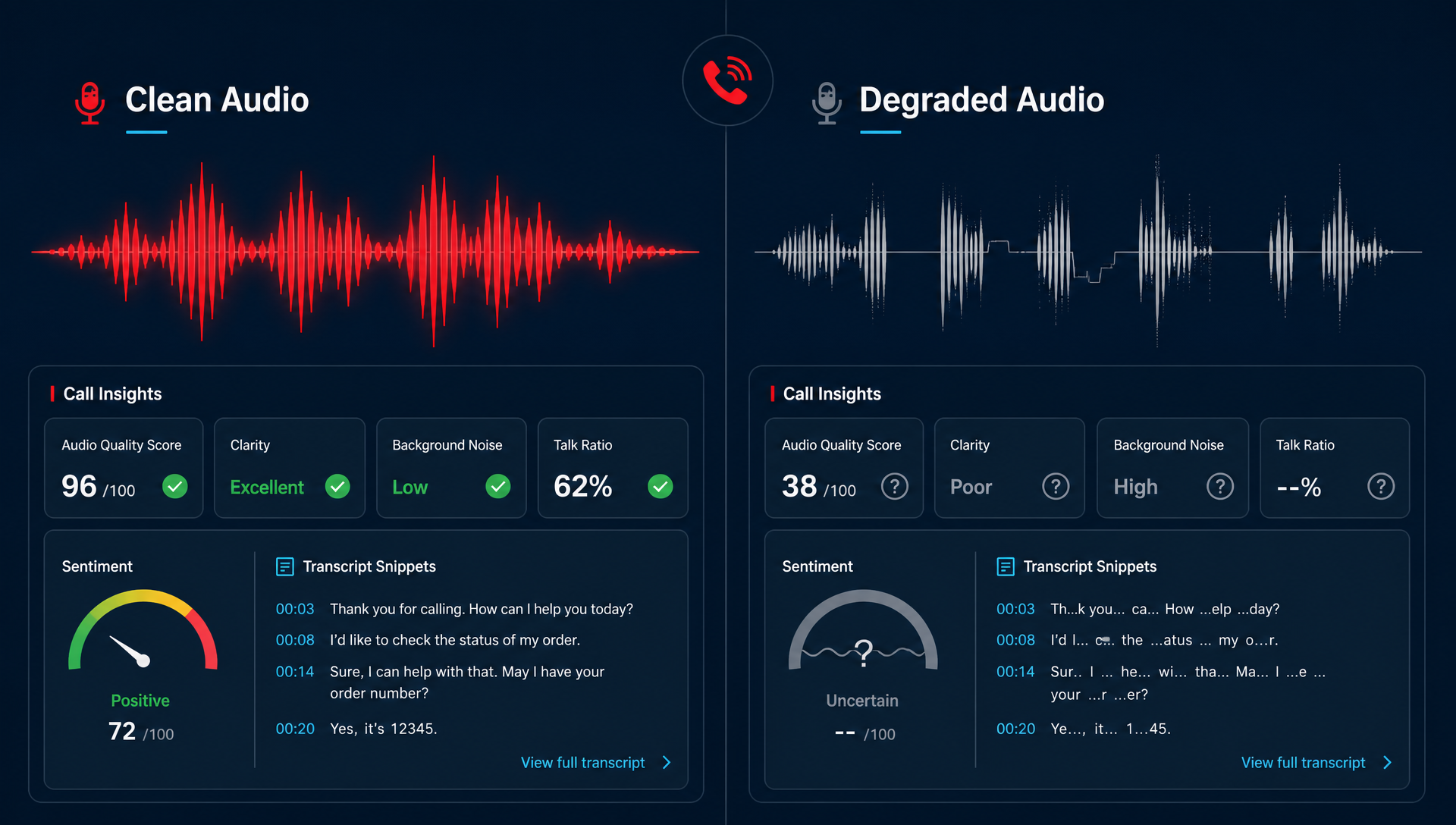
If your call audio is bad, your insights are too. AI can only analyze what it hears, so a noisy line, a weak handoff, or a bad SIP path can turn a useful call review tool into a guess.
That is the part most teams miss. They buy transcription and analytics, then assume the problem is solved. A week later, the coaching notes look fuzzy, the sentiment flags feel off, and compliance reviews still require someone to listen twice. We see this pattern when the phone setup is doing part of the damage before the insights layer ever starts.
What actually breaks AI call insights
AI call insights do not usually fail because the model is weak. They fail because the audio feeding the model is messy, incomplete, or inconsistent.
Here are the usual culprits:
- Clipped speech from low bandwidth or bad handset settings
- Jitter and packet loss that make words drop out
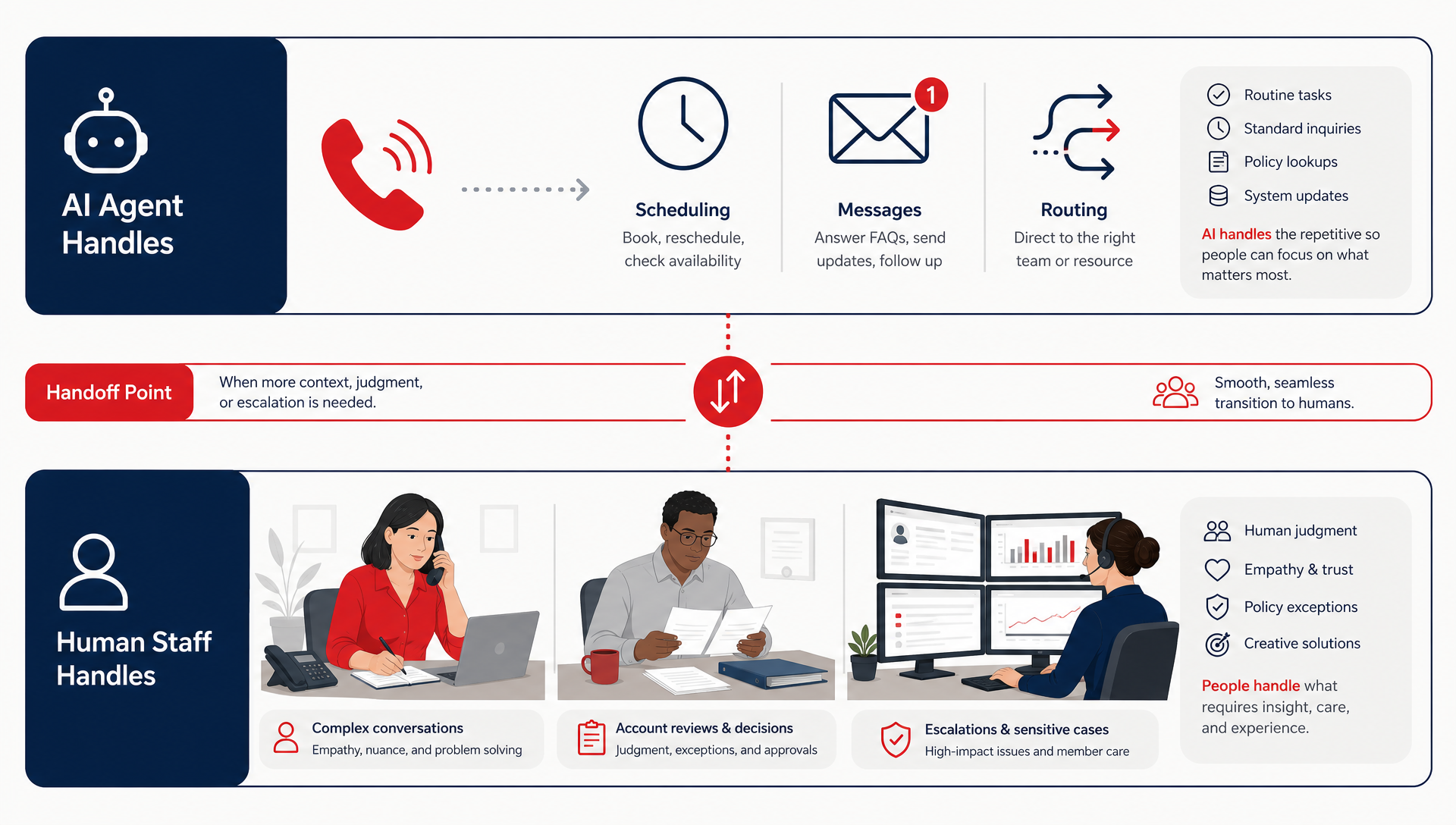
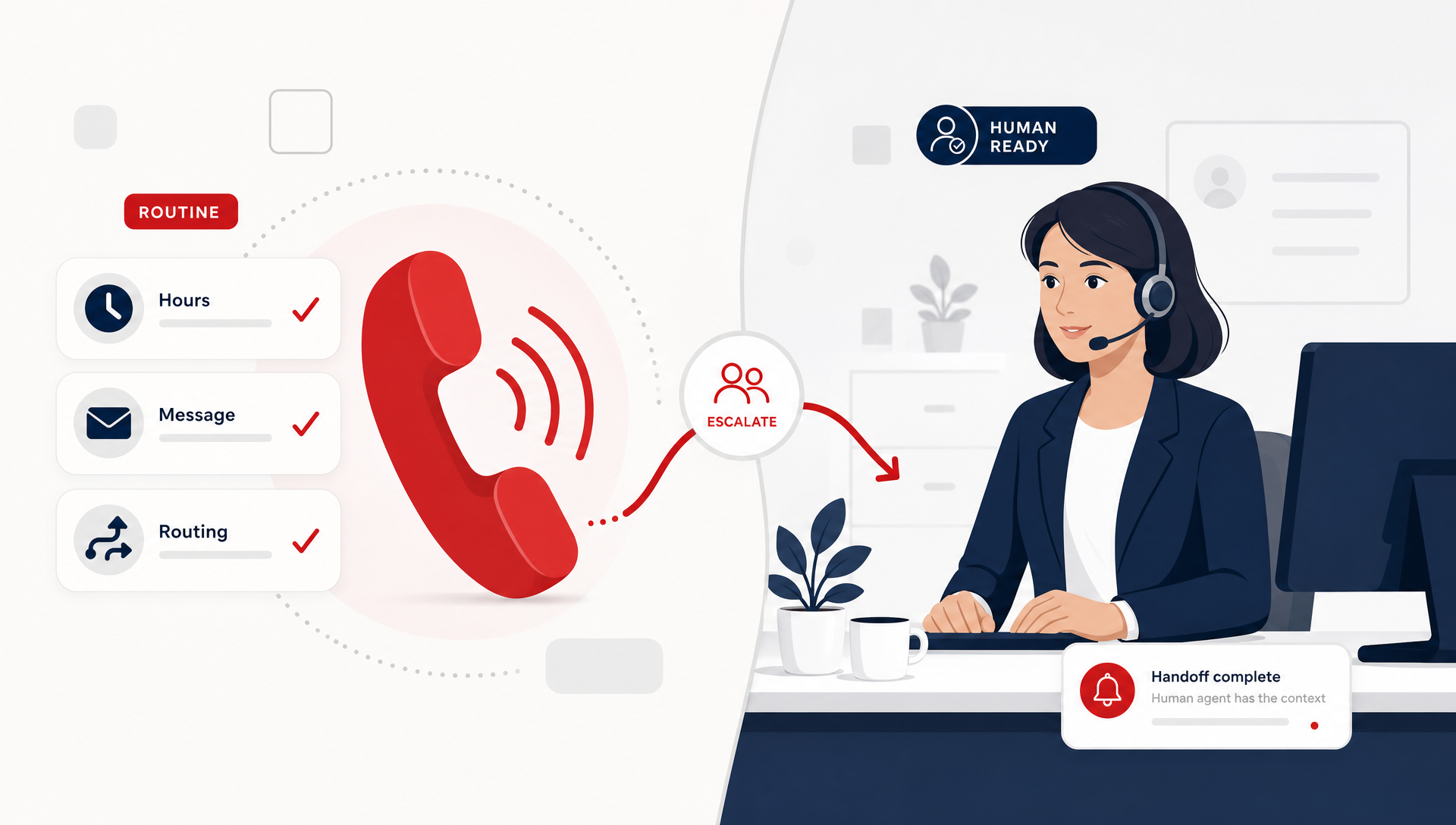
- Rushed call transfers where the caller repeats the same story twice
- Poor hold music or background noise that covers the first response
- Broken call flow handoffs that hide who said what and when
The result is simple. Your dashboard may still show a transcript, but the transcript is no longer the whole conversation. It is a rough approximation, and rough is not good enough when you are trying to coach staff, spot risk, or compare locations.
Why audio quality changes the story your AI tells
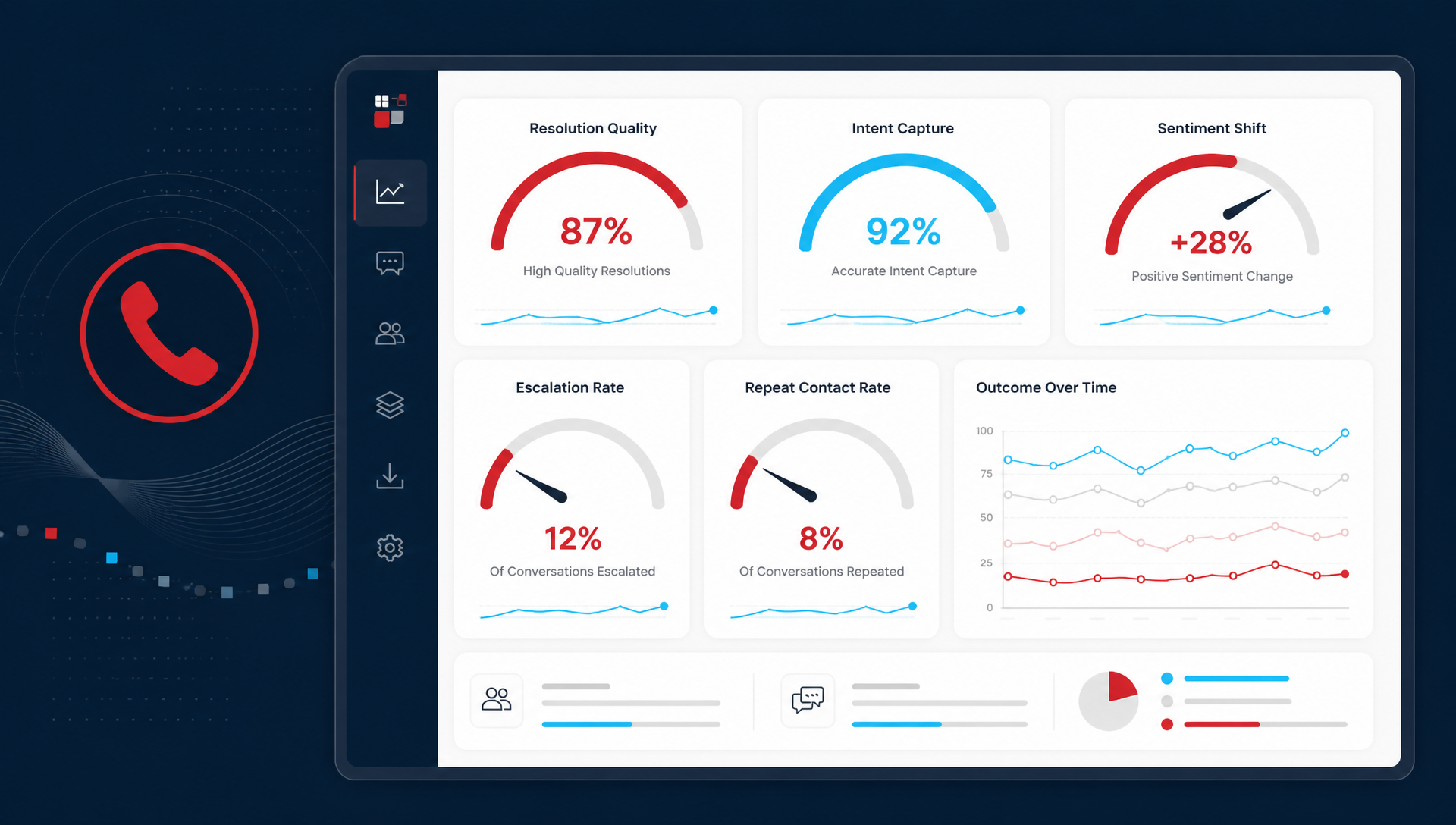
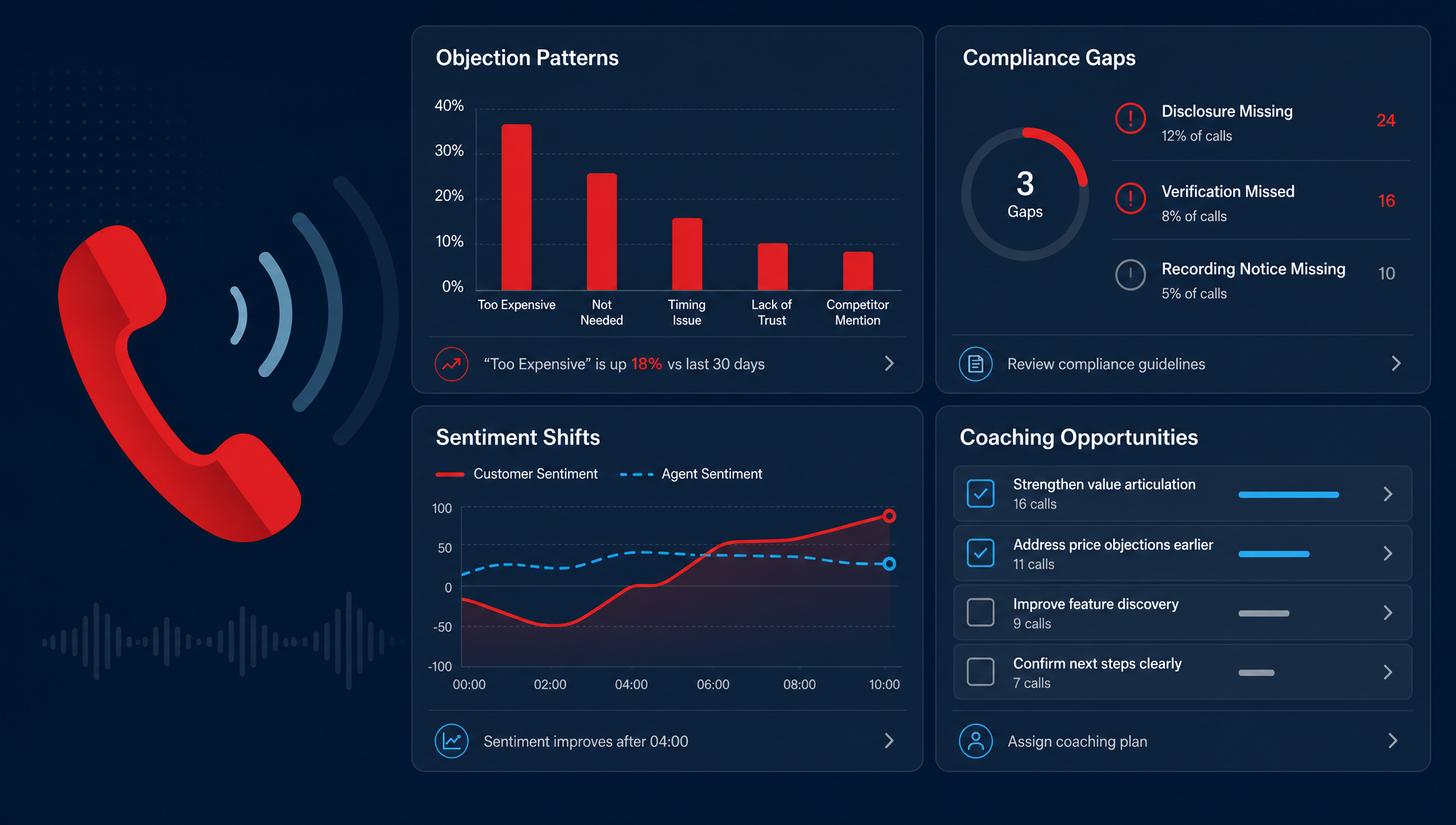
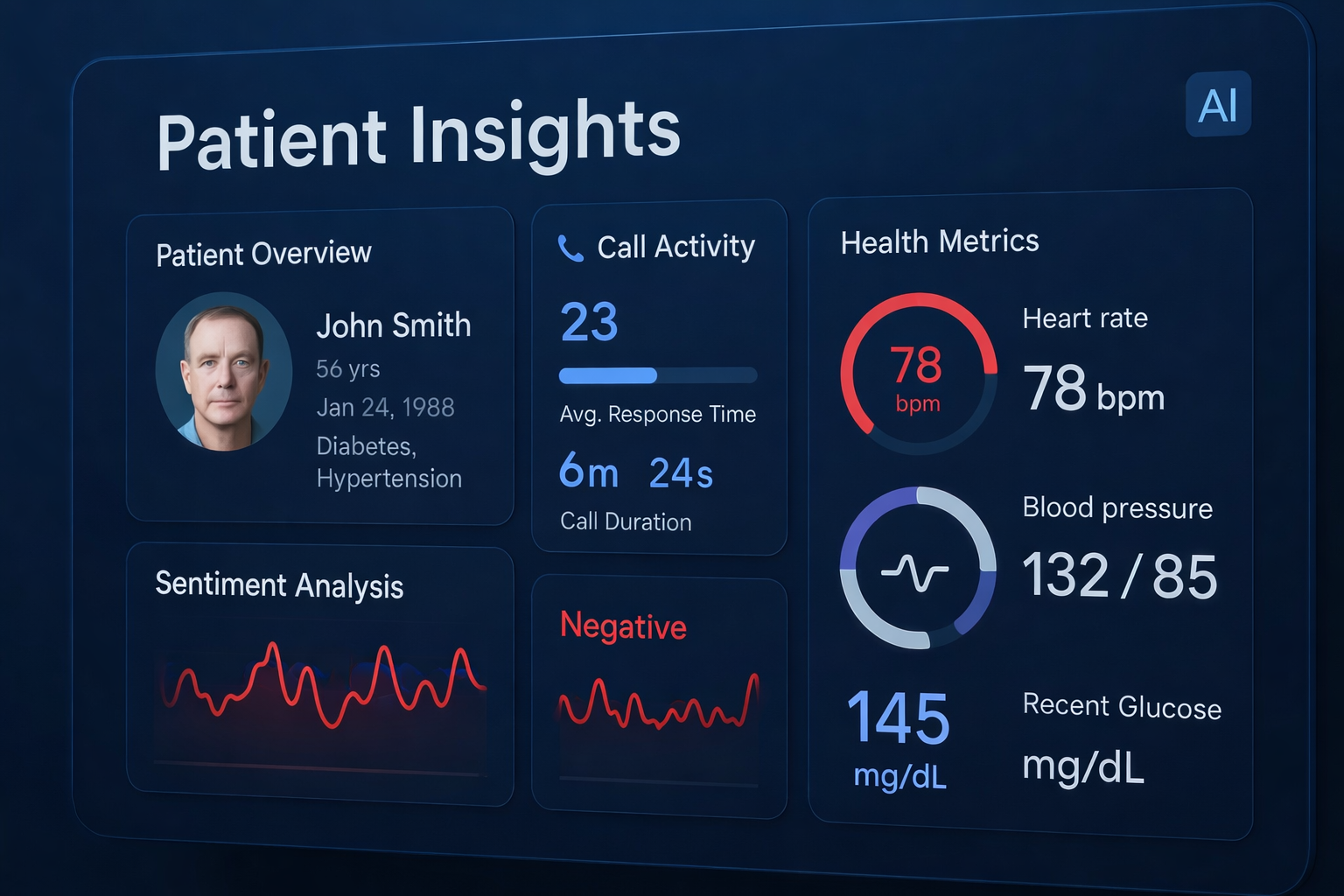
AI reads more than words. It looks for hesitation, repetition, sentiment shifts, interruption patterns, and outcome clues. When the audio is clean, those signals are easier to trust. When the audio is chopped up, the system starts missing the cues that tell you whether the caller was frustrated, confused, ready to buy, or likely to churn.
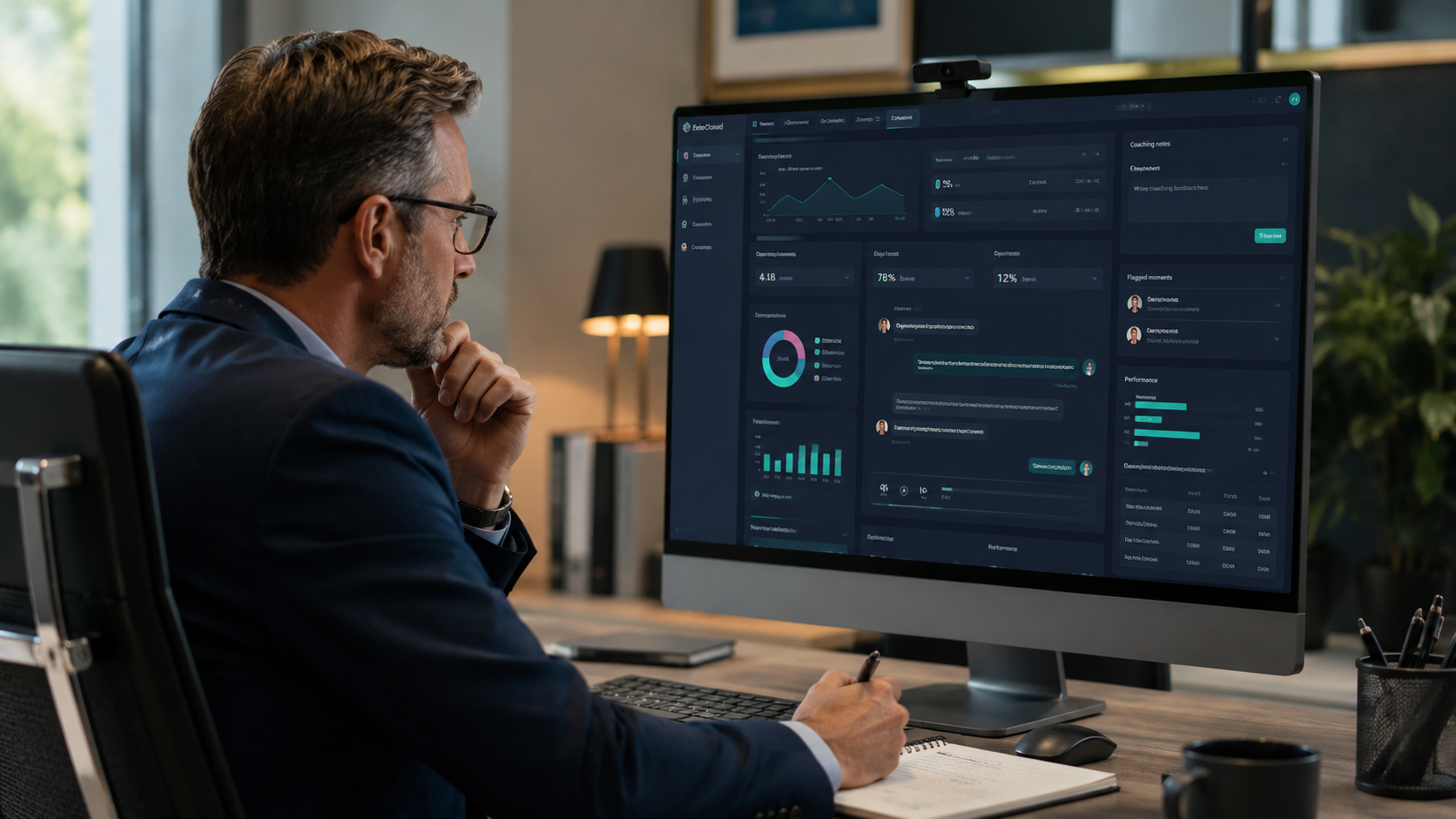
That matters in real work. A contact center manager needs to know whether the rep solved the issue or just filled time. A compliance team needs to know whether a call slipped into risky language before the rep corrected it. An ops leader needs confidence that what the dashboard flags is actually happening on the phone, not just in the cleanup pass.
In other words, bad audio turns a coaching tool into a noisy report.
What to check before you blame the AI
If your call insights look off, start with the phone path before you start shopping for a different analytics tool.
Check these four things first:
- Voice quality across locations. Are some sites clean while others sound compressed or distant?
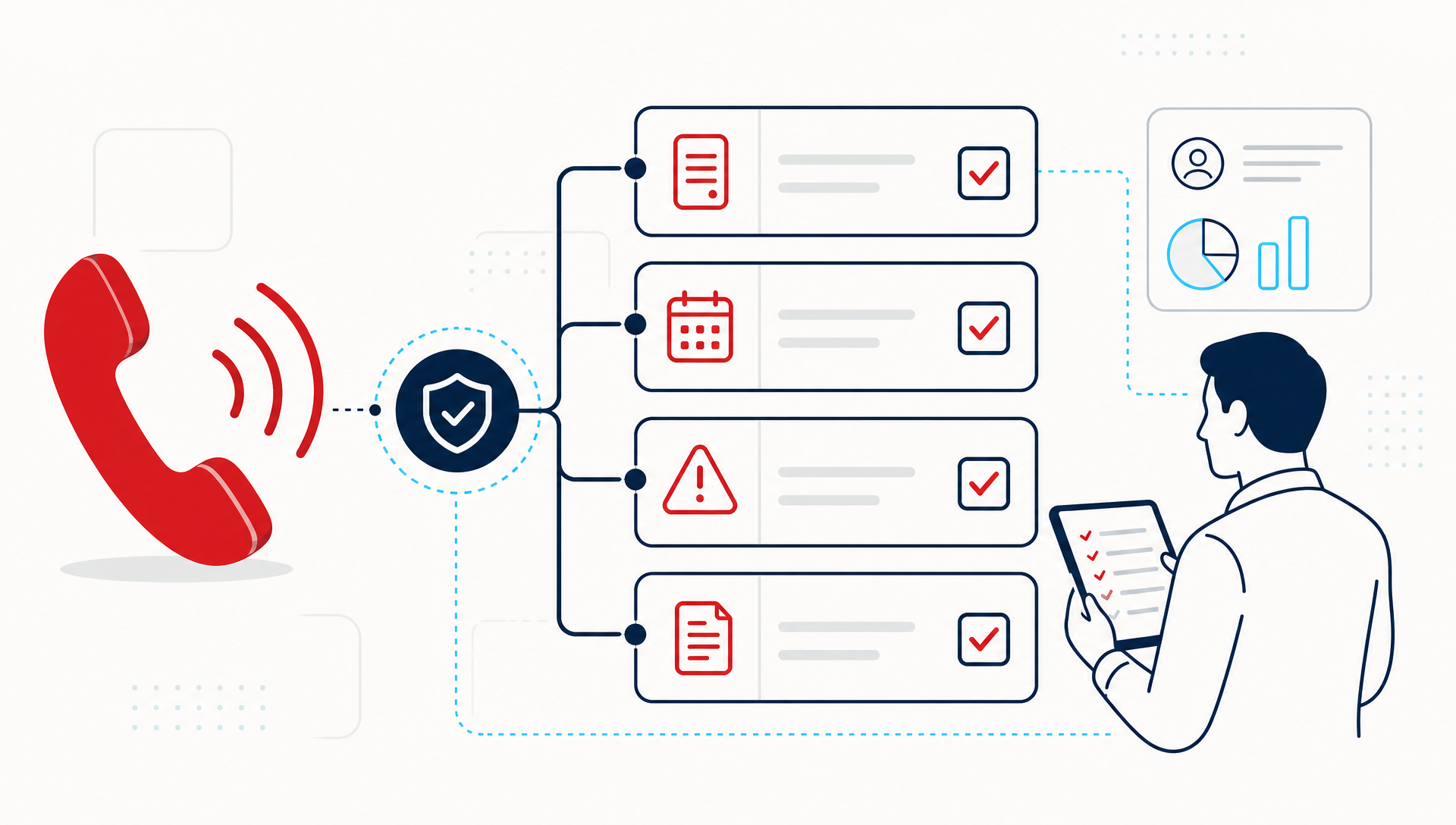
- Transfer behavior. Do warm transfers keep context, or do callers restart their story every time?
- SIP stability. Are there drops, echoes, or one-way audio that happen at certain times of day?
- Recording consistency. Are all calls being captured at the same quality, or are some legs missing altogether?
This is where a lot of teams get surprised. They think the insights product is the weak point, but the real issue is upstream. The phones, trunks, network, and handoff design set the floor for what AI can recover later.
What this looks like in practice
A multi-location practice might hear the same thing from every site: "Our transcripts are on, but the summaries are weird." On closer review, one office has a clear line, one has a soft speakerphone, and another is routing through a path that distorts the first 10 seconds of every call. The AI is not inventing confusion. It is reacting to the audio it got.
That is why we treat call quality and AI review as one workflow. In TeleCloud deployments, we look at the phone path, the call recording, and the insight layer together. If the audio source is unstable, the coaching output is unstable too.
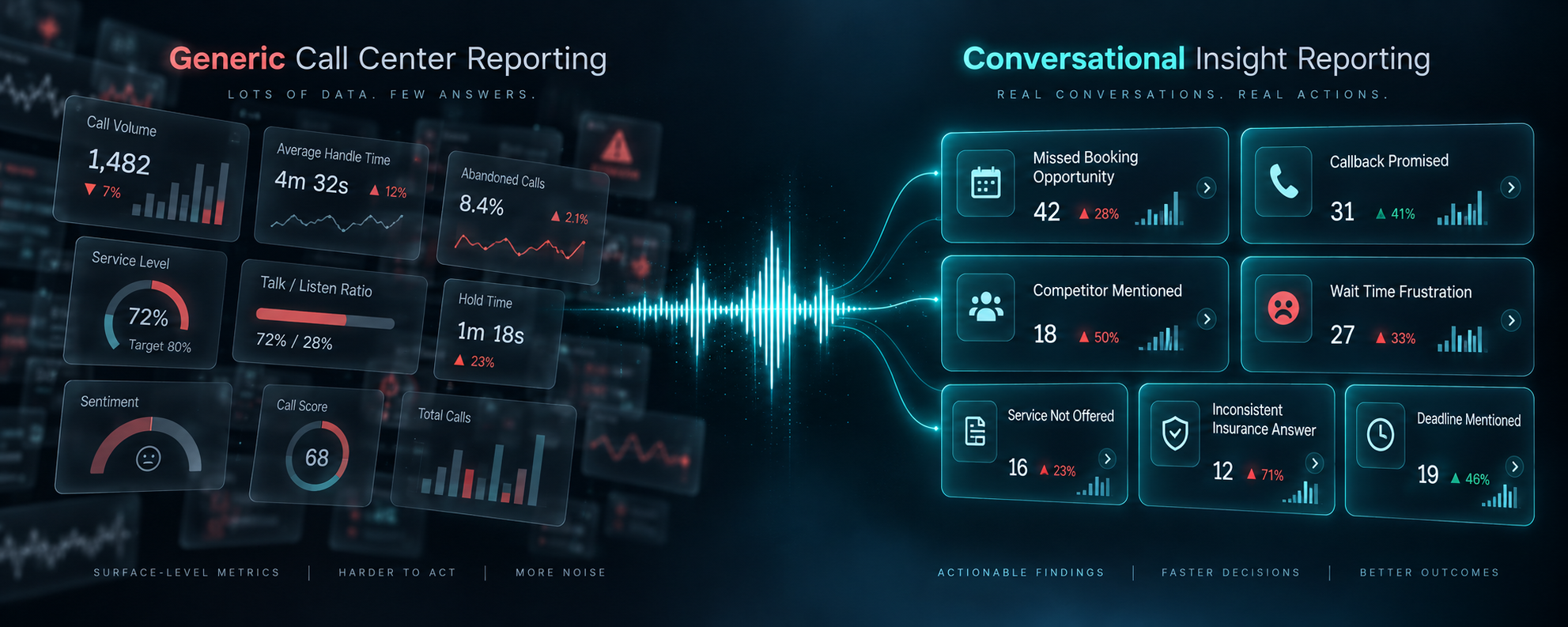
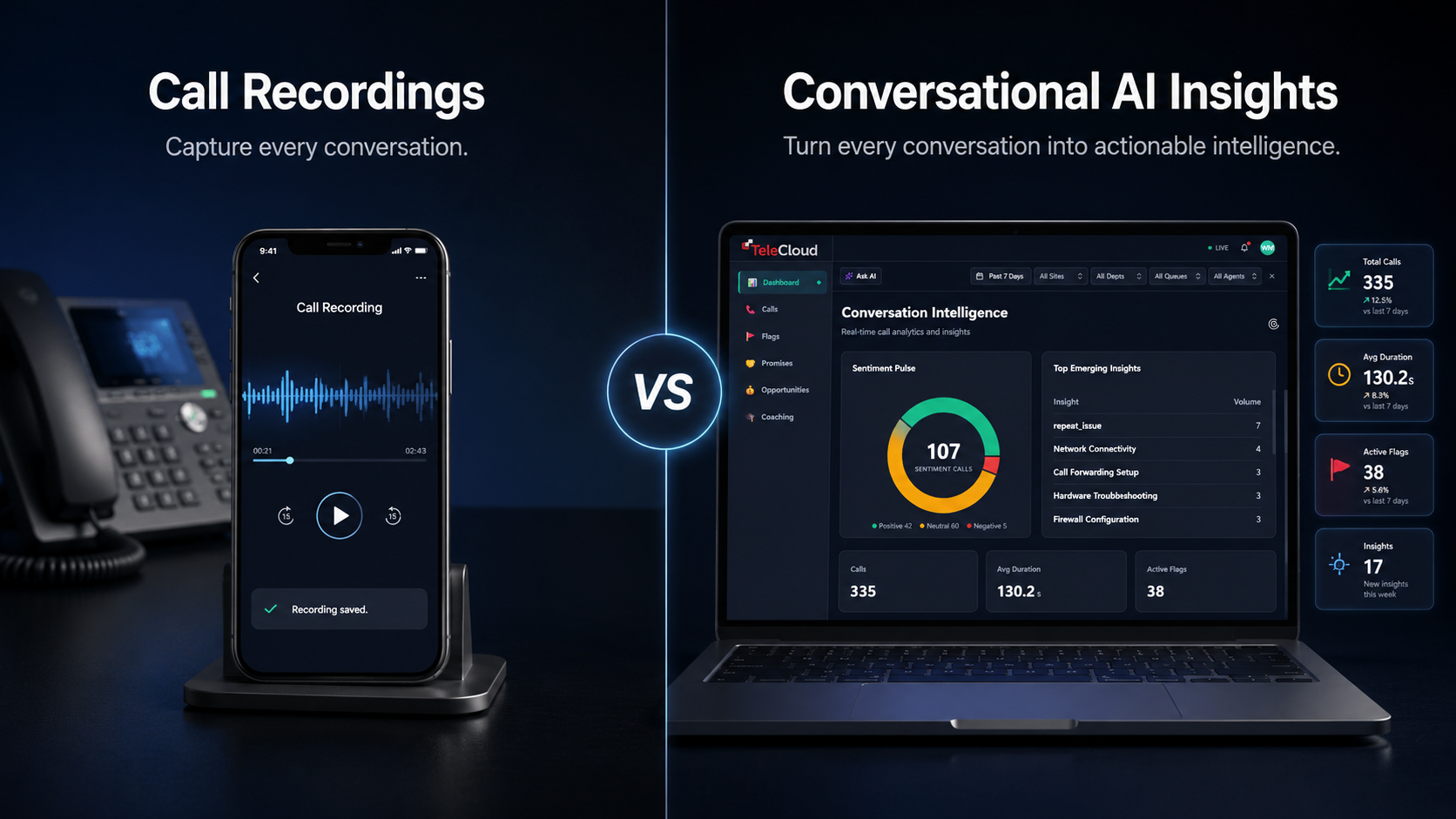
This is also where Conversational AI Insights makes sense as more than a dashboard. It turns recorded calls into structured signal, but only after the call data is clean enough to trust. That is the point of the product, and it is why the underlying phone system still matters.
When the problem is not AI at all
There is a difference between a model missing nuance and a system missing sound.
If the issue is model nuance, you will usually still get most of the conversation, just not the right classification. If the issue is audio, whole phrases disappear, speakers blur together, and the system starts guessing at intent. Those are not the same problem.
That is why audio checks belong in the same review cycle as transcript review. A manager can spot a bad summary in seconds, but they should also ask, "Did the call sound good enough for the system to hear clearly?" If the answer is no, the transcript should not be treated like ground truth.
For teams trying to compare routes, phone setups, or call handling, a clean baseline matters. AI starts with call recording, but recording alone is not enough if the path into that recording is poor.
How TeleCloud helps you tighten the signal
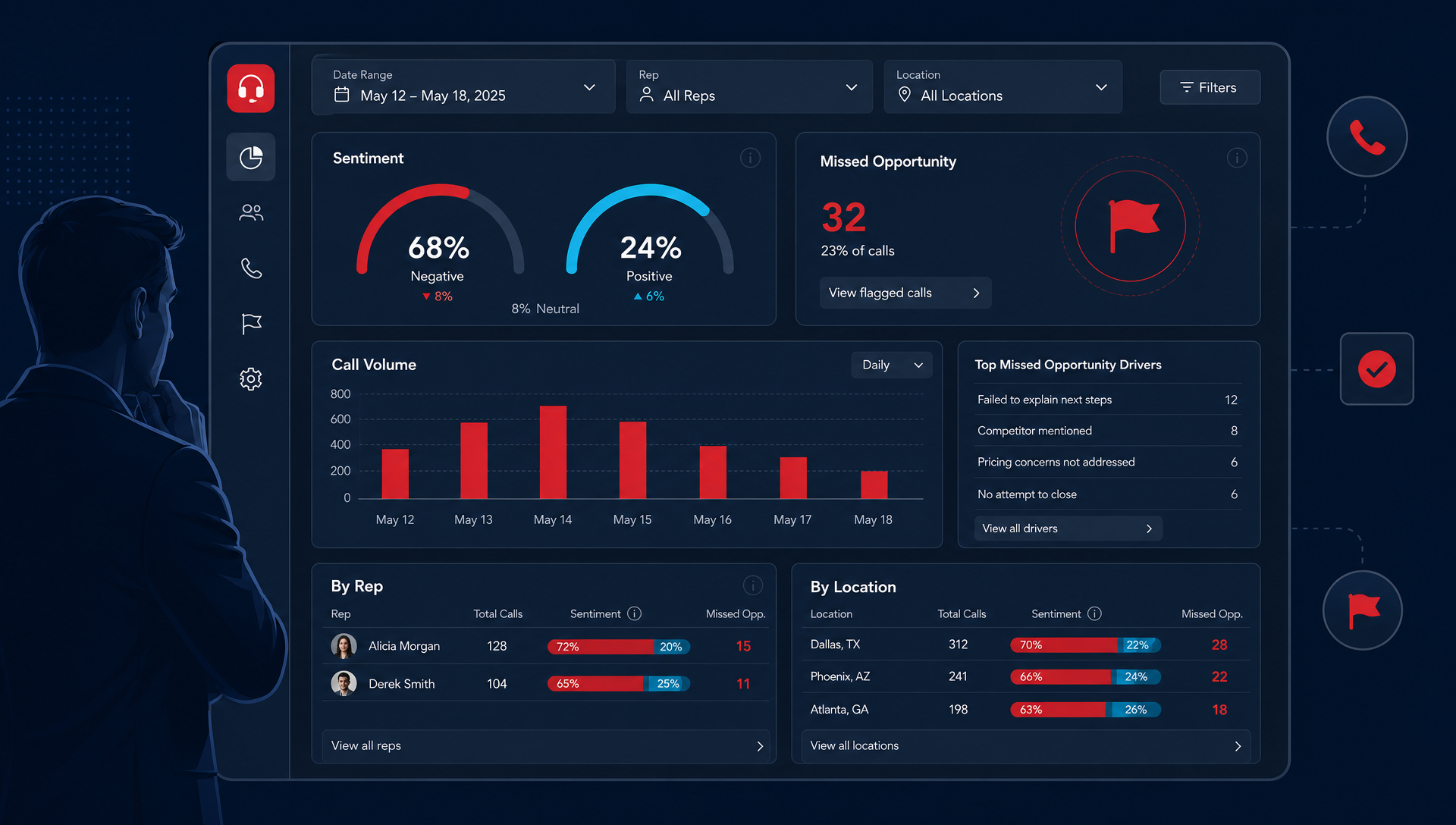
TeleCloud Sentinel Conversational Insights is built to read 100% of recorded calls and surface the patterns you would never catch manually at scale. But the first step is still operational: make sure your cloud phone setup, SIP path, and transfer flow are not feeding bad audio into the review layer.
That is the part we help customers sort out. We look at the call path, the handoff points, and the quality of what gets recorded, then line that up with what the insight dashboard is actually showing. The goal is not more data, it is better data.
Once that is fixed, the system is much more useful for coaching, compliance review, and location-by-location comparison. You stop arguing about whether the AI is wrong and start asking what the calls are telling you.
Why better audio is the fastest path to better insight
If your team wants cleaner coaching notes, more reliable sentiment flags, and fewer false alarms, start with the sound of the call. That is the lever you can control before the dashboard ever loads.
Better audio does not make every insight perfect. It does make the results more trustworthy, and that is what an ops leader needs before making staffing, training, or compliance decisions. If you want to see where the signal is breaking down, a quick review of your call path is the right next step.
FAQ
Why do my AI call insights sound inaccurate?
Usually because the audio quality is weak before the AI ever sees it. Bad handoffs, jitter, clipped speech, and noisy lines can all distort what gets transcribed and classified.
What should I check first if call insights look wrong?
Start with the phone path, the recording quality, and the transfer flow. If those are unstable, the insights layer will have less reliable data to analyze.
Does better audio really help sentiment and coaching?
Yes, because those tools depend on what the system can hear clearly. If words are missing or mixed together, the call summary and coaching cues become less dependable.
Can TeleCloud help if we already have call analytics in place?
Yes. TeleCloud can help you look at the call setup feeding those insights, then map that back to what Conversational AI Insights is showing. That way you are fixing the source, not just the report.
Matt Gavin is TeleCloud's Operations Manager, with 15+ years of telecom experience spanning network engineering, billing operations, and AI-driven process automation. He writes about the technology behind reliable phone systems, from VoIP infrastructure to how AI tools are changing day-to-day operations. Connect with Matt on LinkedIn or email him directly to learn more.
Topics: