
How AI Receptionists Handle After-Hours Calls and Ease Workloads
January 20th, 2026
4 min read
By Will Maddox

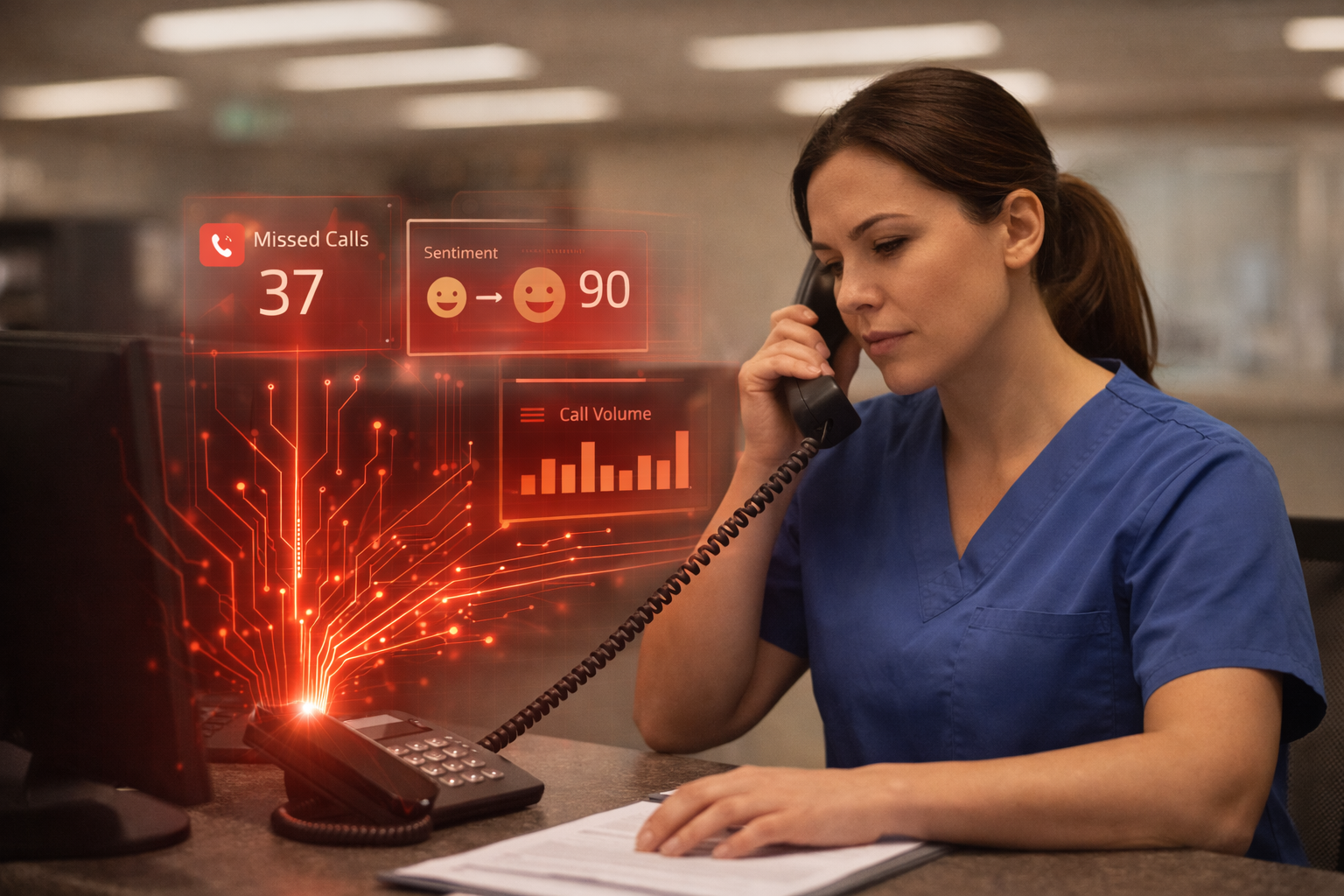
For most businesses, the phone doesn’t stop ringing when the day ends. Customers call after hours to ask about appointments, service availability, or urgent issues. But many of those calls go straight to voicemail or left unanswered.
At the same time, staff often spend their days juggling routine calls that pull them away from high-value work. The result is a cycle of missed opportunities and burned-out teams.
AI receptionists offer a better balance. They help businesses stay available 24/7 without overloading employees. By handling calls, answering basic questions, and taking messages, these virtual assistants ensure every caller feels heard, day or night.
In this article, we’ll explain how AI receptionists work, why they’re becoming a go-to solution for after-hours support, and how to start using them at your own pace.
What Happens When Customers Call After Hours?
When a customer calls after your business closes, what happens next?
For many companies, the options are limited: send the call to voicemail, hire an answering service, or hope the caller tries again tomorrow. Unfortunately, most customers won’t. They expect fast answers and will often move on to the next business that picks up.
Missed after-hours calls can lead to:
- Lost sales and appointments
- Delayed response times
- Frustration for both customers and staff
Answering calls promptly, no matter the time, helps build trust and keeps opportunities from slipping away. That’s where AI receptionists can make a major difference.
What Is an AI Receptionist (and How Does It Work After Hours)?
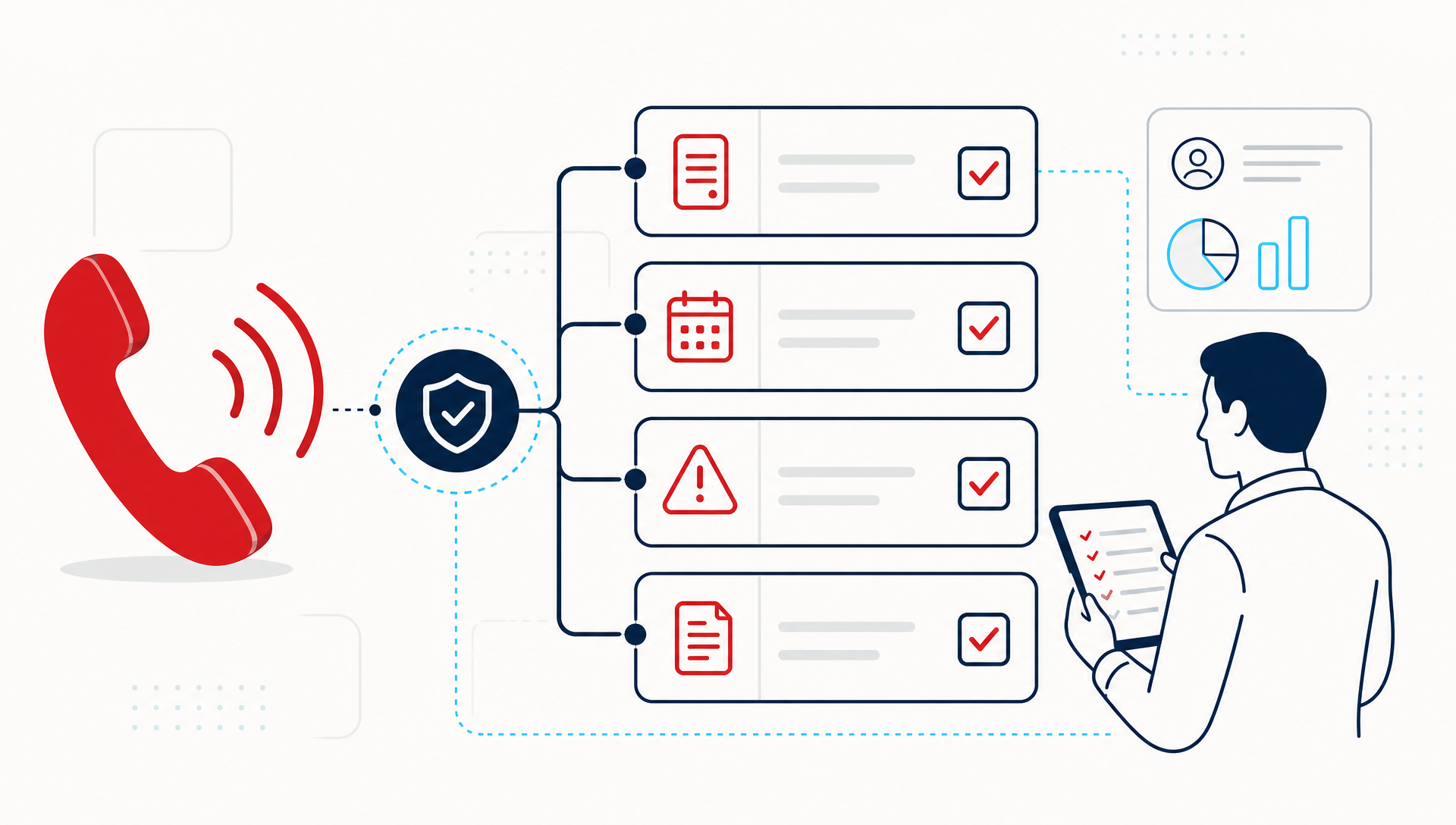
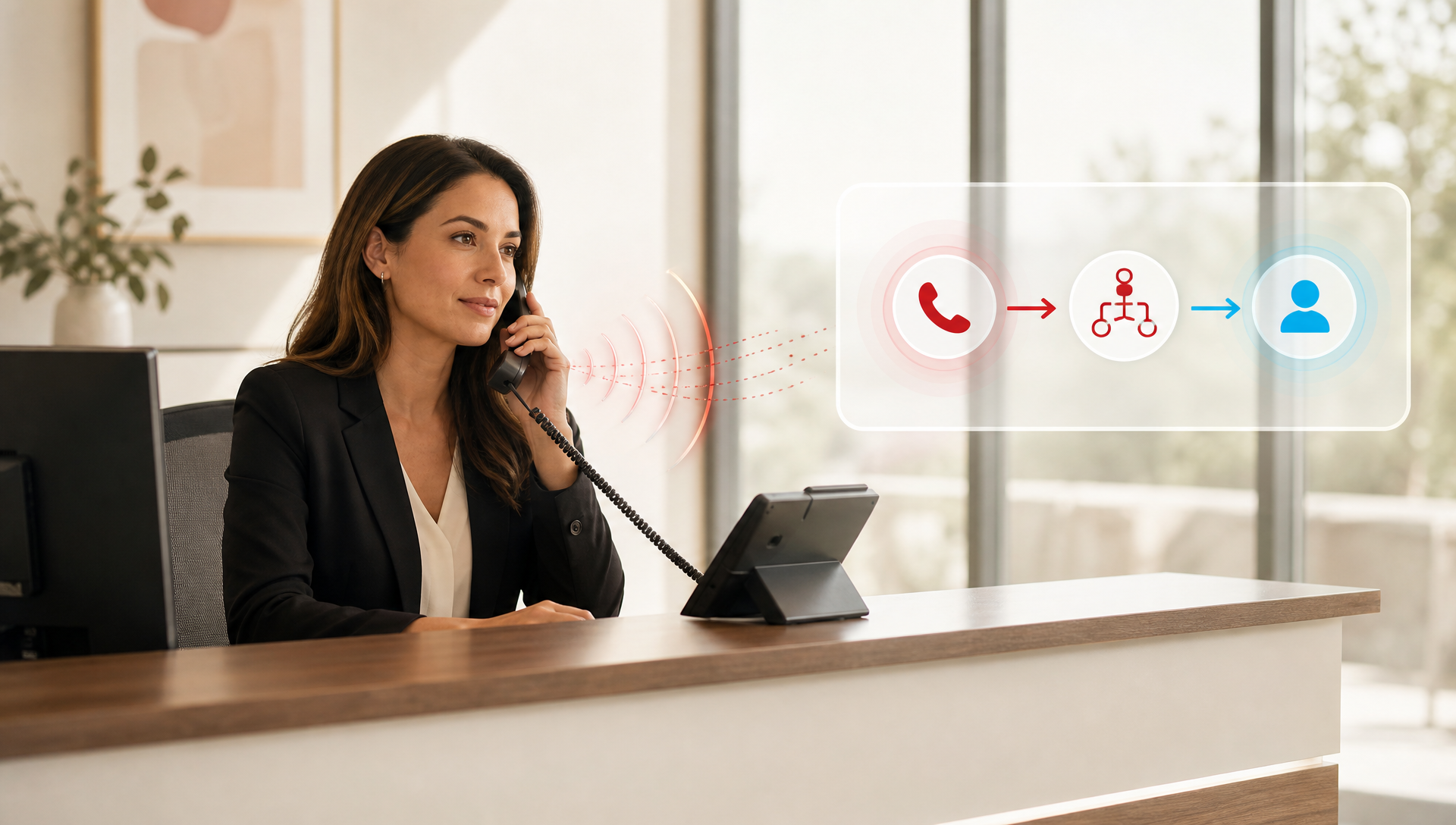
An AI receptionist is a voice-powered assistant that answers calls and speaks naturally with customers. Instead of using touch-tone menus like “Press 1 for Sales,” callers simply say what they need, and the AI responds.
Here’s what it can do:
- Answer after-hours calls automatically
- Provide information such as business hours or directions
- Take detailed messages for next-day follow-up
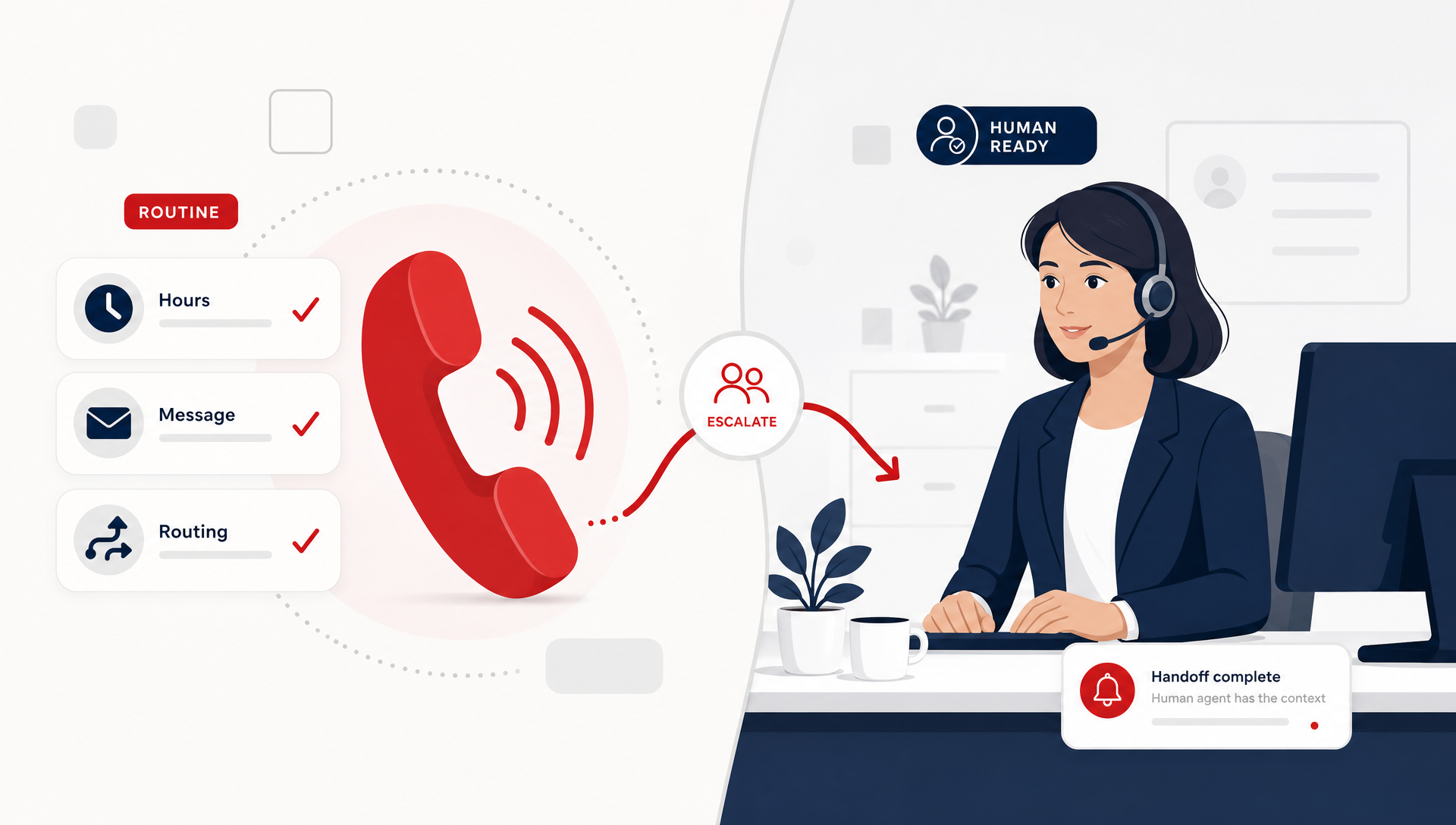
- Route urgent calls to the right contact
For example, if someone calls a plumbing company at 9 PM to report a leak, the AI can collect their details and notify the on-call technician. If it’s a non-urgent inquiry, it saves the message and sends it to the team for the morning.
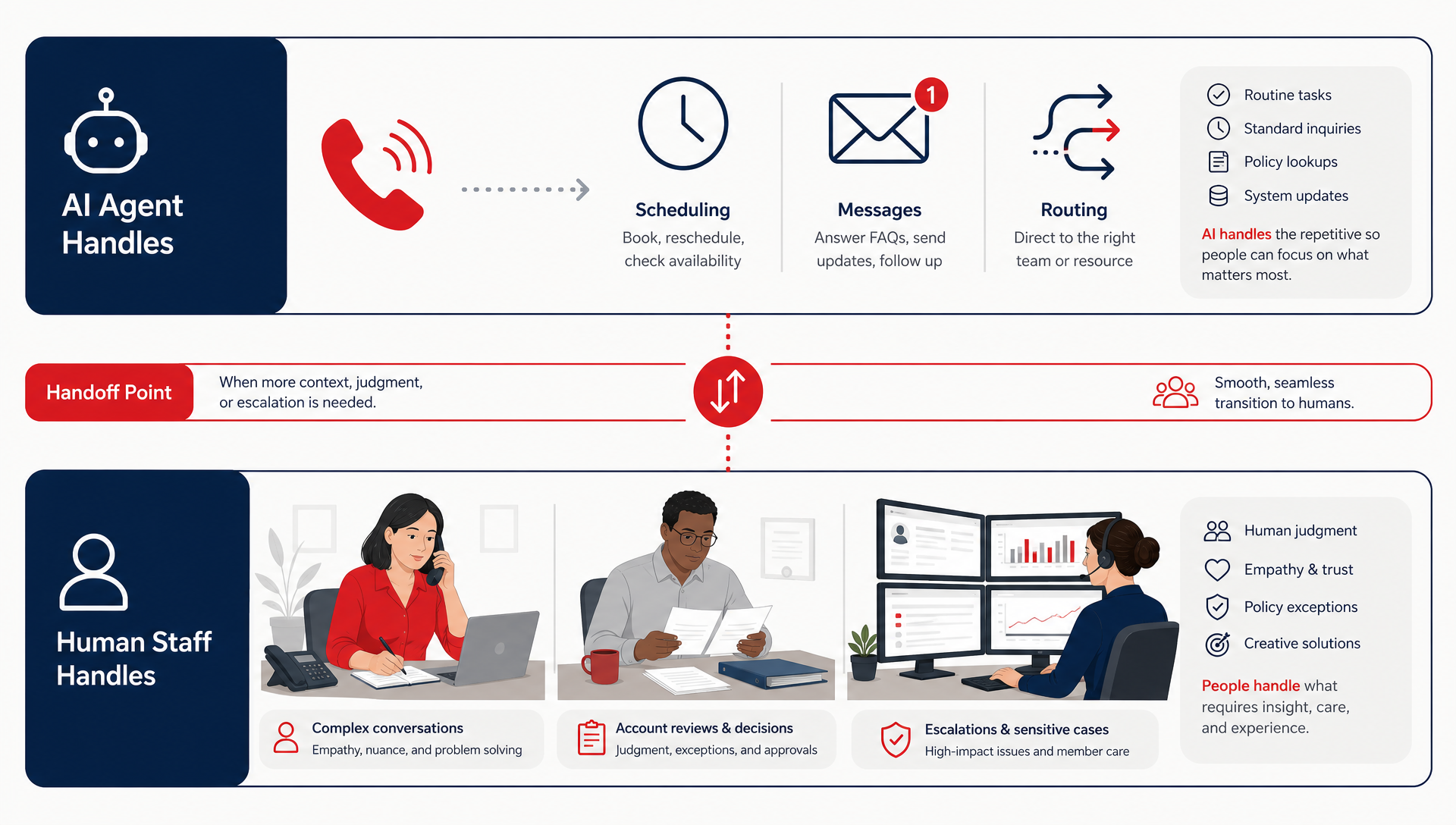
The goal isn’t to replace your staff, it’s to make sure customers are never left waiting when your team isn’t available.
How AI Receptionists Ease Workloads for Staff
AI receptionists don’t just cover after hours. They also help your team during the day by taking care of repetitive or low-priority calls.
Think about how many calls your team answers that start with:
- “What are your hours?”
- “Can I get directions?”
- “Do you take walk-ins?”
These questions are easy to answer, but they interrupt productivity. With AI handling them, your employees can focus on complex, customer-facing work instead of routine calls.
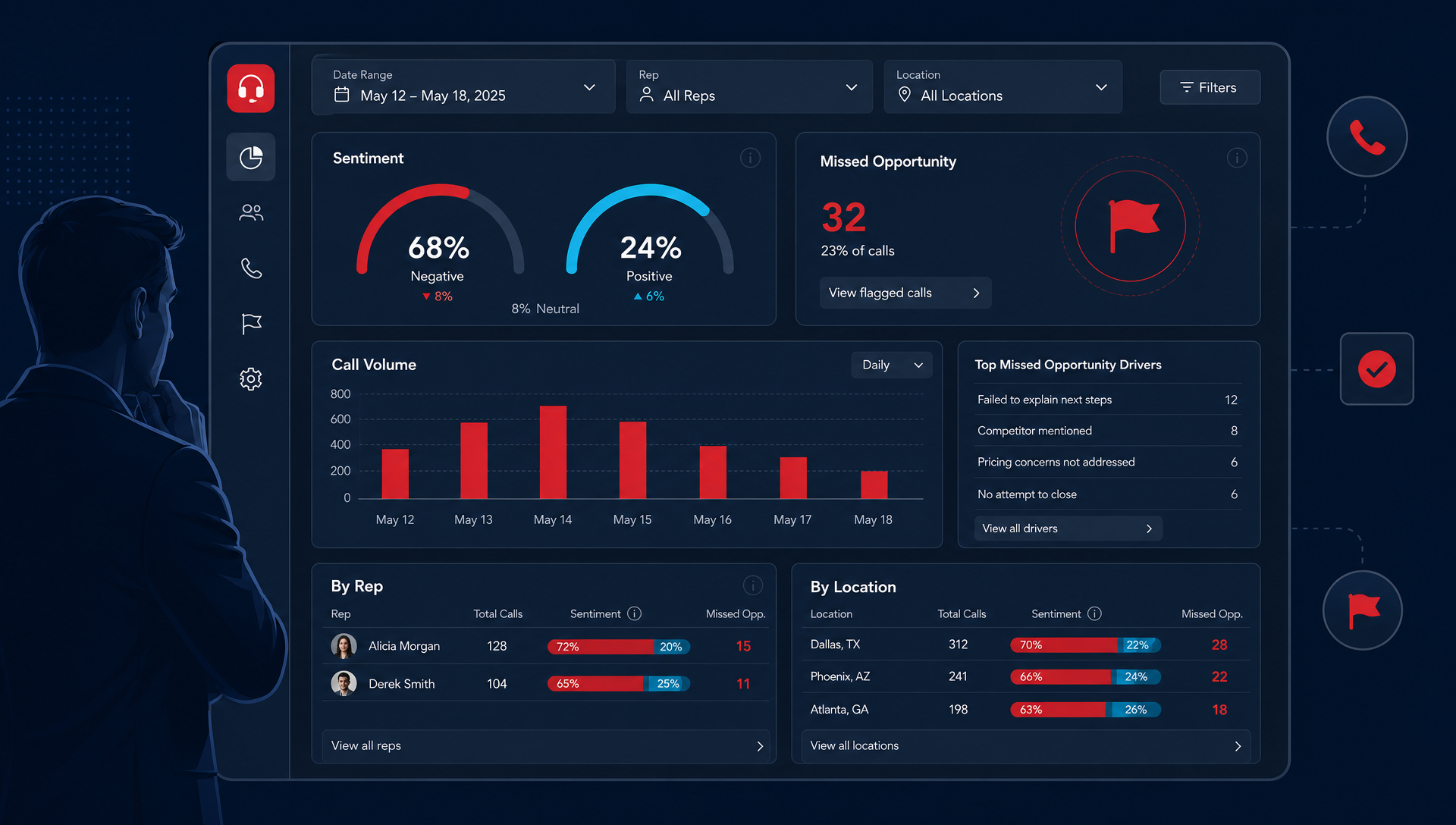
By the time your team starts their day, the AI can provide a summary of overnight messages and requests, so everyone begins with clear priorities, not a full voicemail box.
Why After-Hours Support Matters More Than Ever
Customers today expect availability. Whether it’s booking an appointment or asking a quick question, they want a response right away, even if it’s automated.
Businesses that provide immediate answers tend to earn higher trust and more repeat business. In competitive industries like healthcare, home services, and retail, that quick response often determines who wins the customer.
For many smaller teams, hiring extra staff isn’t an option. AI receptionists bridge that gap, keeping your business responsive 24/7 without adding cost or complexity.
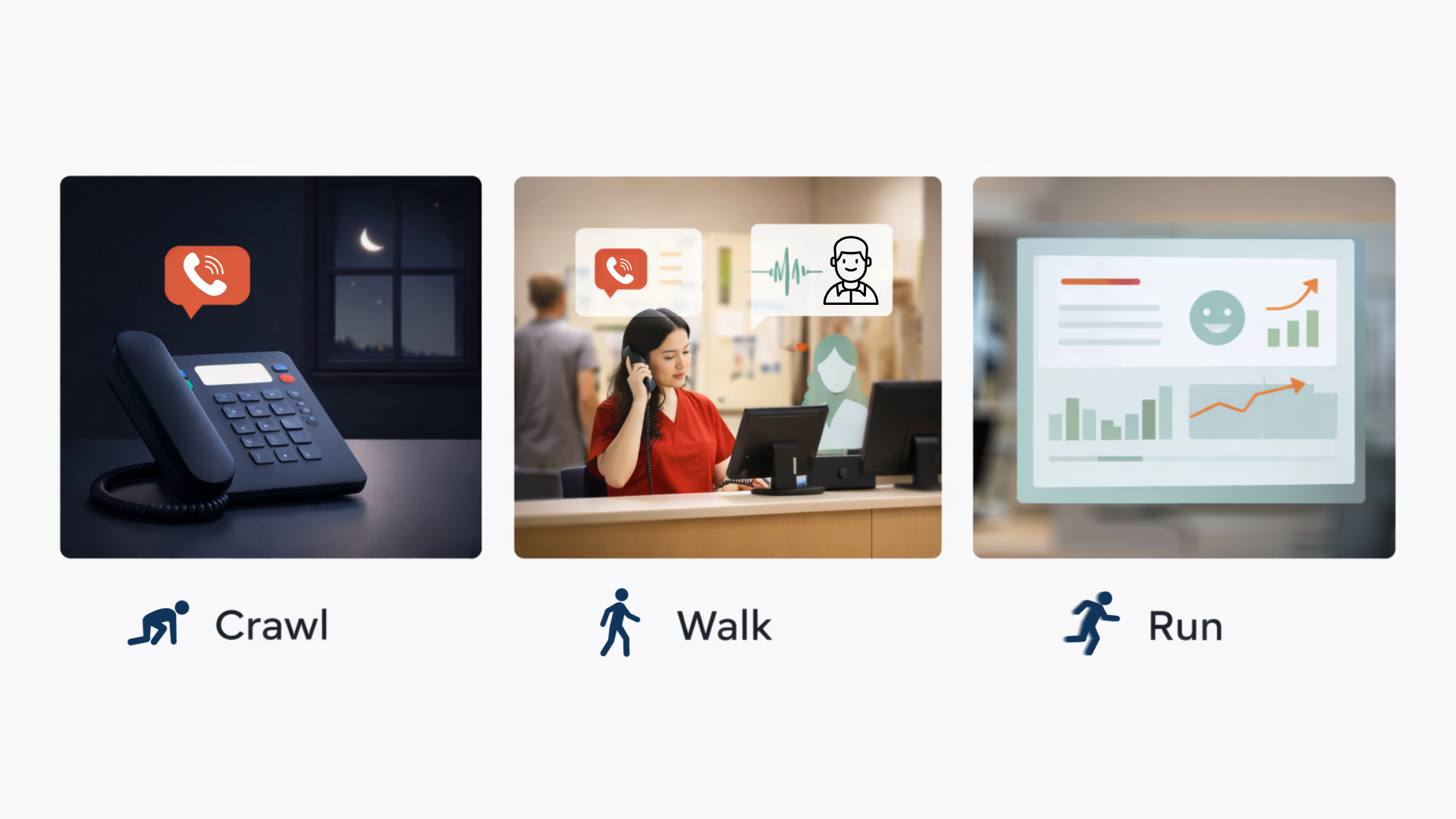
The Crawl–Walk–Run Way to Start With AI Receptionists
Adopting AI doesn’t mean you have to overhaul your entire phone system. The best results come from starting small and growing at your own pace.
Crawl: Start Simple
Begin by replacing your after-hours voicemail with an AI receptionist. It can greet callers, answer common questions, and take messages.
If this setup works well, you can stay at this level. Many businesses find it’s all they need to improve response times.
Walk: Add More Support
Next, let AI handle routine daytime inquiries, such as scheduling or order updates. This lightens the load on your front desk or dispatch staff.
Run: Fully Integrate AI
Once you’re comfortable, expand the AI’s role. It can personalize responses, route calls intelligently, and provide consistent support at all hours.
This step-by-step approach helps your team stay in control while adopting new technology gradually.
Common Misunderstandings About AI Receptionists
It’s natural to have questions about AI receptionists. Let’s clear up a few common misconceptions:
“AI will replace my staff.”
No, it simply handles the calls your team doesn’t need to. Your employees still focus on the high-value work that requires expertise and empathy.
“Customers won’t like talking to a robot.”
Modern AI systems sound conversational and friendly. Most callers don’t even realize they’re speaking to an AI, especially when it’s customized to match your brand tone. Many people actually tend not to want to talk to a real person, especially if they only want basic questions answered.
“It’s too advanced or expensive.”
AI receptionists are designed to scale. You can start small, use only what you need, and expand when you’re ready, making it accessible for small and mid-sized businesses.
What Businesses Gain by Using AI Receptionists
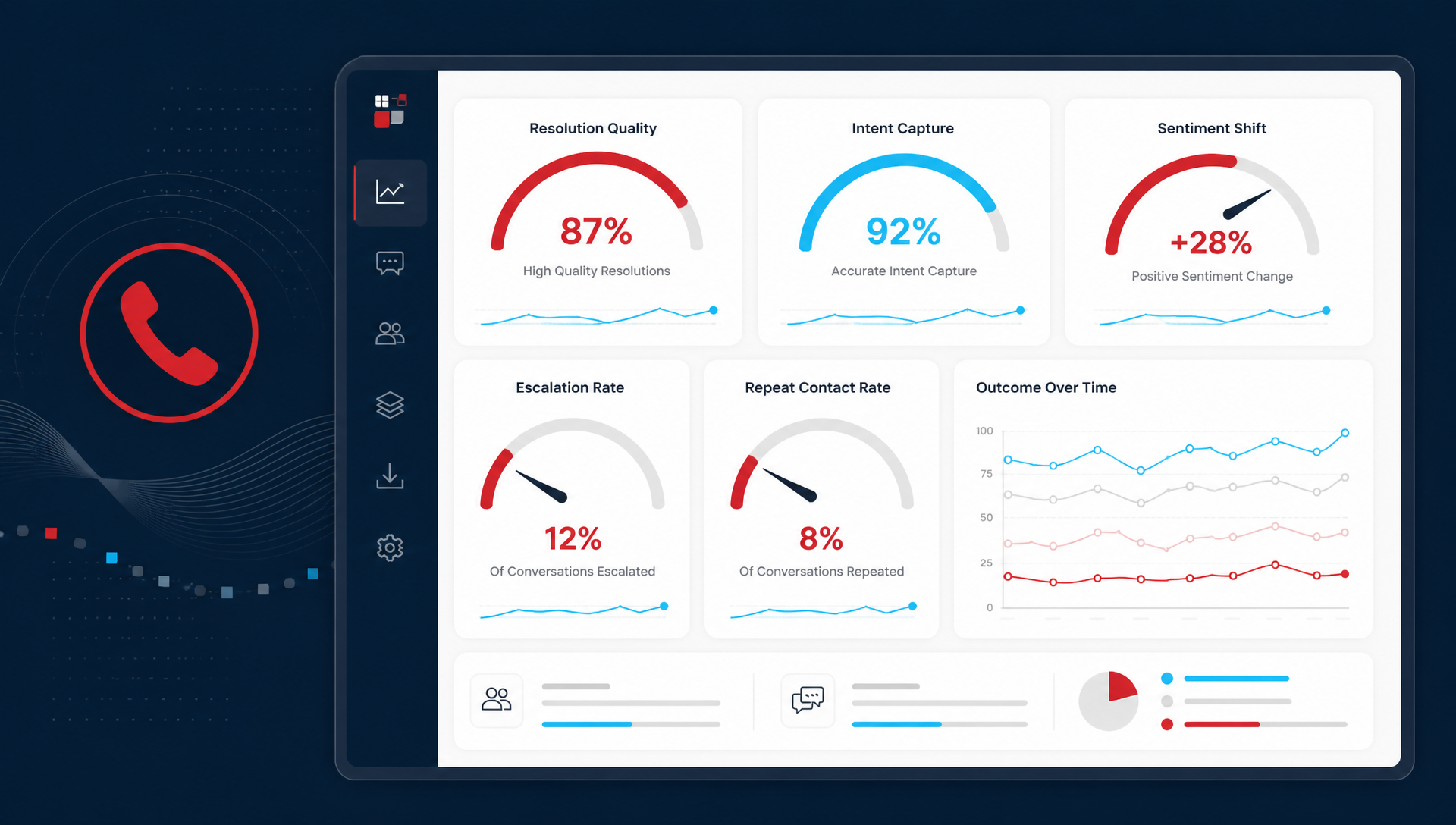
Businesses that use AI receptionists often see immediate improvements:
- Fewer missed after-hours calls
- Faster responses to customer questions
- Reduced staff stress and burnout
- A more professional, consistent caller experience
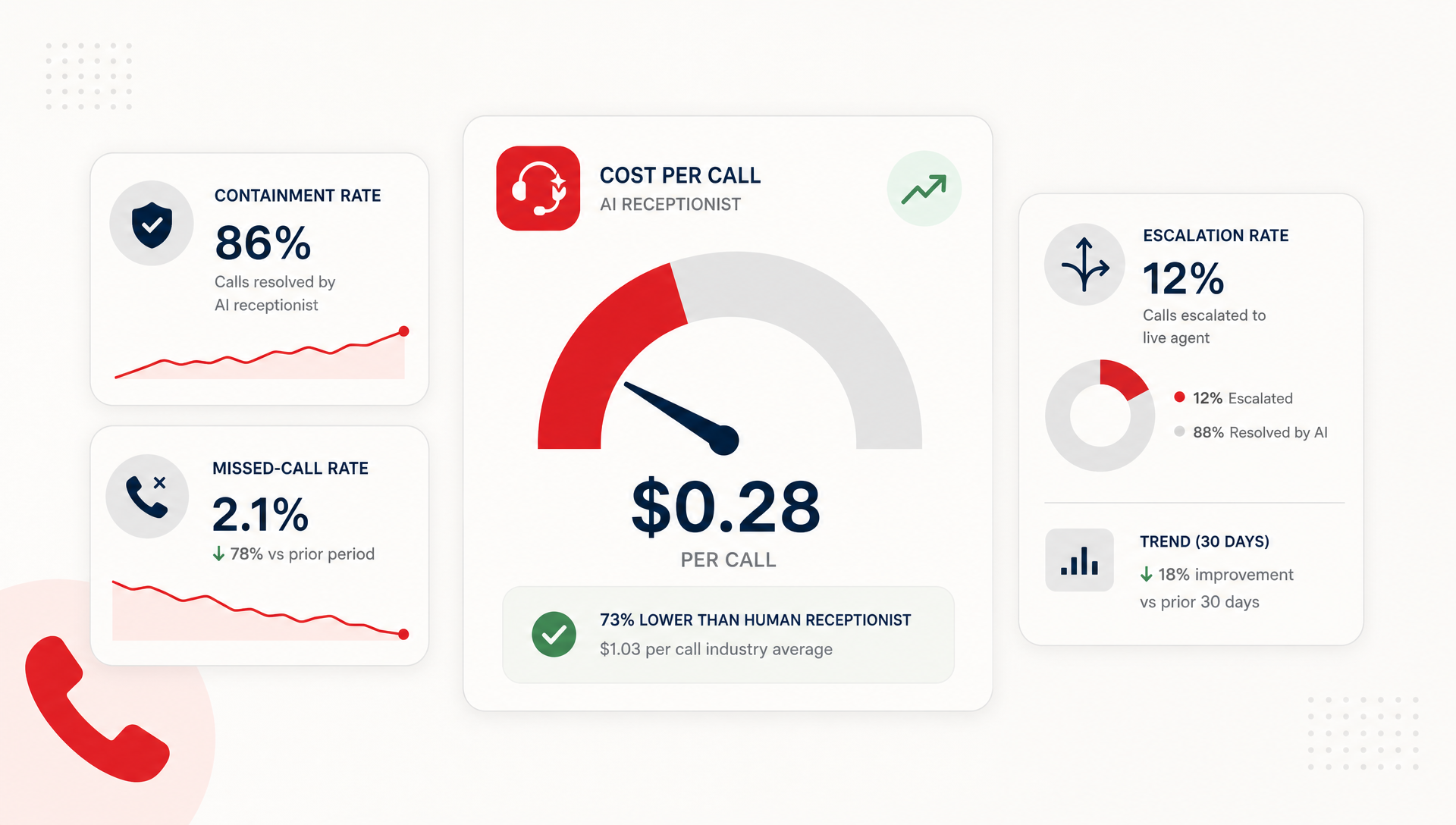
Example: A home services company added an AI receptionist for evening coverage and saw a 70% drop in missed calls. The team came in each morning with organized call logs and clear action items, not a cluttered voicemail box.
Over time, the company noticed better customer satisfaction and smoother internal communication, all without adding headcount.
How to Get Started with an AI Receptionist
Getting started with AI receptionists is simple.
- Identify your biggest pain point: after-hours calls, voicemail overflow, or repetitive inquiries.
- Create a friendly greeting that fits your brand’s personality.
- Test the AI during off-hours to make sure it handles calls as expected.
- Collect feedback from staff and customers.
- Adjust and expand as your confidence grows.
If you’re not sure where to begin, a TeleCloud specialist can help you design a solution that matches your workflow and customer needs.
Smarter Support Without Losing the Human Touch
AI receptionists give businesses a practical way to stay available, reduce stress, and deliver better service without replacing people. They extend your team’s reach, keep customers connected, and make every call count, day or night.
By starting small and scaling gradually, you can modernize how your business handles calls while keeping the human touch that defines your brand.
If you’re ready to stop missing calls and make life easier for your team, talk with a TeleCloud expert. We’ll help you create a system that fits your business, supports your staff, and delivers a better experience for every caller.
Will Maddox is the Digital Marketing Coordinator at TeleCloud, overseeing content, brand, and outbound strategy for the company. He writes about cloud communications, AI tools for business, and what SMBs and urgent care operators need to know to run better phone systems. Connect with Will on LinkedIn or email him directly to learn more.
Topics: