
How to Measure Front Desk Performance Without Micromanaging Your Staff
June 3rd, 2026
7 min read
By Will Maddox

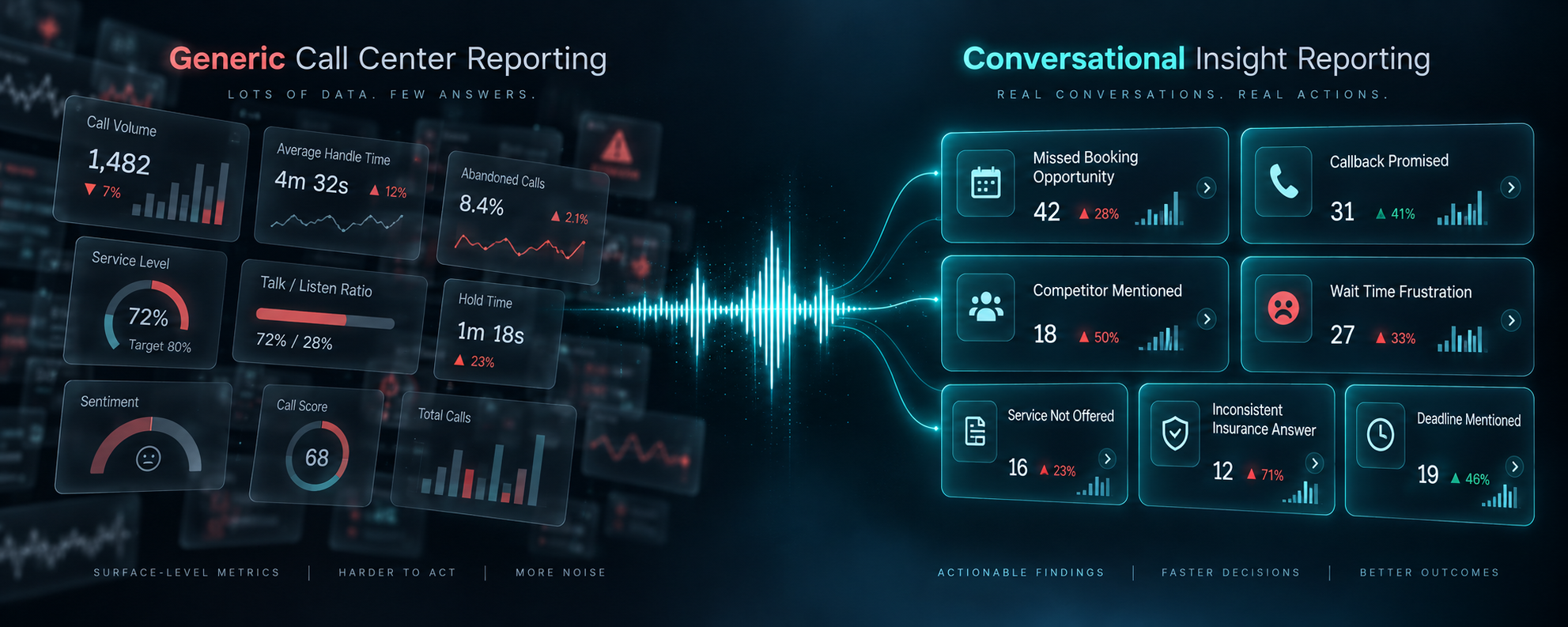
You can measure front desk performance without micromanaging by focusing on outcome-based call data rather than activity monitoring. The right metrics tell you where coaching is needed without making your staff feel watched.
Most managers are stuck between two uncomfortable options. Option one: no real visibility into how front desk calls are going, relying on gut instinct, the occasional overheard conversation, and customer complaints that come in after the fact. Option two: listening to calls constantly, tracking every interaction, and creating a culture where staff feel scrutinized rather than supported.
Neither option works well. The first leaves real performance gaps unaddressed. The second damages the trust that makes a front desk team effective in the first place.
This article explains how to find the middle ground: using call data to understand what is actually happening on your phones, identify where coaching is needed, and have better conversations with your team, without hovering.
Why Is Front Desk Performance So Hard to Measure?
For most businesses, the front desk is the highest-volume customer touchpoint and the least systematically tracked. Sales teams have CRMs. Marketing teams have analytics dashboards. But front desk call performance often comes down to whoever happened to be listening at the right moment.
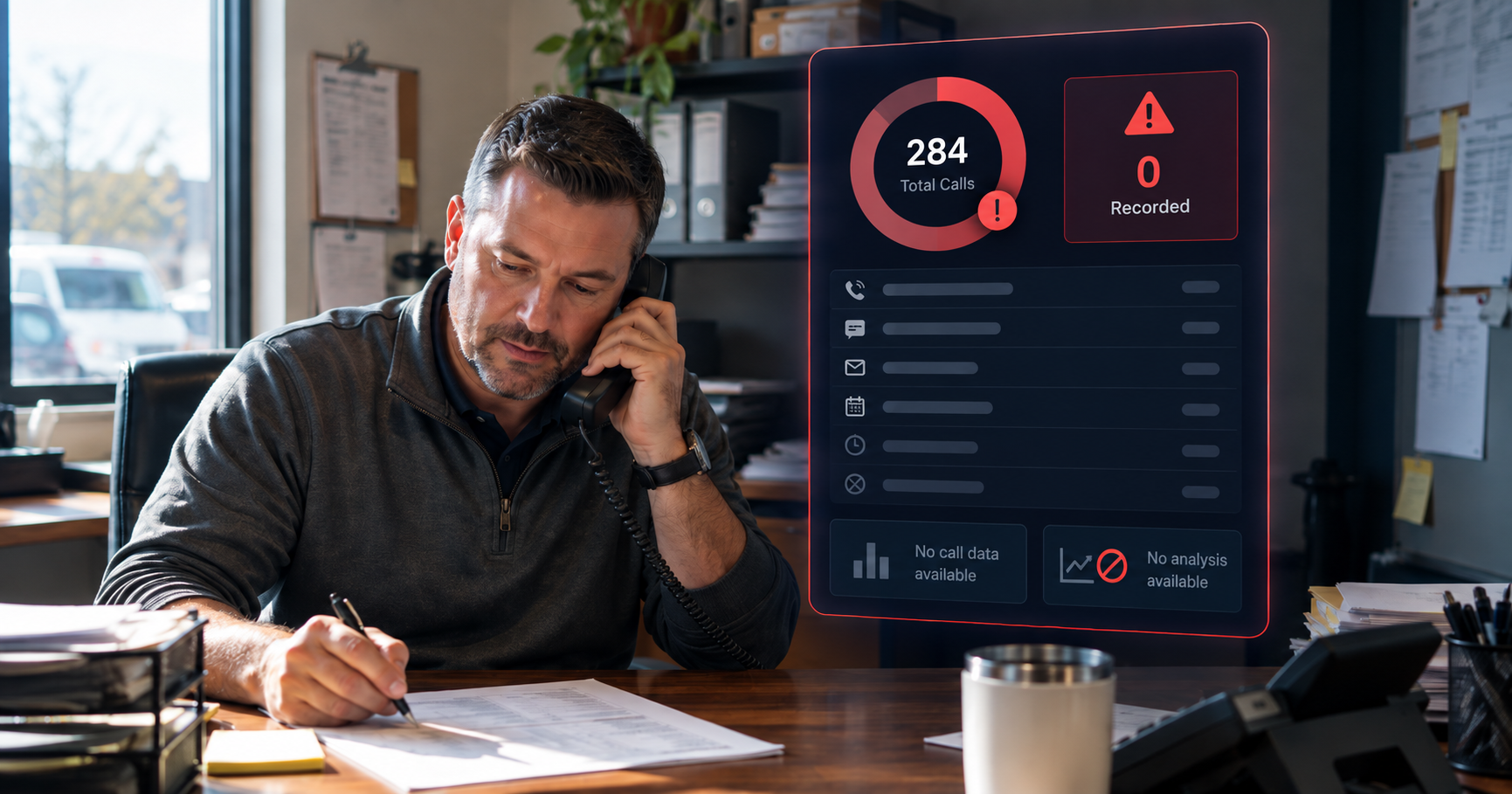
That creates a visibility problem. Managers make staffing decisions, training investments, and performance reviews based on incomplete information. They know roughly how things are going but cannot say precisely where calls are breaking down, which team members need support, or whether the changes they made last month actually improved anything.
The instinct is often to fix this by monitoring more closely. But that approach has its own costs.
What Does Micromanagement Actually Do to a Front Desk Team?
There is a meaningful difference between managing performance and monitoring behavior. When staff feel they are being watched rather than supported, the dynamic shifts in ways that hurt the very outcomes you are trying to improve.
Research consistently shows that micromanagement increases employee anxiety, reduces initiative, and raises turnover. On a front desk specifically, those effects play out in real time on every call. A team member who feels like every word is being evaluated tends to sound more scripted, less warm, and less willing to handle something outside the standard flow.
The irony is that heavy monitoring often produces worse call performance, not better. It replaces the natural confidence that makes a good front desk interaction with a kind of performance anxiety that customers can hear.
What Should You Actually Be Measuring on Front Desk Calls?
Effective performance measurement focuses on outcomes, not activity. You are not trying to track how many times someone said a certain phrase. You are trying to understand whether callers are getting what they need, how they feel when they hang up, and where the system is breaking down.
Are calls being answered?
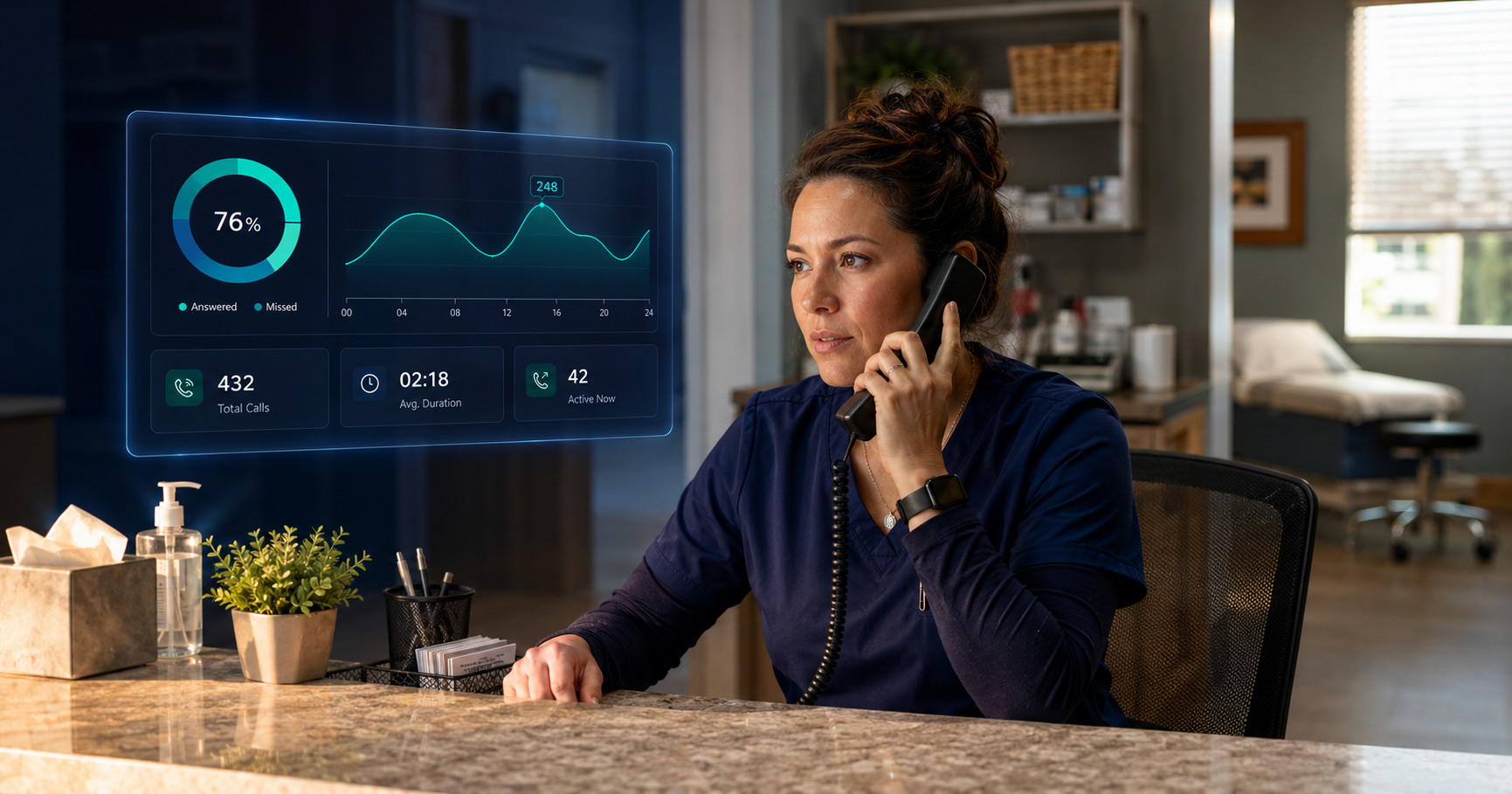
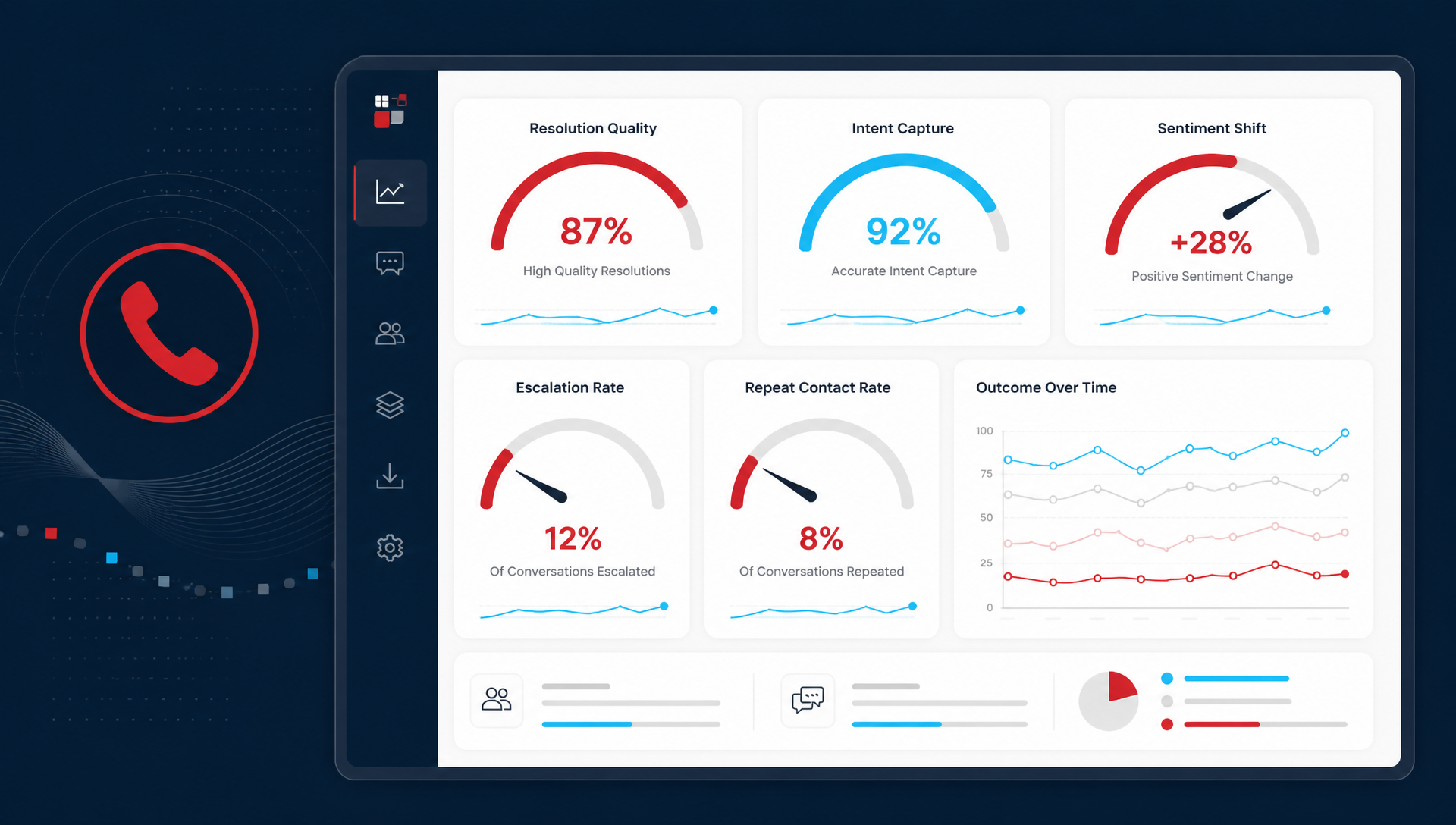
Answer rate and missed call rate are the baseline metrics every business should know. If you do not know what percentage of your inbound calls are going unanswered, you are managing a gap you cannot see. Break this down by time of day to understand whether the problem is peak-hour overflow, after-hours coverage, or something else entirely.
Are callers getting what they need on the first call?
First call resolution measures whether a caller's question or need was handled without requiring a follow-up. Low resolution rates signal training gaps, routing problems, or a mismatch between what callers need and what your team is equipped to handle. This is a systemic metric as much as an individual one.
How do customers feel during and after the call?
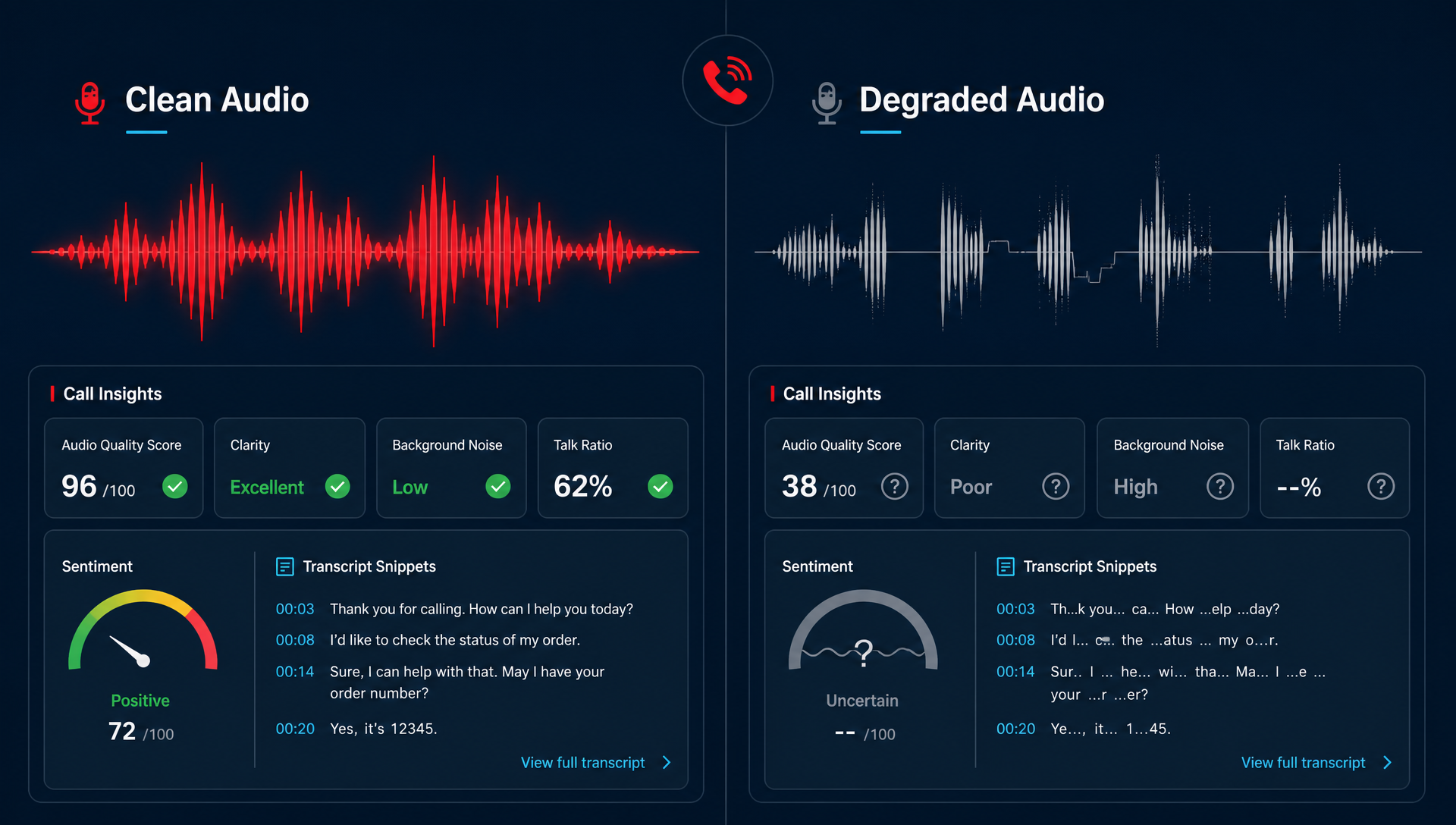
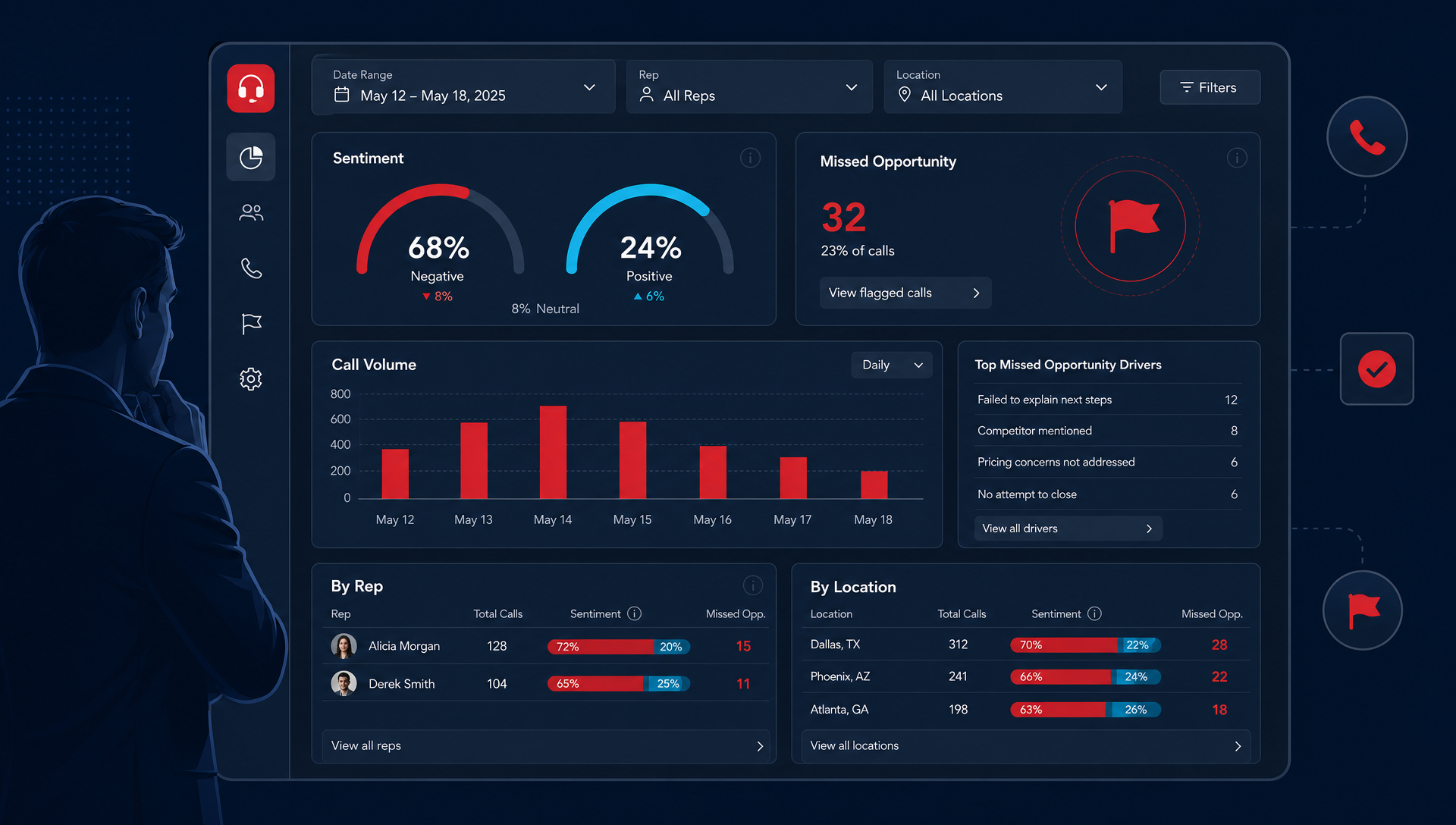
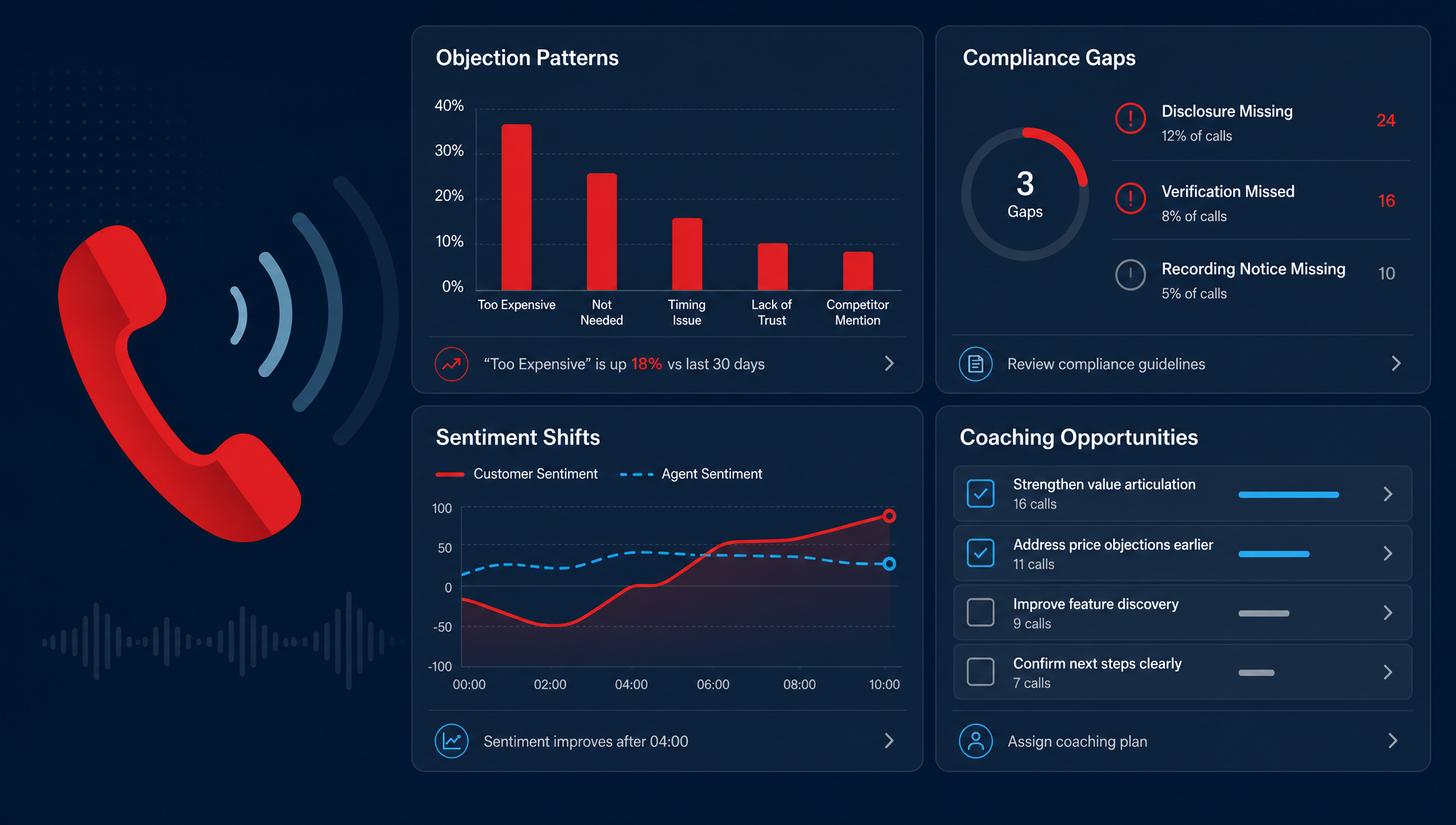
Sentiment analysis identifies emotional signals in call conversations: frustration, confusion, warmth, confidence. Used correctly, it is not a surveillance tool. It is an early warning system. When you can see that a certain type of call consistently produces negative sentiment, you have something specific to address in training before it shows up in reviews or churn.
Where are calls breaking down structurally?
Hold time, transfer rate, and call abandonment reveal where the system itself is creating friction, separate from individual performance. A high transfer rate may mean your routing needs work, not that your staff are doing anything wrong. Knowing the difference prevents you from coaching people for problems that are actually process failures.
|
Metric |
What It Reveals |
Coaching vs. Process Fix |
|
Missed call rate |
Coverage gaps by time of day |
Usually process |
|
First call resolution |
Training gaps or routing issues |
Both |
|
Sentiment score |
Customer experience quality |
Usually coaching |
|
Hold time |
Workflow or staffing friction |
Usually process |
|
Transfer rate |
Routing design or knowledge gaps |
Both |
|
Call abandonment |
Wait time tolerance thresholds |
Usually process |
How Do You Use Call Data to Coach Without Micromanaging?
Lead with patterns, not individual calls
There is a meaningful difference between walking up to someone and saying, "I listened to your call at 2:15 on Tuesday, and here is what you did wrong," versus sitting down and saying, "I noticed that calls about billing questions are consistently running longer and ending with lower sentiment scores across the team. Let us talk about what is happening there."
The first feels like surveillance. The second feels like support. Both start with data, but one is grounded in a pattern that your whole team can work on together, which is far more effective than singling out individual moments.
Make the data visible to your team, not just management
One of the fastest ways to shift a monitoring culture into a performance culture is to give your staff access to the same data you are looking at. When people can see their own sentiment scores, their resolution rates, and how their calls compare to last month, they self-correct without being told to.
Transparency builds trust. It also changes the conversation from "here is what I found" to "here is what we are both looking at. What do you think is happening?"
Use data to start a conversation, not close one
Call data is most valuable as a prompt, not a verdict. "I noticed this pattern, what was happening on your end?" opens a conversation where the team member can add context you do not have from the data alone. Maybe there was a system outage. Maybe a certain caller type is particularly difficult to handle. Maybe the script for that situation needs updating.
You get better outcomes and a more engaged team when the data is the beginning of the conversation rather than the end of it.
Celebrate what the data shows going well
The same tools that surface problems also surface wins. When sentiment scores improve, when resolution rates go up, when a team member handles a difficult call with measurable patience and warmth, that is worth naming. Performance data used only to identify problems creates a culture of anxiety. Performance data used to recognize improvement creates a culture people want to be part of.
What Does This Look Like in Practice?
Here is a realistic scenario that shows how data-informed coaching actually works at the front desk level.
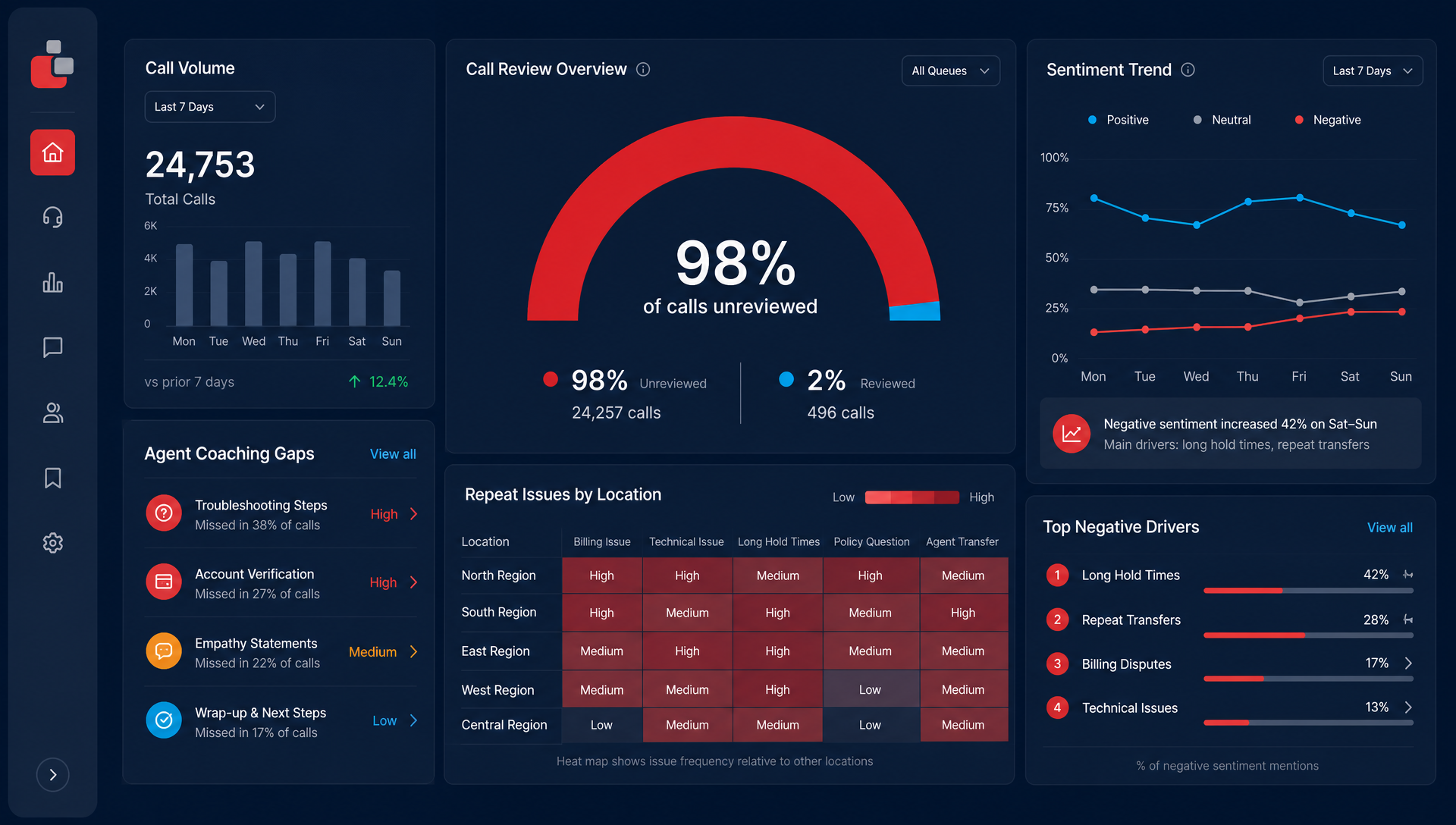
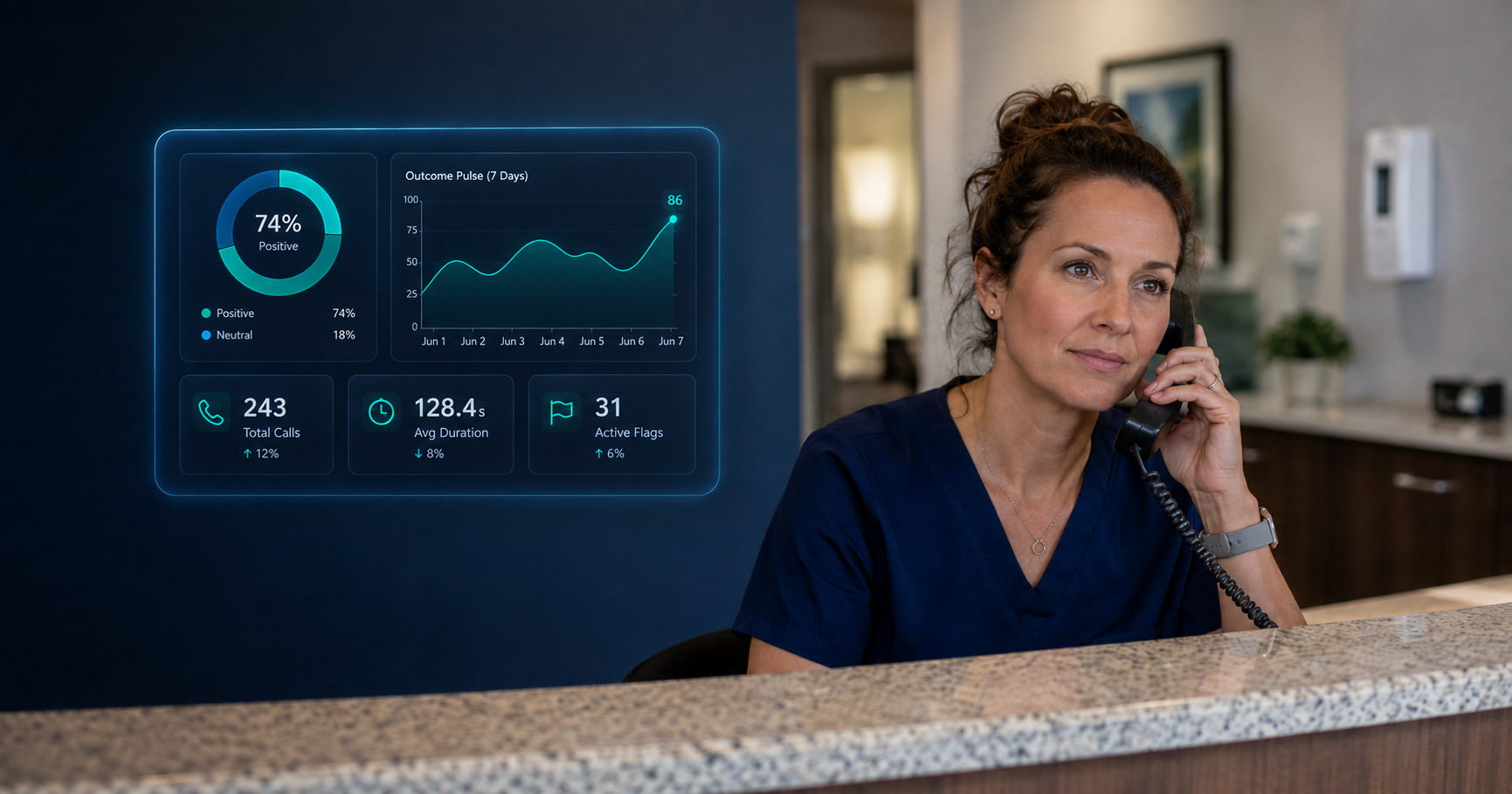
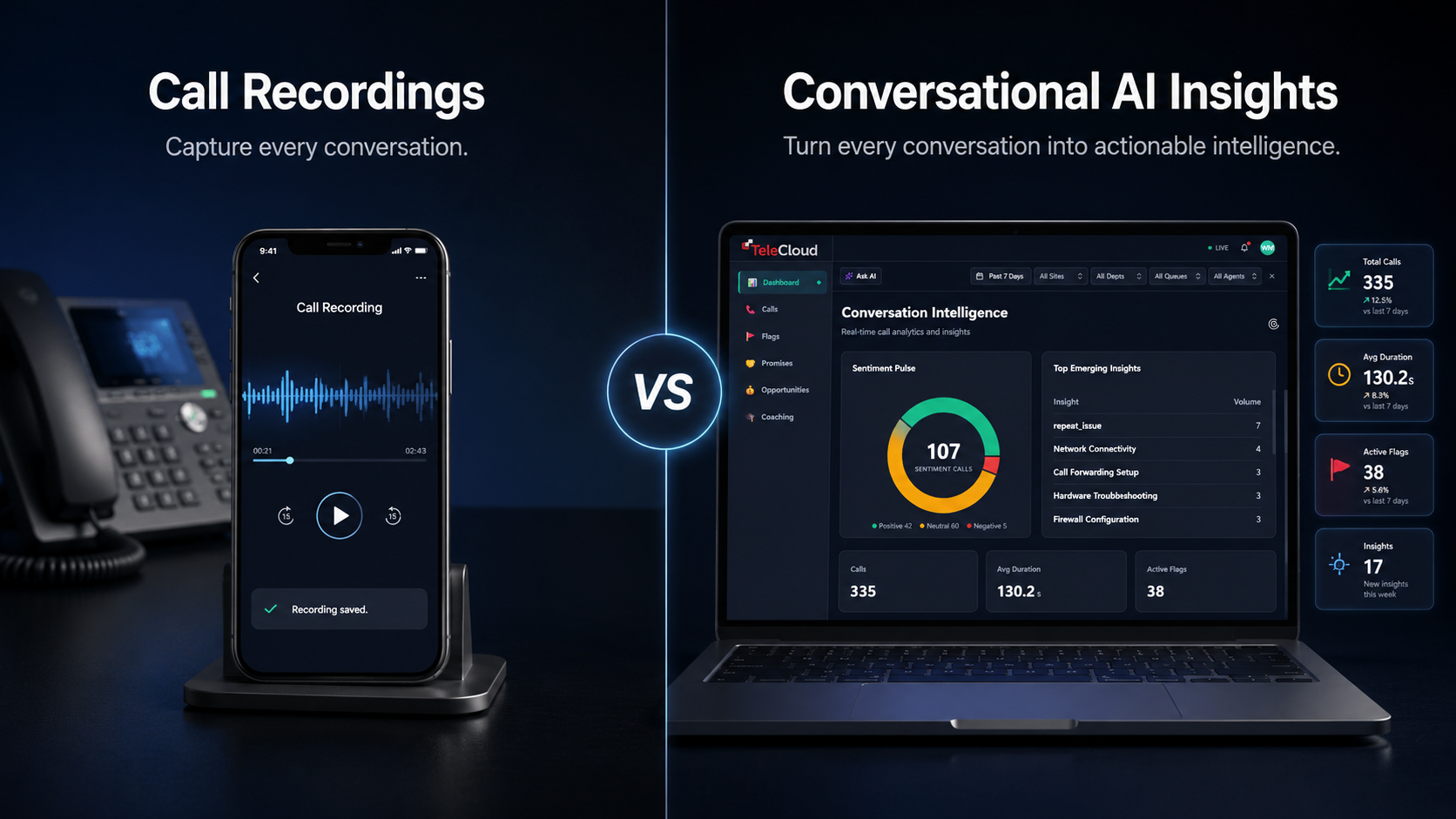
A manager reviews the weekly call analysis from Conversational AI Insights and notices a pattern: calls about appointment rescheduling are generating notably lower sentiment scores than other call types, and the average handle time is significantly longer. No single team member stands out. The pattern runs across the whole team.
Rather than pulling individual recordings and assigning blame, the manager brings the data to the next team meeting. The team sees the same numbers. Someone mentions that the rescheduling process requires navigating three different screens and often requires a hold while they check availability. The problem is a process issue, not a performance issue.
The manager works with the team to streamline the workflow. Two weeks later, the same call type shows shorter handle times and improved sentiment scores. The team can see the improvement in the same dashboard that surfaced the problem. Nobody was put on notice. Nobody felt watched. The data simply pointed to something that needed fixing, and the team fixed it together.
What Should Businesses Do First?
If you are starting from a place of limited call visibility, the goal is not to instrument everything overnight. Start simple and build from there.
- Establish a baseline before you start coaching. Run a call analysis to understand your current missed call rate, sentiment trends, and resolution patterns. You need to know where you are starting from to measure whether anything you do actually works.
- Pick two or three metrics to focus on, not ten. More data is not always better. Choose the metrics most relevant to your current challenges and track those consistently before adding complexity.
- Set a review cadence that feels like a check-in, not a review. Weekly or biweekly is usually right. Monthly is too infrequent to catch developing issues. Daily feels like surveillance.
- Share the data with your team before using it in performance reviews. Introducing call data for the first time during a formal review creates defensiveness. Introduce it as a team tool first so it becomes part of your shared language before it has any evaluative weight.
You Do Not Have to Choose Between Blind and Overbearing
Most managers genuinely want to support their front desk teams. They are not trying to micromanage. They just do not have a better option than listening in, relying on instinct, or waiting for customer complaints to surface a problem that was already weeks in the making.
Call data gives you a third option. Not surveillance, but visibility. Not verdicts, but starting points for conversations. Not a tool for catching people doing things wrong, but a tool for helping your team do things right, consistently, even when you are not in the room.
Your front desk team wants to do a good job. The right data just makes it easier for them to know when they are and where they can get better.
|
Want to see how your front desk calls are actually performing? Request a free call analysis from TeleCloud and get a clear baseline to start from. |
Frequently Asked Questions
What metrics should I track for front desk performance?
Start with four: missed call rate (are calls getting answered), first call resolution rate (are callers getting what they need on one call), sentiment score (how do callers feel during and after the interaction), and transfer rate (is your routing working). These four give you a complete picture of coverage, effectiveness, experience, and process health.
How is call analytics different from call monitoring?
Traditional call monitoring means someone listens to calls manually, usually selectively and after the fact. Call analytics automatically analyzes every call and surfaces patterns across all interactions. The difference is scale and objectivity. Analytics shows you what is happening across your entire call volume without requiring someone to sit and listen, and without the bias of selectively chosen calls.
Can AI call analysis replace one-on-one coaching?
No, and it should not try to. AI call analysis surfaces the data that makes one-on-one coaching more specific, more fair, and more effective. It removes the guesswork about where to focus coaching conversations, but the conversation itself still needs to happen between a manager and their team member.
How do I introduce call data to my team without creating anxiety?
Introduce it as a team tool before an individual one. Share the aggregate data in a team setting, explain what you are looking at and why, and make clear that the goal is to improve processes and support the team, not to build a surveillance file. When staff can see their own data and understand how it is being used, the anxiety dissipates quickly.
What is sentiment analysis and how does it apply to front desk calls?
Sentiment analysis uses AI to identify emotional signals in conversation: frustration, confusion, satisfaction, warmth. In a front desk context it surfaces calls where customers are likely to have had a poor experience, even when no complaint was made. It gives managers an early warning signal rather than waiting for a negative review to flag that something went wrong.
Will Maddox is the Digital Marketing Coordinator at TeleCloud, overseeing content, brand, and outbound strategy for the company. He writes about cloud communications, AI tools for business, and what SMBs and urgent care operators need to know to run better phone systems. Connect with Will on LinkedIn or email him directly to learn more.