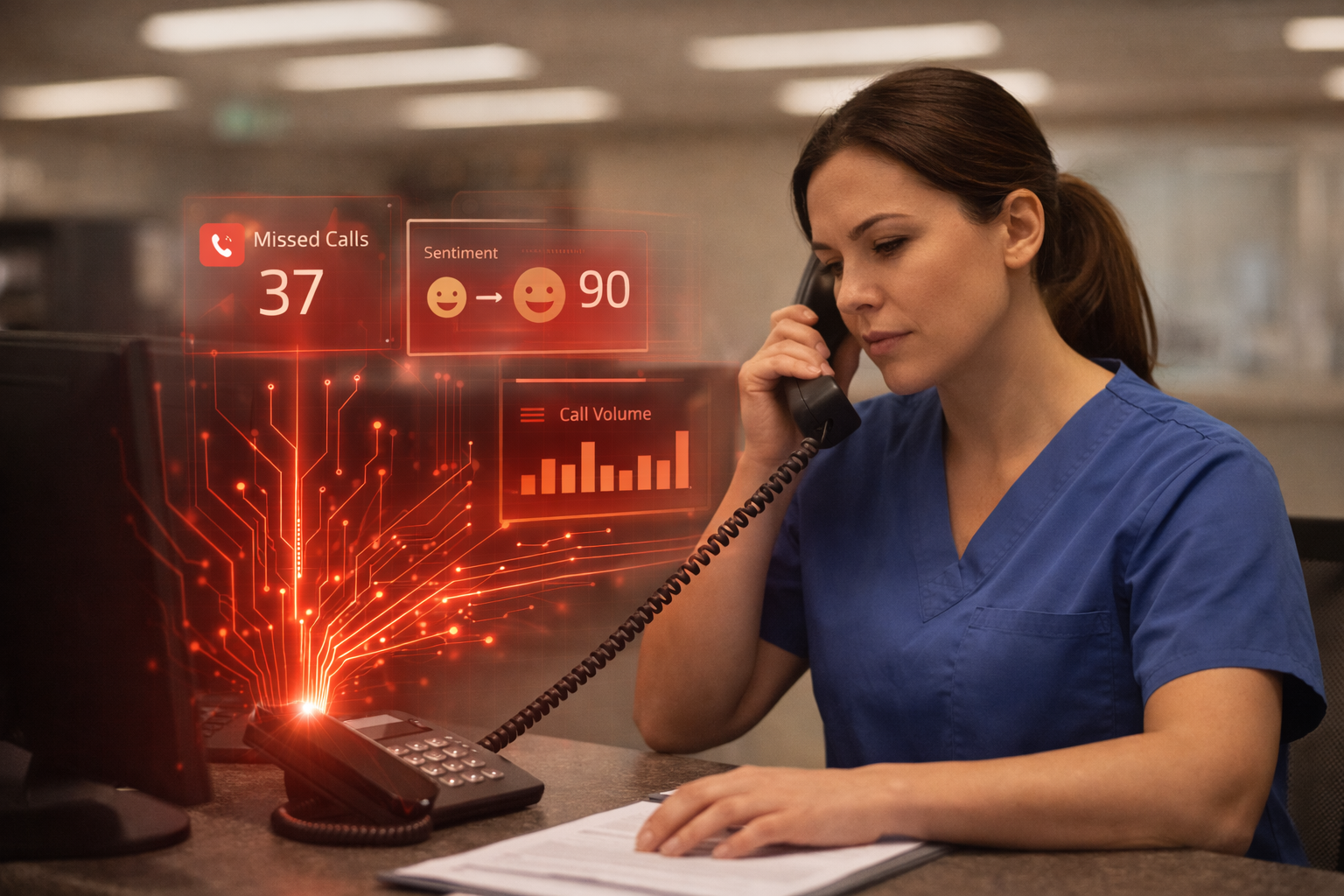

Short answer: sometimes, but not on day one. An AI agent can answer, screen, and route a lot of calls, yet the setup still needs rules, handoff paths, and a human who can step in fast when the call gets messy.
If you are the office manager or practice manager, the Monday-morning question is simple: which calls can you trust to an AI agent, and which ones still need a person? That matters because the first bad handoff usually shows up at the front desk, not in a slide deck. We have seen this in real phone deployments, the agent is useful, but the workflow around it decides whether it helps or creates more cleanup.
The mistake is treating the model like a replacement for the front desk. The better test is narrower: can the agent handle routine calls without getting in the way when the call turns unusual? That is where production use starts to look very different from a demo.
What an AI agent can do well on the phone
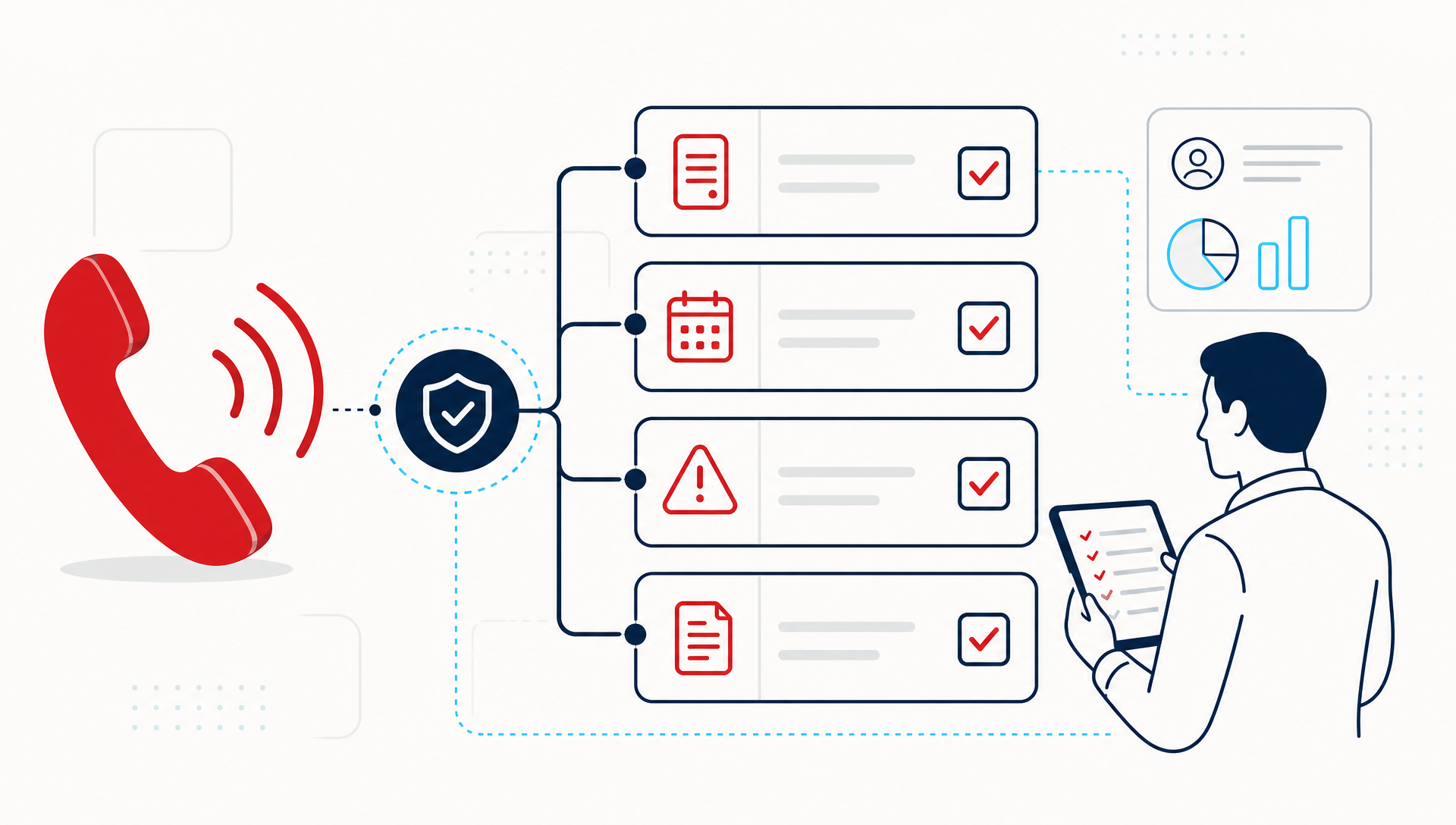
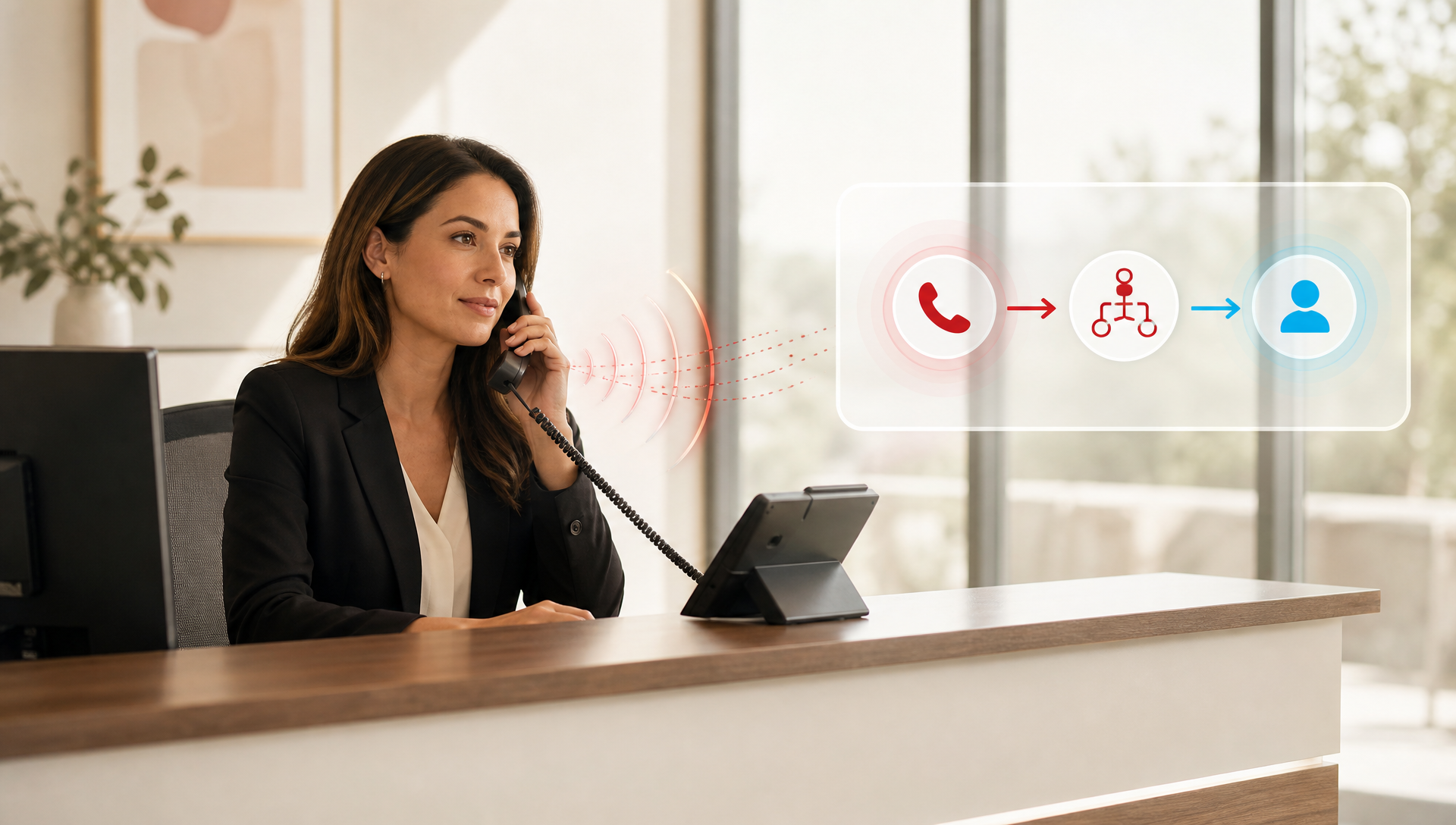
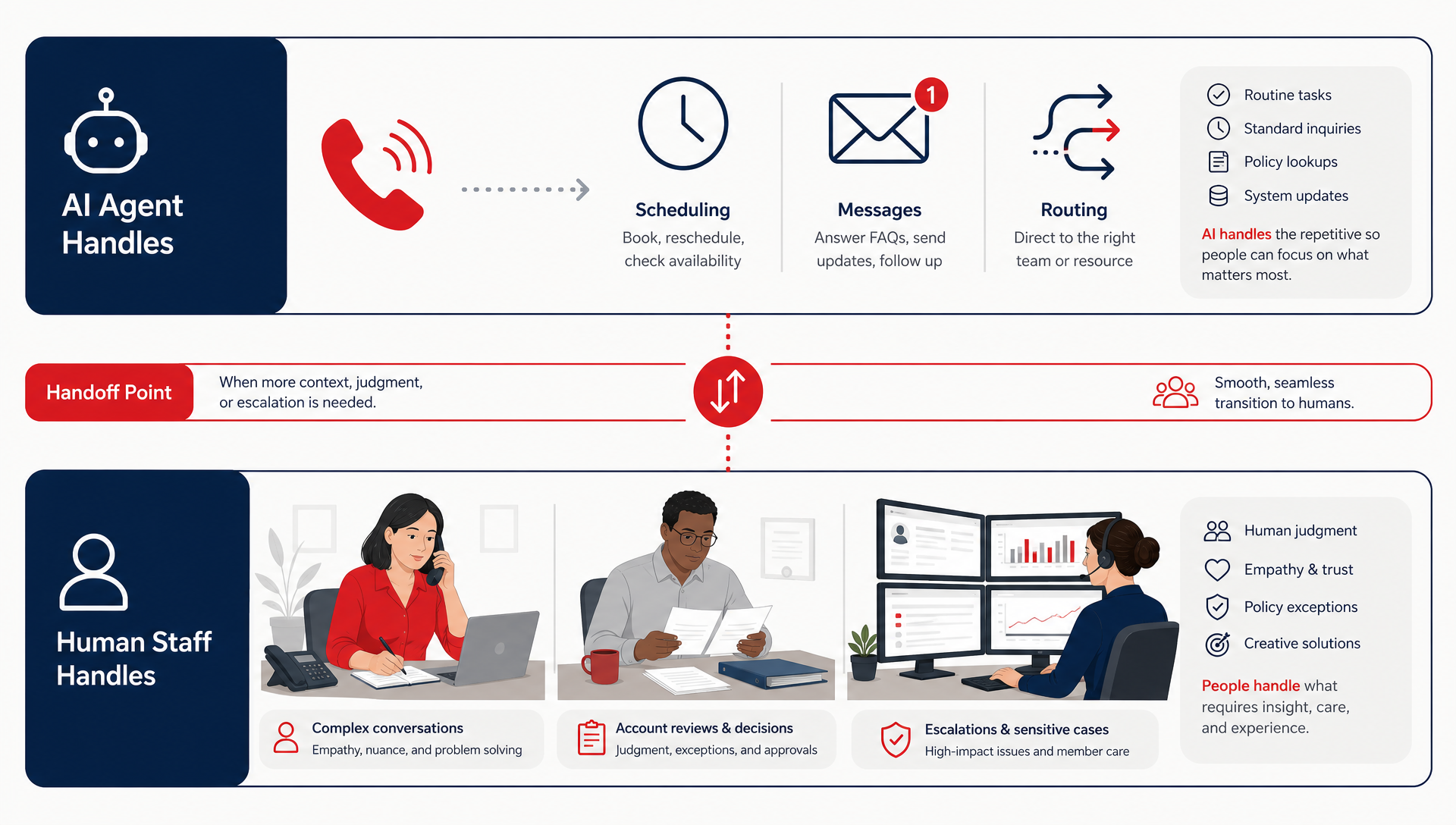
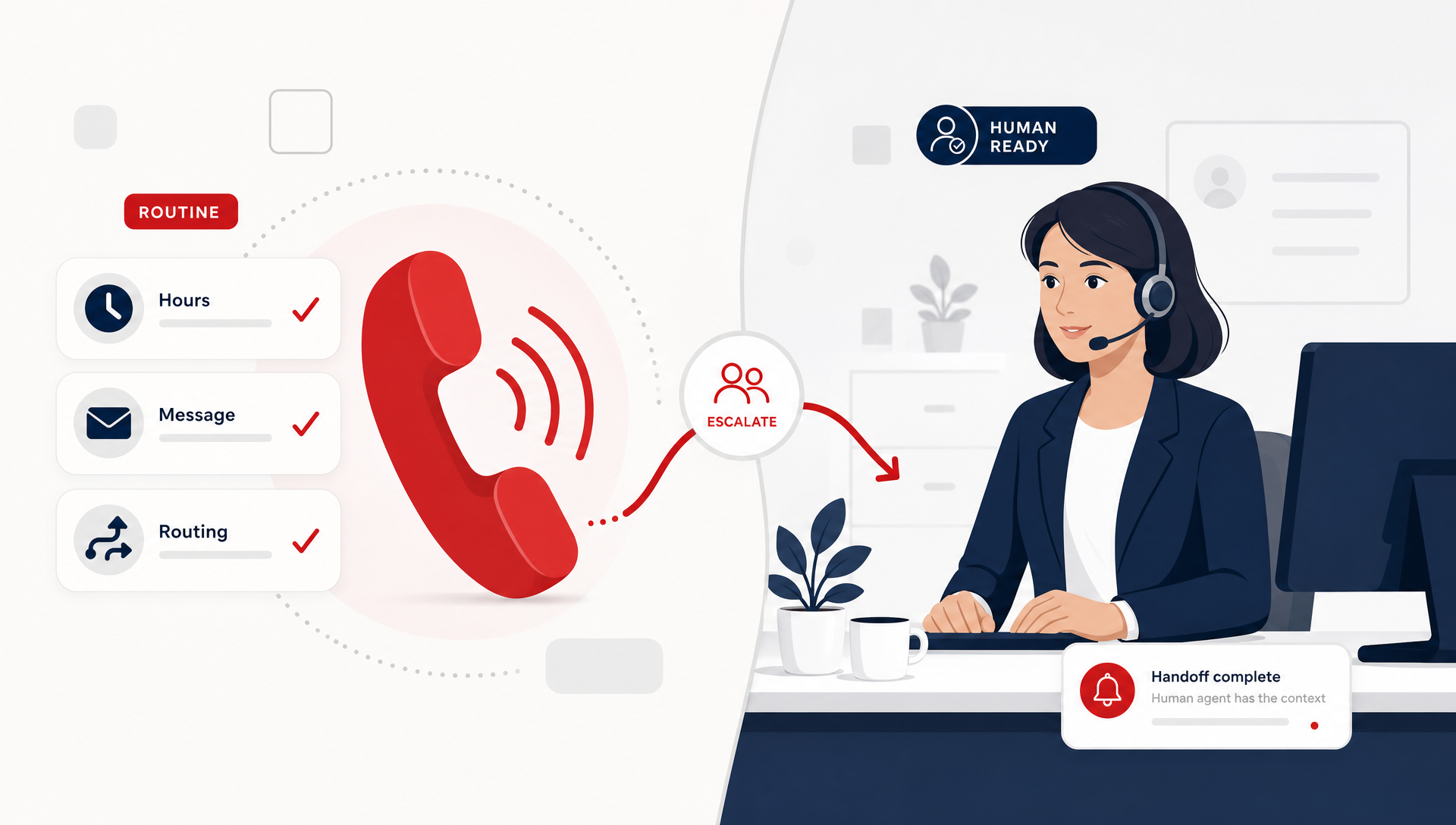
An AI receptionist is strongest when the call has a known shape. It can answer after-hours calls, confirm hours, take a message, ask basic screening questions, and route the caller to the right person or queue. In many SMB workflows, that covers a surprising amount of volume.
What it does not do well is guess. If the caller is emotional, unclear, contradictory, or trying to solve three problems at once, the agent needs guardrails. That is why the best phone deployments use AI for routine intake, screening, and handoff, not for pretending every call is the same.
A simple rule helps: if the front desk would need a script to answer it, the AI may be able to handle it. If the front desk would need judgment, the AI should probably escalate.
What production readiness really means
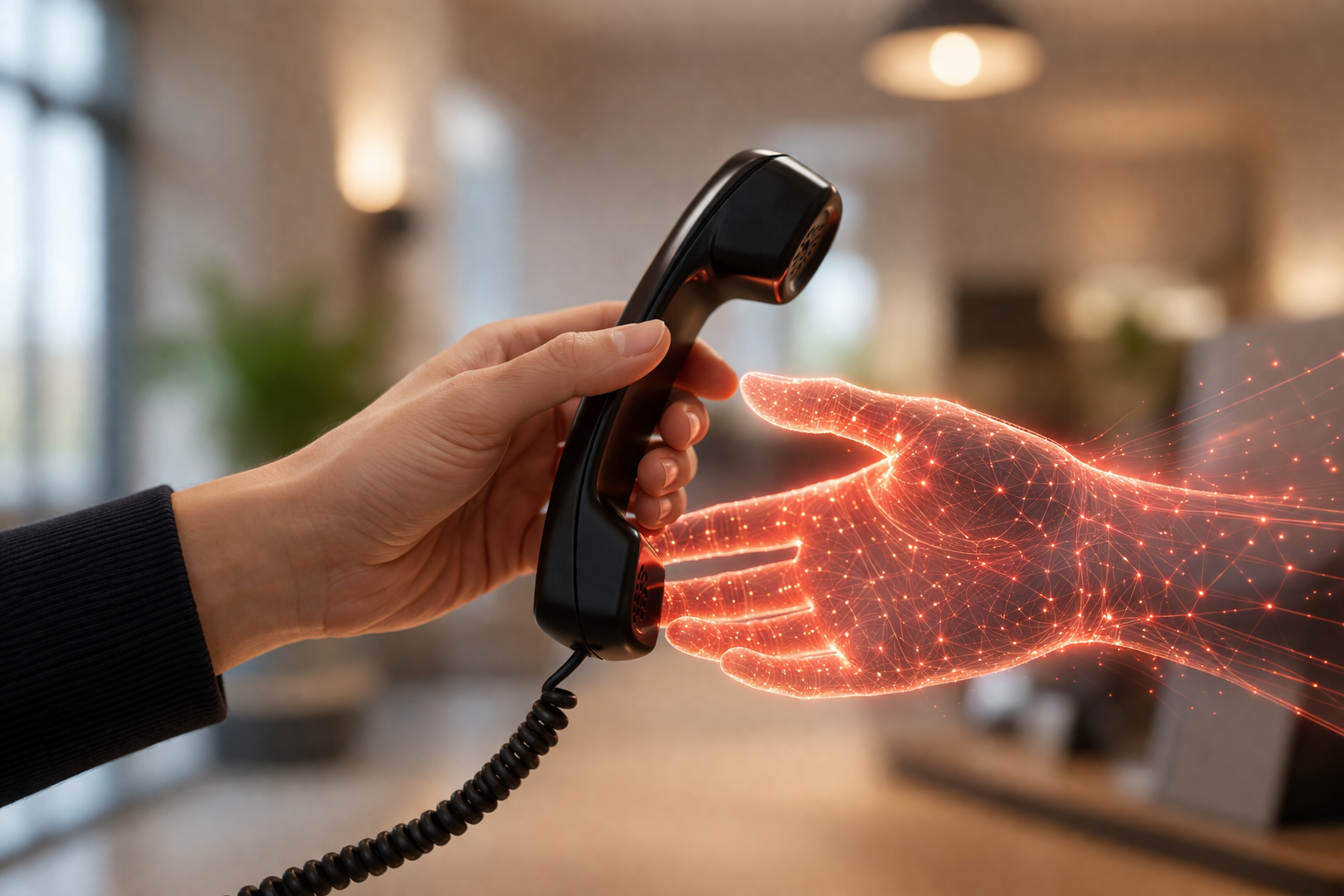
Production-ready does not mean perfect. It means the AI can keep its lane, and your team knows exactly what happens when it leaves that lane. The handoff strategy matters more than the model name.
Before you let an AI agent answer alone, define three things:
- Which call types it can fully handle
- Which call types it can start, then transfer
- Which call types go straight to a person
That sounds basic, but this is where most pilots break. If the caller waits too long for a transfer, or the agent asks the same question twice, the caller loses patience. If the agent is too eager to continue, staff lose trust in it.
There is a reason operators keep a human backup in the loop early on. The backup catches edge cases, but it also teaches you where the model is still too loose.
What this looks like in a real front-office workflow
Think about a small clinic, a law office, or a service business with a busy front desk. The AI agent can answer the first ring, identify the caller, and separate a simple question from a live issue. A lot of the time, that is enough to reduce missed calls after hours and keep the team from getting buried in repeats.
But a real production setup usually includes one of these patterns:
| Model | Best for | Risk |
|---|---|---|
| AI answers alone | High-volume, repeatable calls | More silent failures if the script is weak |
| AI answers first, then escalates | Mixed call types, busy front desks | Requires clean transfer rules |
| Human answers first, AI assists after-hours | Conservative teams | Less automation, more staff load |
For most SMBs, the second model is the sweet spot. Answer first, escalate fast, and keep a person available for the calls that matter most. That gets you the benefit of automation without pretending the front desk has no judgment call to make.
Where TeleCloud fits when the call stack gets messy
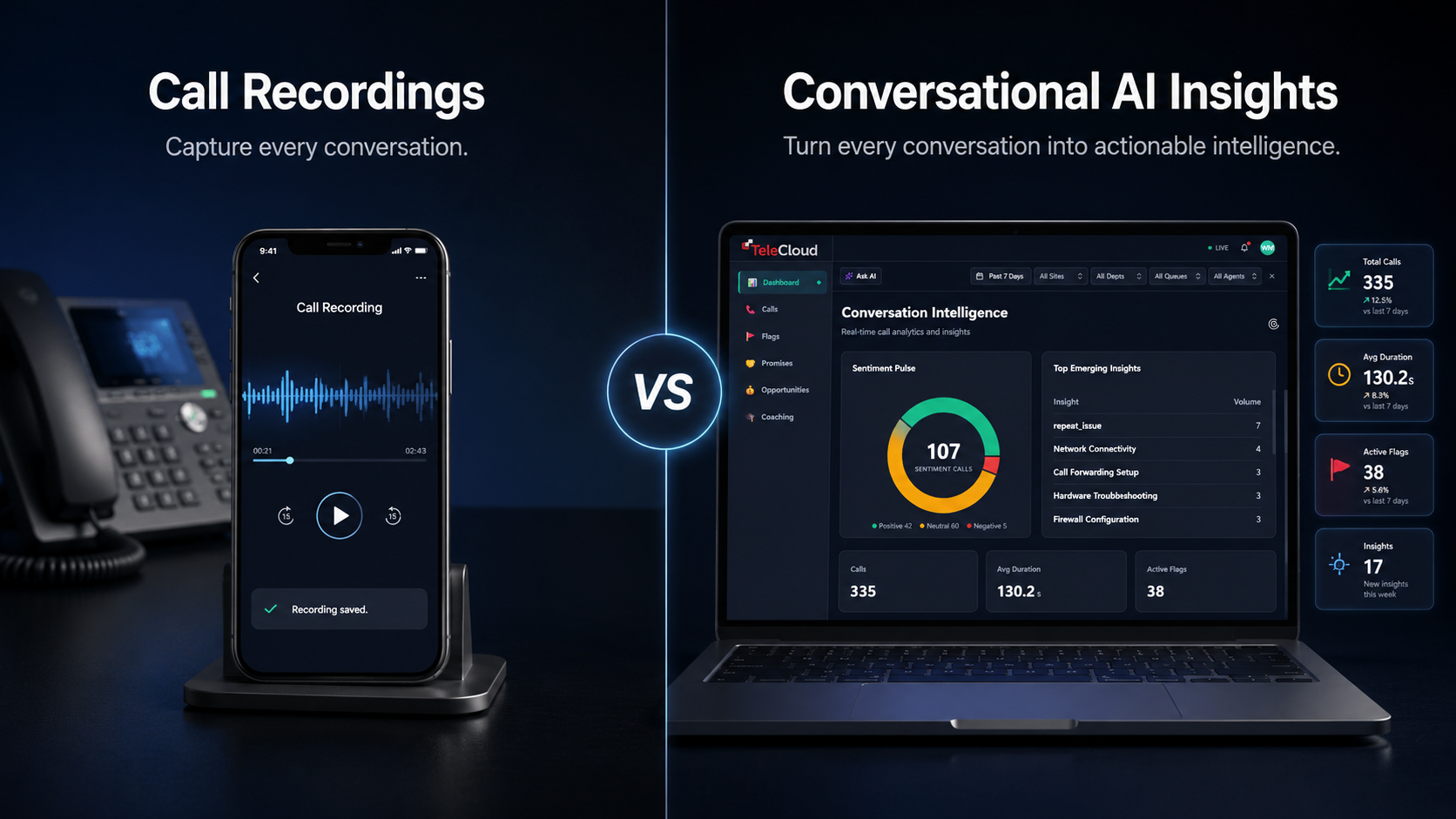
This is where TeleCloud's AI Receptionist fits the real world. It answers calls, handles common questions, helps with scheduling and routing, and hands off when the call needs a person. In other words, it is built for the part of the workflow that is stable, while still respecting the part that is not.
That matters because the goal is not to remove the front desk from the process. The goal is to keep the front desk focused on exceptions, not repetitive first-contact work. In our deployments, that is the difference between a tool that gets adopted and a tool that gets turned off after two weeks.
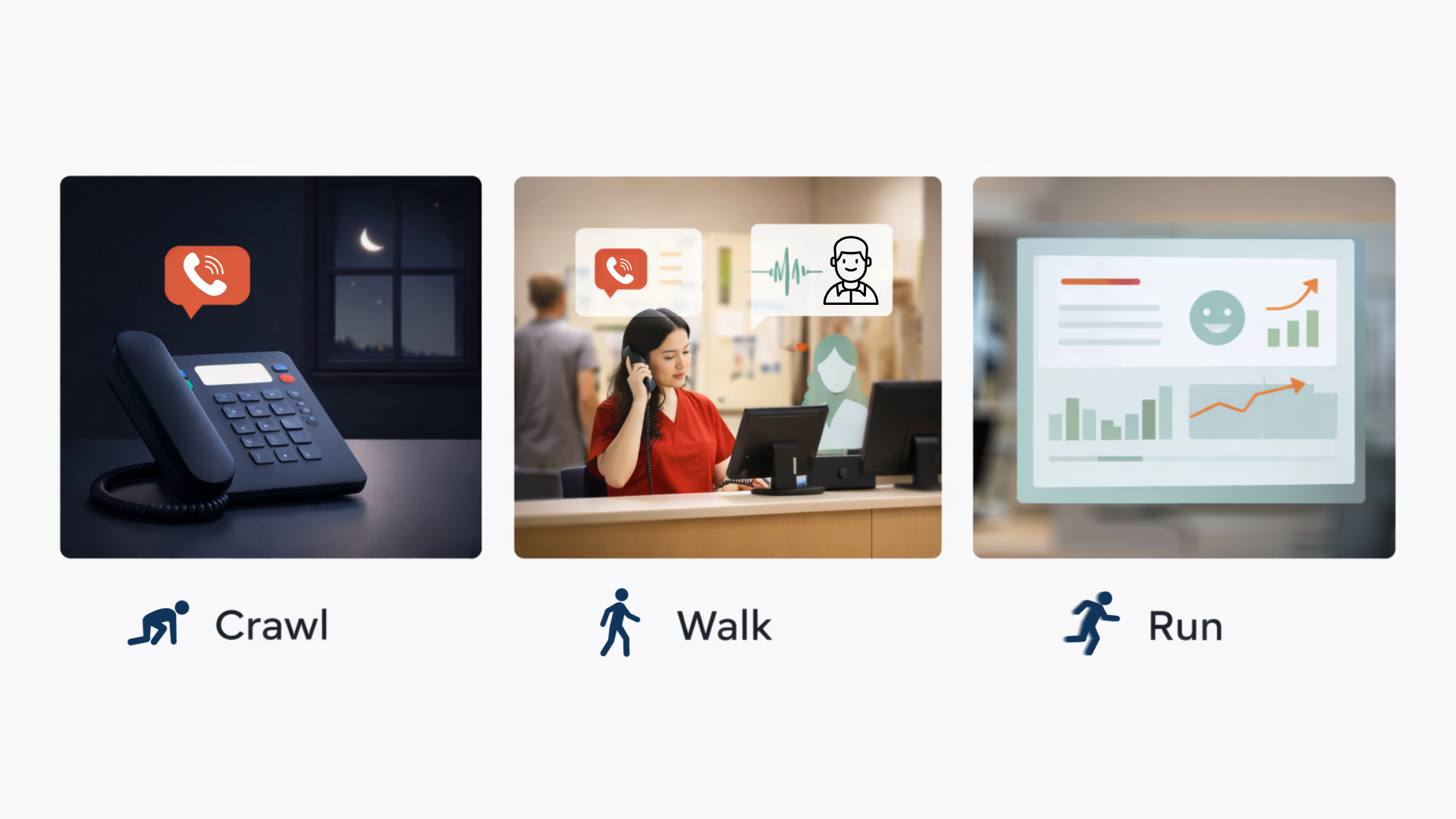
You should also expect a rollout period. The first version of the call flow will usually need edits after real callers start using it. That is normal. The best teams treat the AI like a live workflow, not a one-time install.
When AI agents are not a fit yet
Some call flows are still too sensitive for full autonomy. If every call can turn into an emergency, a billing dispute, a legal matter, or a high-value sales lead, you probably do not want a fully independent agent on the line yet. You want a controlled handoff path and a human backup.
A few warning signs:
- You do not have a clear escalation tree
- The staff who answer phones disagree on the script
- The caller’s intent changes often during one call
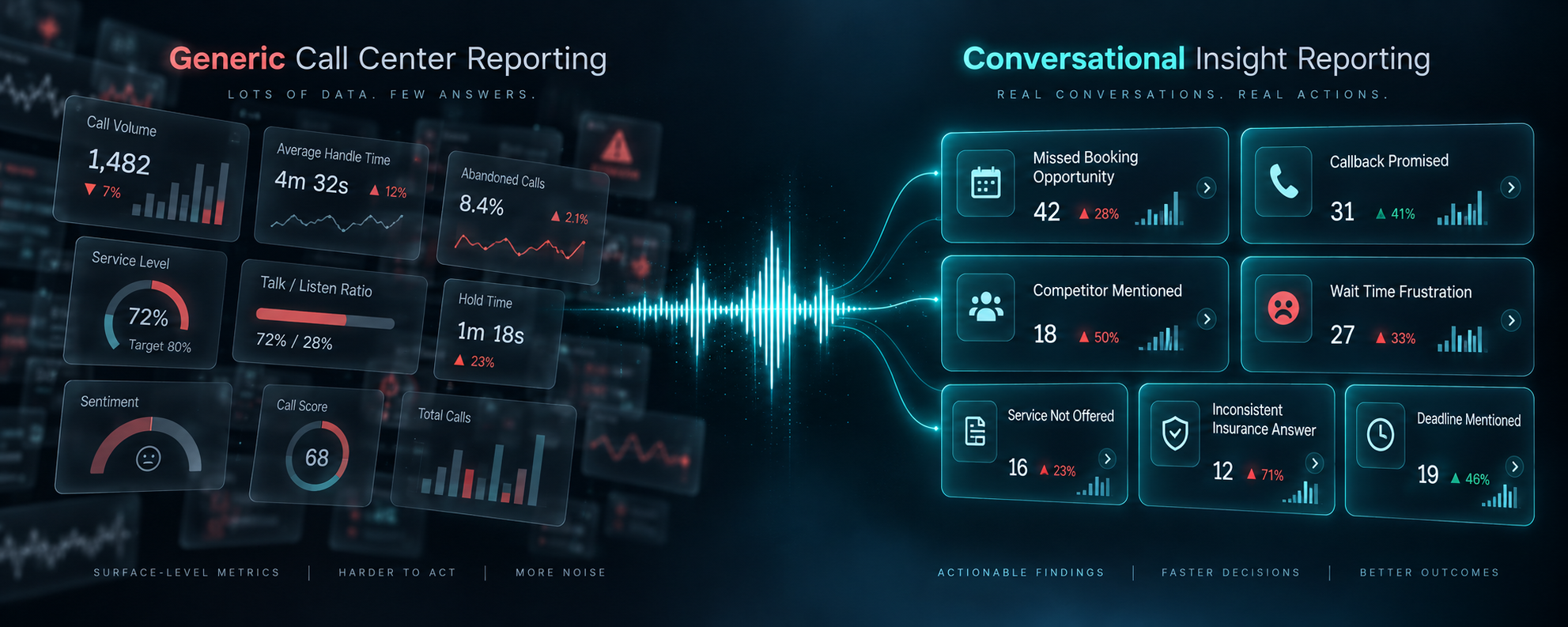
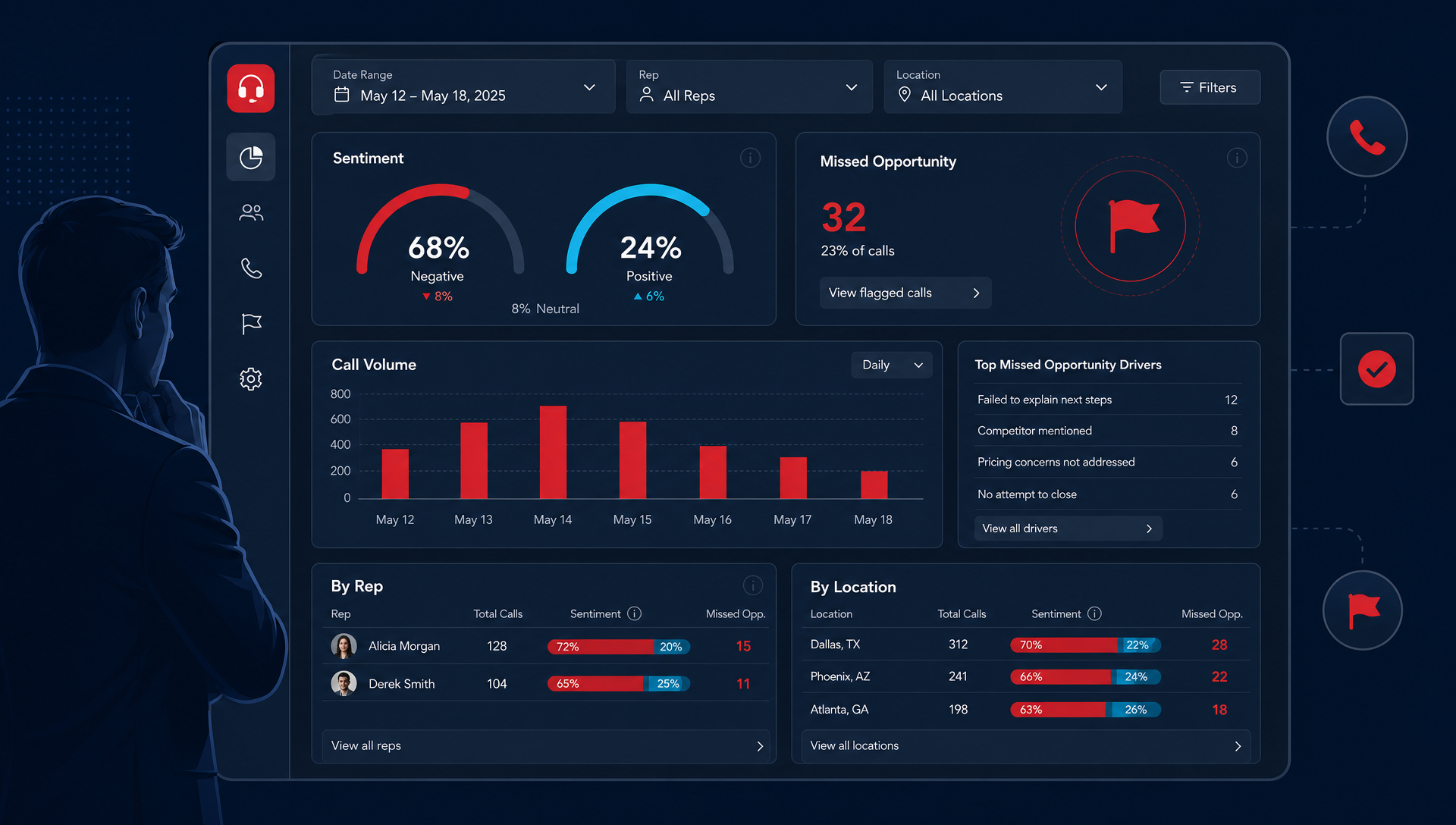
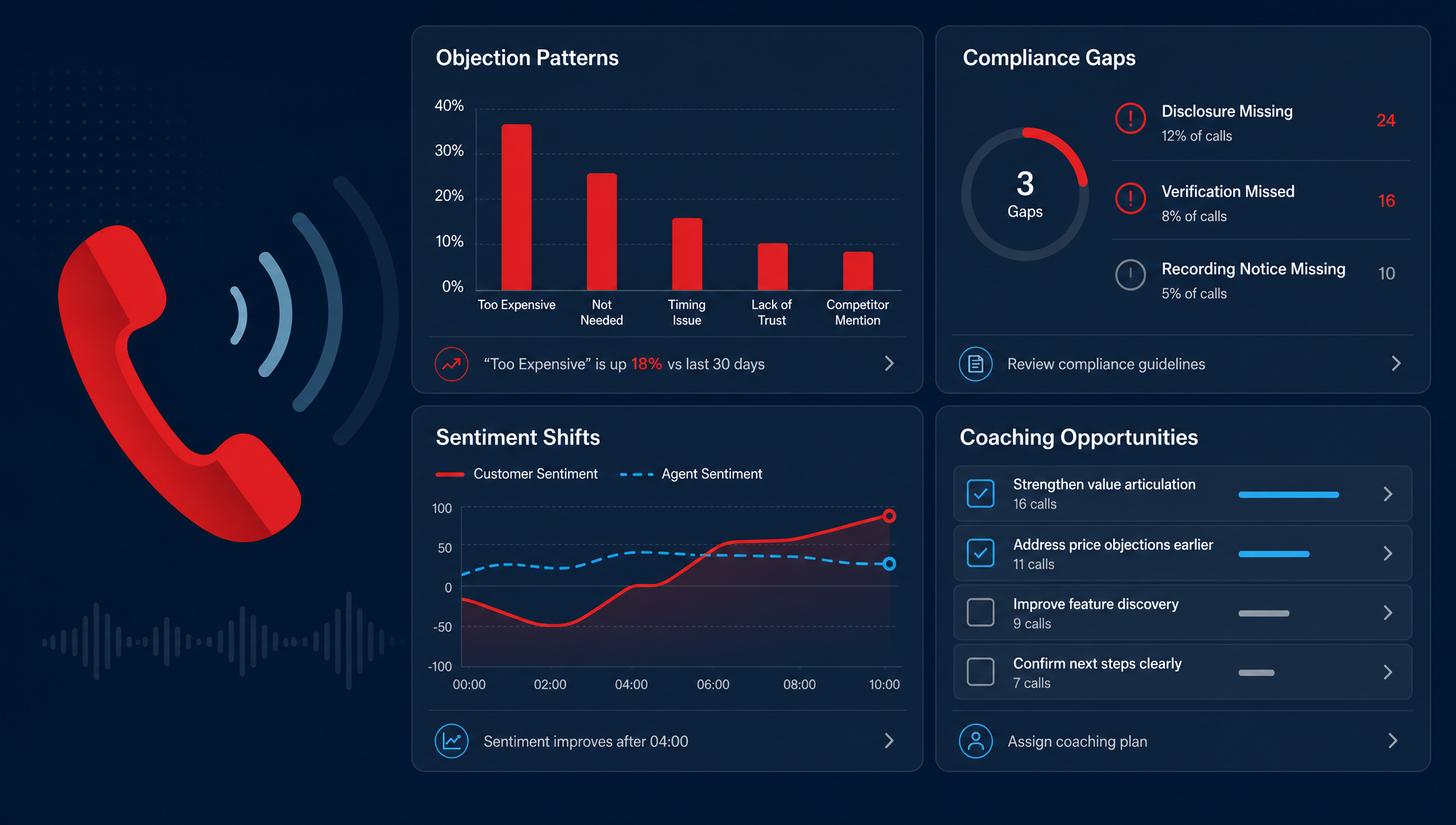
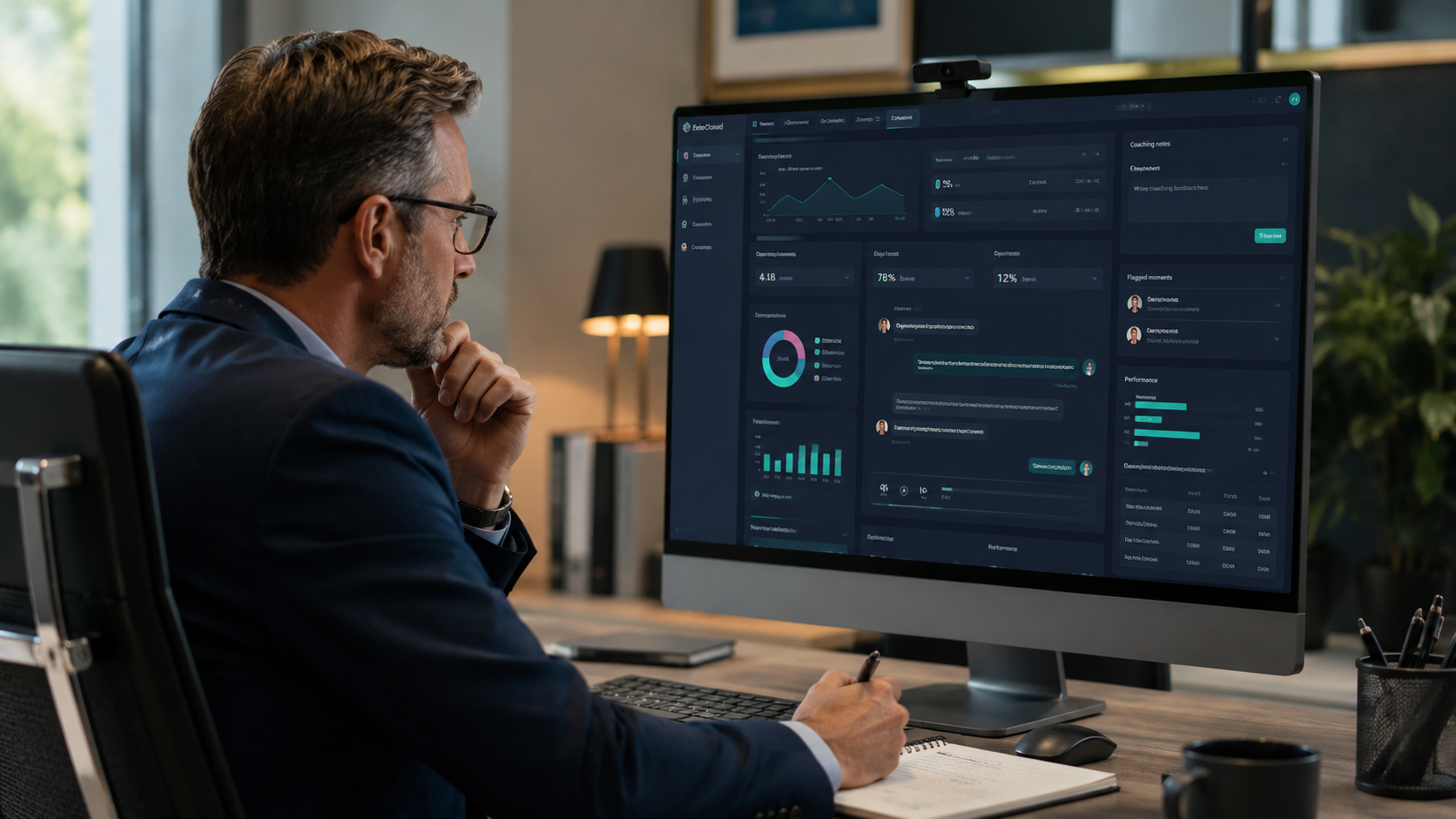
- You cannot review transcripts or call outcomes weekly
If that sounds familiar, the issue is not that AI agents are bad. It is that your call workflow is not stable enough to automate cleanly. Fixing the workflow first makes the AI much more useful later.
How to judge whether your setup is ready
Ask five questions before you turn the agent loose:
- What are the top 10 reasons people call?
- Which of those can be answered with a script?
- Which need a transfer?
- Who owns the fallback when the agent gets stuck?
- How will you review failed calls in the first 30 days?
If you can answer those clearly, you are probably ready for a pilot. If you cannot, the pilot will teach you more about your workflow than about the AI itself.
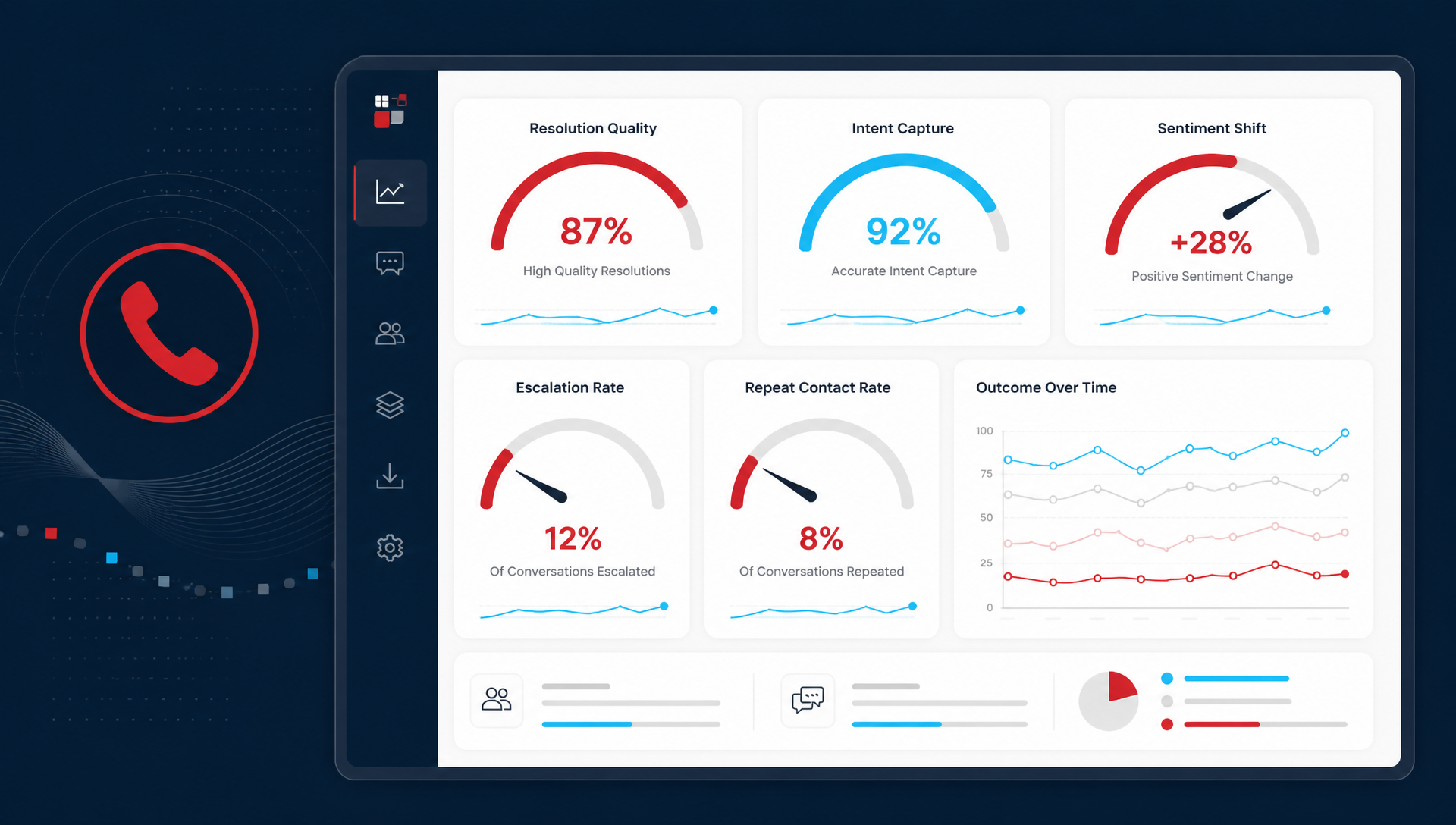
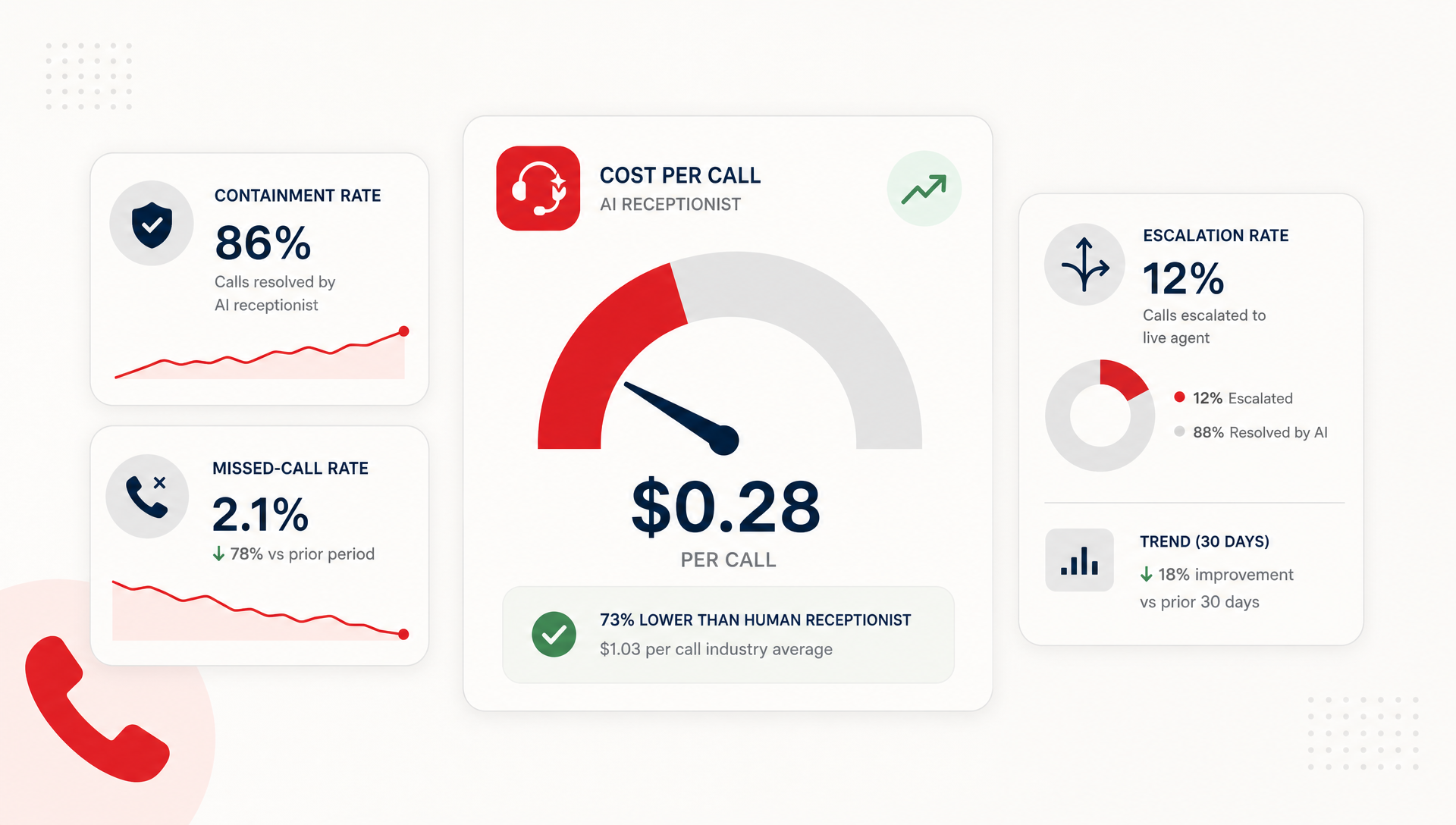
A useful benchmark is containment with low frustration. If the agent can resolve routine calls and route the rest cleanly, you are in good shape. If callers start repeating themselves or staff keep fixing broken handoffs, the setup needs work.
What to put in place before you go live
Start small. Give the AI a narrow call list, a short script, and a clear escape route to a human. Then watch the transcripts and callbacks for a few weeks.
That is the practical pattern TeleCloud recommends for SMB phone workflows: use AI where the call is repeatable, keep a person where judgment is needed, and let the system prove itself before you widen the scope. AI works best as a front-line filter, not a lonely replacement.
If you want a cleaner test of whether this fits your team, talk to us about how TeleCloud's AI Receptionist handles routing, screening, and handoff in real phone workflows.
FAQ
How do I know if an AI agent is ready for production?
It is ready when it can handle a narrow set of call types without creating extra work for staff. The key sign is not perfect containment, it is clean escalation when the call falls outside the script.
Should an AI agent answer every front-desk call?
No. The safest use is usually a blended model, where the AI handles routine calls first and transfers anything sensitive, unusual, or high value. That gives you coverage without giving up control.
What goes wrong when AI agents are used too early?
The usual problems are bad transfers, repeated questions, and callers who feel stuck. If the call flow is not defined well, the agent becomes one more thing your front desk has to fix.
Can an AI agent replace a receptionist?
Not cleanly in most SMBs. It can take a lot of routine work off the desk, but the strongest setups still use a human backup for judgment calls and exceptions.
What should I review after the first week?
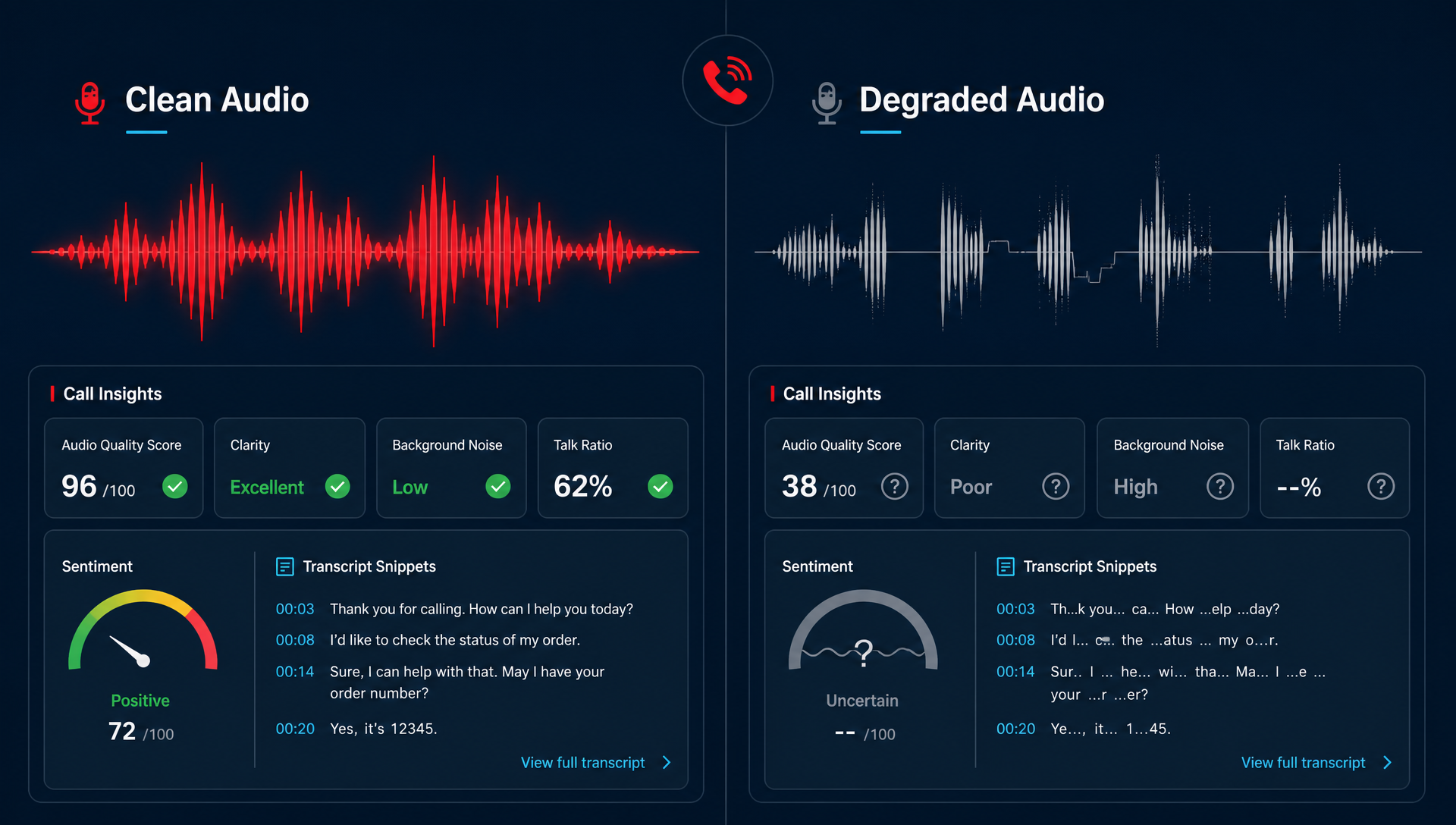
Look at transcripts, failed handoffs, and any calls that needed staff cleanup. Those three checks tell you quickly whether the AI is saving time or just moving the work around.
Matt Gavin is TeleCloud's Operations Manager, with 15+ years of telecom experience spanning network engineering, billing operations, and AI-driven process automation. He writes about the technology behind reliable phone systems, from VoIP infrastructure to how AI tools are changing day-to-day operations. Connect with Matt on LinkedIn or email him directly to learn more.
Topics: