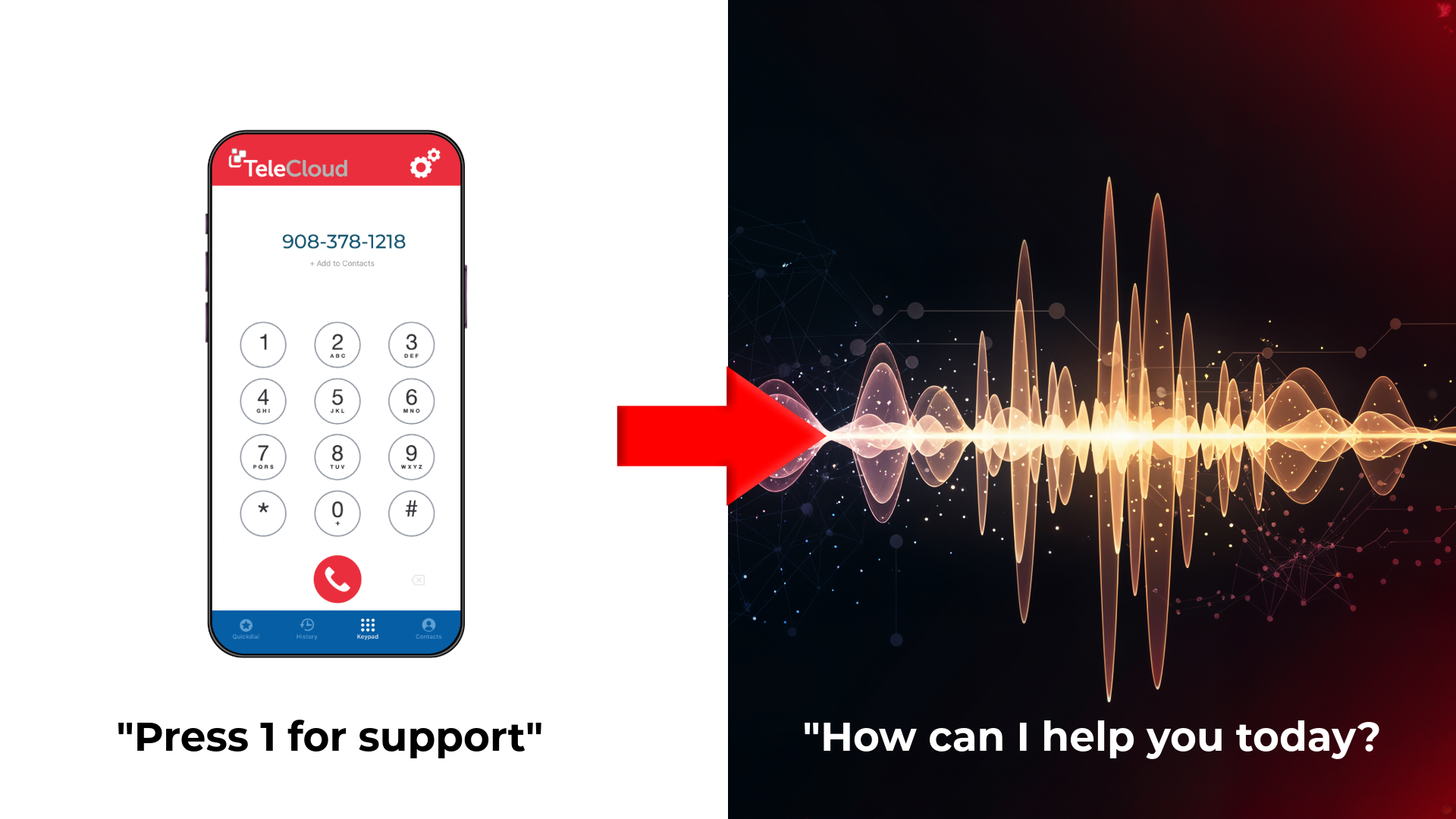

Why your AI Receptionist fails without phone system integration
August 25th, 2026
4 min read
By Matt Gavin
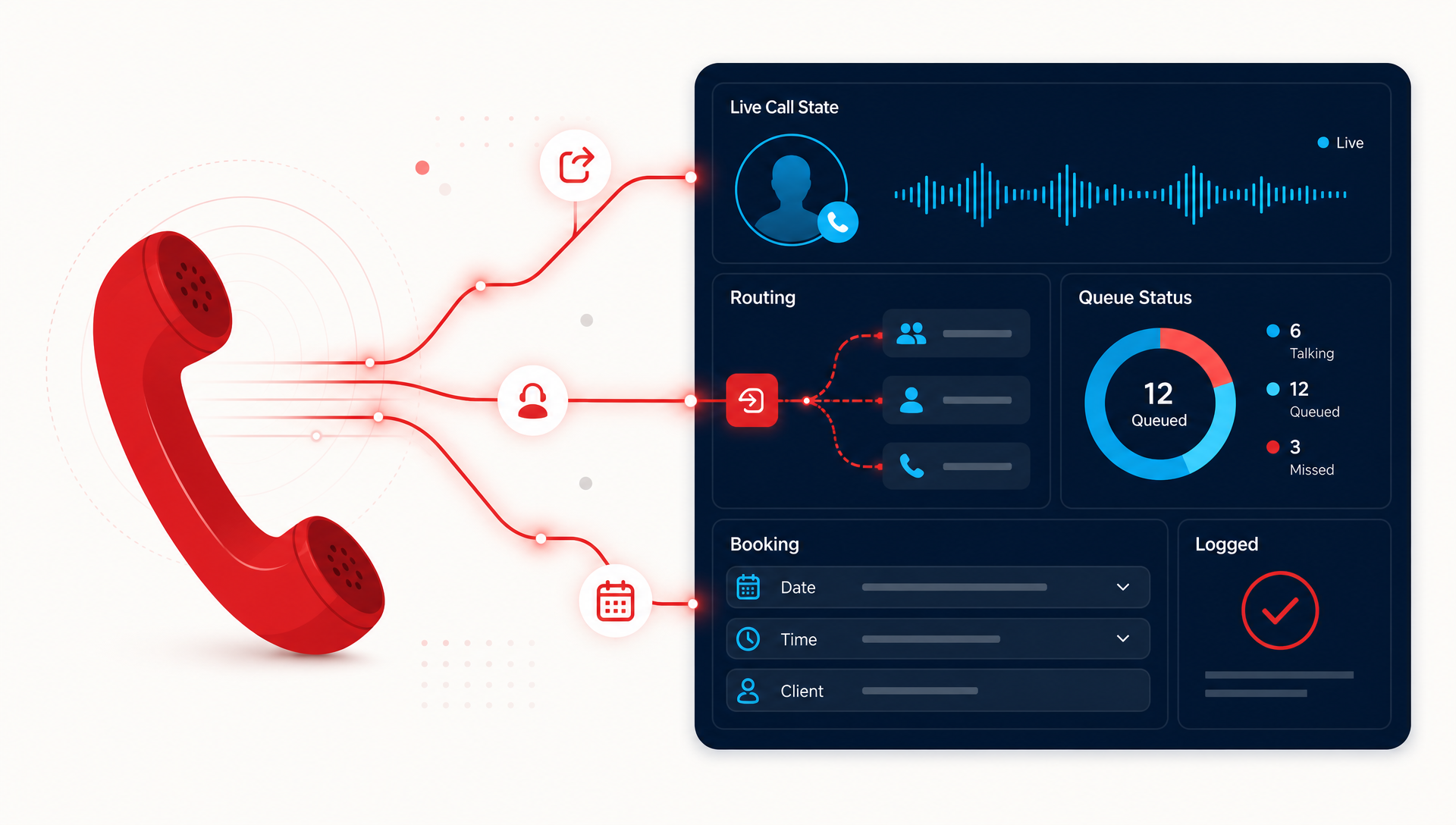
It usually fails because the AI is working alone. If your receptionist cannot see the live phone system, caller state, or routing rules, it can answer a question but miss the next step, like transfer, booking, or logging the call.
That is where a lot of SMB pilots get stuck. The front desk gets a demo that sounds smart, then Monday morning comes and the AI is still disconnected from the real call flow. Calls need context, not just a reply, and the context lives in the phone system, the CRM, and the handoff rules your team already uses.
We see this pattern in a lot of deployments. When the AI Receptionist and the cloud phone system sit in the same platform, it can react to what the caller actually needs, not what a stale transcript guessed five seconds ago. This post breaks down why integration matters, what it changes in practice, and what to ask before you buy.
What goes wrong when the AI is separate from the phone system?
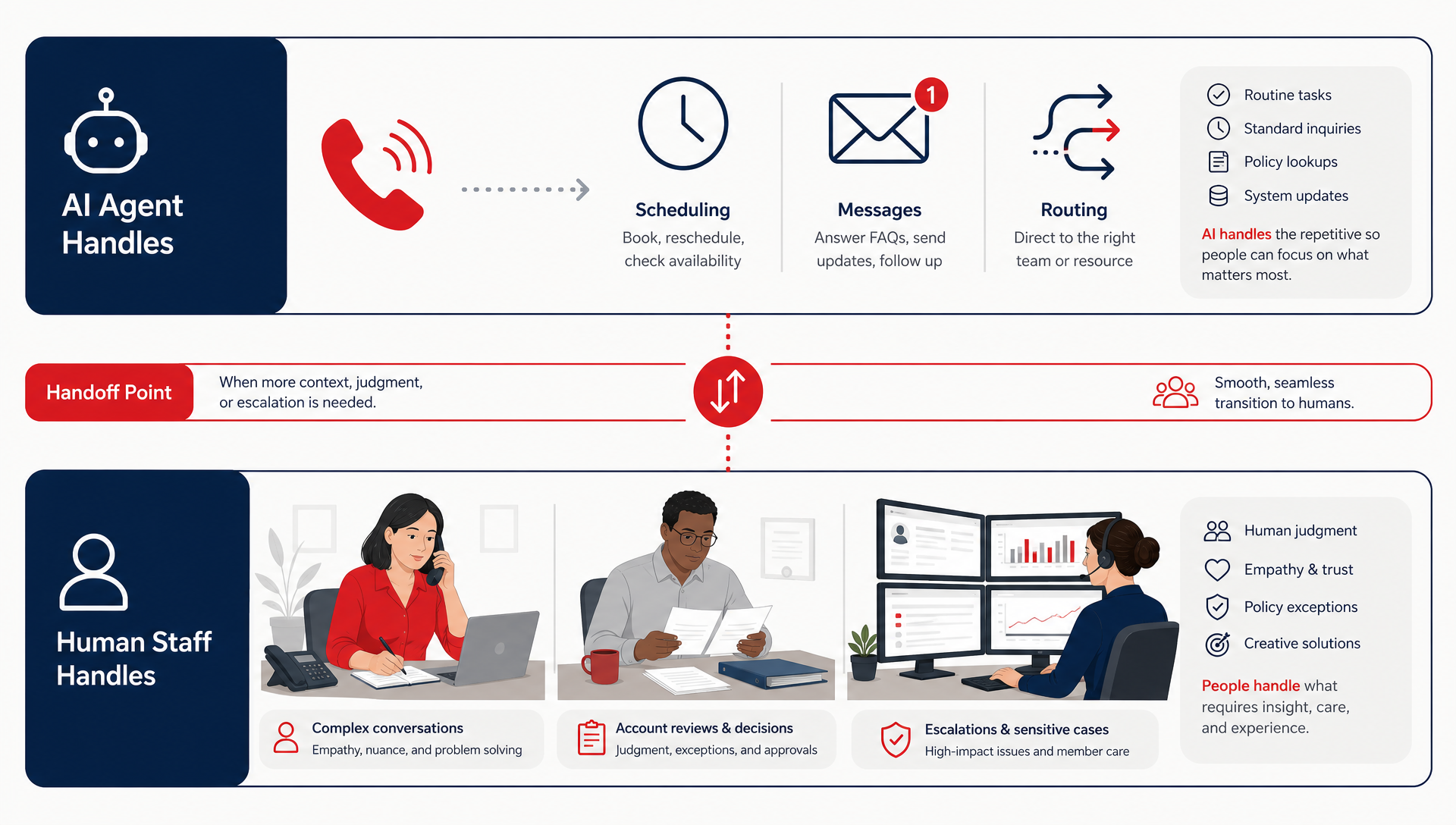
A separate AI layer can sound good in a demo and still break in real use. It may answer the call, but it does not always know which line was dialed, who is already in the queue, or whether the call should go to scheduling, billing, or a live person.
That creates four common problems:
- Dropped context, the AI loses track of why the caller came in.
- Manual handoffs, staff have to repeat the same information.
- Bad routing, the caller gets sent to the wrong person or queue.
- Weak logging, the team cannot see what happened without digging through notes.
The bigger issue is timing. A phone call is live work, and live work changes by the second. If the agent only sees a transcript after the fact, it is always one step behind.
What does native phone and agent integration actually do?
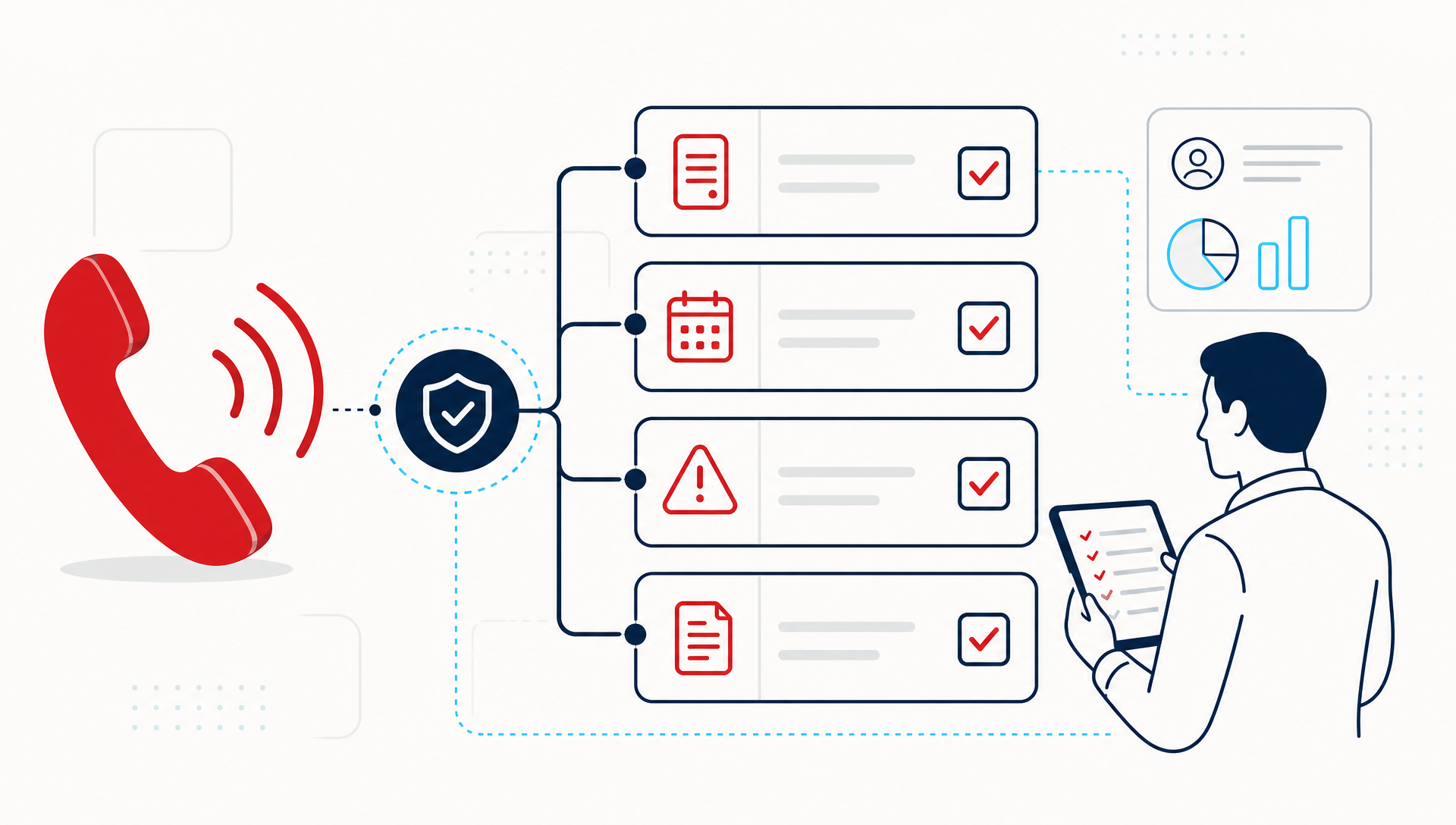
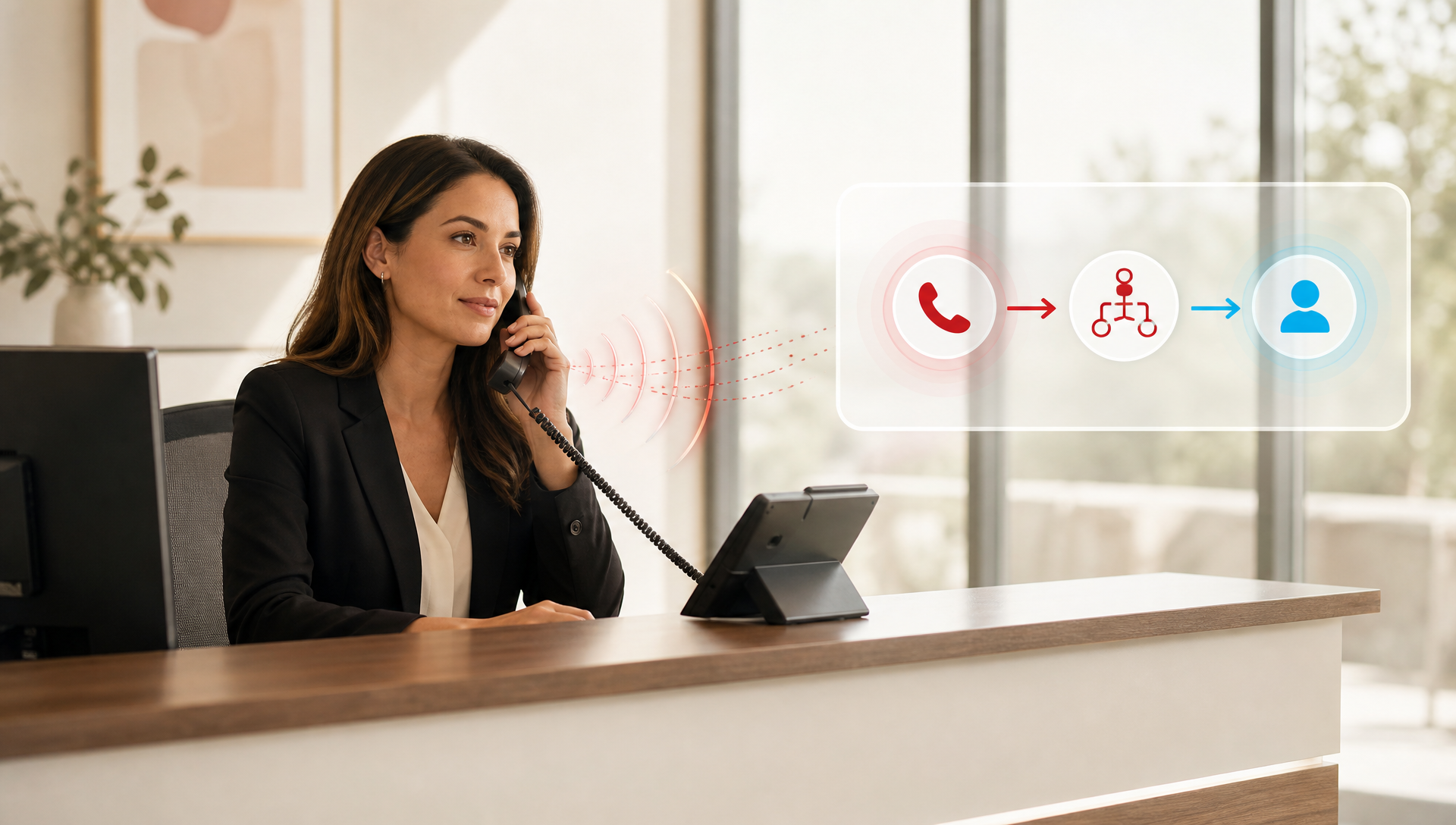
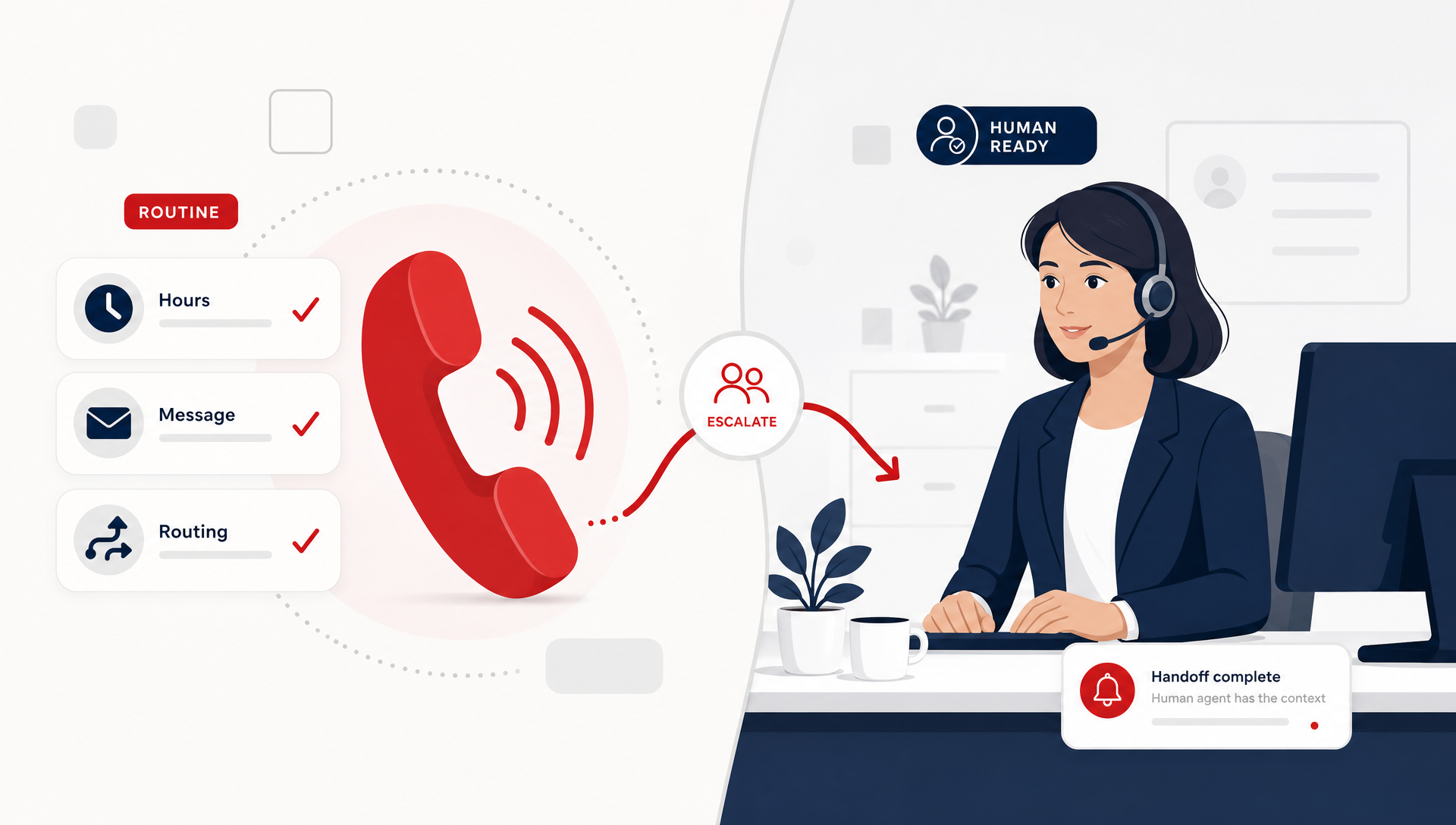
Native integration means the AI receptionist and the phone system share the same call state. The system knows who is calling, what number they dialed, what menu path they took, and what action should happen next.
In plain terms, that lets the agent do more than answer:
- transfer the call to the right person or queue
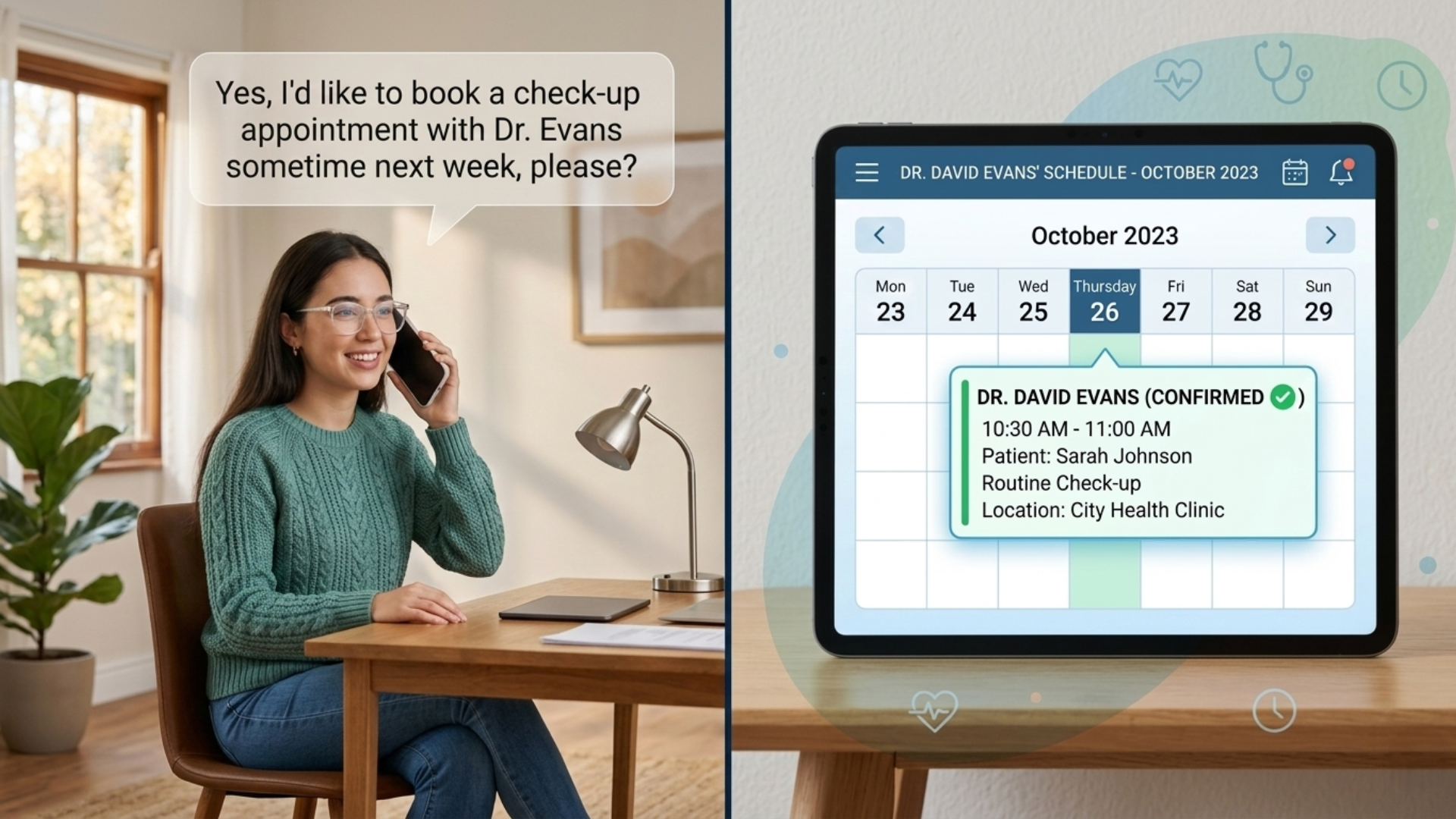
- book an appointment or capture a callback request
- log the call outcome in the right place
- route based on caller intent, not just a preset menu
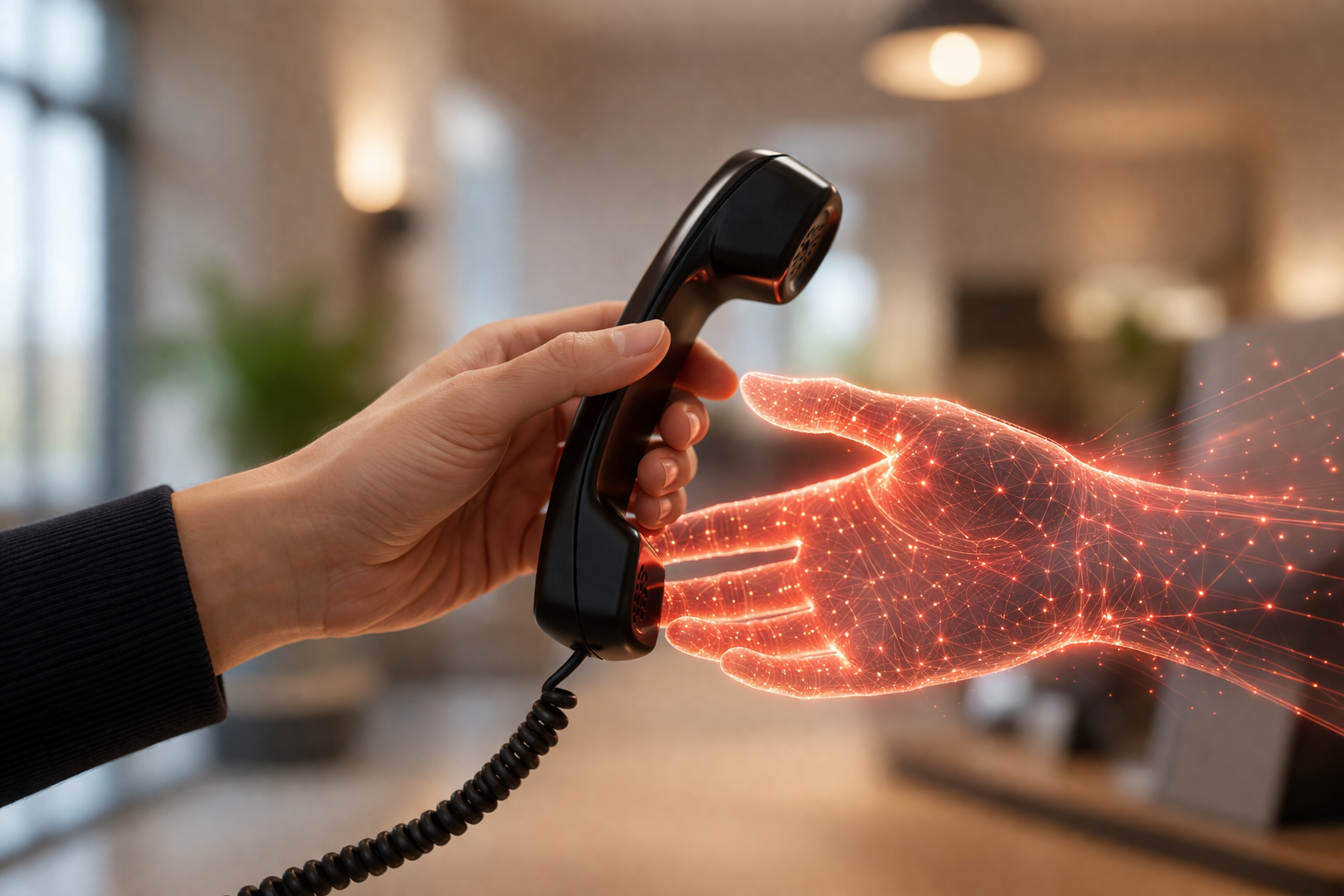
That is a much better fit for SMB front desks than a stand-alone bot. The point is not a smarter greeting, it is a cleaner handoff. When the AI and phone system are built together, the caller does not have to start over every time the call moves.
What this looks like in a real SMB front office
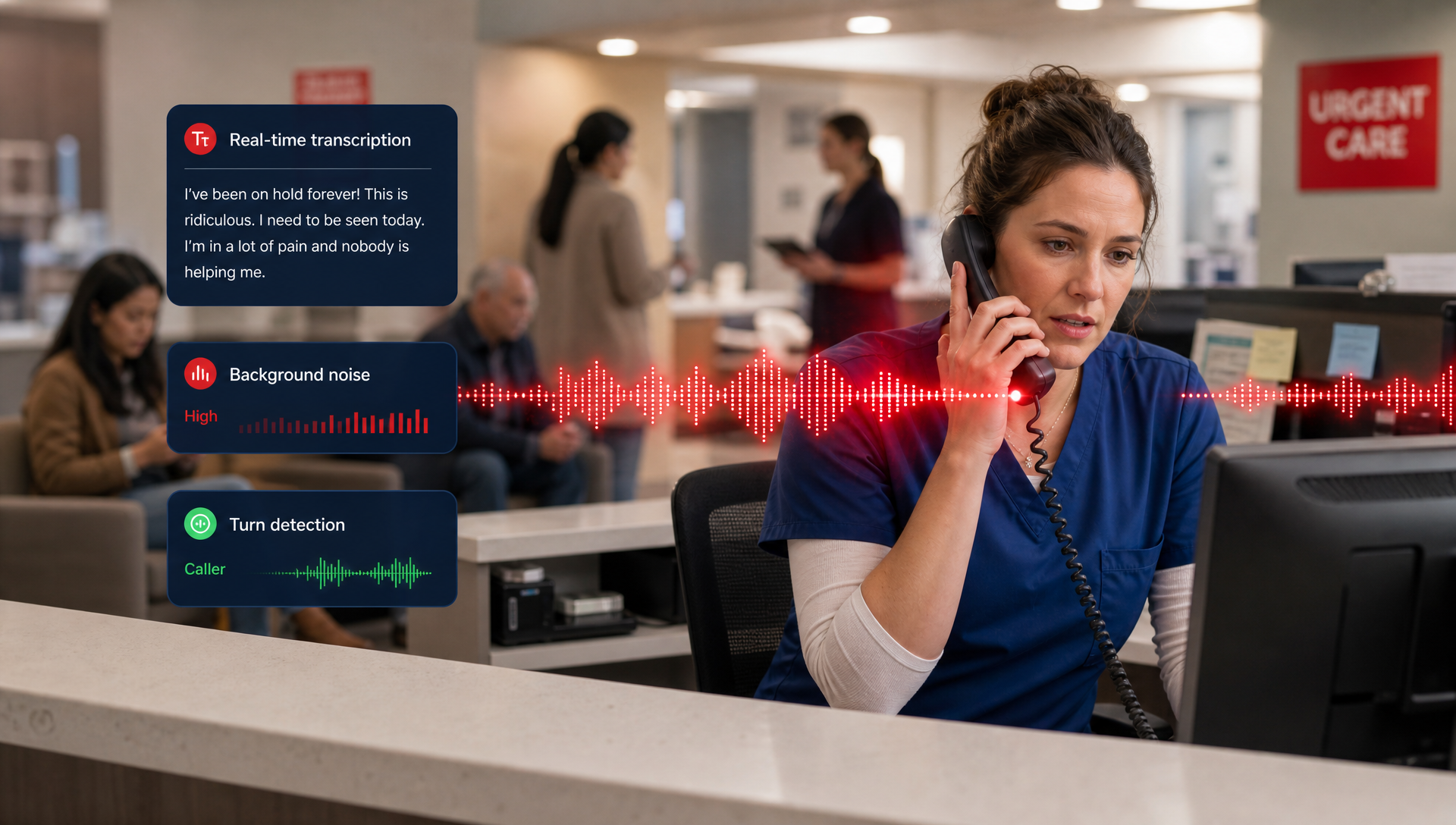
Think about an urgent care, an HVAC shop, or a law office taking calls during a busy hour. The caller says one thing, the staff hears another, and the clock keeps moving.
A disconnected AI may answer, collect a name, and send a note somewhere. Then the office still has to check that note, call back, and figure out what the caller needed. That is not automation. That is just delayed admin work.
With TeleCloud's AI Receptionist tied into the cloud phone system, the workflow is tighter. The call enters the platform, the AI sees the live context, and it can respond with the right next action. That is the difference between a nice phone answer and an actual front-office workflow.
For a practice manager, that means fewer caller repeats and fewer broken handoffs. For a dispatcher or front desk, it means less time chasing down scraps of information.
Why integration matters more than training data
A lot of AI talk focuses on the model, the prompts, or the training set. Those matter, but they do not fix a broken call path.
If the AI is trained on old information, it can still miss the live reality of the call. Office hours change. Staff schedules change. Coverage changes. A caller who asked for billing last week may need scheduling today. Real-time call context beats static data every time.
That is why integration is not a technical nice-to-have. It is the part that lets the AI act on what is happening now. Without it, you get answers. With it, you get action.
What should you ask before you pilot an AI receptionist?
Before you sign off on a pilot, ask five simple questions:
- Does the AI sit inside the same phone platform, or is it bolted on?
- Can it see live call state, not just a recording later?
- Can it transfer, book, or log without a manual handoff?
- What happens when the caller changes direction mid-call?
- Where does the call history land when the call ends?
If the answer to those questions is fuzzy, expect friction. A pilot that skips integration often tests the wrong thing. It proves the AI can talk, not that it can run part of your front office.
When a stand-alone AI still makes sense
There are cases where a simple, separate AI layer is enough. If you only want basic after-hours message capture, or you are testing a narrow use case with low call volume, a lighter setup can be fine.
That said, the moment you need live routing, appointment booking, or transfer logic, the bar changes. At that point, you want the AI Receptionist and the phone system working as one system, not as two tools glued together later.
What this means for TeleCloud customers
This is where TeleCloud's AI Receptionist fits. It is designed to work with the phone system so the agent can answer calls, recognize intent, and take the next step without losing the thread. That matters when the front desk is slammed and every handoff has to be clean.
We have seen that the best results come when the AI is close to the call flow itself. The closer the agent is to the phone system, the less human cleanup you need after the call. That is the real operator win, not a flashy demo.
What to put in place before your next AI pilot
Do not start with the question, "Can it talk?" Start with, "Can it finish the job?" If the system cannot transfer, book, and log inside the same call flow, you are probably testing a script instead of a receptionist.
If you want to see how that changes the day-to-day work at your front desk, talk to an expert and walk through the call path before you buy.
FAQ
Can an AI receptionist work without a cloud phone system?
Yes, but it is limited. It can answer basic questions or take messages, but it usually struggles when the caller needs a transfer, a booking, or a clean handoff to staff.
What is the biggest risk of a disconnected AI receptionist?
The biggest risk is context loss. The AI may sound useful, but staff still have to fix routing mistakes, repeat questions, and reconcile notes after the call.
How do I know if my pilot is too isolated?
If the AI cannot see live call state, routing rules, or the end destination for the call, it is too isolated. That is a sign you are testing a conversation tool, not a front-office workflow.
Is native integration only for large teams?
No. Smaller teams often feel the pain faster because one missed handoff hits harder. Even a small office benefits when the phone system and AI receptionist are part of the same workflow.
What should I ask a vendor about routing and logging?
Ask where the call data goes, who can see it, and whether the AI can act without a manual note. If the vendor cannot explain the full path from answer to transfer to log, keep digging.
Matt Gavin is TeleCloud's Operations Manager, with 15+ years of telecom experience spanning network engineering, billing operations, and AI-driven process automation. He writes about the technology behind reliable phone systems, from VoIP infrastructure to how AI tools are changing day-to-day operations. Connect with Matt on LinkedIn or email him directly to learn more.
Topics: