
Is your cloud phone system dropping calls on Wi-Fi?
October 27th, 2026
5 min read
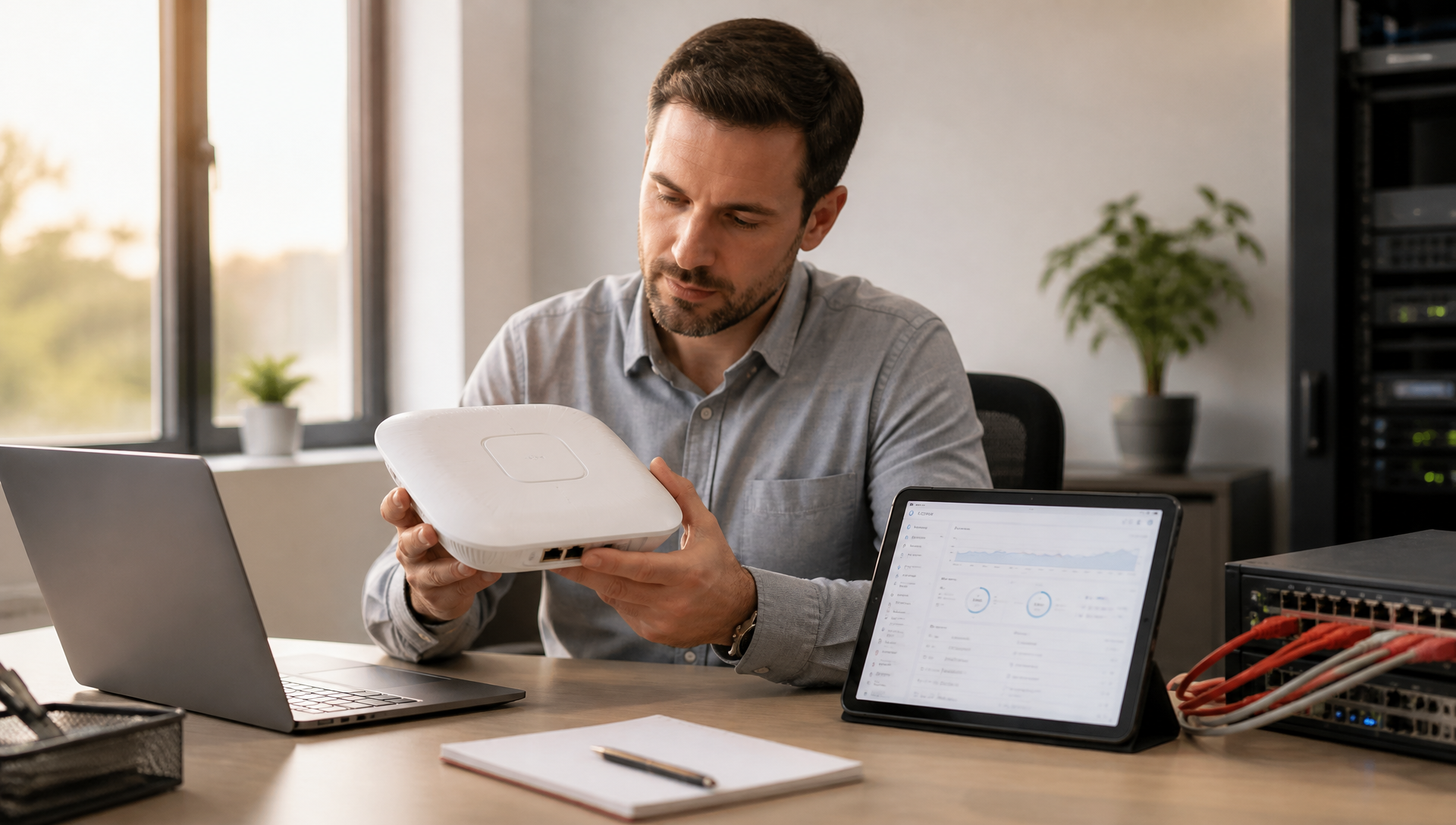
If calls are dropping on Wi-Fi, the problem is usually the network, not the phone system. A good cloud phone system can still sound bad if the Wi-Fi it runs on is weak, crowded or set up for email rather than voice.
That's the Monday-morning headache for an office manager or IT lead: the front desk gets clipped audio, a rep's laptop call cuts out mid-sentence, and everyone blames the phone vendor when the real issue is shaky wireless. We see this a lot in multi-location offices, clinics and field teams that moved quickly to cloud phones but never cleaned up the Wi-Fi.
The good news is that you don't have to guess. The pattern of the drops tells you where to look, and most of the fixes are simple.
What actually makes Wi-Fi break cloud calls?
A phone call needs a steady connection more than a fast one. When you load a web page, a few late or lost pieces of data get quietly sent again and you never notice. A live call can't wait for that, so any hiccup turns into choppy audio, a frozen voice or a dropped call.
The usual trouble spots are:
- Dead spots where the signal fades as someone walks through the building
- Access points (the wireless boxes on the ceiling or wall) that are too old for the number of devices now using them
- Guests and staff sharing the same network, so a lobby full of phones competes with your calls
- Slow handoffs when a device moves from one access point or mesh unit to the next
- A crowded 2.4 GHz band, the older, busier Wi-Fi band that picks up the most interference
- Power-saving settings on laptops and phones that dial down Wi-Fi to save battery, sometimes mid-call
What should you test before blaming the phone system?
Start with the network, not a ticket to your provider. If the Wi-Fi is the bottleneck, a new phone plan or a new phone system won't fix it.
Test from the places people actually work: the front desk, the break room, the back office, and any home setup that matters for managers or dispatch. A quick checklist:
- Make a test call while everyone else is busy on the network
- Walk around the building on that call and note where it breaks up
- Test at your busiest time of day, not just first thing in the morning
- Check whether wired desk phones drop too, or only people on Wi-Fi
If only Wi-Fi users drop, it's the Wi-Fi. If everyone drops, wired or not, look at your internet connection itself. Our internet speed test is a quick first check, and how much bandwidth VoIP needs tells you what the result should look like. For calls, consistency matters more than headline speed.
What if calls drop at the same point every time?
This one surprises people, and it's almost never the Wi-Fi.
If calls cut off at the same moment, say right around 30 seconds in, or after the same number of minutes every time, the likely culprit is a router setting called SIP ALG. The same setting often causes one-way audio, where one person can hear and the other can't.
SIP is the language internet phones use to set up a call. SIP ALG is a feature many routers switch on by default that tries to "help" by rewriting those messages as they pass through. With most modern cloud phone systems it gets them wrong, and the call either never fully connects or gets cut off when the router decides it has ended.
The usual fix is to turn SIP ALG off in the router or firewall settings. The setting goes by different names depending on the brand, so check with your phone provider or IT partner before you change anything.
What does this look like in a real office?
Picture a 4-location service business with phones on desks, calling apps on laptops, and managers moving between sites. The owner thinks the phone provider is the problem because one site sounds great and another sounds choppy.
Then you look at the buildings and find the real issue. One floor runs off a single mesh unit that gets overloaded at lunchtime. Another site has access points that were fine for email but not for voice. And the managers working from home have an internet connection whose upload speed collapses as soon as someone starts a video call.
Same phone system, three different network problems. That's why getting a cloud phone system right includes looking at the network it runs on, not just the phones.
How do I stop Wi-Fi from dropping calls?
Start with the simplest fix and work up.
- Plug in the desk phones. If a phone sits on a desk all day, give it a network cable. Most office IP phones can be powered through that cable too, so there's no extra power brick. Our guide to network switches for VoIP phones covers what you need.
- Put calling devices on 5 GHz. It's faster and much less crowded than 2.4 GHz. Many access points let you steer devices there or run a separate network just for phones.
- Let voice go first. Most business-grade routers and access points have a priority setting (often called QoS or WMM) that puts voice ahead of downloads, backups and streaming. It's usually a checkbox, and it makes a real difference when someone starts a big upload.
- Close the coverage gaps. If calls drop in the same rooms, you need another access point, or the existing ones moved.
- Keep guests on their own network, separate from the one your phones and staff use.
- Stop devices from napping. On phones, exempt your calling app from battery optimization so it isn't paused in the background. On laptops, turn off Wi-Fi power saving.
- Check SIP ALG if the drops follow a fixed pattern.
When is the phone system actually the issue?
Sometimes it is the phone side. Settings on the phones themselves, call routing rules that send calls somewhere unexpected, or a setup that was never checked against how your network really behaves can all cause problems.
That's where a good provider matters. In our experience, the cleanest fixes come from working on both sides at once: tune the Wi-Fi, separate traffic where it helps, and make sure the phone system is configured for the way your team actually works. The win is not just fewer dropped calls. It's fewer false alarms from staff who think the system is broken.
What should you do this week?
If your team is already complaining about calls on Wi-Fi, don't start by replacing everything. Start with a focused look at the path from the phone or laptop out to the internet.
- Write down where call complaints happen most often.
- Test those rooms, floors and home setups during busy hours.
- Check the age and placement of your access points.
- Make sure voice gets priority on the network, and that SIP ALG is off.
- Ask whether your phone provider helps with the network, or just sells lines.
Stop blaming the cloud phone first: fix the network path
A cloud phone system can only sound as good as the network behind it. If the Wi-Fi is unstable, the experience breaks at the desk, in the hallway and on the laptop.
If you're still deciding between wired and wireless phones, our guide to VoIP phones and Wi-Fi covers when each makes sense. And for a new office or a network rebuild, here's what our onsite survey looks like. If you want help working out whether the problem is your Wi-Fi, your setup or both, TeleCloud can walk through it with you.
FAQ
Can a cloud phone system work well on Wi-Fi?
Yes, as long as the Wi-Fi is stable and set up with voice in mind. If the network is crowded or the access points are weak, call quality will suffer even when the phone system itself is fine.
Why do my VoIP calls drop after 30 seconds?
A drop at the same point in every call usually means a router setting called SIP ALG is interfering with how the call is set up. Turning it off, with your provider's guidance, usually fixes it.
Is mesh Wi-Fi good enough for phone calls?
Sometimes. Mesh improves coverage, but calls still depend on how smoothly devices hand off between units and how much traffic the network is carrying.
What should I test first when calls sound bad?
Test the network before you call your provider. Make calls from the problem areas at busy times, and see whether the issue follows a room, an access point or one person's home setup.
Do I need new phones if Wi-Fi is the problem?
Usually not. Most call problems come from the network, not the handset. Fix the Wi-Fi first, then confirm the phone system is set up correctly.
Vincent Finaldi is Vice President at TeleCloud, where he's worked in the telecom and voice industry since graduating from Fairfield University in 2006. He works closely with clients and partners to help businesses adopt better technology and communicate more effectively. Read Vincent's full bio, email him, or call 908-378-1218 to learn more.