

If your office phone system lives in a closet, runs on copper lines and needs a technician every time someone changes desks, you are not alone. Plenty of businesses still run on the PBX they installed ten or fifteen years ago. It works, mostly, until a part fails, a line gets retired or your team starts working from home.
This guide explains what a PBX phone system is in plain terms, how the three types compare, how PBX differs from VoIP, and how to tell when it is time to move on. By the end you will know which questions to ask before you replace anything.

What is a PBX phone system?
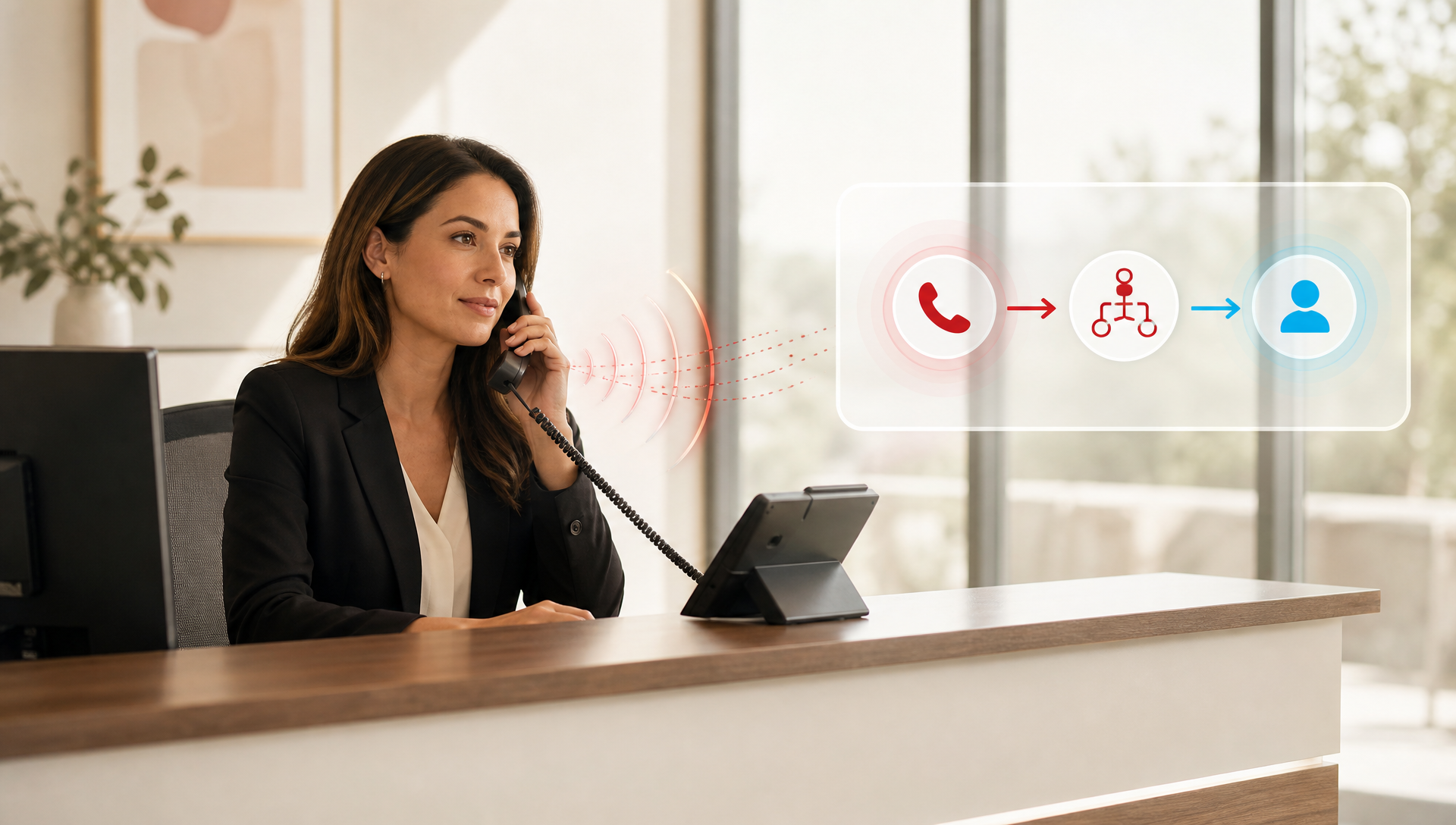
A PBX (private branch exchange) is the system that runs your business phones. It connects every extension in your company, routes incoming calls to the right person or department, and lets your team share a set of outside lines instead of each person needing their own.
Think of it as the switchboard operator that used to sit at the front desk, turned into equipment or software. When a customer calls your main number and presses 2 for billing, the PBX is what sends them there.
A PBX can live in three places: in a box in your office, on a server you own, or in the cloud with a provider. That choice changes almost everything about cost, upkeep and flexibility.
What does a PBX actually do for your business?
Whatever type you choose, a PBX handles the same core jobs:
- Call routing and transfers: sends each call to the right person, team or queue, so callers are not bounced around.
- Auto attendant: greets callers and lets them choose where to go, which keeps the front desk free for the calls that need a person.
- Extensions and internal calling: lets your team call each other by extension at no cost.
- Call queues and hunt groups: rings a group of people in order or all at once, so busy periods do not turn into missed calls.
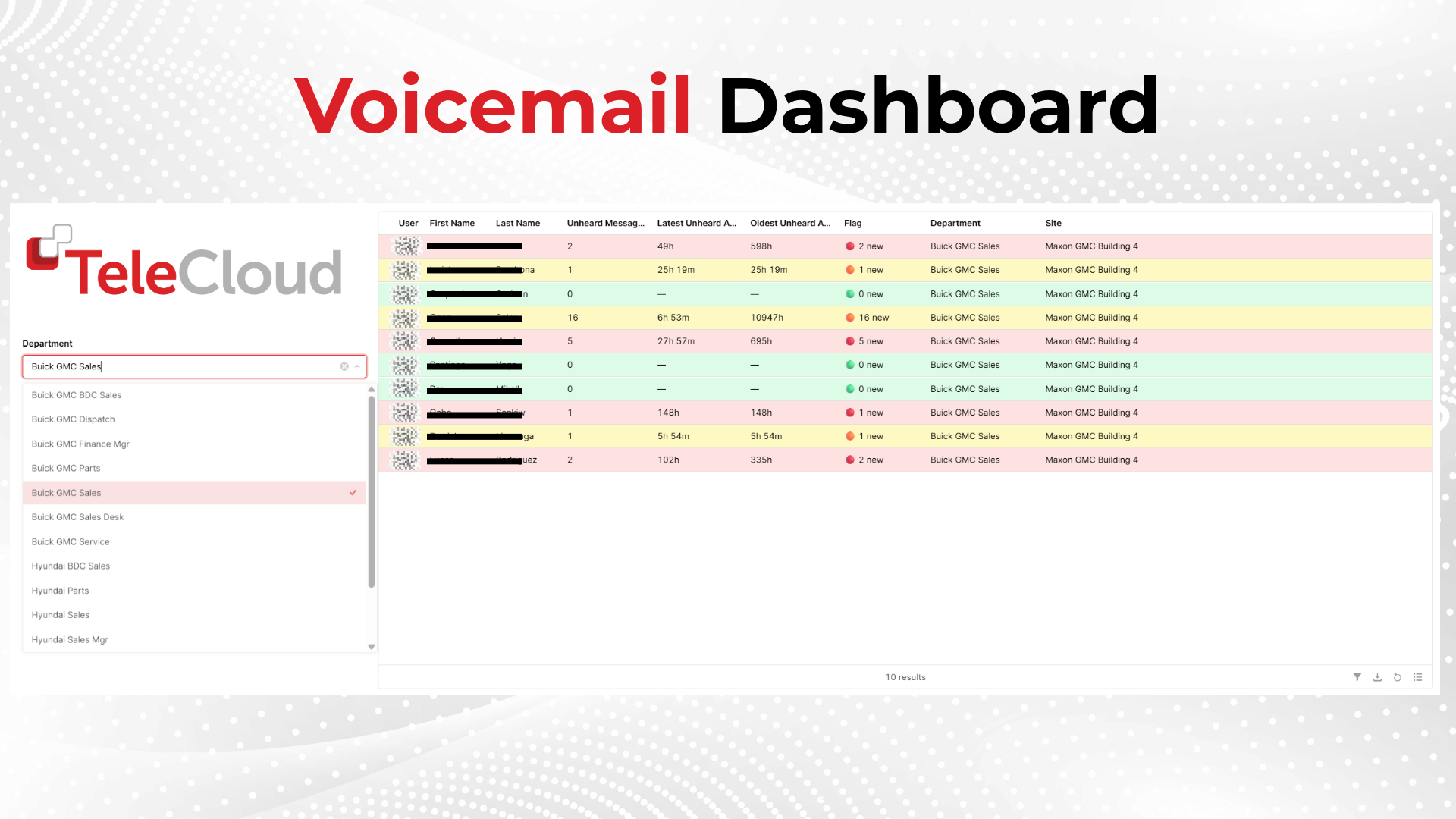
- Voicemail, including voicemail to email: makes sure messages reach people wherever they are.
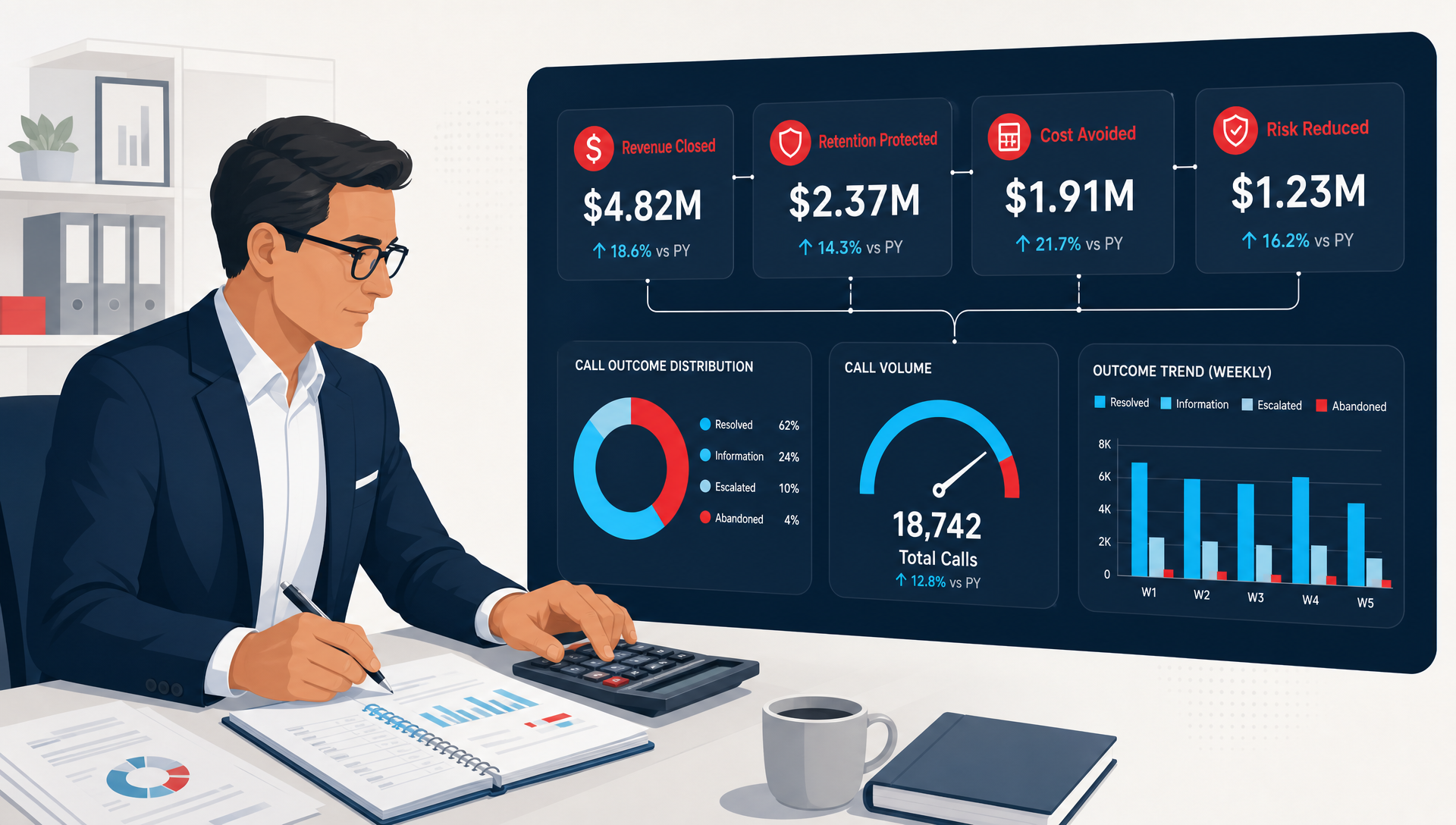
- Call reporting: shows call volume, wait times and missed calls, so you can see where callers get stuck.
Older on-site systems often do the first four well and struggle with the rest. Modern cloud systems do all of it and add the things that matter now: mobile apps, Microsoft Teams calling and call recording.
What are the three types of PBX?
1. Traditional (on-premise) PBX
Physical equipment in your office, wired to copper phone lines from the phone company.
- Good for: a single office where everyone sits at a desk phone.
- Upside: full control, and it does not depend on your internet connection.
- Downside: high upfront cost, a technician for every change, and replacement parts get harder to find every year. Many carriers are also retiring the copper lines these systems depend on.
2. IP PBX
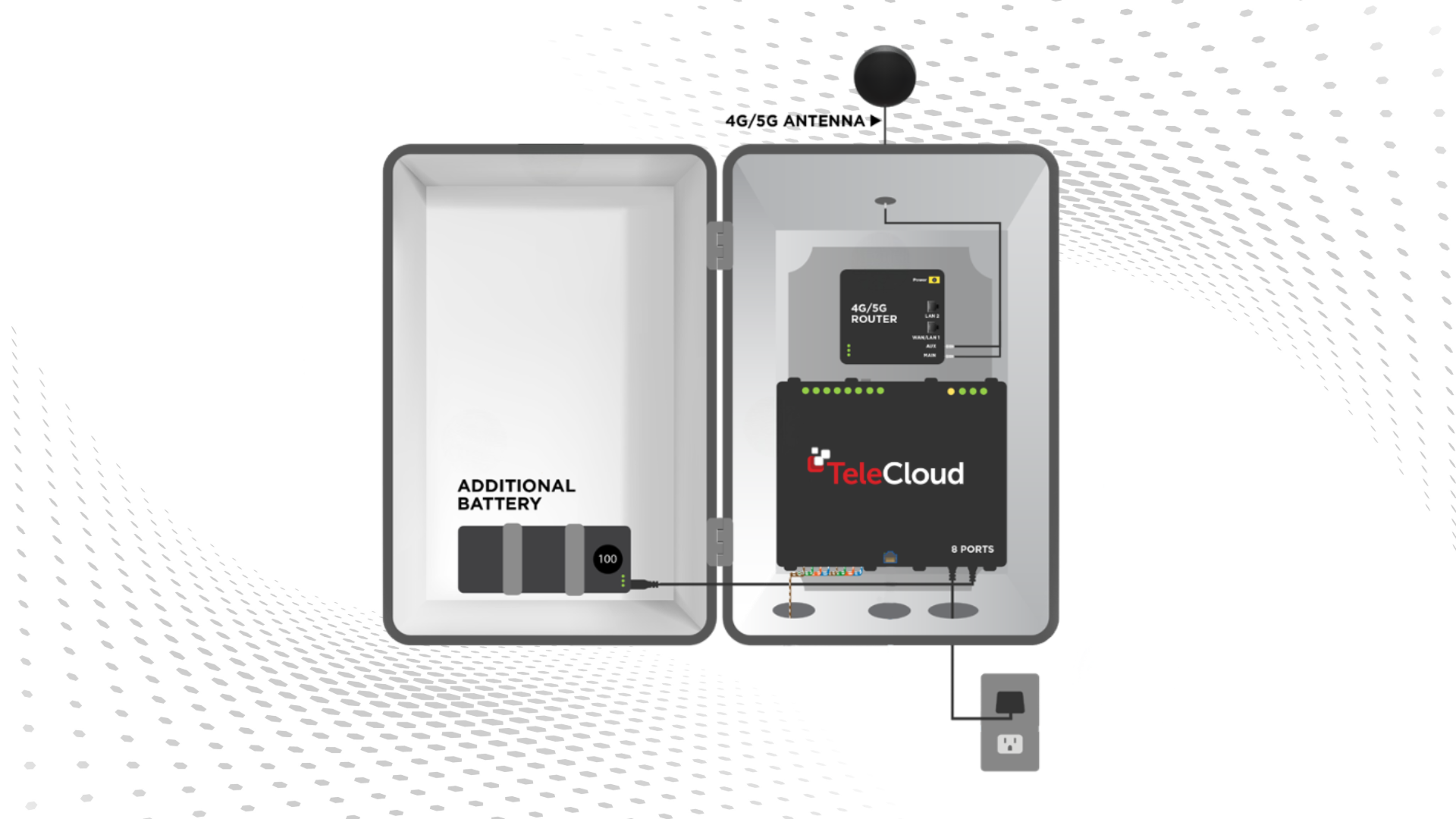
Equipment or a server you still own and keep on site, but it places calls over the internet instead of copper lines.
- Good for: businesses that want to leave copper behind but are not ready to hand the system to a provider.
- Upside: lower calling costs than copper and more features than a traditional PBX.
- Downside: you still buy, house, patch and support the hardware, which usually means an IT person or contractor.
3. Cloud PBX (hosted PBX)
The provider runs the PBX in their data centers. Your team connects through desk phones, a mobile app, a laptop or Microsoft Teams.
- Good for: most small and mid-sized businesses, especially with more than one location or anyone working remotely.
- Upside: little or no upfront cost, the provider handles updates and repairs, and adding a user takes minutes, not a service call.
- Downside: it needs a reliable internet connection, and you pay monthly instead of once.
Traditional PBX vs IP PBX vs cloud PBX: how do they compare?
|
|
Traditional PBX |
IP PBX |
Cloud PBX |
|
Where it lives |
Your office |
Your office or server room |
The provider's data centers |
|
Connects over |
Copper phone lines |
Internet |
Internet |
|
Upfront cost |
High |
Moderate to high |
Low |
|
Ongoing cost |
Lines plus maintenance |
Internet plus IT support |
Predictable monthly fee |
|
Who maintains it |
You or a technician |
Your IT team |
The provider |
|
Remote and mobile use |
Limited |
Possible, with setup |
Built in |
|
Adding users |
Service call |
IT task |
Minutes, in a portal |
PBX vs VoIP: what is the difference?
This is the question most people are really asking, and the two terms get mixed up constantly.
VoIP (voice over internet protocol) is how a call travels. A PBX is what manages your calls. VoIP describes carrying your voice over the internet instead of copper lines. A PBX decides where each call goes once it arrives.
So they are not competitors. An IP PBX and a cloud PBX both use VoIP. Only the traditional PBX does not. When someone asks "should we switch from our PBX to VoIP?", what they usually mean is "should we replace our old on-site PBX and copper lines with a cloud phone system?" For most businesses today, the answer is yes, and the reasons are practical:
- The copper lines older systems rely on are being phased out by carriers.
- Replacement parts for older PBX hardware are getting scarce and expensive.
- Teams work from more places than the office, and a cloud PBX follows them to their phone or laptop.
- Features that cost extra on old equipment, like call recording and reporting, come standard on most cloud systems.
If you want to go deeper on the on-site versus cloud question, our guide to on-site VoIP vs cloud-based VoIP phone systems walks through it.
How do you know it is time to replace your PBX?
A PBX rarely fails all at once. It wears down. These are the signs we hear most often from businesses that call us:
- Repairs take days, not hours, because the parts or the one technician who knows the system are hard to find.
- Your phone company has told you your lines are being retired, or your bill for copper lines keeps rising.
- People working from home cannot take calls on the business number, so they use personal cell phones instead.
- You are opening a second location, and extending the old system means more hardware.
- Nobody can tell you how many calls you missed last week.
If two or more of those sound familiar, it is worth pricing out a move. Our breakdown of how much a cloud phone system costs shows what to expect per user and what drives the price up or down.
How do you choose the right PBX for your business?
- Start with how your team works. Count the people who need a phone, where they sit and how many work remotely at least part of the week.
- Look at your calls, not just your phones. How many calls come in, when they peak and where callers wait. That shapes the queues and auto attendant you need.
- Plan for the next three years. New locations, new hires or a move to Microsoft Teams all favor a cloud system.
- Compare total cost, not sticker price. Add up hardware, lines, maintenance and IT time for an on-site system, then compare that against a monthly cloud fee.
- Ask who picks up when something breaks. A local team that installs, trains and supports the system matters more than any single feature.
What does a cloud PBX make possible beyond calling?
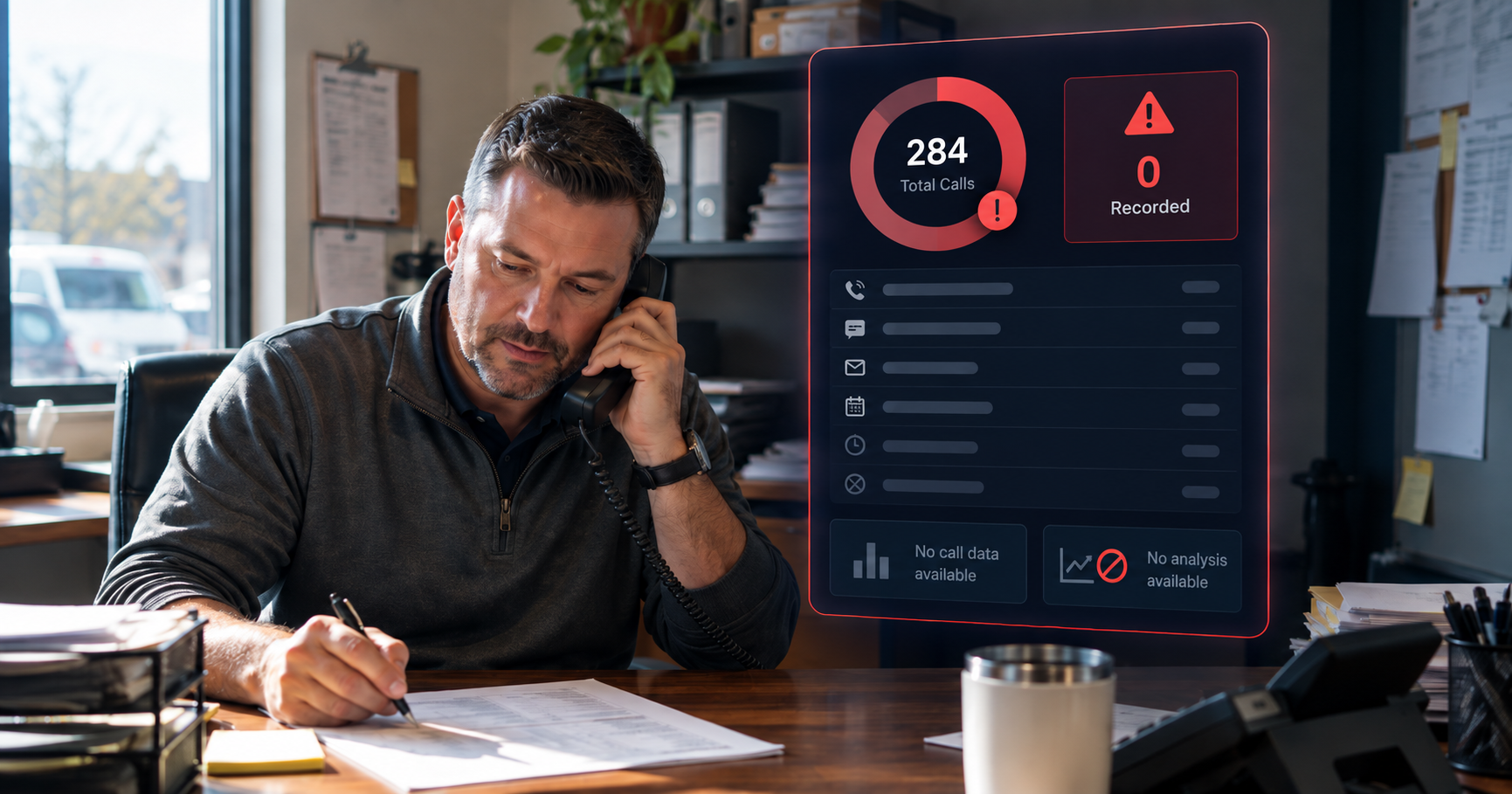
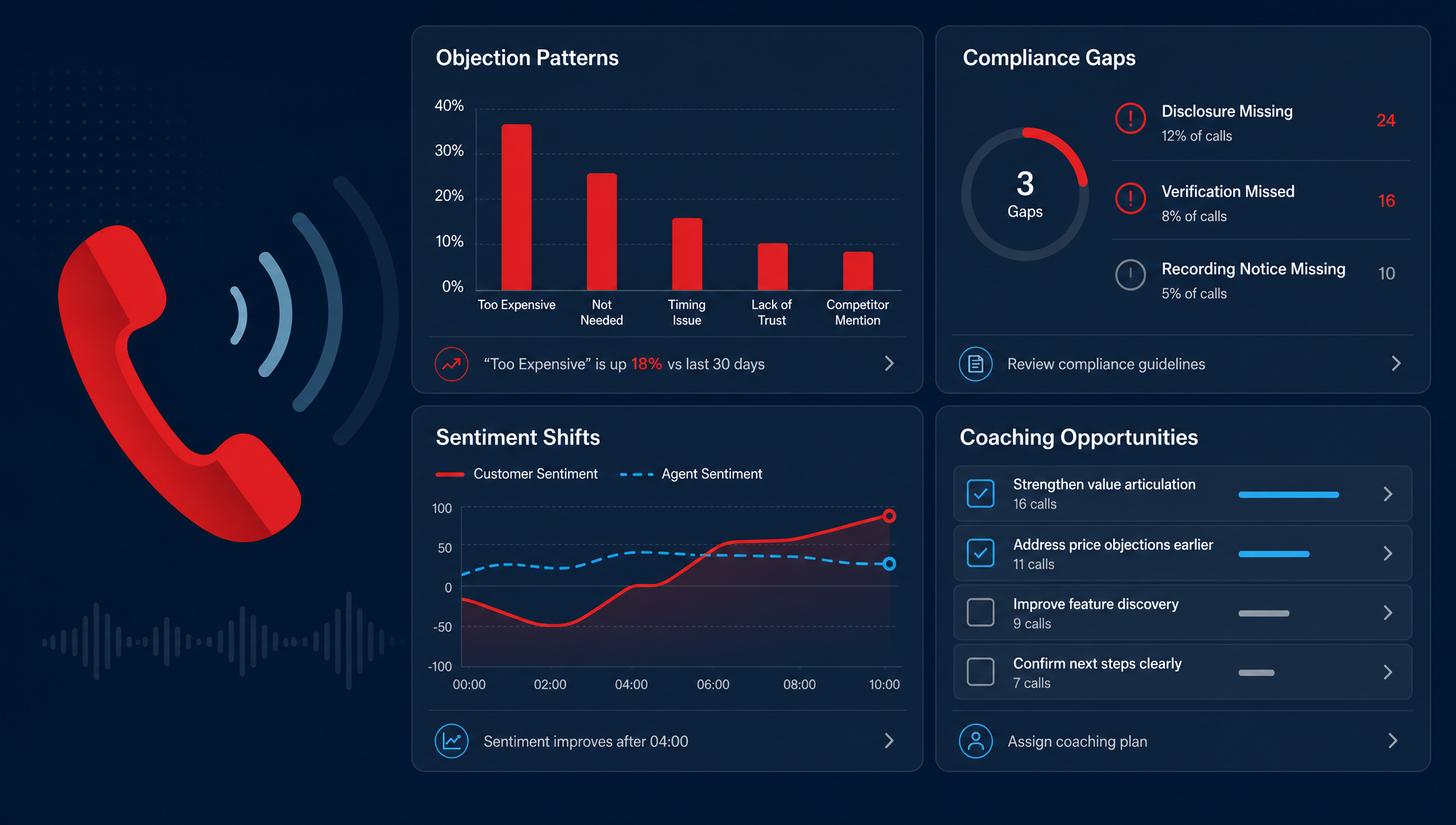
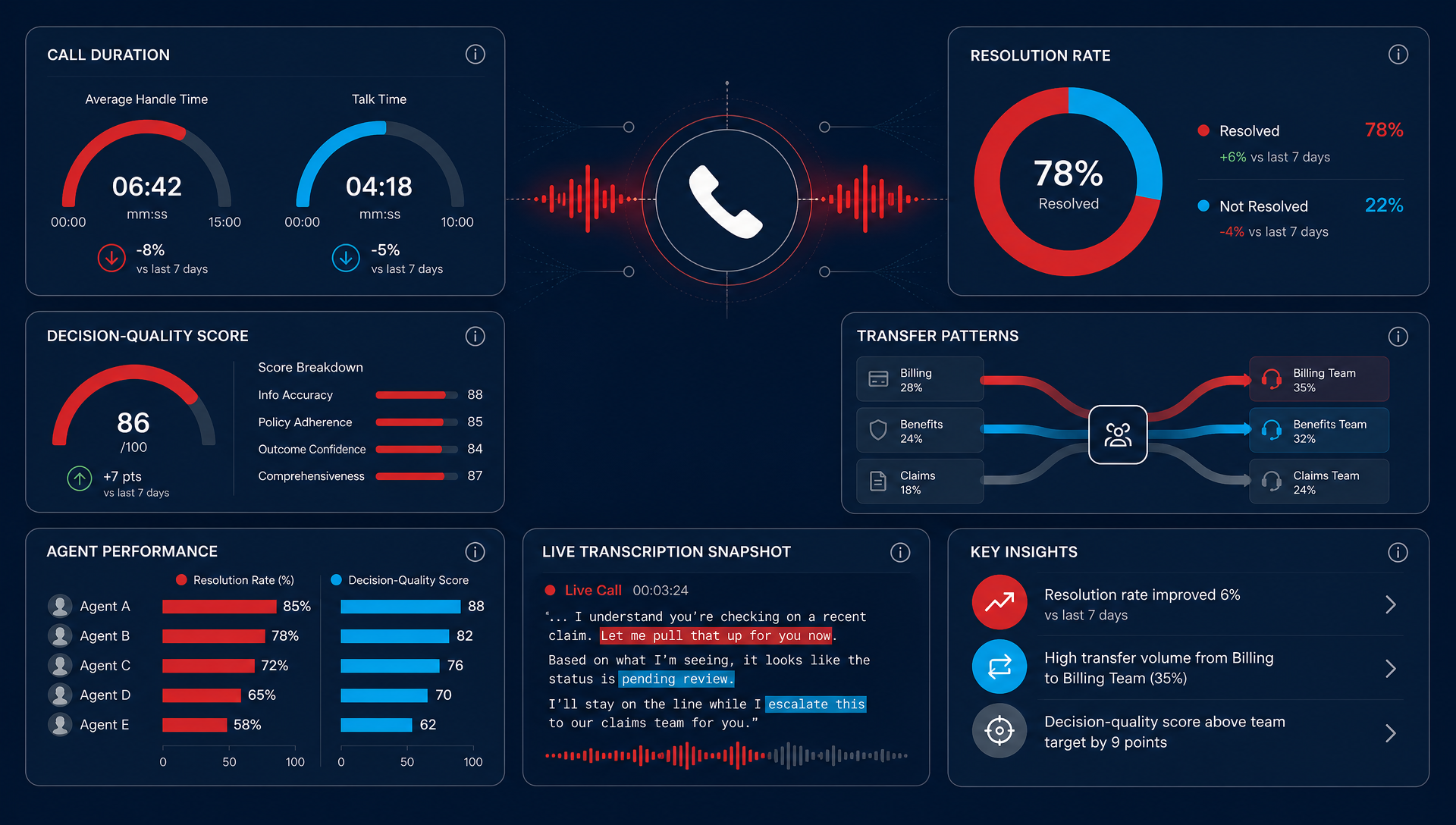
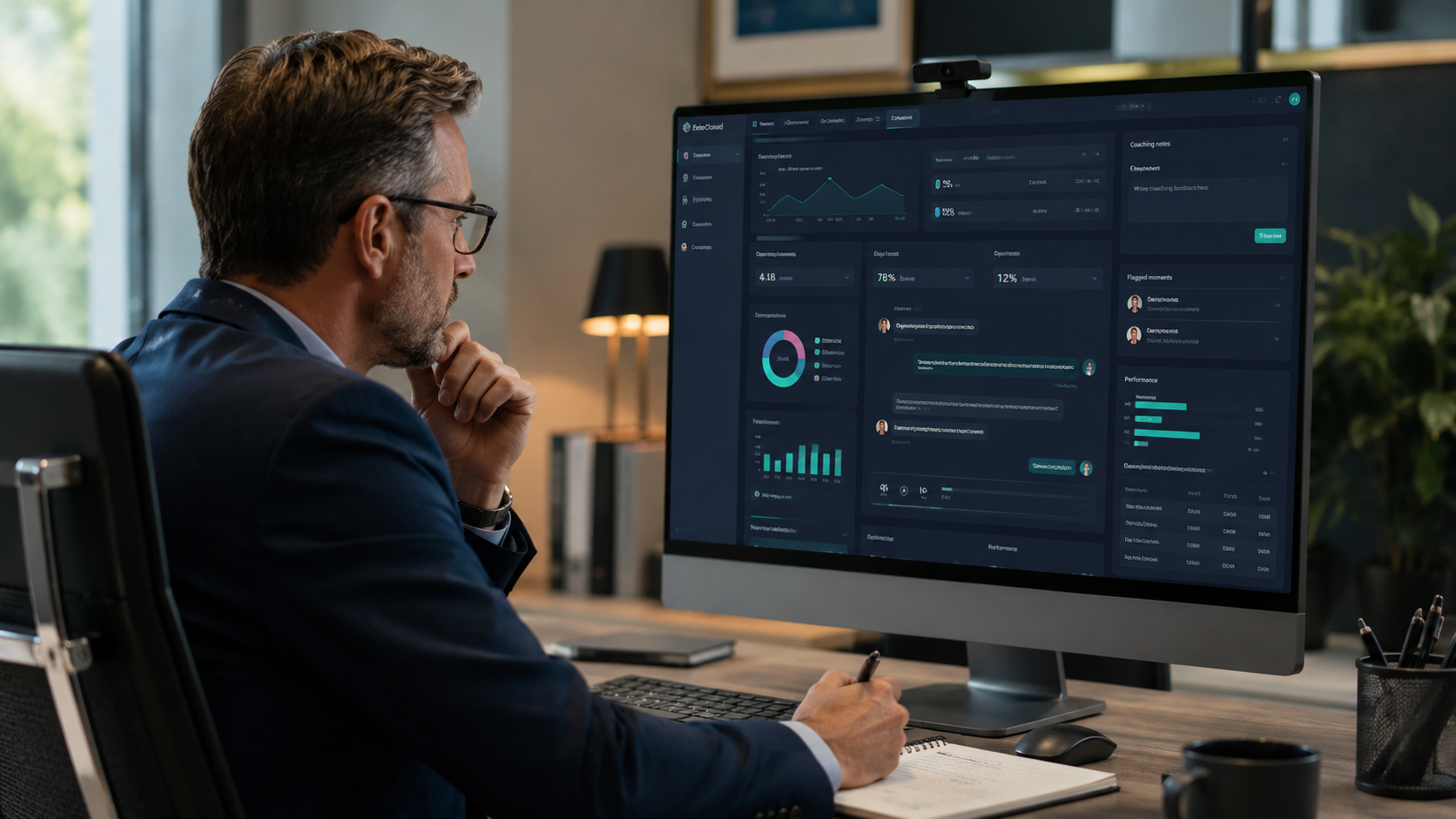
Once your calls run through a cloud system, they stop being invisible. Call recording, reporting and tools like TeleCloud Sentinel can show you what actually happens on your calls: where callers get frustrated, which calls go unanswered and what your team should fix first. That kind of visibility is very hard to get from a box in a closet.
Ready to move past your old PBX?
A PBX is simply how your business manages its calls. The question is no longer whether you need one, but where it should live. For most businesses, a cloud PBX costs less to run, follows your team wherever they work and gives you a clear view of every call.
Every call is a customer experience, and your phone system should make that easier, not harder. If you are weighing a replacement, see how TeleCloud's cloud phone system works, or talk to our team. We will look at what you have today and give you an honest recommendation, even if that means keeping what you have a little longer.
Frequently asked questions
Is a PBX the same as VoIP?
No. A PBX manages and routes your calls. VoIP is the technology that carries calls over the internet. Modern IP and cloud PBX systems use VoIP; traditional PBX systems use copper phone lines.
Do small businesses still need a PBX?
Most small businesses still need what a PBX does: an auto attendant, extensions, call routing and voicemail. Today they usually get it from a cloud PBX instead of buying equipment, which avoids the upfront cost and the maintenance.
Can I keep my phone numbers if I switch to a cloud PBX?
In almost all cases, yes. Moving your existing numbers to a new provider is called porting. Here is what to expect: will my telephone numbers stay the same if I switch?
Can I keep my existing desk phones?
Sometimes. Many IP desk phones work with a cloud PBX; older digital phones built for a specific on-site system usually do not. See will my existing phone hardware work with a new VoIP system?
What happens to my PBX when copper phone lines are retired?
A traditional PBX that depends on copper lines will need a new way to connect, either through an adapter or by moving to an IP or cloud system. Our copper line replacement page explains the options.