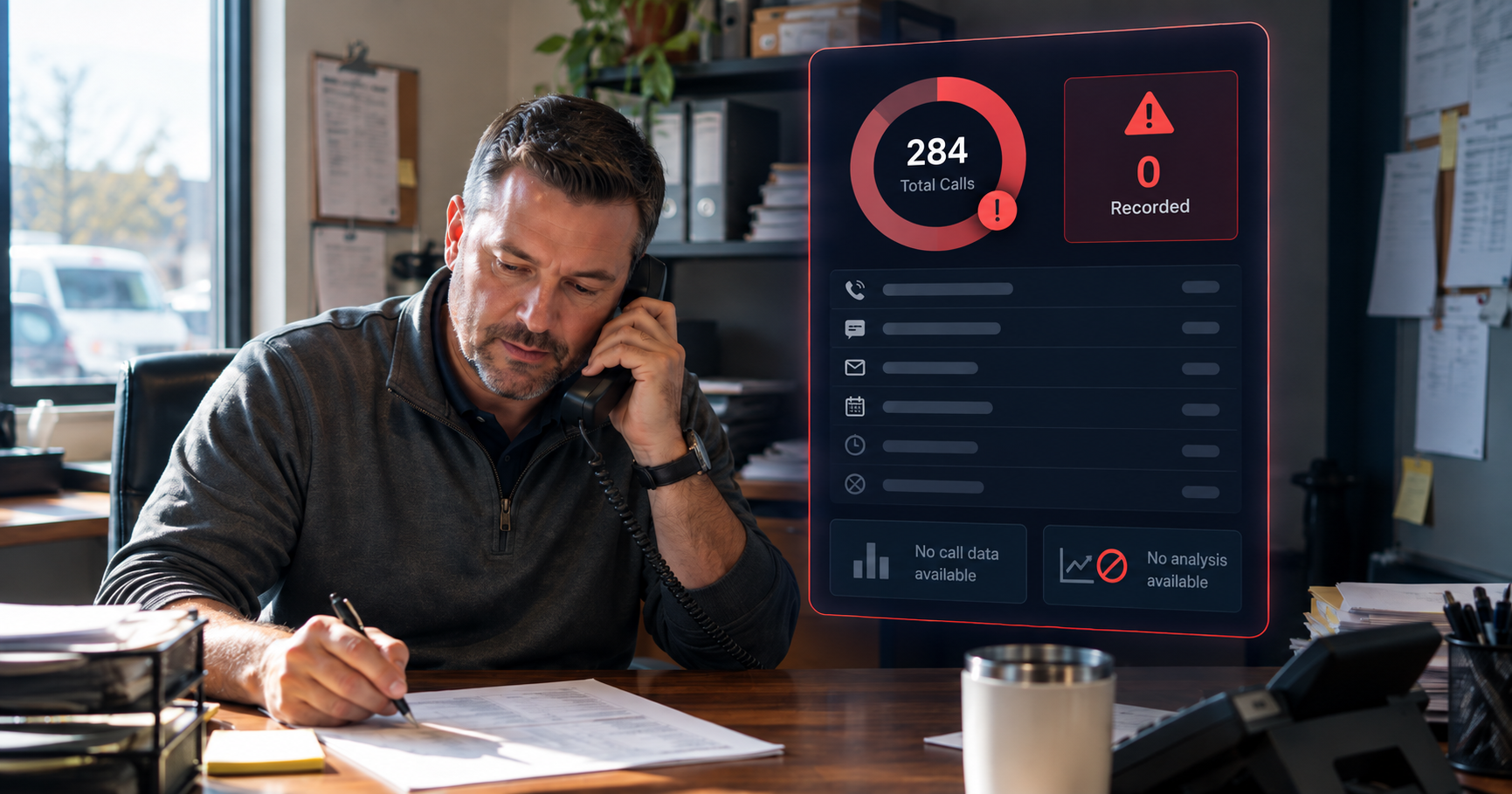
Most small businesses turn on call recording for one reason: the day someone asks "what did we actually tell that customer?" and nobody can answer. Recording fixes that. But the software is rarely what makes it work or fail. What matters is which calls get recorded, who can find them, and what happens to them afterwards.
Here's what to look for, in plain terms, whether you're choosing a system or switching on a setting you already have.
Should call recording be part of your phone system or a separate app?
For most small businesses, part of the phone system. When recording is built in, it can catch every call that runs through your lines: inbound, outbound, transferred and queued. A separate recording app or a browser extension usually only sees the calls it's plugged into, and that's where the gaps start.
Call tracking tools are a different thing again. They record calls to the numbers on your ads and website so you can see which marketing worked. Useful, but they won't capture a customer calling your front desk directly. There's more on how these categories differ in Gong, CallRail, or your phone system.
Which calls will actually get recorded?
This is the question most people skip, and it's the one that bites later. Check:
- Every user, or only some? Recording is often switched on per person or per plan, and new staff don't always inherit the setting.
- Call queues and ring groups. Calls that ring several phones at once should be recorded no matter who picks up.
- Outbound calls. Callbacks and quotes matter as much as incoming calls.
- Calls on the mobile app. If your team takes calls on their cell phones through your business app, check those are recorded too.
If you already record, it's worth checking the real number. Most businesses find gaps. Our four-step coverage audit takes about twenty minutes.
Do you have to tell callers they're being recorded?
Usually you should, and in some states you must. The rules vary by state, and calls that cross state lines can bring in the stricter state's rules. A short announcement at the start of the call ("this call may be recorded") covers most businesses, and any good system lets you add one. Here's what the consent rules actually say.
How long are recordings kept, and who can hear them?
Ask both before you switch anything on.
- Storage. How long recordings are kept, whether you can change that, and whether keeping them longer costs extra. How long you should keep them depends on your industry; our call recording retention guide covers it.
- Access. Who can listen. A manager should be able to hear their team's calls without everyone hearing everyone's.
- Downloads. Whether you can save a recording when you need it for a dispute, a complaint or a training session.
Can you find the call you need?
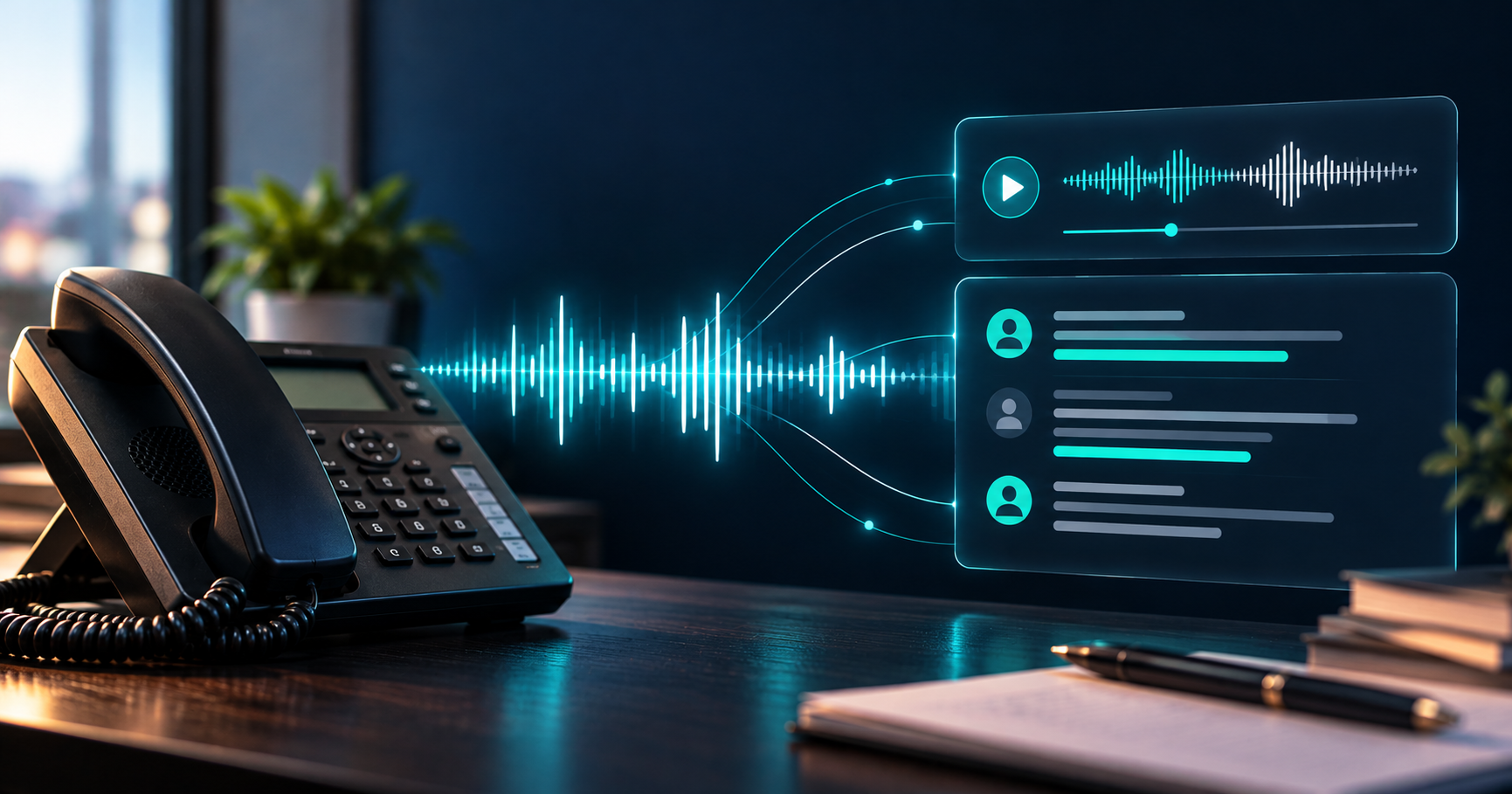
A recording you can't find might as well not exist. The basics: search by phone number, date and person, and play the call back in a click or two. Transcripts help a lot, because you can search for what was said instead of listening to an hour of audio to find one sentence.
Is the audio good enough to use later?
Both sides of the call should be clear. Some systems record each side on its own track, which makes transcripts more accurate and makes any analysis you do later more reliable. If you think you'll want insights from your calls one day, ask about this now.
What does it cost?
It depends on the provider. Recording is sometimes included in the phone plan and sometimes sold as a per-user add-on, and storage can be priced separately. When you compare quotes, compare the total for the people and calls you actually need recorded, including storage, not just the headline rate.
What happens after you turn it on?
This is the part nobody plans for. Recording gives you a library of every call, and most of it never gets heard. In our experience, most teams review somewhere between 2 and 10% of their calls by hand, usually only when something has already gone wrong.
That's still worth having. When a customer disputes what they were told, you can check. When you train someone new, you have real calls to learn from. But the bigger value is in the calls nobody listens to: the booking that was asked for and never made, the callback that never happened. Here's what tends to be hiding in call recordings, and how conversational insights differs from recording when you're ready to read every call rather than a sample.
A quick checklist
Before you sign or switch it on:
- Recording is built into the phone system, not bolted on.
- Every user, queue, outbound call and mobile app call is covered.
- There's a recording announcement where you need one.
- You know how long recordings are kept, and who can hear and download them.
- You can find a call by number, date or person in seconds.
- Both sides of the call are clear.
- You know what it costs for the calls you actually need recorded.
If you're already on TeleCloud, recording is a setting we can switch on for your account. Let's talk about which calls you need covered.
Every call is a customer experience. Recording is how you get to look back at one.
FAQ
Is it legal to record business phone calls?
Generally yes, with the right notice. Some states require only one person on the call to agree, others require everyone. A recording announcement at the start of the call is the simplest way to cover both.
Can I record calls on my cell phone?
If you take business calls through your phone system's mobile app, those calls can usually be recorded like any other. Calls made from your personal number outside the app usually aren't.
Does call recording affect call quality?
No. Recording happens in the background and doesn't change what either person hears.
How long should a business keep call recordings?
It depends on your industry and why you're recording. Many businesses keep them for a few months; regulated industries may need longer. Our retention guide walks through it.
Will Maddox is the Digital Marketing Coordinator at TeleCloud, overseeing content, brand, and outbound strategy for the company. He writes about cloud communications, AI tools for business, and what SMBs and urgent care operators need to know to run better phone systems. Connect with Will on LinkedIn or email him directly to learn more.
Topics: