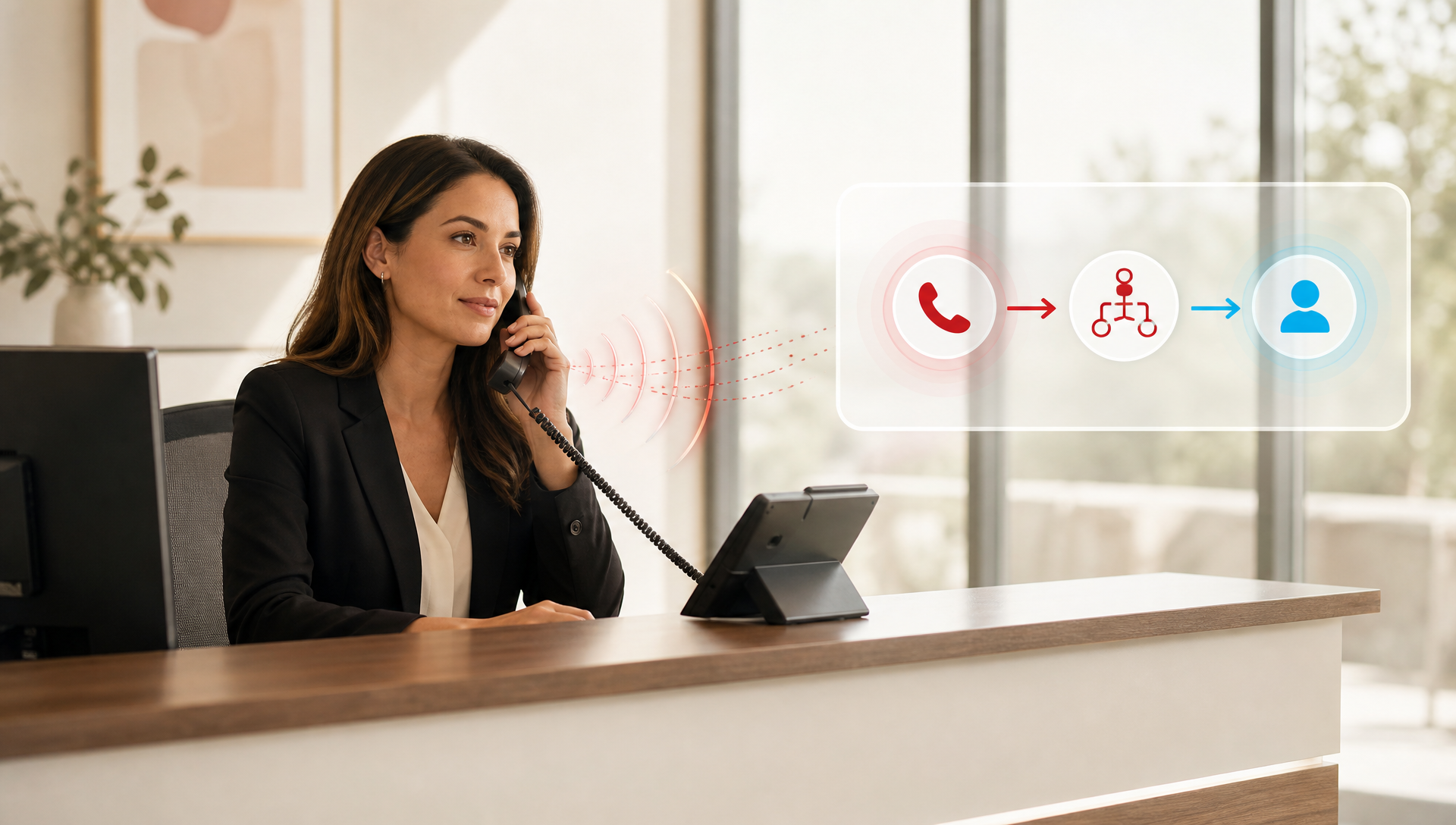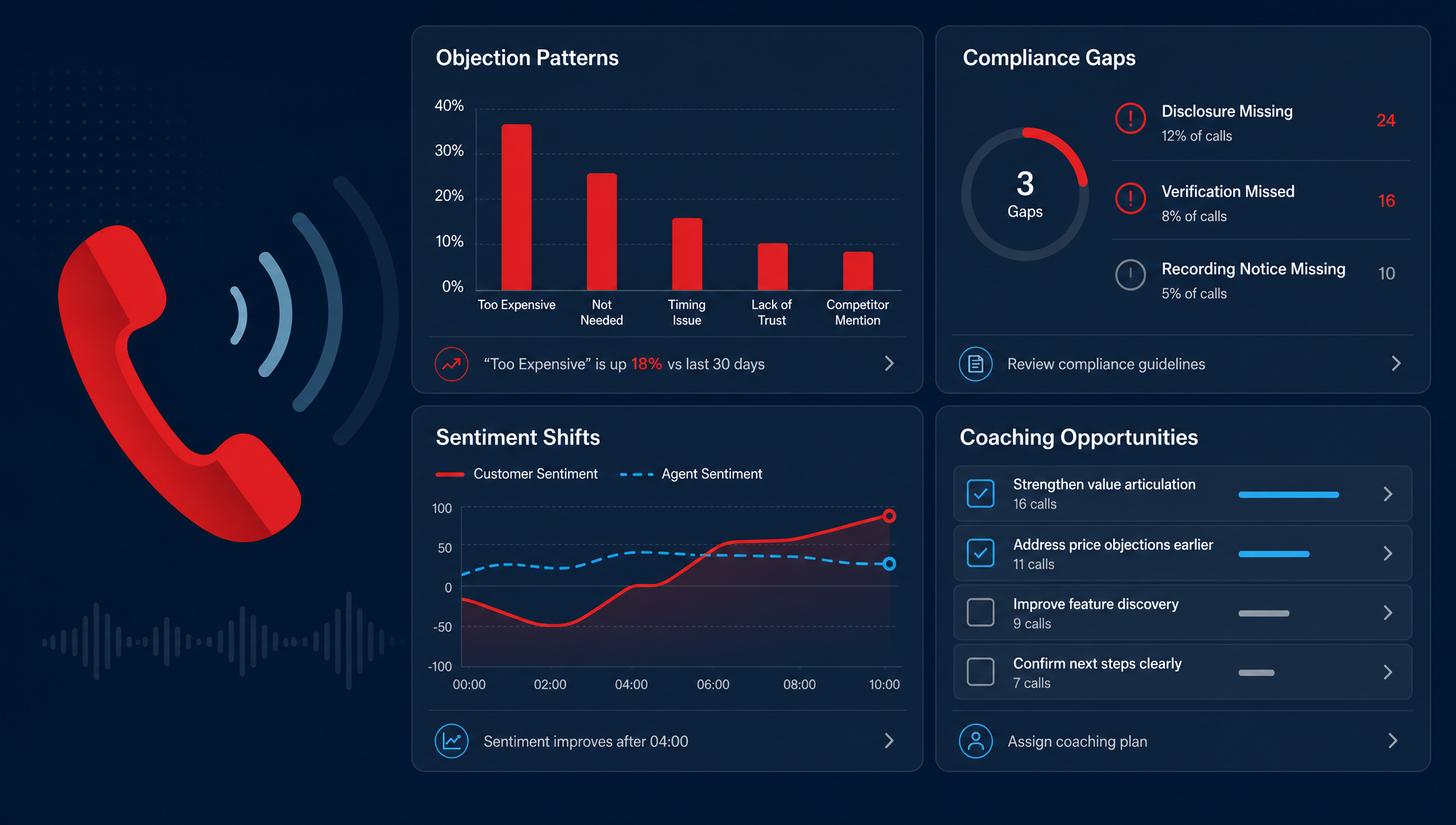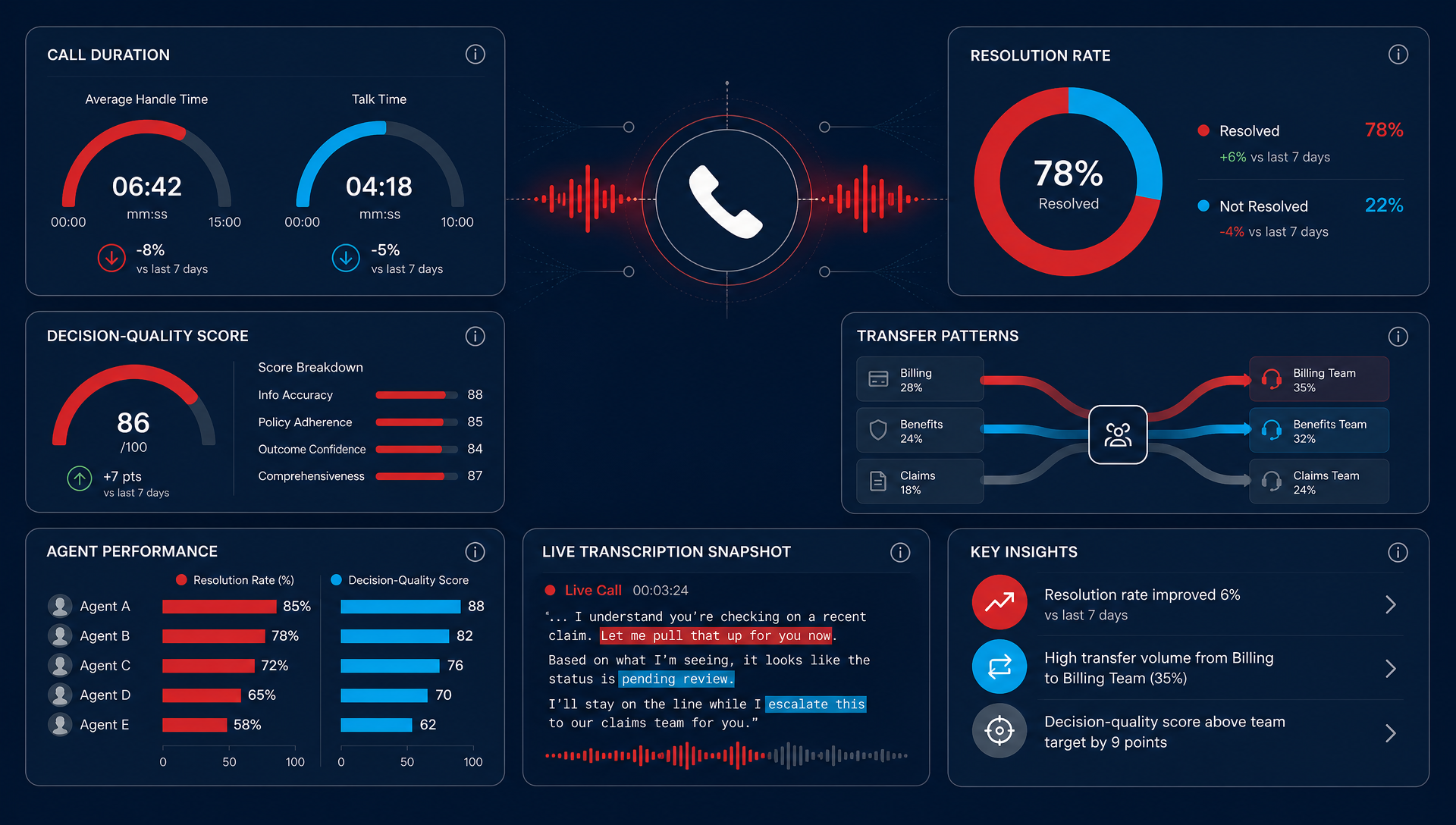

Cradle-to-Grave Reporting in the TeleCloud Portal gives you complete visibility into every call, from the first ring to final resolution. It captures each event along the way, transfers, holds, voicemails, and disconnects, so you can see exactly how calls move through your system.
This feature is available to every TeleCloud customer. You simply need to ask our team to activate it. We don’t automatically turn on new features because we want to ensure your team understands how each one works and how to use it effectively.
Many businesses know how many calls they make or receive, but not what happens in between. Cradle-to-Grave Reporting bridges that gap, showing the full story behind every interaction. In this guide, we’ll explain how it works, why it matters, and how it helps your business turn communication visibility into operational insight.
What Is Cradle-to-Grave Reporting?
Cradle-to-Grave Reporting traces the entire life of a call, capturing every event from start to finish. It shows what happened, when it happened, and how long each stage lasted, providing unmatched transparency into your communication flow. Here's an example:
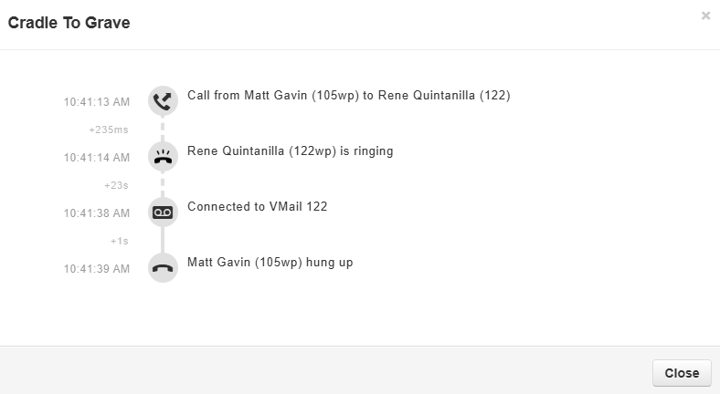
In just a few lines, this example shows everything that occurred: the caller, the recipient, the ringing time, and the outcome. You can immediately see if a call was missed, if it reached voicemail too quickly, or if the caller hung up before anyone answered.
This level of detail gives you data you can act on, data that standard call logs simply don’t provide.
Why Cradle-to-Grave Reporting Matters
Cradle-to-Grave Reporting is more than a technical feature. It’s a visibility tool that helps businesses understand how communication really happens across their organization.
How it helps:
- Pinpoint delays and bottlenecks: Identify where calls slow down, get transferred repeatedly, or end prematurely.
- Improve customer experience: See how long callers wait and how efficiently they reach the right person.
- Enhance internal collaboration: Understand how teams handle handoffs and whether calls reach their intended destination.
- Resolve issues quickly: Verify what actually happened during a call, no guessing, no assumptions.
By seeing how calls truly flow, you can make meaningful changes to improve efficiency, reduce missed opportunities, and strengthen the customer experience.
Real Example: Seeing the Full Story
Let’s take another look at a real example of how Cradle-to-Grave Reporting shows the complete picture of a call that was successfully answered:
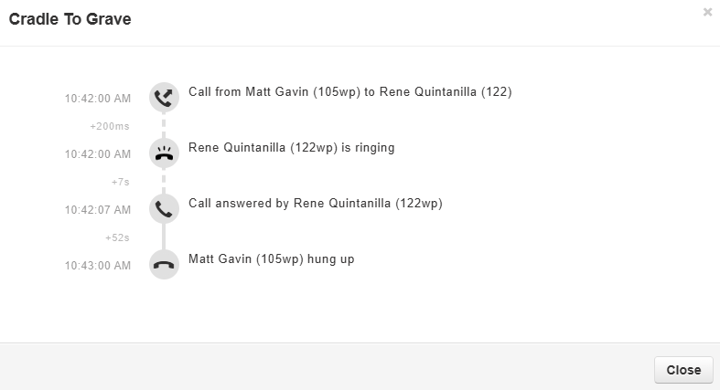
In this example, you can see exactly how the call unfolded:
- The call began at 10:42 AM and rang for less than a second before being answered.
- The conversation lasted about 52 seconds before the caller hung up.
This might seem straightforward, but this kind of visibility allows you to track performance and responsiveness across your team. You can identify who answers calls quickly, how long typical conversations last, and where calls tend to drop off.
Multiply that across your entire organization, and Cradle-to-Grave Reporting becomes a measurable way to evaluate customer response time, agent efficiency, and overall communication quality.
How Businesses Use Cradle-to-Grave Reporting
Cradle-to-Grave Reporting provides value across industries and roles because it turns call activity into actionable intelligence.
Common use cases include:
- Healthcare offices: Reduce long hold times and fix call routing errors that frustrate patients.
- Sales teams: Track lead response time and identify where potential customers drop off.
- Customer support: Spot escalation trends and improve first-call resolution.
- Office managers: Identify missed calls and address scheduling gaps or coverage issues.
Case Example: A healthcare provider used Cradle-to-Grave Reporting to analyze patient call paths. They discovered that nearly one-third of calls were being misrouted due to outdated IVR settings. After updating their call flow, they reduced transfers by 60% and saw a measurable increase in patient satisfaction.
How to Access Cradle-to-Grave Reporting
If Cradle-to-Grave Reporting is enabled for your business, you’ll see it in your TeleCloud Portal in call history on the right side of the row. 
This will open the cradle-to-grave pop-up window. You can click into any call to view detailed information, including who it rang to, how long each stage lasted, and how it concluded.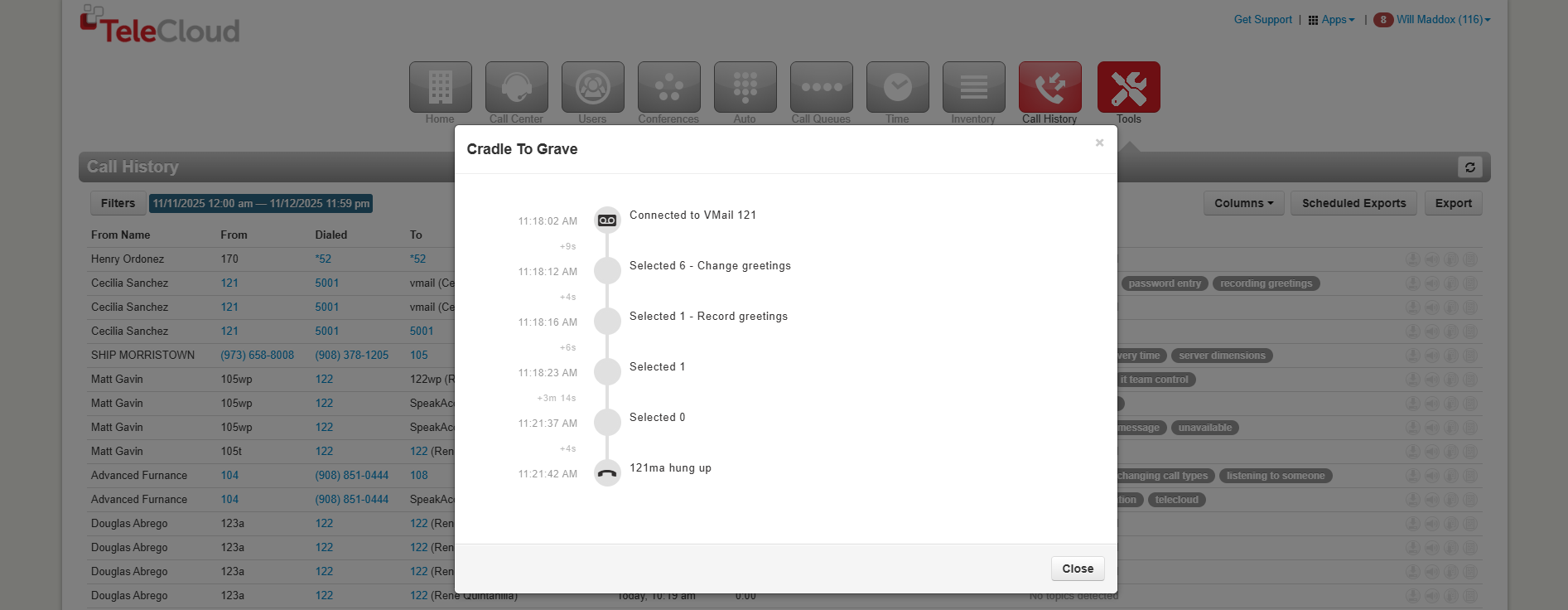
If you don’t see this option, that just means it hasn’t been activated yet. Reach out to TeleCloud Support or your Account Manager, and we’ll enable it for you. Once active, we’ll walk you through where to find it and how to interpret your reports.
Why You Should Start Using It Now
Cradle-to-Grave Reporting is already part of your TeleCloud system; it just needs to be turned on. Once enabled, you gain a real-time view of how calls move through your business.
It’s one of the simplest ways to:
- Uncover hidden communication inefficiencies.
- Improve response times and caller satisfaction.
- Support data-driven decisions across teams.
If you want to understand what’s really happening on your phone lines, this is where to start.
See What Every Call Can Tell You
Every call your business receives has a story. Cradle-to-Grave Reporting connects the dots: showing you each step, each handoff, and each outcome.
By activating this feature, you gain the clarity to fix inefficiencies, improve your customer experience, and make better decisions with real communication data.
If you don’t have Cradle-to-Grave Reporting enabled yet, reach out to our team. We’ll activate it for you and show you how to start using it to see what’s really happening in every conversation.