

Why are your business calls showing up as "Spam Likely"?
November 19th, 2026
4 min read
By Will Maddox
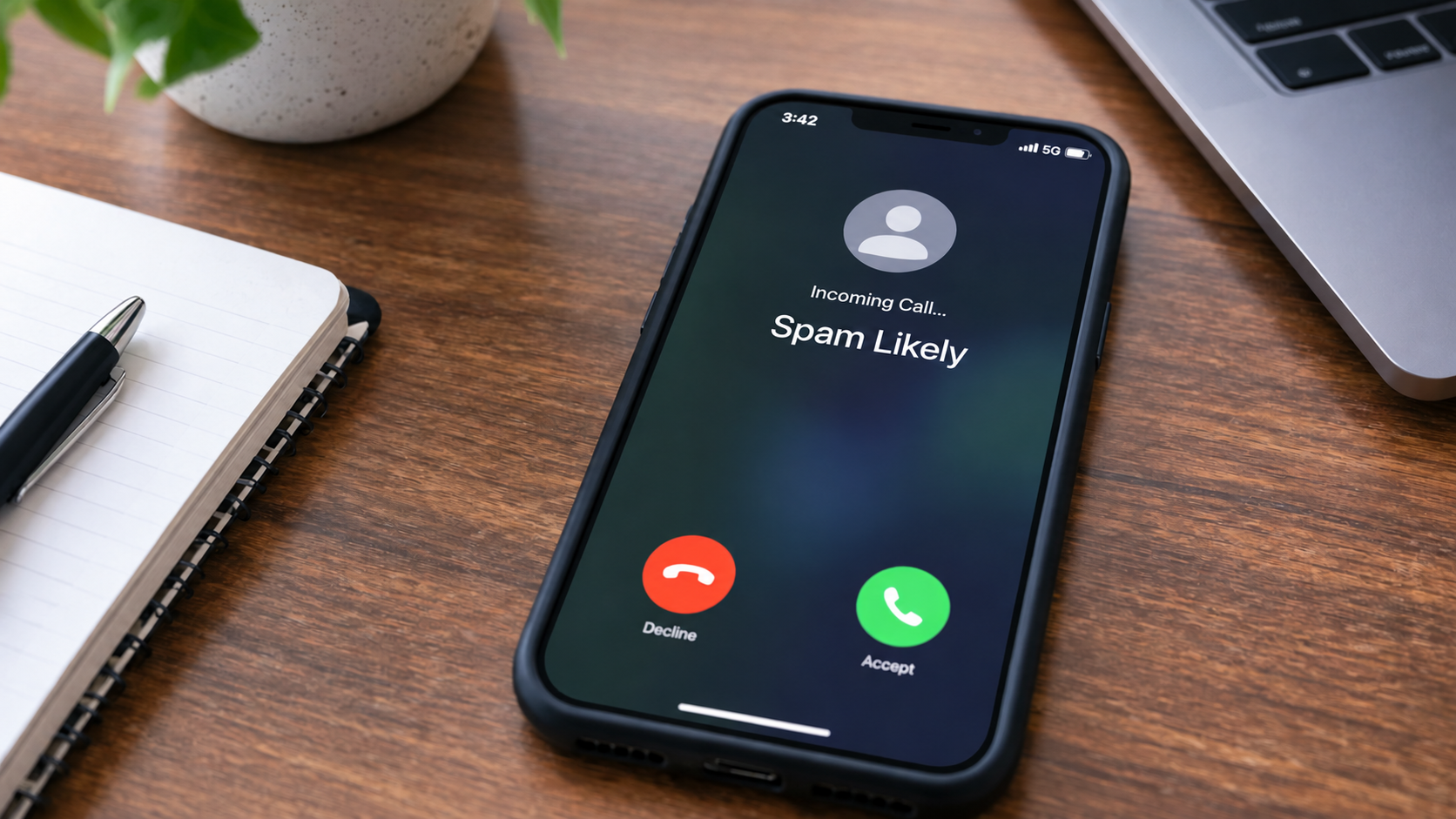
If your calls show up as "Spam Likely," a carrier's call-screening system has decided your number looks like spam, usually because of how and how often it calls, not because of anything you said. It happens to plenty of legitimate businesses, and in most cases you can fix it.
It matters more than it seems. If your callbacks, appointment reminders or sales calls arrive with a spam warning, most people won't pick up, and some will block you. Here's how the labels get decided, why good businesses get caught, and what to do about it.
Who decides a call is spam?
Not your phone company, usually, and not one central list. Each mobile carrier screens the calls coming in to its own customers, using a call analytics company:
- AT&T uses Hiya
- Verizon uses TNS
- T-Mobile uses First Orion
Each one judges your number separately. That's why the same call can show "Spam Likely" on one customer's phone and your business name on another's.
Why would a legitimate business get flagged?
The systems look at patterns, and normal business calling can look like a spammer's pattern:
- Lots of outbound calls from one number in a short time.
- Low answer rates. If most people don't pick up, the number looks unwanted.
- Very short calls, where people hang up within seconds.
- A new number with no history, or a number that belonged to someone else before you.
- People reporting the number, even by mistake.
- Calls that aren't fully verified by your phone provider (more on that below).
A sales team working through a list, or one main number used for every reminder call, can trip several of these at once.
What is STIR/SHAKEN, and does it help?
STIR/SHAKEN is the system US carriers use to verify that a call really comes from the number it shows. Your phone provider signs each outgoing call with a grade:
- A: the provider knows who you are and that you're allowed to use that number.
- B: the provider knows who you are, but can't confirm the number is yours.
- C: the provider only knows where the call entered its network.
An A grade helps, but it doesn't guarantee your calls won't be labeled. The analytics companies still look at your calling patterns. It's worth asking your provider which grade your calls get, especially if you send calls out through another system, like a dialer or a CRM.
How do you check whether your number is flagged?
The simplest test: call a few phones on different carriers, ideally AT&T, Verizon and T-Mobile, and see what shows up. Ask a couple of friendly customers what they see when you call. If one carrier labels you and the others don't, that tells you which analytics company to deal with.
How do you fix it?
- Register your numbers. The Free Caller Registry is run by First Orion, Hiya and TNS, the three companies behind the major carriers, and it's free. One form sends your business numbers to all three. It doesn't guarantee a label comes off, but it puts your business on record.
- Ask for a review where you're labeled. Each analytics company has its own process for disputing a label. Expect it to take a little time, and check again afterwards.
- Fix the pattern behind it. Pace outbound calls rather than sending hundreds in an hour. Call people who expect to hear from you. Leave a voicemail when nobody answers. Keep your main number for customers calling you, and give outbound work its own numbers.
- Don't just swap numbers. Rotating through new numbers to dodge labels is exactly what spammers do, and the new numbers start with no history at all.
- Make sure your caller name is right. A blank or outdated name makes a call look less trustworthy. Here's why the wrong business name shows on outbound calls and how to fix it.
What about branded caller ID?
Branded calling shows your verified business name, and sometimes your logo and the reason for the call, on the screen of the person you're calling. It goes a step beyond a plain caller name because the business behind the call is verified.
It's worth considering if outbound calls matter to your business: sales, collections, appointment reminders, field service updates. Two things to know. What displays depends on the carrier and the phone, and Android phones generally show more than iPhones. And branded calling works alongside a clean calling pattern, not instead of one.
How do you keep it from coming back?
- Register new numbers before you start calling from them.
- Test your numbers on the major carriers every month or two.
- Keep an eye on answer rates. A sudden drop is often the first sign of a new label.
- Keep your caller name current when your business name, locations or numbers change.
Do I need to worry about calls coming in?
These labels are about your outgoing calls, as other people see them. Calls coming in to your business aren't affected. Spam calls coming in are a separate problem, handled by your phone system's call blocking and screening.
If you're not sure whether you're dealing with a spam label, a caller name problem or a calling pattern, talk to us. We'll help you work out which it is and what to change.
Every call is a customer experience, and that includes the ones you make.
FAQ
Why does my number show "Spam Likely" on some phones but not others?
Each major carrier uses a different call analytics company, and each one judges your number on its own. You can be labeled on one carrier and look fine on the others.
How do I get my business number off the spam list?
Register it free at the Free Caller Registry, ask the analytics company that labeled you for a review, and fix the calling pattern that triggered it: too many calls too fast, low answer rates or very short calls.
Does STIR/SHAKEN stop my calls being marked as spam?
Not on its own. A full "A" verification helps carriers trust that the call is really from you, but the analytics companies still judge your calling patterns.
Is branded caller ID worth it?
If outbound calls matter to your business, often yes. It shows a verified business name, and sometimes a logo, though what appears depends on the carrier and the phone.
Will Maddox is the Digital Marketing Coordinator at TeleCloud, overseeing content, brand, and outbound strategy for the company. He writes about cloud communications, AI tools for business, and what SMBs and urgent care operators need to know to run better phone systems. Connect with Will on LinkedIn or email him directly to learn more.
