
How Do I Re-Use Existing IP Phones with a New VoIP Provider?
March 3rd, 2026
4 min read
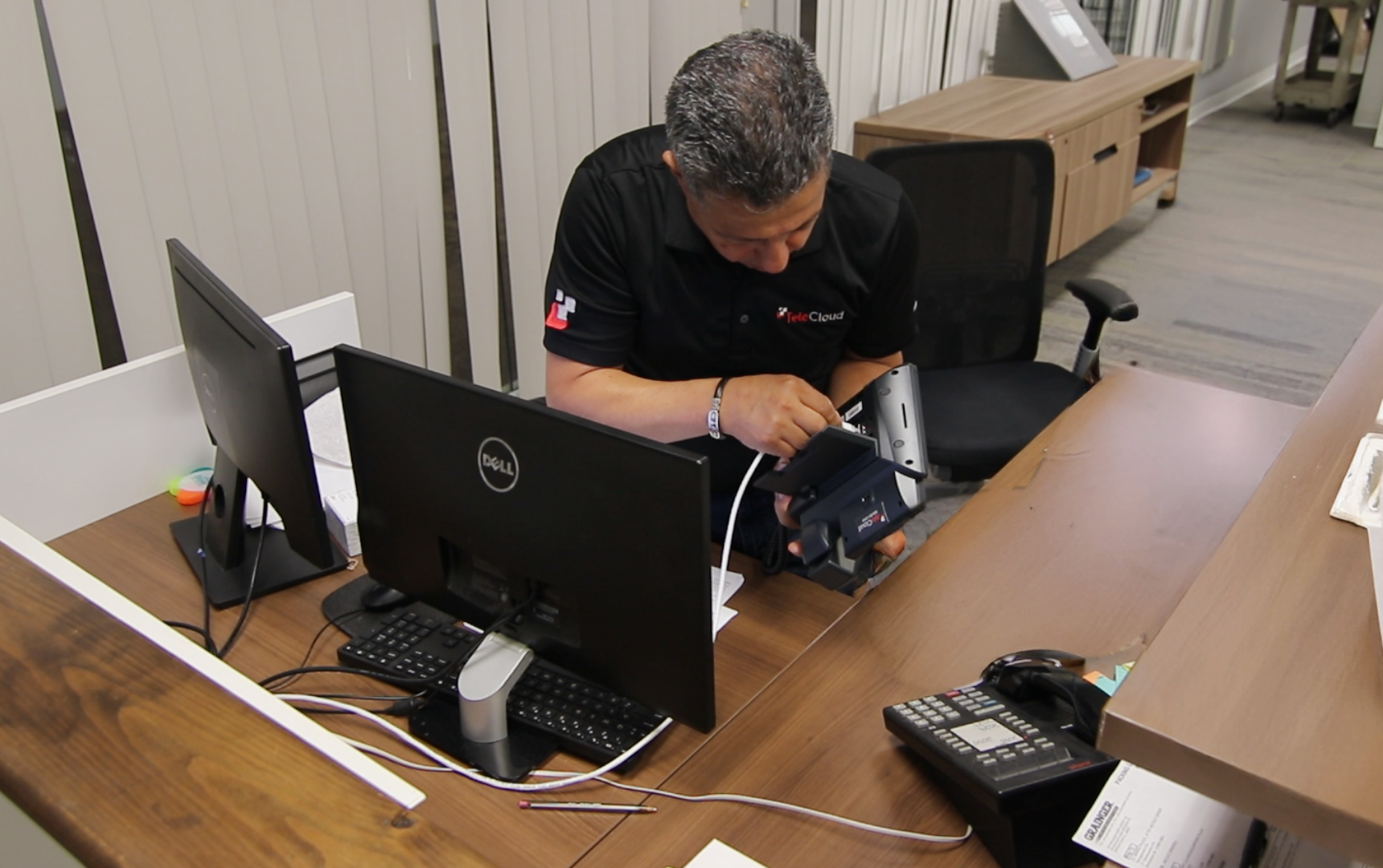
Yes, you can often reuse existing IP phones with a new provider, but only if the phones are unlocked, not enrolled in remote provisioning systems, and compatible with the new platform.
Many businesses assume switching VoIP providers is as simple as unplugging phones and plugging them back in. Unfortunately, that assumption is where most transition problems begin.
In this guide, you will learn exactly how to determine if your IP phones can be reused, how to release them from your current provider, and how to provision them correctly with a new one.
What Has to Be True for an IP Phone to Work With a New Provider?
An IP phone can be reused with a new provider if it supports open SIP standards, is not carrier locked, is removed from remote provisioning systems, and is supported by the new platform.
Let’s break that down.
Is Your Phone VoIP-Compatible?
Most modern IP phones connect via Ethernet and use SIP, which is the standard protocol used by most VoIP systems.
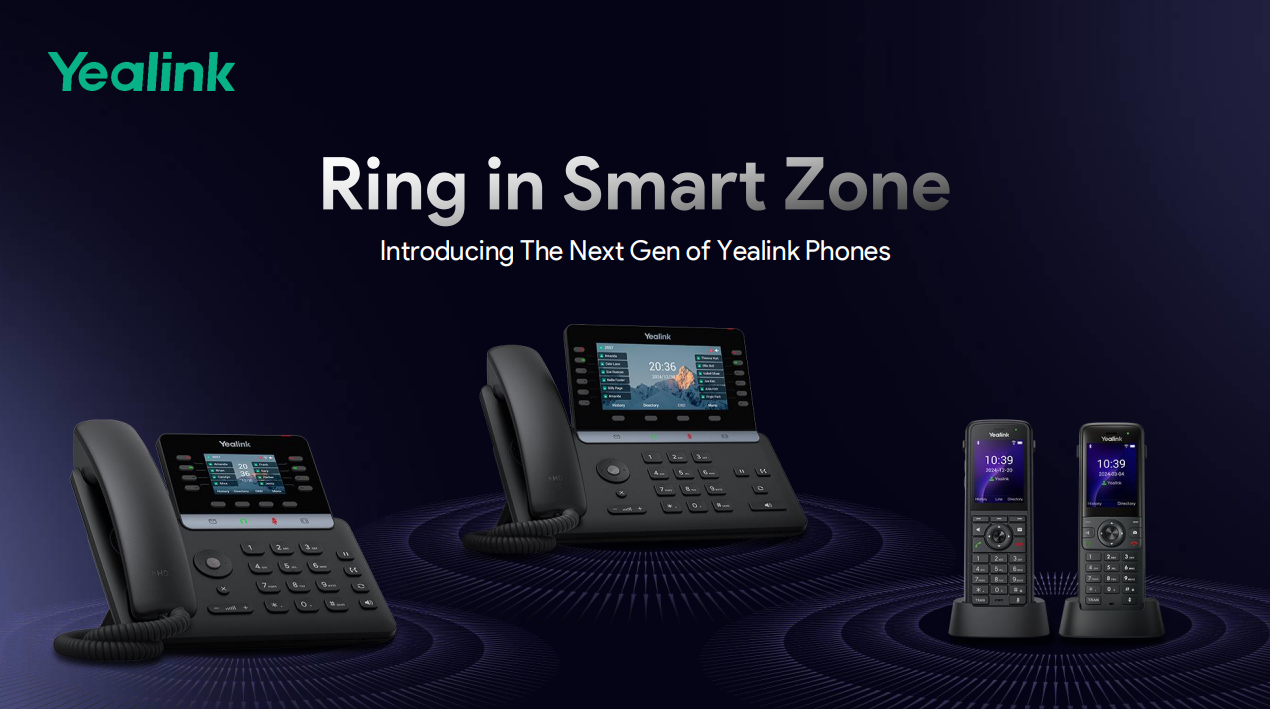
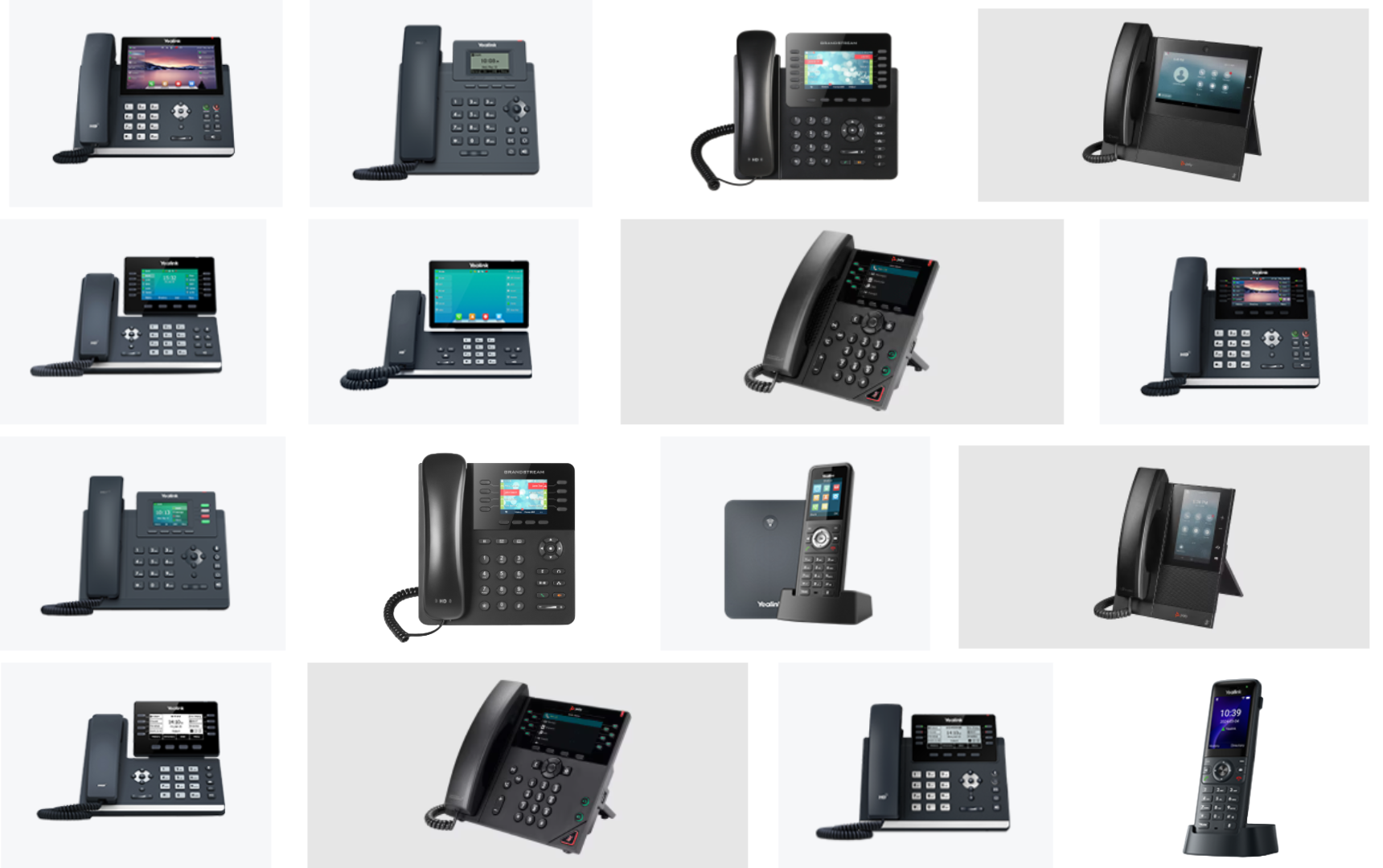
Common compatible brands include:
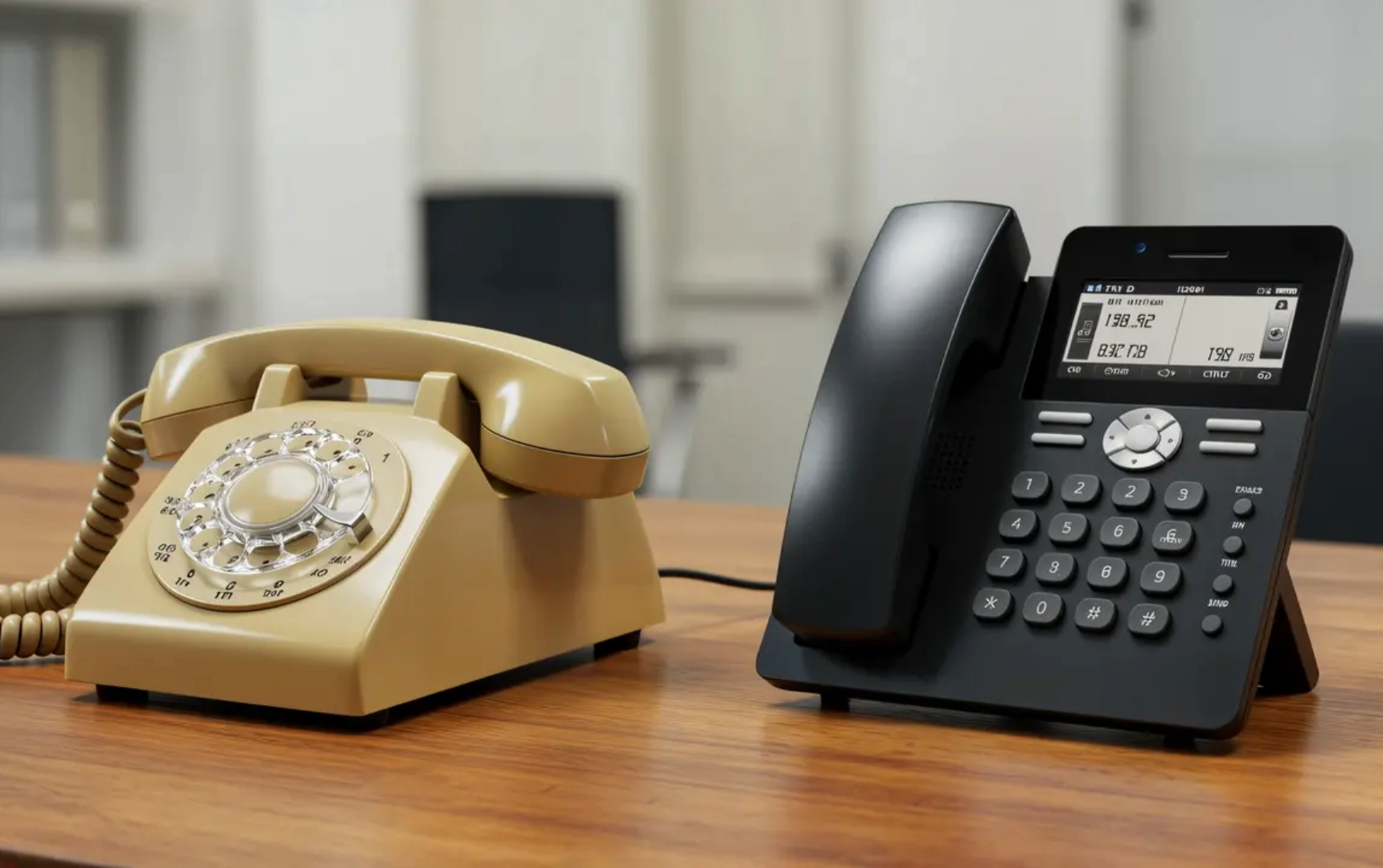
If your phones are traditional digital PBX handsets that connect to a proprietary phone system, they will not work without additional hardware such as a gateway. Even then, it adds complexity and potential failure points.
A simple rule of thumb: if the phone plugs into your network switch with an Ethernet cable and was originally marketed as a VoIP or SIP phone, it may be reusable.
Is the Phone Carrier Locked?
Some providers lock phone firmware so the device only works on their system. Even if you factory reset the phone, it may reject new provisioning settings.
Carrier locking can:
- Prevent new configuration servers from being accepted
- Block firmware updates
- Require provider authorization to unlock
If phones are locked, only your current provider can remove that restriction.
Are Your Phones Enrolled in Remote Provisioning Like YMCS or Poly ZTP?
If your phones are enrolled in Yealink Management Cloud Service or Poly Zero Touch Provisioning, they will continue pulling configuration settings from your old provider even after a factory reset.
This is one of the most common transition issues.
What Is Remote Provisioning?
Remote provisioning systems automatically configure phones when they connect to the internet. They are designed to simplify deployments, but they can complicate migrations.
Examples include:
- Yealink Management Cloud Service, known as YMCS
- Poly Zero Touch Provisioning, known as ZTP
When enrolled, phones “call home” to the original provider’s server and overwrite any manual changes.
That means:
- You factory reset the phone
- You enter new settings
- The phone reboots
- It pulls the old configuration again
It can feel like nothing works, even though the real issue is hidden enrollment.
How Do You Check If Phones Are Enrolled?
You must contact your current provider directly and ask:
- Are any of our Yealink or Poly phones enrolled in YMCS or Poly ZTP?
- If yes, please remove all of our devices and confirm once complete.
Only your current provider, as the partner of record, can remove phones from these systems.
A factory reset alone will not fix this.
What Should I Send My Current Provider to Release the Phones?
Here is a simple email template you can use:
Hello,
We are moving our VoIP phone service to a new provider and need to confirm how our IP phones are managed today.
- Are any of our Yealink or Poly phones enrolled in a remote provisioning system such as Yealink Management Cloud Service or Poly Zero Touch Provisioning?
- If yes, please remove all of our phones from YMCS and or Poly ZTP and confirm once this is completed so they stop automatically provisioning to your service.
Thank you.
This written confirmation protects you from ongoing provisioning conflicts.
What If My Phones Are Not Enrolled in YMCS or ZTP?
If phones are not locked and not enrolled in remote provisioning, you can manually reset and reprovision them to your new provider.
Here are the general steps.
Step 1: Factory Reset the Device
Each manufacturer has its own process, but typically you:
- Hold the reset key during boot
- Or log into the phone’s web interface and choose factory reset
This clears user settings but does not remove remote provisioning enrollment if it exists.
Step 2: Update Firmware
Your new provider may require a specific firmware version.
You may need to:
- Upgrade firmware
- Downgrade firmware
- Apply a provider-approved version
Skipping this step can cause registration failures or missing features.
Step 3: Enter the New Provisioning Server
Your new provider will supply:
- A provisioning URL
- Account credentials
- Or auto-provisioning instructions
Once entered, the phone should download its new configuration and register successfully.
What Are the Risks of Reusing IP Phones?
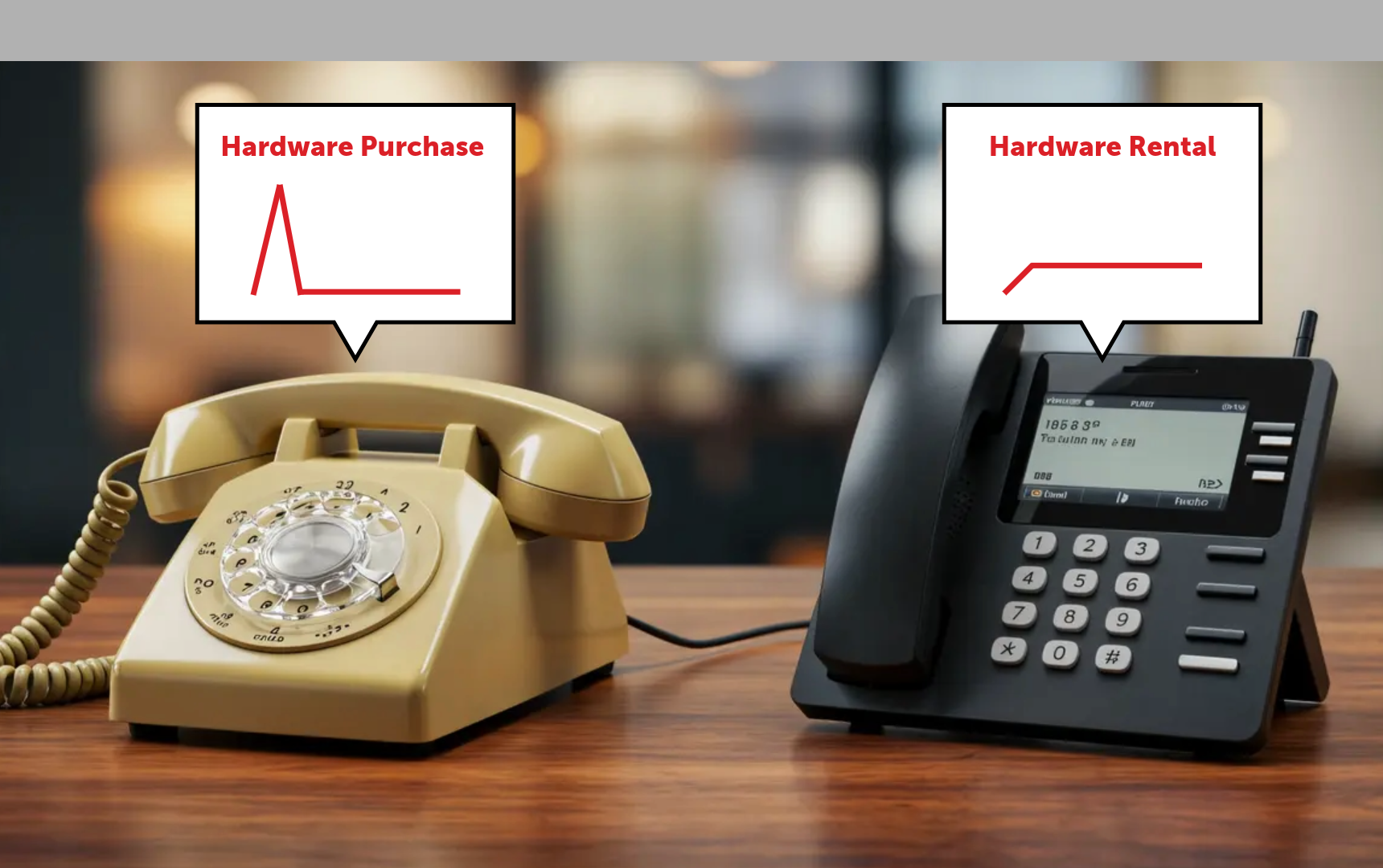
Reusing phones can reduce upfront costs, but it may limit performance, support, and future capabilities.
Here are common risks businesses overlook.
No Warranty or Replacement Coverage
If your phones are older than five years:
- Manufacturer warranties may be expired
- Replacement parts may be discontinued
- Firmware support may be limited
Reduced Provider Support
Some providers will support only devices they supply. If issues arise, you may be responsible for troubleshooting.
Hidden Downtime Costs
If reused hardware fails during or after migration, the cost of downtime may exceed the cost of replacement.
When Is Reusing IP Phones a Smart Decision?
Reuse makes sense when phones are modern, unlocked, compatible, and in good condition.
It may be reasonable if:
- Devices are less than three to five years old
- They are confirmed unlocked
- They are not enrolled in remote provisioning
- You are working with a provider that supports those models
It may not make sense if:
- Phones are more than five years old
- Firmware is no longer supported
- Devices are locked to a carrier
- You plan to adopt advanced features that require newer hardware
Think of reuse as a short to mid-term strategy, not a long-term modernization plan.
A Simple 4-Step Plan to Reuse IP Phones Successfully
If you want a clear path forward, follow this plan:
- Identify all phone models and firmware versions.
- Confirm with your current provider whether devices are locked or enrolled in YMCS or Poly ZTP.
- Obtain written confirmation of release.
- Coordinate provisioning with your new provider before cutover day.
Preparation prevents most migration headaches.
A Smooth VoIP Transition Starts With Verification, Not Assumptions
Reusing existing IP phones with a new provider is possible, but only if you verify compatibility, remove remote provisioning enrollment, and confirm firmware support.
The biggest mistake businesses make is assuming a factory reset is enough. In many cases, the issue is not the phone itself but the hidden management systems behind it.
Before switching providers, take time to:
- Confirm model compatibility
- Verify carrier lock status
- Check YMCS or Poly ZTP enrollment
- Review firmware requirements
A careful review upfront protects you from downtime, frustration, and unexpected costs.
If you are unsure whether your phones qualify, a quick compatibility audit can save hours of troubleshooting later. The goal is simple: make the transition smooth, protect your business continuity, and ensure every call continues to be a positive customer experience.
Because at the end of the day, every call matters.
Frequently Asked Questions
Can I reuse Yealink phones with a different provider?
Yes, if they are not locked and are removed from Yealink Management Cloud Service.
Does a factory reset unlock a phone?
No. A factory reset removes user settings but does not remove carrier locks or remote provisioning enrollment.
Why does my phone keep reverting to the old provider?
It is likely still enrolled in a remote provisioning platform such as YMCS or Poly ZTP.
Are older IP phones worth keeping?
If they are over five years old, upgrading is often more reliable and future-proof.
Vincent Finaldi is Vice President at TeleCloud, where he's worked in the telecom and voice industry since graduating from Fairfield University in 2006. He works closely with clients and partners to help businesses adopt better technology and communicate more effectively. Read Vincent's full bio, email him, or call 908-378-1218 to learn more.
Topics: